

7857v Viper(14)
KeylessOption replacement FOB ONLY for Chrysler, Dodge, Jeep, Plymouth (04686481) 3-button remote fob, 2 pack From $9.45
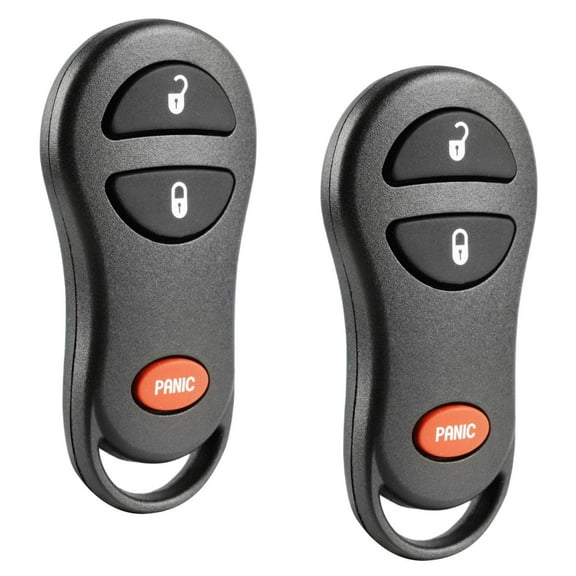
KeylessOption replacement FOB ONLY for Chrysler, Dodge, Jeep, Plymouth (04686481) 3-button remote fob, 2 pack
Key Fob Remote 2-Button Replacement for 1998-2002 Dodge Viper - RT/10 GTS ACR (ABO1302T) $66.45
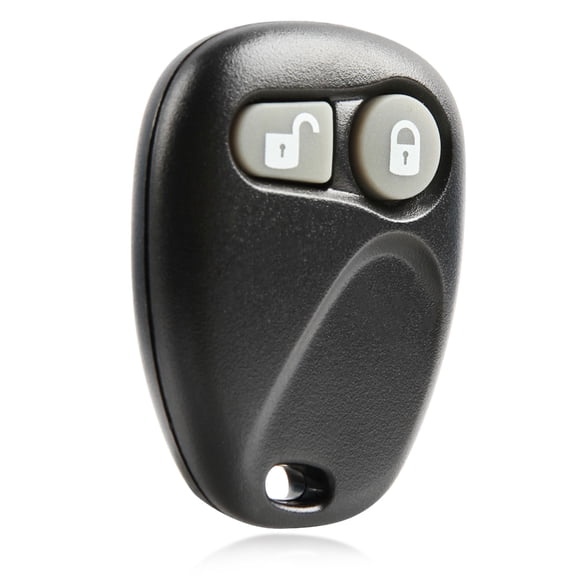
Key Fob Remote 2-Button Replacement for 1998-2002 Dodge Viper - RT/10 GTS ACR (ABO1302T)
Key Fob Keyless Entry Remote fits Viper DEI Python Clifford Aftermarket EZSDEI7141 $33.20

Key Fob Keyless Entry Remote fits Viper DEI Python Clifford Aftermarket EZSDEI7141
Key Fob Remote Shell Case Cover Replacement 5-Button for Viper 7656V 1-Way Plus $9.45
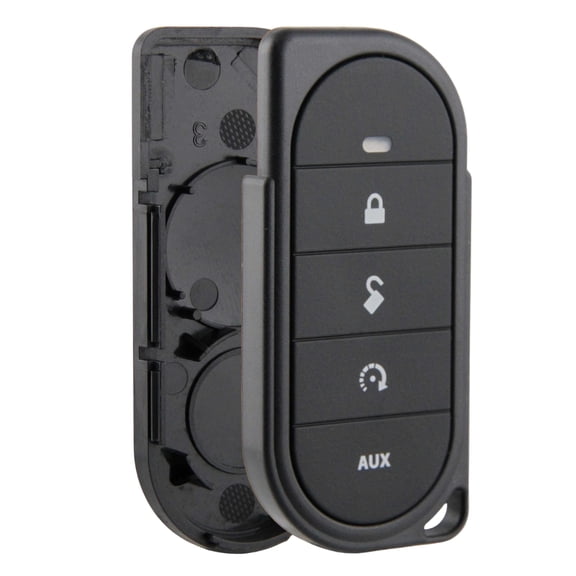
Key Fob Remote Shell Case Cover Replacement 5-Button for Viper 7656V 1-Way Plus
Viper 7857V 2-Way Rechargeable LED Remote Control, 1 Mile Range, Automotive Keys & Remotes $119.99 $239.98/lb
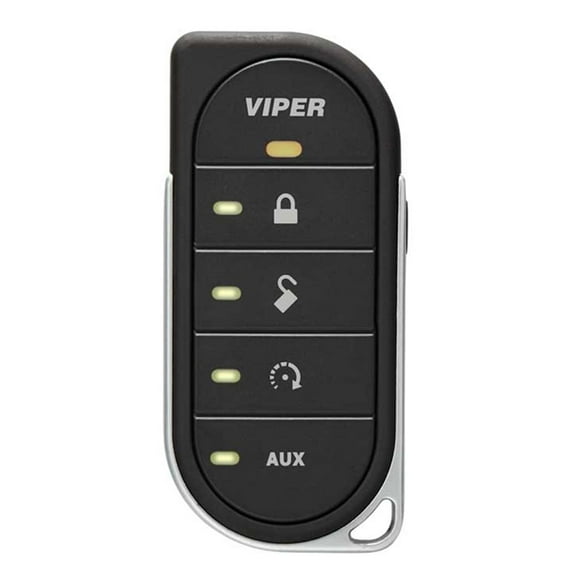
Viper 7857V 2-Way Rechargeable LED Remote Control, 1 Mile Range, Automotive Keys & Remotes
Viper 7857V w/ 8606U & Viper Sticker Package $89.99
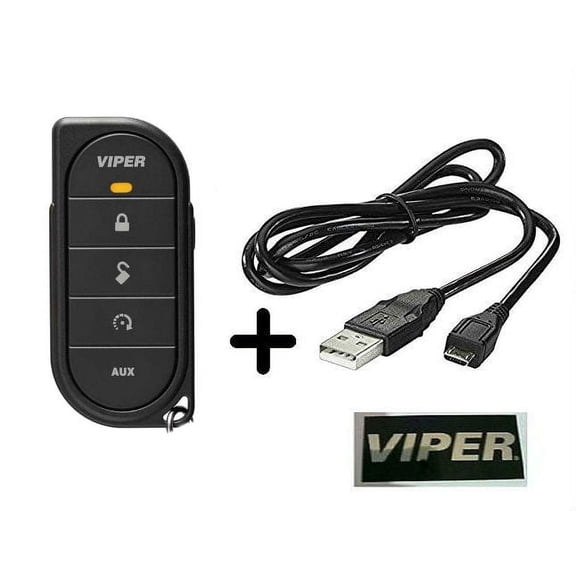
Viper 7857V w/ 8606U & Viper Sticker Package
Raybestos Specialty Performance Rotors, 782057 Fits select: 2003-2006,2008-2010 DODGE VIPER $79.03
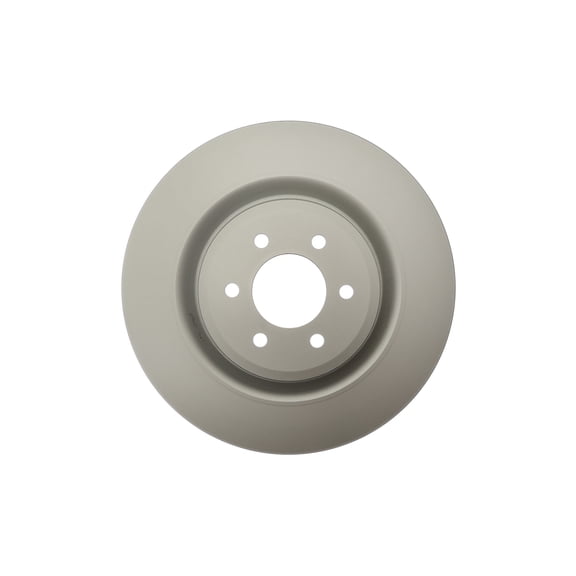
Raybestos Specialty Performance Rotors, 782057 Fits select: 2003-2006,2008-2010 DODGE VIPER
New Viper 7856V 5-Button Transmitter LED 2-Way Replacement Remote Control $78.00
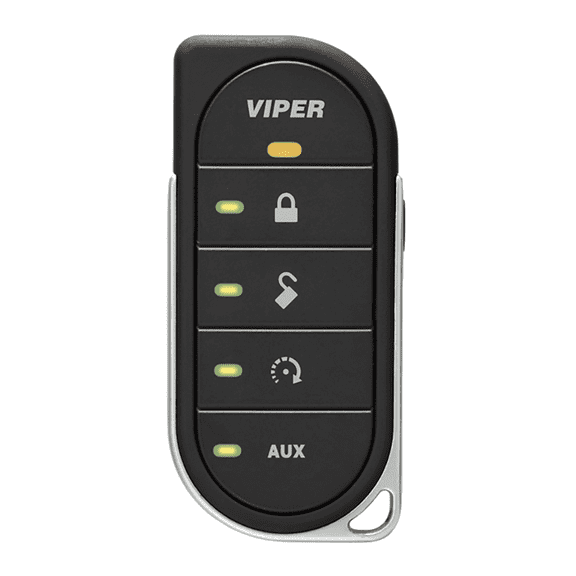
New Viper 7856V 5-Button Transmitter LED 2-Way Replacement Remote Control
Key Fob Remote Shell Case Cover Replacement 1-Button for Viper 7116V Value 1-Button 1-Way $9.45
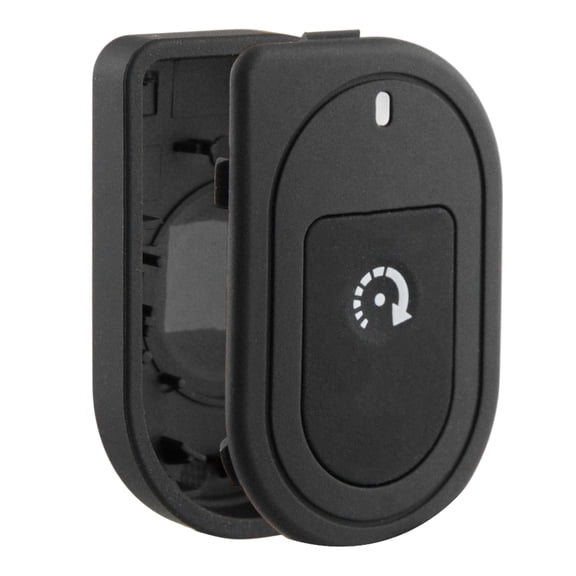
Key Fob Remote Shell Case Cover Replacement 1-Button for Viper 7116V Value 1-Button 1-Way
Keyless Entry Remote Car Key Fob 4btn Replacement for Viper Alarm Security System (7146V, 4105V, 5305V, 3305V, 5105V, 3102V, 3305V, 3105V) $28.45

Keyless Entry Remote Car Key Fob 4btn Replacement for Viper Alarm Security System (7146V, 4105V, 5305V, 3305V, 5105V, 3102V, 3305V, 3105V)
Key Fob Remote 3-Button Replacement for Viper Python Automate Avital Hornet - Yellow (EZSDEI474V, RPN, 474V) $24.65
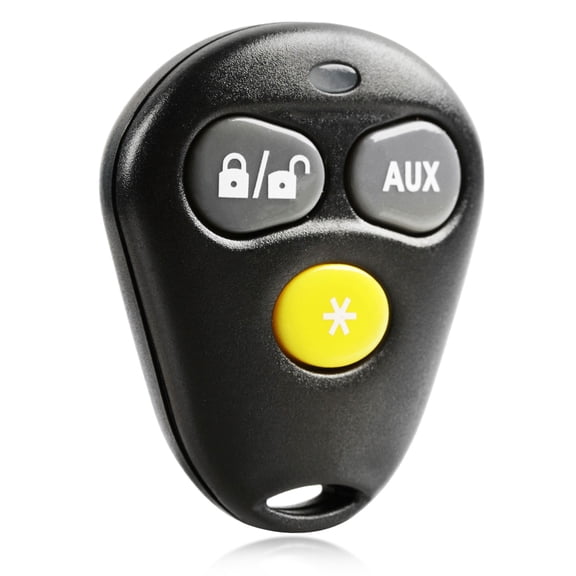
Key Fob Remote 3-Button Replacement for Viper Python Automate Avital Hornet - Yellow (EZSDEI474V, RPN, 474V)
Key Fob Remote 3-Button Replacement for Viper Python Automate Avital Hornet - Orange (EZSDEI474V, RPN, 474V) $23.70
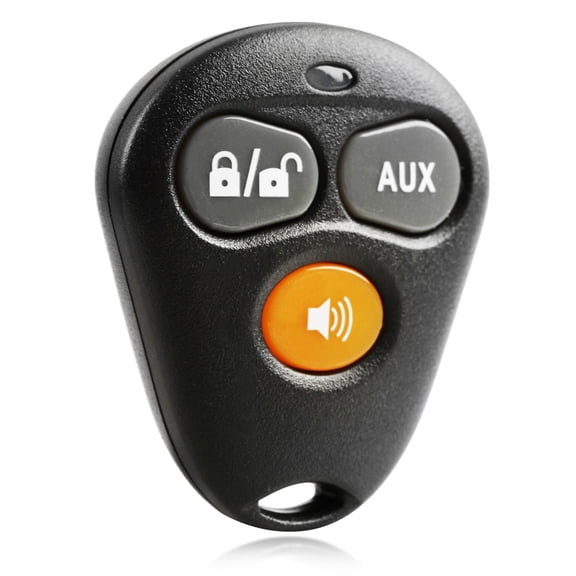
Key Fob Remote 3-Button Replacement for Viper Python Automate Avital Hornet - Orange (EZSDEI474V, RPN, 474V)
Key Fob Remote 2-Button Aftermarket Replacement for Viper Hornet Valet Dei Rattler (EZSDEI471) $23.70
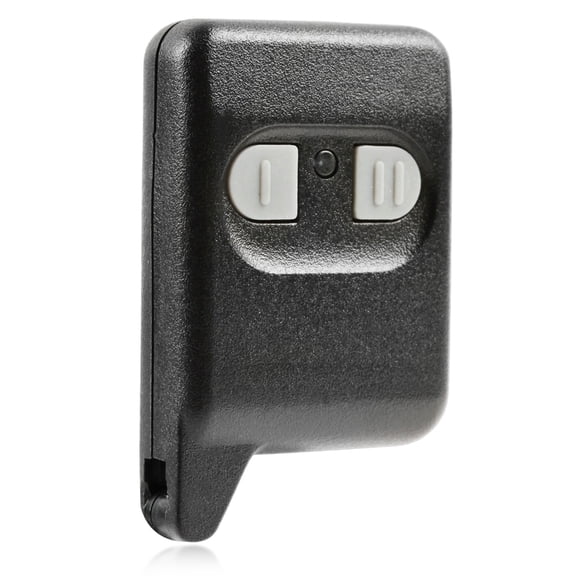
Key Fob Remote 2-Button Aftermarket Replacement for Viper Hornet Valet Dei Rattler (EZSDEI471)
KeylessOption Just The Case Keyless Entry Remote Key Fob Shell EZSDEI474V 4BTN for VIPER $5.28
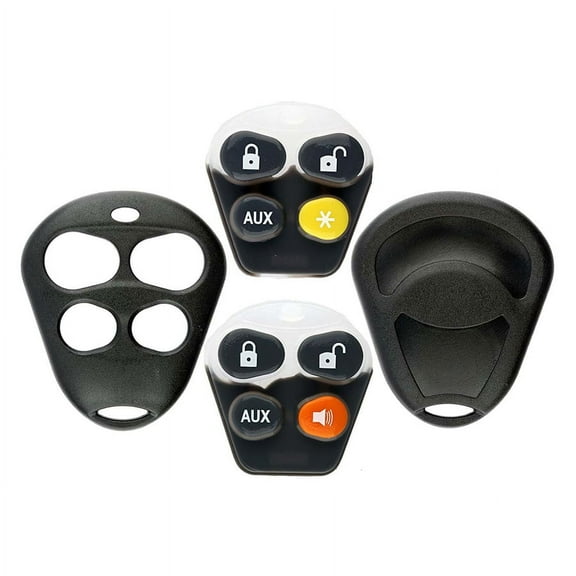
KeylessOption Just The Case Keyless Entry Remote Key Fob Shell EZSDEI474V 4BTN for VIPER
FAQ
How do I pair my Viper key fob remote?
Pairing your Viper key fob remote usually involves a few steps. First, ensure your vehicle is in the proper mode for programming, typically by turning the ignition on and off or pressing specific buttons. Next, press and hold the buttons on your remote as instructed in your vehicle's manual. If you’re unsure about the exact process, check your remote’s packaging or the owner’s guide for instructions specific to your model. Some remotes require dealer assistance, so it’s wise to consult your manual or reach out to a professional if needed.
Can I replace just the shell of my Viper remote?
Yes, many Viper remote shells are available as replacement covers. If your original remote is functioning well but the exterior is cracked or worn, you can purchase a shell case cover and move the internal electronics into the new housing.
- Make sure the replacement shell matches your remote’s button layout and shape.
- Take care when swapping parts to avoid damaging any internal components.
- Shell replacement can be a cost-effective way to refresh your remote without buying a new one.
How do I charge a rechargeable Viper remote?
To charge a rechargeable Viper remote, connect it to the included USB cable or charger, based on your remote’s model. Most rechargeable remotes have a port on the side or bottom.
- Plug the cable into a USB power source or wall adapter.
- Leave it connected until the battery is fully charged—some remotes have indicator lights to signal charging status.
What should I do if my key fob stops working?
If your key fob stops working, start by checking the battery—it’s often the cause of issues. If replacing the battery doesn’t help, try re-syncing or pairing the remote with your vehicle, following the instructions in your owner's guide. Inspect for water damage or worn buttons. If your remote still isn’t functioning after these checks, consider replacing it or consulting a professional for further troubleshooting. Your local automotive store or dealership may also assist with diagnosing common problems.
Are Viper key fob remotes compatible with all Dodge Viper years?
Compatibility depends on the specific Dodge Viper model year and the remote’s type. Each remote is designed for certain model years or systems, so it’s important to check your vehicle’s requirements before purchasing.
- Look for product details specifying supported years and models.
- If unsure, contact your vehicle manufacturer or check your owner’s manual.
- Some replacement remotes may require professional programming or dealer assistance.
Popular in 7857v Viper Key Fobs and Keyless Entry Remotes
Related Products
Car Start Stop Button Cover Ignition Protective Cover Push Start Button Cover Anti-Scratch Car Engine Decoration Ring Trigger type protective cover
 Car Start Stop Button Cover Ignition Protective Cover Push Start Button Cover Anti-Scratch Car Engine Decoration Ring Trigger type protective cover$4.99current price $4.99
Car Start Button Cover Push Start Button Cover Anti-Scratch Car Engine Decoration Cover
 Car Start Button Cover Push Start Button Cover Anti-Scratch Car Engine Decoration Cover$4.99current price $4.99
Chrystal Bling Ring Emblem Sticker- Zone Tech Rhinestone Start Engine- Ignition Button Car Key Knob-Interior Bling Push Button Auto- Decorative Decal Unique Silver Sparkly- Vehicle Rings Woman 2 pack
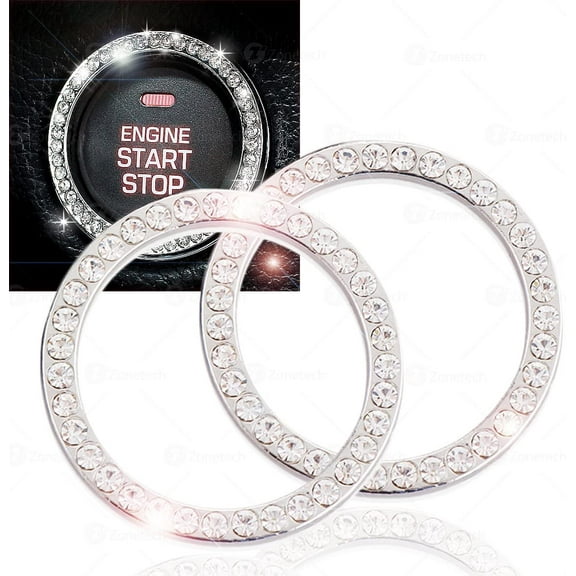 Chrystal Bling Ring Emblem Sticker- Zone Tech Rhinestone Start Engine- Ignition Button Car Key Knob-Interior Bling Push Button Auto- Decorative Decal Unique Silver Sparkly- Vehicle Rings Woman 2 pack$14.29current price $14.29
Unique Bargains Engine Start Stop Button Cover Kit Push Start Button Sticker for Dodge Charger Challenger Durango Black
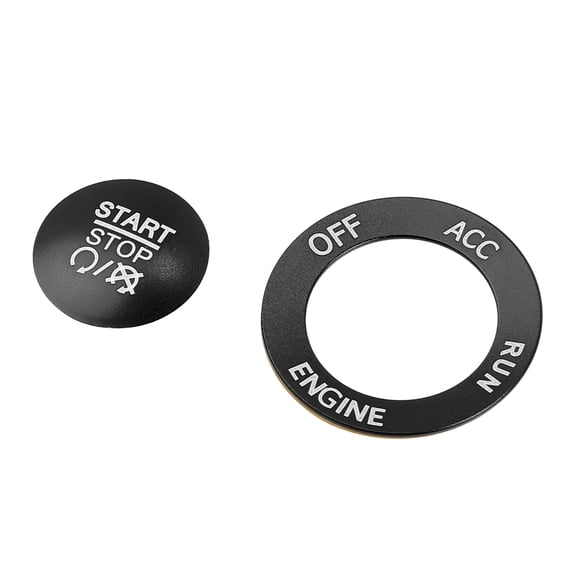 Unique Bargains Engine Start Stop Button Cover Kit Push Start Button Sticker for Dodge Charger Challenger Durango Black$10.99current price $10.99
JL Safety EZP300 EZ Pass-Port Toll Pass Transponder Holder
 JL Safety EZP300 EZ Pass-Port Toll Pass Transponder Holder$11.98current price $11.98
Xotic Tech Red Keyless Engine Start Stop Push Button Cover with Surrounding Trim Ring for Cadillac Chevy GMC
Xotic Tech Red Keyless Engine Start Stop Push Button Cover with Surrounding Trim Ring for Cadillac Chevy GMC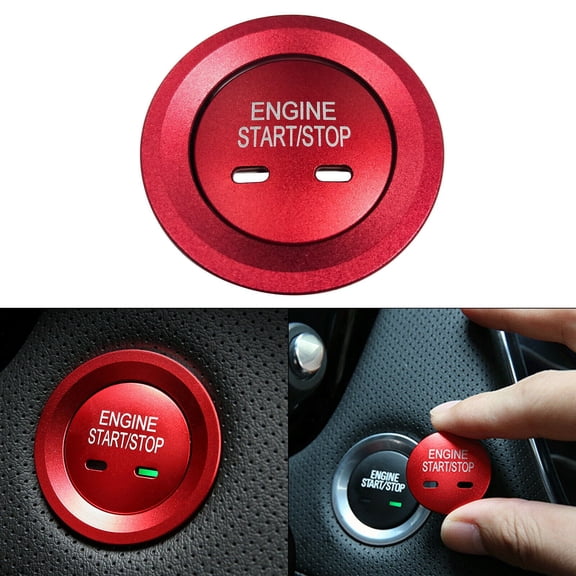
Chrome Finish Red TPU Key Fob Protective Cover Case For Ford or Lincoln 4/5-Button Keyless Intelligent Access Key
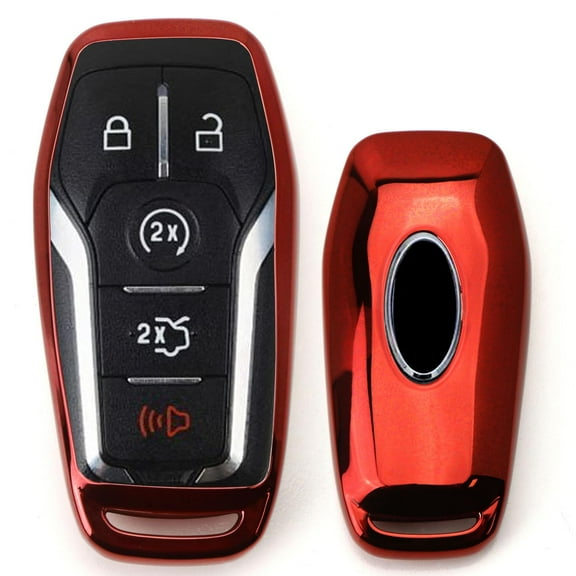 Chrome Finish Red TPU Key Fob Protective Cover Case For Ford or Lincoln 4/5-Button Keyless Intelligent Access Key$11.69current price $11.69
Chrome Finish Silver TPU Key Fob Protective Cover Case For Ford or Lincoln 4/5-Button Keyless Intelligent Access Key
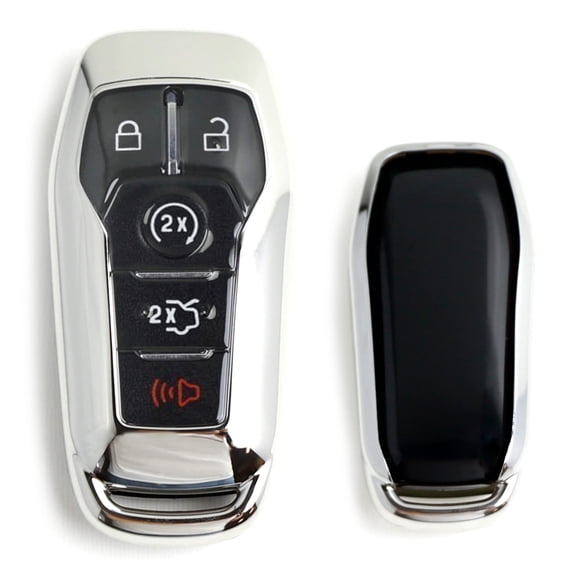 Chrome Finish Silver TPU Key Fob Protective Cover Case For Ford or Lincoln 4/5-Button Keyless Intelligent Access Key$11.69current price $11.69
Unique Bargains Engine Start Stop Ignition Button Cover Decal Sticker for Volkswagen Phideon Teramont Atlas Tiguan L Red
 Unique Bargains Engine Start Stop Ignition Button Cover Decal Sticker for Volkswagen Phideon Teramont Atlas Tiguan L Red$13.49current price $13.49
Glossy Metallic Red Exact Fit Key Fob Shell Cover for Ford or Lincoln 4/5-Button Intelligent Access Key
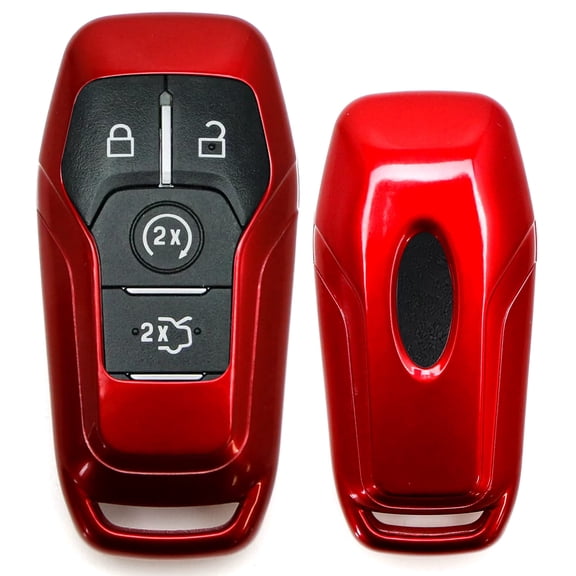 Glossy Metallic Red Exact Fit Key Fob Shell Cover for Ford or Lincoln 4/5-Button Intelligent Access Key$13.49current price $13.49
Push to Start Button Cover, Car Engine Start Button Cover Ignition Protective Cover Anti-Scratch Universal Button Decoration Protector Ring
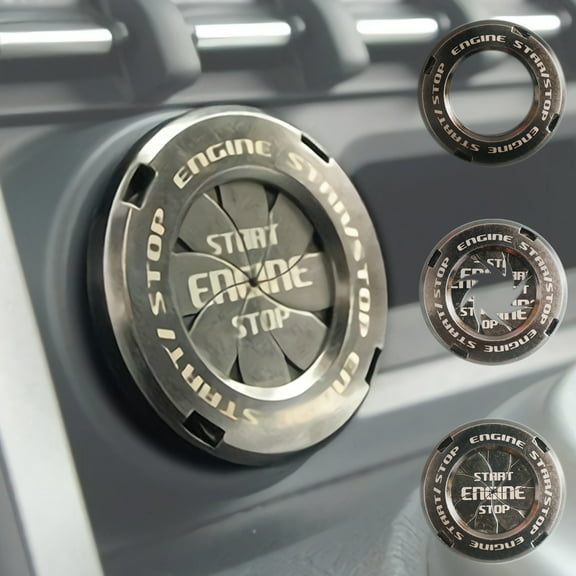 Push to Start Button Cover, Car Engine Start Button Cover Ignition Protective Cover Anti-Scratch Universal Button Decoration Protector Ring$29.90current price $29.90
StickerTalk After Hours Key Drop Vinyl Sticker, 10 inches x 3 inches
 StickerTalk After Hours Key Drop Vinyl Sticker, 10 inches x 3 inches$8.99current price $8.99
x4 GPS Alarm System Warning Anti Theft Car Vehicle Security Sticker Decals RedT
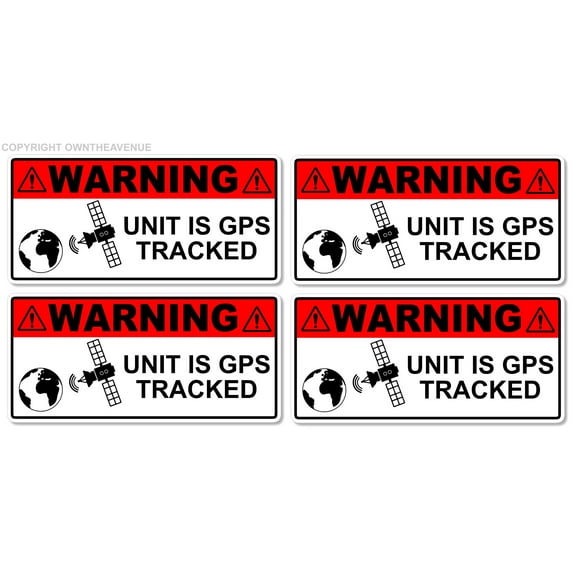 x4 GPS Alarm System Warning Anti Theft Car Vehicle Security Sticker Decals RedT$15.99current price $15.99
OEMASSIVE For Mercedes Benz Door Lock Steering A/C Window Car Repair Button Kit Stickers
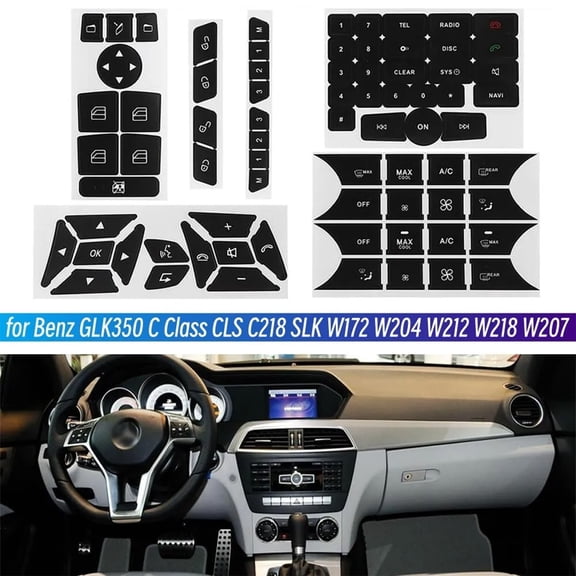 OEMASSIVE For Mercedes Benz Door Lock Steering A/C Window Car Repair Button Kit Stickers$10.00current price $10.00
DON'T TOUCH MY KEY ABS Plastic Car Key Fob Shell Case Cover 3 Button for Mercedes Benz SL SLK GL
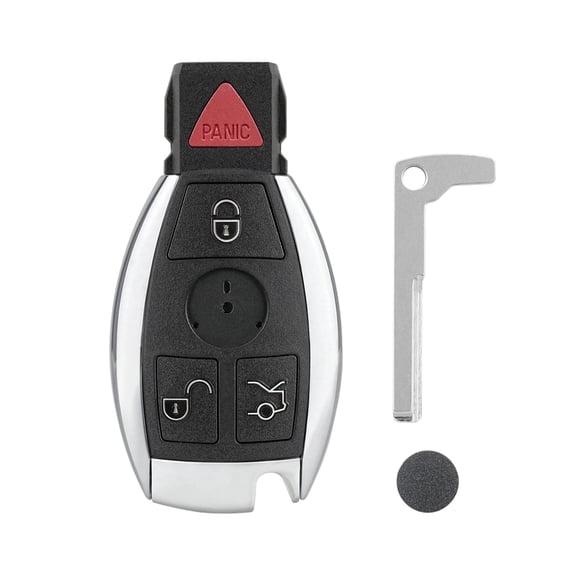 DON'T TOUCH MY KEY ABS Plastic Car Key Fob Shell Case Cover 3 Button for Mercedes Benz SL SLK GL$12.59current price $12.59
Push Start Button,Electroplating Car Joystick Push Start Button Cover,1PCS Metal Push to Start Accessories,Cool Car Accessories Interior Decor Push to Start Button Rocker(Black)
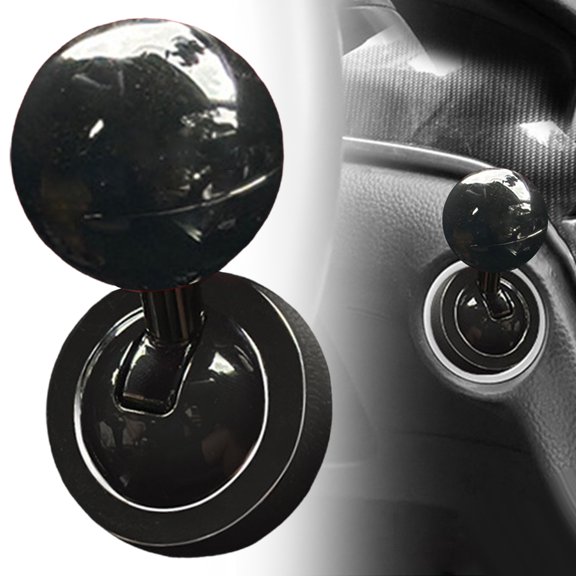 Push Start Button,Electroplating Car Joystick Push Start Button Cover,1PCS Metal Push to Start Accessories,Cool Car Accessories Interior Decor Push to Start Button Rocker(Black)$7.10current price $7.10