

46 Sharp Aquos Tv(1)
GA600WJSA GA362WJSA GA416WJSB Replaced Remote fit for Sharp AQUOS LCD TV LC-46D $8.99
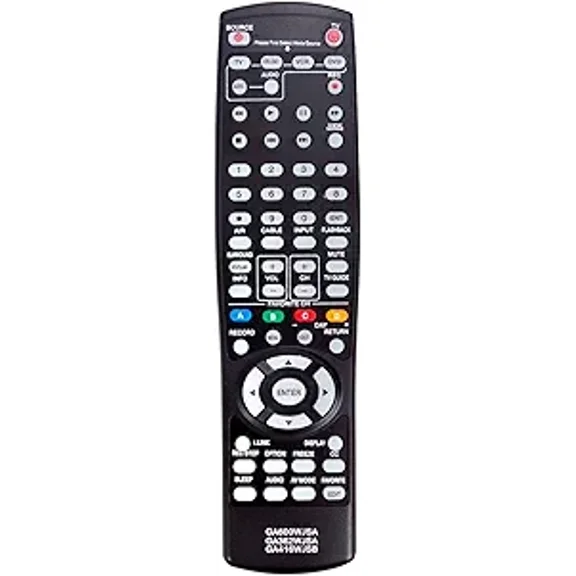
GA600WJSA GA362WJSA GA416WJSB Replaced Remote fit for Sharp AQUOS LCD TV LC-46D
Explore related products(130)
FAQ
How do I connect my AQUOS TV to WiFi?
Connecting your AQUOS TV to WiFi is typically straightforward. Start by turning on your TV and using the remote to access the Settings or Setup menu. Navigate to the Network or Internet options and choose Wireless. You'll see a list of available networks—select yours, enter the password, and follow the on-screen prompts. For stable streaming and updates, position your TV within range of your router. If you ever experience connectivity issues, restarting both the TV and router can often help restore the connection.
Can I use streaming apps on this TV?
Most modern AQUOS TVs support streaming apps, but you'll want to check your model's features in the TV's menu or manual. Many models offer built-in access to popular streaming services, requiring just an internet connection and an account. If your TV doesn't have these apps preinstalled, you might be able to add them through its app store or by connecting a compatible streaming device to an HDMI port.
- Verify app support in your menu settings
- Ensure your TV software is up to date for the latest features
What’s the best way to clean the screen?
For cleaning your AQUOS TV screen, always turn off and unplug the TV first. Use a soft, dry microfiber cloth to gently wipe the surface.
- Avoid using paper towels or rough fabrics, as these can scratch the screen
- If needed, lightly dampen the cloth with water (never spray liquid directly onto the TV)
- Do not use strong chemicals or alcohol-based cleaners, as these can damage the coating
How do I find the right wall mount for my TV?
To find a suitable wall mount, you'll need to know your TV's screen size and VESA mounting pattern (the distance between mounting holes on the back). Check your TV's manual or back panel for these details. When shopping for mounts:
- Look for compatibility with your TV's size and weight
- Choose the preferred style—fixed, tilting, or full-motion
- Consult the product description for VESA support
Where can I get help if my TV won’t turn on?
If your TV isn't powering up, try these steps:
- Check that the power cable is firmly connected and the outlet works
- Try plugging the TV into a different outlet
- Inspect the remote batteries or try using the power button on the TV itself
Popular in 46 Inch Sharp AQUOS TV Smart TVs and Electronics
Related Products
New NS-RC4NA-18 Remote Control for Insignia TVs NS-55D420MX18 NS-39D310NA17 NS-50D510NA17 NS-50D510MX17
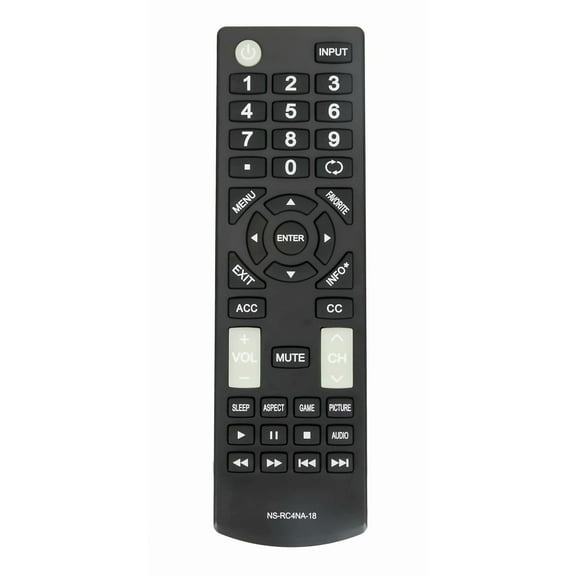 New NS-RC4NA-18 Remote Control for Insignia TVs NS-55D420MX18 NS-39D310NA17 NS-50D510NA17 NS-50D510MX17$7.46current price $7.46
New RMT-15 RMT15 remote control fits for Westinghouse TV CW37T6DW VR5535Z CW46T6DW CW46T6DW EW24T7EW
 New RMT-15 RMT15 remote control fits for Westinghouse TV CW37T6DW VR5535Z CW46T6DW CW46T6DW EW24T7EW$7.38current price $7.38
Mimotron Generic Sharp EN2A27ST Smart TV Remote Control by Mimotron LC-32P5000U / LC-40P5000U / LC-43P5000U / LC-50P5000U / LC-55P5000U / LC-60P6000U
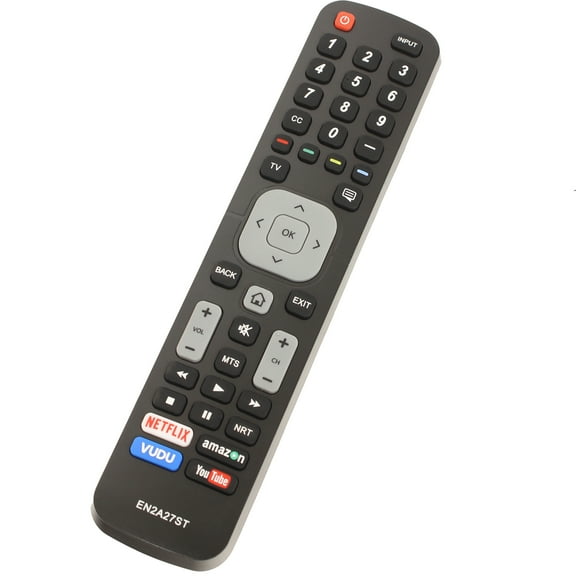 Mimotron Generic Sharp EN2A27ST Smart TV Remote Control by Mimotron LC-32P5000U / LC-40P5000U / LC-43P5000U / LC-50P5000U / LC-55P5000U / LC-60P6000U$11.99current price $11.99
New RMT-22 RMT22 remote control fits for Westinghouse TV UW32S3PW UW37SC1W UW39T7HW UW40T8LW UW40TA2W
 New RMT-22 RMT22 remote control fits for Westinghouse TV UW32S3PW UW37SC1W UW39T7HW UW40T8LW UW40TA2W$7.74current price $7.74
New NS-RC4NA-18 remote control for Insignia TV NS-49D420NA18 NS-55D420NA18 NS-32D311NA17 NS-32D311MX17 NS-40D420NA18
 New NS-RC4NA-18 remote control for Insignia TV NS-49D420NA18 NS-55D420NA18 NS-32D311NA17 NS-32D311MX17 NS-40D420NA18$7.40current price $7.40
New RMT-17 Replace Remote Control fit for Westinghouse TV EW37S5KW EW39T5KW EW50T5KW LD2480 LD3240 LD3280
 New RMT-17 Replace Remote Control fit for Westinghouse TV EW37S5KW EW39T5KW EW50T5KW LD2480 LD3240 LD3280$7.63current price $7.63
New Remote Control NS-RC4NA-16 for INSIGNIA LCD HDTV NS-19D220NA16-A NS-19D220NA16A NS19D220NA16A NS-24D220MX16
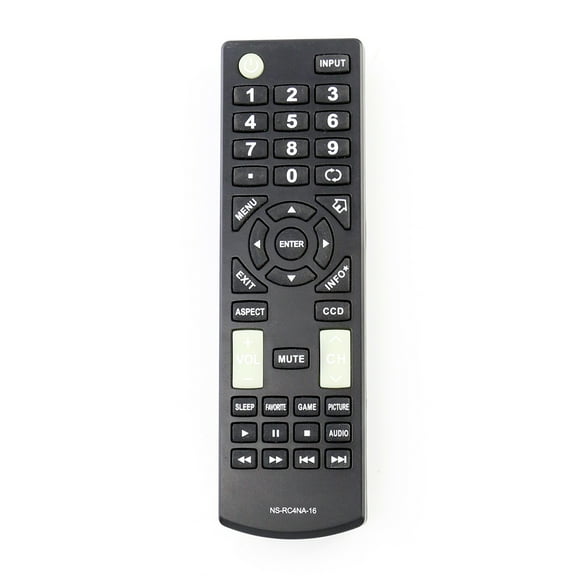 New Remote Control NS-RC4NA-16 for INSIGNIA LCD HDTV NS-19D220NA16-A NS-19D220NA16A NS19D220NA16A NS-24D220MX16$8.43current price $8.43
Xtrasaver Replacement EN2A27ST Smart TV Remote Control For Sharp 4K Ultra LED Smart HDTV fit for LC40P5000 LC40P5000U LC43P5000 LC43P5000U LC50P5000 LC50P5000U LC55P5000 LC55P6000
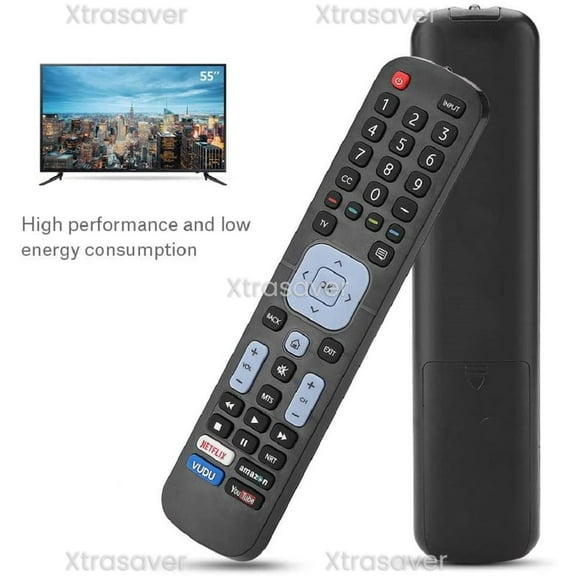 Xtrasaver Replacement EN2A27ST Smart TV Remote Control For Sharp 4K Ultra LED Smart HDTV fit for LC40P5000 LC40P5000U LC43P5000 LC43P5000U LC50P5000 LC50P5000U LC55P5000 LC55P6000$10.99current price $10.99
New Replace EN2A27S Remote Control for Sharp TV LC-65N9000U LC-75N620U LC-75N8000U
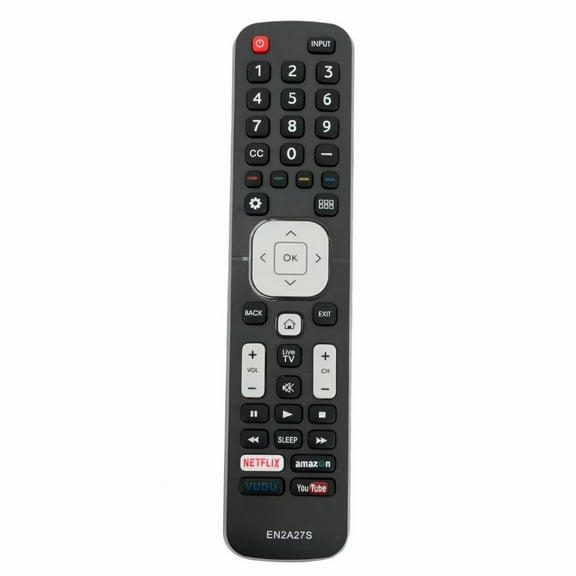 New Replace EN2A27S Remote Control for Sharp TV LC-65N9000U LC-75N620U LC-75N8000U$7.98current price $7.98
New Replace Remote Control compatible with Westinghouse TV
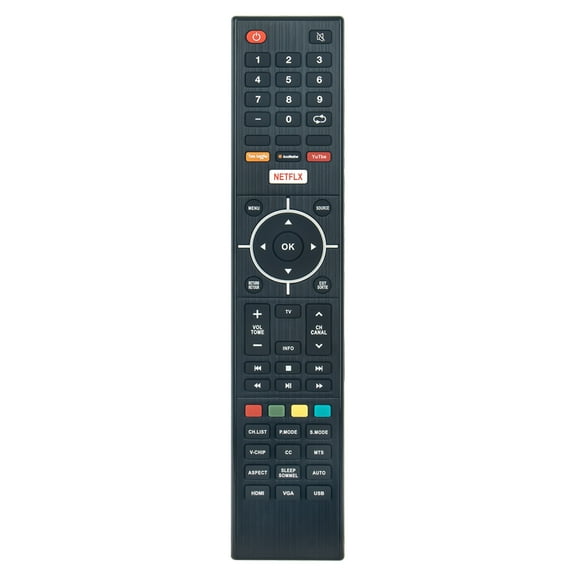 New Replace Remote Control compatible with Westinghouse TV$9.57current price $9.57
New Remote Control NS-RC02A-12 for INSIGNIA TV XNS-42L780A12 NS55L780A12 NS-55L780A12 NS-46L780A12
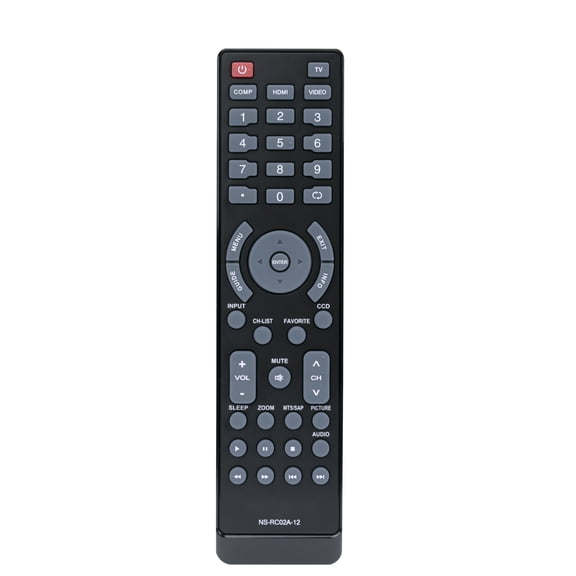 New Remote Control NS-RC02A-12 for INSIGNIA TV XNS-42L780A12 NS55L780A12 NS-55L780A12 NS-46L780A12$9.17current price $9.17
New RMT-17 RMT17 remote control fits for Westinghouse TV DW37H1G1 EU24H1G1 EW19S4JW EW24T3LW EW24T7EW EW32S3PW
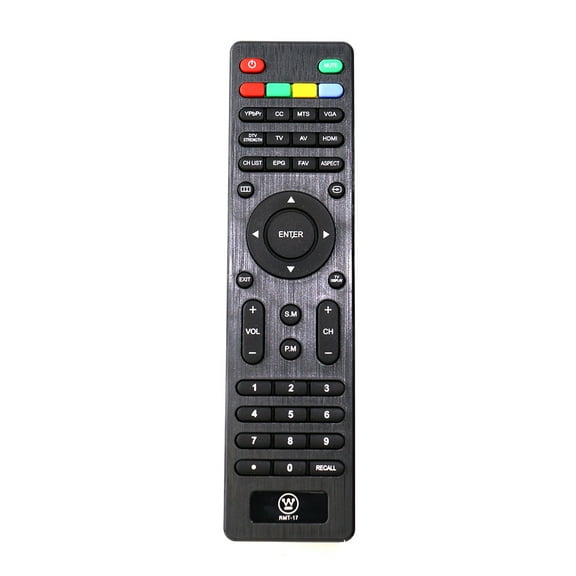 New RMT-17 RMT17 remote control fits for Westinghouse TV DW37H1G1 EU24H1G1 EW19S4JW EW24T3LW EW24T7EW EW32S3PW$7.49current price $7.49
New NS-RC03A-13 remote control for Insignia LCD LED TV NS-46L240A13 NS-42L260A13 NS-42E440A13 NS-24L120A13
 New NS-RC03A-13 remote control for Insignia LCD LED TV NS-46L240A13 NS-42L260A13 NS-42E440A13 NS-24L120A13$8.75current price $8.75
New RMT-11 Remote Control fits for WESTINGHOUSE TV LD-3255VX LD-3285VX LD-4255AR LD-4255VX LD-3255VX LD-3257DF
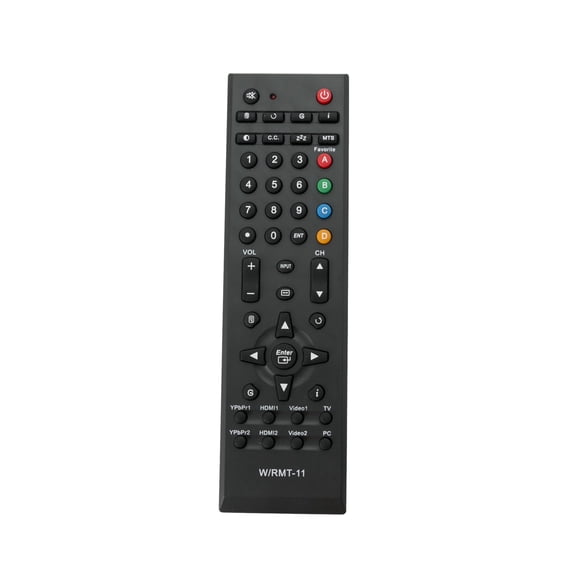 New RMT-11 Remote Control fits for WESTINGHOUSE TV LD-3255VX LD-3285VX LD-4255AR LD-4255VX LD-3255VX LD-3257DF$7.77current price $7.77
New RMT-05 Replace Remote Control for Westinghouse TV TX-42F450S SK-32H540S SK-40H520S
 New RMT-05 Replace Remote Control for Westinghouse TV TX-42F450S SK-32H540S SK-40H520S$9.98current price $9.98
New 504Q4836101 Replace Remote Control Fits for Hitachi 4K LED HDTV 32C11 40C301 40C311 48C6 48C60 49C60 49C61 50C60 50C61
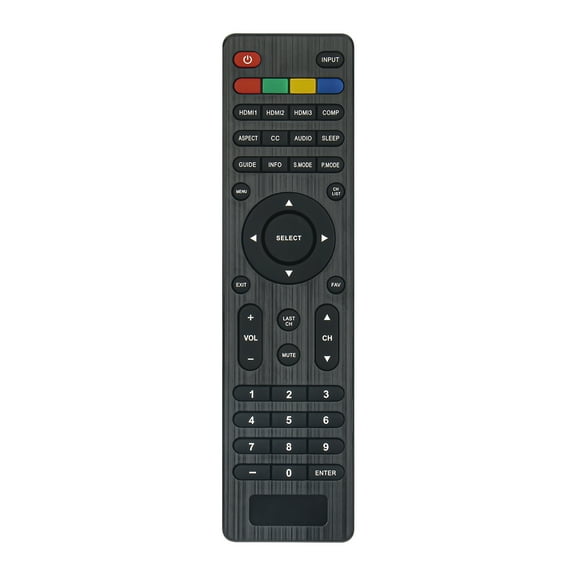 New 504Q4836101 Replace Remote Control Fits for Hitachi 4K LED HDTV 32C11 40C301 40C311 48C6 48C60 49C60 49C61 50C60 50C61$12.99current price $12.99
Generic Sharp EN2A27ST Smart TV Remote Control by Mimotron
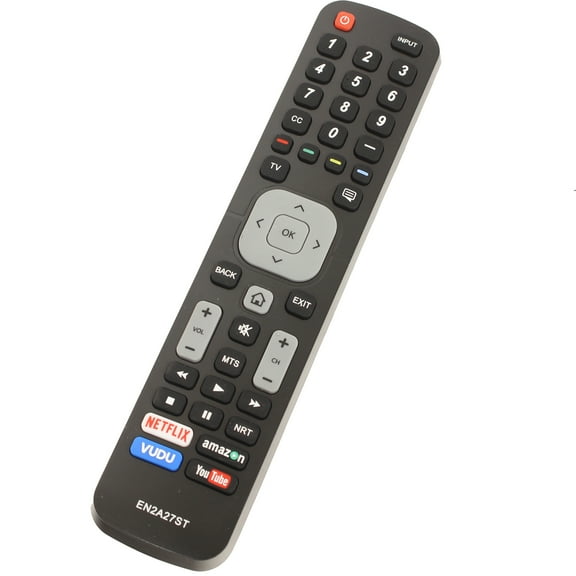 Generic Sharp EN2A27ST Smart TV Remote Control by Mimotron$11.99current price $11.99
New Remote Control fits for Westinghouse TV WD40FB2530 WE55UB4417 WE50UB4417 WE55UDT108 with Netflix/ YouTube/VUDU/Pandora Hotkeys
 New Remote Control fits for Westinghouse TV WD40FB2530 WE55UB4417 WE50UB4417 WE55UDT108 with Netflix/ YouTube/VUDU/Pandora Hotkeys$7.98current price $7.98