

3800x(11)
R4E355-AF05-05 Centrifugal Fan Replacement 230V 170/250W Cooling Blower Fan 1410/1630RPM for Industrial Equipment $257.55

R4E355-AF05-05 Centrifugal Fan Replacement 230V 170/250W Cooling Blower Fan 1410/1630RPM for Industrial Equipment
NZXT CM-H92FB-P1 Black tinted tempered glass Mid-Tower Case (Computer Cases - ATX Form) $199.99 Was $249.99

NZXT CM-H92FB-P1 Black tinted tempered glass Mid-Tower Case (Computer Cases - ATX Form)
Deal, Cooler Master MCB-NR200-KNNN-S00 MasterBox NR200 Mini-Tower Computer Case - Mesh, Plastic, Steel - Black From $74.99 Was $89.98

Cooler Master MCB-NR200-KNNN-S00 MasterBox NR200 Mini-Tower Computer Case - Mesh, Plastic, Steel - Black
Laptop Cooling Pad, MOOJAY Laptop Cooler with 9 Quiet Fans for 14-19 Inch Notebook Computer, Gaming Laptop Fan Cooling Stand with 6 Adjustable Speeds and 10 RGB Light Modes, 2 USB Ports & Phone Holde $35.00
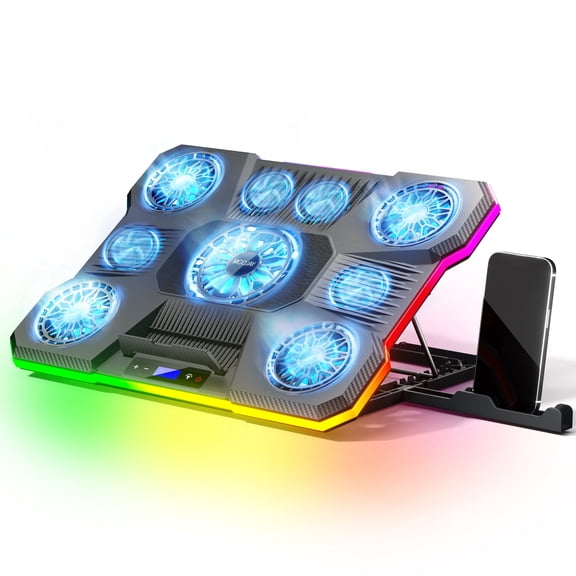
Laptop Cooling Pad, MOOJAY Laptop Cooler with 9 Quiet Fans for 14-19 Inch Notebook Computer, Gaming Laptop Fan Cooling Stand with 6 Adjustable Speeds and 10 RGB Light Modes, 2 USB Ports & Phone Holde
Asus ROG Strix Gaming Desktop, AMD Ryzen 7 3800X, 16GB RAM, NVIDIA GeForce RTX 2070 Super, 1TB HD, 512GB SSD, Windows 10 Home, Star Black, GA15DH-AH772 $1,688.88

Asus ROG Strix Gaming Desktop, AMD Ryzen 7 3800X, 16GB RAM, NVIDIA GeForce RTX 2070 Super, 1TB HD, 512GB SSD, Windows 10 Home, Star Black, GA15DH-AH772
be quiet! DARK ROCK 5 Intel: 1851/ 1700 / 1200 / 1150 / 1151 / 1155 AMD: AM5 / AM4, Silent Wings 4 120mm PWM, Fluid Dynamic Bearing CPU Cooling BK035 $59.90 Was $69.89

be quiet! DARK ROCK 5 Intel: 1851/ 1700 / 1200 / 1150 / 1151 / 1155 AMD: AM5 / AM4, Silent Wings 4 120mm PWM, Fluid Dynamic Bearing CPU Cooling BK035
KFFKFF 42-Inch Industrial Floor Fan, High Airflow Drum Fan with Aluminum Blades, Two Adjustable Speeds, Portable Design with Handle, Suitable for Garages, Warehouses, Workshops, and Basements $419.99

KFFKFF 42-Inch Industrial Floor Fan, High Airflow Drum Fan with Aluminum Blades, Two Adjustable Speeds, Portable Design with Handle, Suitable for Garages, Warehouses, Workshops, and Basements
NZXT H9 Flow (2025) CM-H92FW-01 Large Dual-Chamber ATX Mid-Tower - White $95.98 Was $115.98
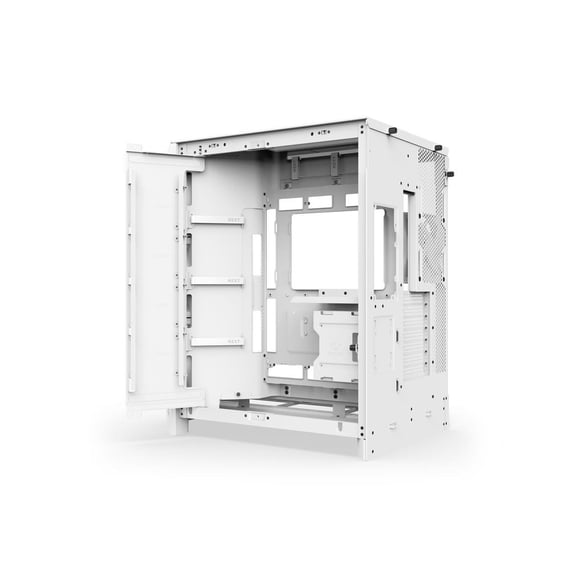
NZXT H9 Flow (2025) CM-H92FW-01 Large Dual-Chamber ATX Mid-Tower - White
Deal, Phanteks PHF140T30 T30 140mm High Performance PWM Fan Black Grey $29.99
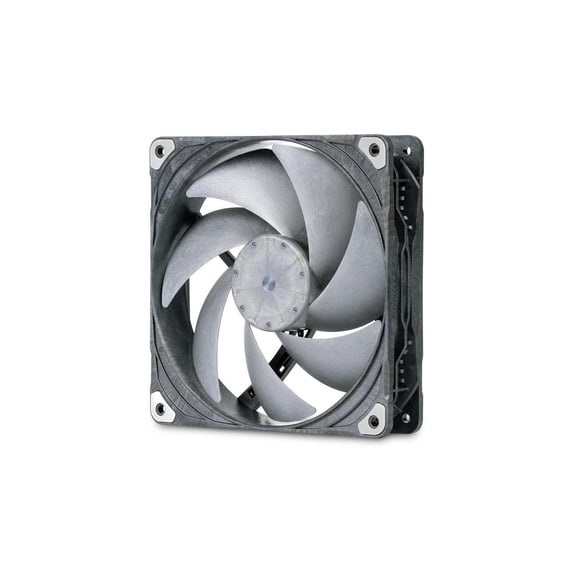
Phanteks PHF140T30 T30 140mm High Performance PWM Fan Black Grey
KFFKFF Liquid CPU Cooler, Combined CPU Water Cooling System - 120mm PWN Blades, Pump, 1.8'' Display, Max 2200RPM CPU Cooling Fan, Skilled Black PC Water Cooler for Intel 115X/1366/2011/1700/1200 $83.85

KFFKFF Liquid CPU Cooler, Combined CPU Water Cooling System - 120mm PWN Blades, Pump, 1.8'' Display, Max 2200RPM CPU Cooling Fan, Skilled Black PC Water Cooler for Intel 115X/1366/2011/1700/1200
Phanteks T30-120 fan, premium high-performance fan, PWM, Black/Grey $39.99

Phanteks T30-120 fan, premium high-performance fan, PWM, Black/Grey
FAQ
What makes the 3800X processor good for gaming?
The 3800X processor can offer strong performance for gaming thanks to its multi-core design and high clock speeds. This helps games run smoothly and can support demanding graphics and processing tasks.
- Multi-core processing handles complex game environments.
- High clock speeds reduce lag and improve responsiveness.
- Paired with a dedicated graphics card, games can look and play better.
Overall, it can be a solid choice for gamers seeking reliable performance.
Can I upgrade the RAM in a desktop with 3800X?
Upgrading RAM in a desktop featuring the 3800X processor is often possible, but it's important to check your system's motherboard compatibility and maximum supported memory.
- Review the motherboard's specifications for RAM slots and limits.
- Choose compatible RAM modules for best performance.
- Consider the benefits of extra RAM, like smoother multitasking.
Adding more RAM can help improve your computer's speed for various tasks.
How do you set up a desktop with the 3800X?
Setting up a desktop with the 3800X processor is pretty straightforward. Start by connecting the essential peripherals like your monitor, keyboard, and mouse.
- Plug in the power cable and turn on the computer.
- Follow the onscreen instructions to complete the Windows setup.
- Install any needed updates and drivers for your system.
This can help ensure your desktop runs smoothly right from the start.
Is the 3800X processor good for creative work?
The 3800X processor can handle creative tasks like photo editing, video production, and graphic design due to its powerful multi-core setup.
- Multi-threading allows for faster rendering and file processing.
- Pairing it with enough RAM and storage supports larger projects.
- Performance may vary based on the software used and the rest of your hardware.
For many creative users, it offers a balanced mix of speed and reliability.
How do I keep a desktop with 3800X running cool?
Maintaining proper cooling in a desktop with the 3800X processor is important for long-term performance.
- Make sure the computer is in a well-ventilated area.
- Regularly clean dust from fans and vents to prevent overheating.
- Consider using additional case fans or upgrading the CPU cooler if needed.
These steps can help reduce heat buildup and keep your system stable during heavy use.
Popular in Shop 3800x Electronics for Powerful Computing
Related Products
Pre-Owned ATI Dell Radeon HD4550 Graphics Video Card High Profile 512MB DVI PCI-E 03Y14F (Good)
Pre-Owned ATI Dell Radeon HD4550 Graphics Video Card High Profile 512MB DVI PCI-E 03Y14F (Good)
Pre-Owned Rad HD3470 W459D CN-0W45D ATI Radeon HD 3470 256MB Dual Displayport PCI-EXPRESS 2.0 X16 Video Card PCI-EXPRESS Video Cards - Used
Pre-Owned Rad HD3470 W459D CN-0W45D ATI Radeon HD 3470 256MB Dual Displayport PCI-EXPRESS 2.0 X16 Video Card PCI-EXPRESS Video Cards - Used
Nvidia NV9P-GS 512MB Original Graphic Video Card with Heatsink Dell XPS One A2420(New)
 Nvidia NV9P-GS 512MB Original Graphic Video Card with Heatsink Dell XPS One A2420(New)$14.99current price $14.99
MSI Geforce 210 1024 MB DDR3 PCI-Express 2.0 Graphics Card MD1G/D3
 MSI Geforce 210 1024 MB DDR3 PCI-Express 2.0 Graphics Card MD1G/D3$44.97current price $44.97
Pre-Owned Dell Alienware Aurora Video Card Support Bracket C4T0V 0C4T0V
 Pre-Owned Dell Alienware Aurora Video Card Support Bracket C4T0V 0C4T0V$12.99current price $12.99
Aorus NVIDIA GeForce RTX 5090 Graphic Card, 32 GB GDDR7
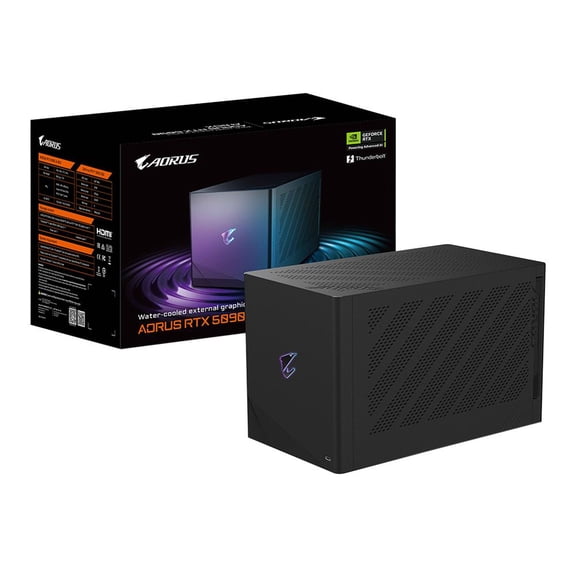 Aorus NVIDIA GeForce RTX 5090 Graphic Card, 32 GB GDDR7$7500.00current price $7500.00
Sapphire AMD FirePro 2270 - Graphics card - FirePro 2270 - 1 GB GDDR3 - PCIe 2.1 x16 low profile - retail
 Sapphire AMD FirePro 2270 - Graphics card - FirePro 2270 - 1 GB GDDR3 - PCIe 2.1 x16 low profile - retail$140.00current price $140.00
ASRock Challenger Radeon RX 7600 8GB GDDR6 PCI Express 4.0 x8 ATX Video Card RX7600 CL 8GO
 ASRock Challenger Radeon RX 7600 8GB GDDR6 PCI Express 4.0 x8 ATX Video Card RX7600 CL 8GO$389.99current price $389.99
Open Box ASUS TUF GAMING X870E-PLUS WIFI7 AMD X870E ATX Motherboard with 16+2+1 80A Power Stages, DDR5 Support with AEMP, PCIe 5.0 x16 with PCIe Slot Q-Release Slim, Four M.2 Slots, WiFi 7 with ASUS WiFi Q-Ant
 Open Box ASUS TUF GAMING X870E-PLUS WIFI7 AMD X870E ATX Motherboard with 16+2+1 80A Power Stages, DDR5 Support with AEMP, PCIe 5.0 x16 with PCIe Slot Q-Release Slim, Four M.2 Slots, WiFi 7 with ASUS WiFi Q-Ant$166.33current price $166.33