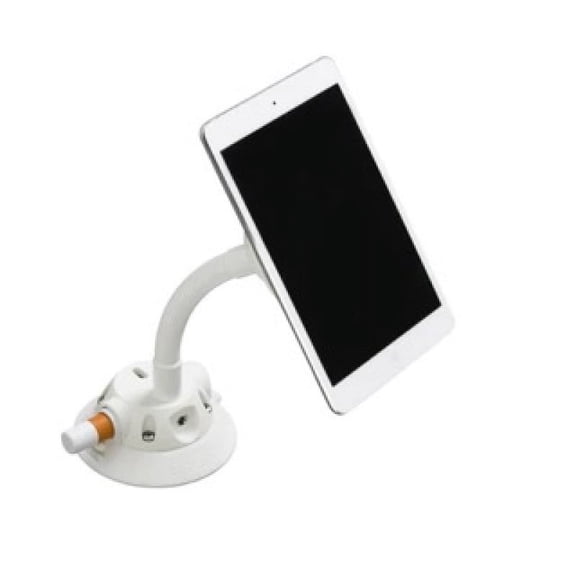
Xventure(4)
Xventure Griplox Phone Holder [XV1-921-2] $28.99

Xventure Griplox Phone Holder [XV1-921-2]
Xventure Griplox Pro Tether Tri Pack [XV1-967-2] $25.18 Was $35.99

Xventure Griplox Pro Tether Tri Pack [XV1-967-2]
Xventure XV1-841-2 ProX Sport Mount 3-In-1 for Select Cameras & Smartphones $19.99

Xventure XV1-841-2 ProX Sport Mount 3-In-1 for Select Cameras & Smartphones
Xventure Mi-T Grip Vehicle Mount for Smartphone, MP3 Player, GPS, Black $19.99 Was $22.95
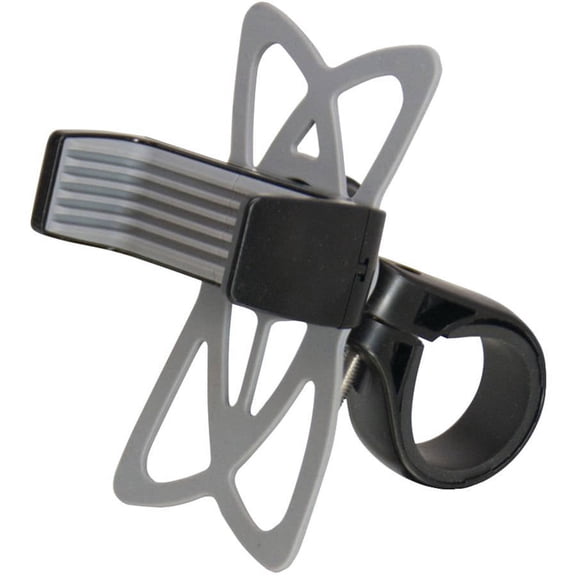
Xventure Mi-T Grip Vehicle Mount for Smartphone, MP3 Player, GPS, Black
FAQ
How do I mount my phone in the car safely?
Making sure your phone is mounted securely while driving is all about following a few simple steps:
- Pick a clean, flat spot on your windshield or dashboard that doesn't block your view.
- Use the suction cup or adhesive attachment to fix the mount in place—most mounts work best on smooth surfaces.
- Adjust the grip to hold your device firmly without covering important buttons.
- Double-check that the phone doesn't wobble when you drive. If it does, try repositioning the mount.
Always keep safety in mind: set up your GPS or music before you hit the road so you can stay focused.
Can I use these mounts with a GPS device?
Yes, many phone mounts are designed to fit multiple devices, including GPS units. Here are some tips to ensure a good fit:
- Check the mount’s adjustable grip to see if it fits the size of your GPS device.
- Make sure the holder doesn’t press any critical buttons on the GPS.
- Test the mount in your vehicle to confirm it stays secure, as GPS units can be slightly heavier than phones.
If you’re using a device with a unique shape, double-check the mount’s specifications before purchase to ensure compatibility.
What's the best way to keep my mount clean?
Keeping your mount clean helps it last longer and hold your device securely. Here's how you can do it:
- Wipe the mount’s surface and grip pads with a soft, damp cloth to remove dust and debris.
- Avoid harsh cleaners that could damage the material.
- Occasionally check the suction or adhesive base for buildup—rinsing it with water (if recommended by the manufacturer) can restore stickiness.
Regular cleaning can prevent slipping and help your mount work well every time you use it.
Are these mounts easy to switch between vehicles?
Many phone and device mounts are designed for flexibility and can be moved between cars. To make switching easier:
- Choose mounts with suction cups or simple clips instead of permanent adhesives.
- Release the mount gently to avoid damaging surfaces.
- Store the mount safely when not in use to prevent wear and tear.
Movable mounts let you take your setup from one vehicle to another, which is handy for families or rideshare drivers.
What should I do if my device slips out?
If your device slips out of the mount, here are some steps you can take:
- Check that the grip arms are tightly securing your device and not obstructed by a case.
- Clean the contact points on both the mount and your device.
- Make sure the mount is placed on an even, stable surface and hasn’t lost suction or grip strength.
If slipping continues, you may want to review the product information for device size compatibility or consider an alternative mounting spot in your car.
Popular in Explore Top Brands for Home and Auto Essentials
Related Products
RAM Mounts RAM-D-202U Rubber Ball Car Mount with Socket Arm
 RAM Mounts RAM-D-202U Rubber Ball Car Mount with Socket Arm$34.00current price $34.00
RAM MOUNT 1/4"-20 FEMALE THREADED HEX HOLE W/ 1" BALL
 RAM MOUNT 1/4"-20 FEMALE THREADED HEX HOLE W/ 1" BALL$9.99current price $9.99
RAM Mounts Tough-Claw™ Small Clamp Ball Base
 RAM Mounts Tough-Claw™ Small Clamp Ball Base$41.99current price $41.99
MasterCraft Boat Windshield Bracket | 12 1/4 Inch Support Arms (Pair)
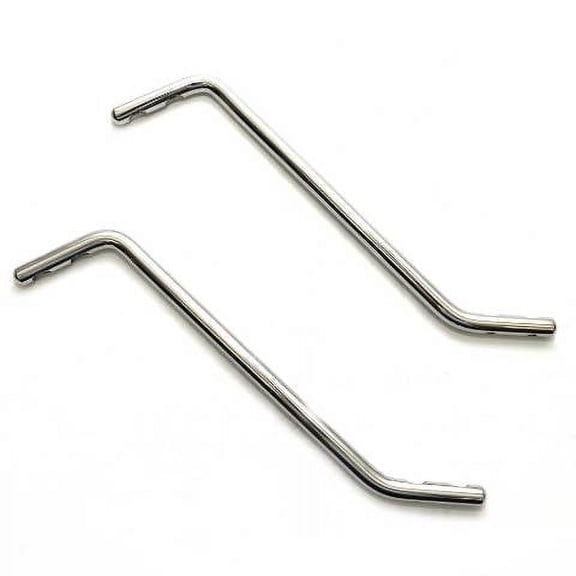 MasterCraft Boat Windshield Bracket | 12 1/4 Inch Support Arms (Pair)$52.15current price $52.15
Seastar / Uflex Support Bracket Puller
 Seastar / Uflex Support Bracket Puller$62.11current price $62.11
RAM Mounts Mounting Plate for Mounting Adapter
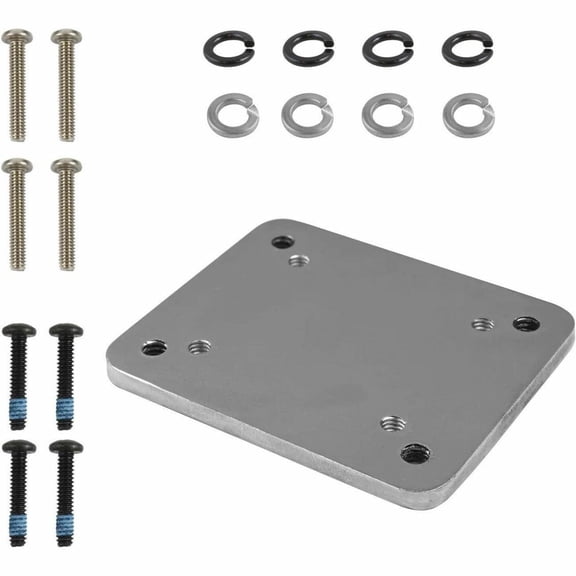 RAM Mounts Mounting Plate for Mounting Adapter$17.49current price $17.49
Lund Boat Angled Mini Mounting Bracket 2354507 | SportTrak
 Lund Boat Angled Mini Mounting Bracket 2354507 | SportTrak$43.99current price $43.99
Tracker Boat Backing Plate Bracket 160738 | 90 Degree 1 Inch (Pair)
 Tracker Boat Backing Plate Bracket 160738 | 90 Degree 1 Inch (Pair)$12.60current price $12.60
Mastercraft Boat Windshield Bracket Supports 511389 | 11 7/8 Inch SS (Pair)
 Mastercraft Boat Windshield Bracket Supports 511389 | 11 7/8 Inch SS (Pair)$47.45current price $47.45
Crownline Boat Windshield Brace Brackets 30210 | Stainless (Set of 2)
 Crownline Boat Windshield Brace Brackets 30210 | Stainless (Set of 2)$35.20current price $35.20
Chaparral Boat Windshield Support Brackets | 12 1/4 Inch (Set of 2)
 Chaparral Boat Windshield Support Brackets | 12 1/4 Inch (Set of 2)$35.20current price $35.20
Bass Cat Boat Tool Holder Panel 57054 | Caracal CAR-012 Dipped
 Bass Cat Boat Tool Holder Panel 57054 | Caracal CAR-012 Dipped$260.94current price $260.94
BEP Marine Pro Installer 5 Stud Bus Bar
 BEP Marine Pro Installer 5 Stud Bus Bar$149.45current price $149.45
MasterCraft Boat Windshield Bracket 511387 | 12 3/8 Inch (Pair)
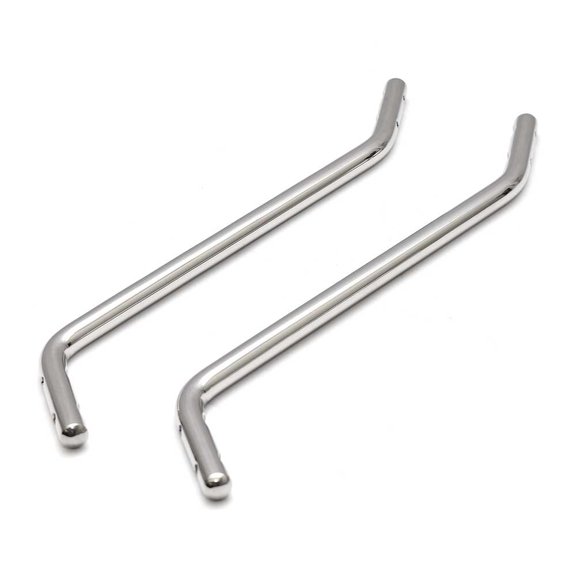 MasterCraft Boat Windshield Bracket 511387 | 12 3/8 Inch (Pair)$58.14current price $58.14
Extreme Max 3006.7167 Quick Release Slider Base for Lund Sport Track Systems - Angled
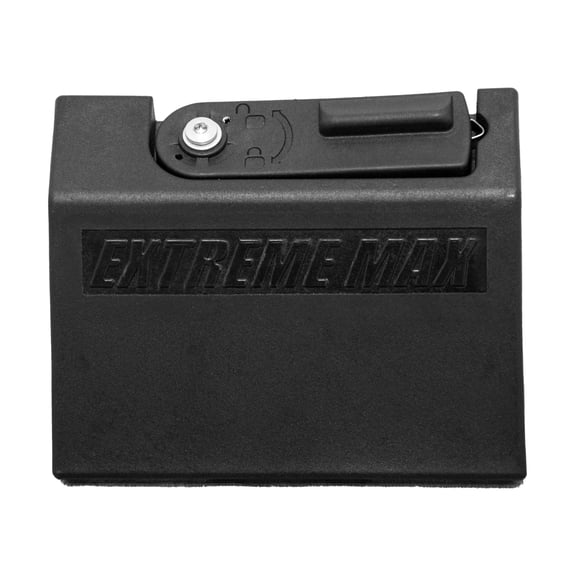 Extreme Max 3006.7167 Quick Release Slider Base for Lund Sport Track Systems - Angled$48.50current price $48.50
RAM RAM-D-115BU - Mounting component (mounting plate, 2.25" ball adapter) - for chartplotter - marine grade aluminum
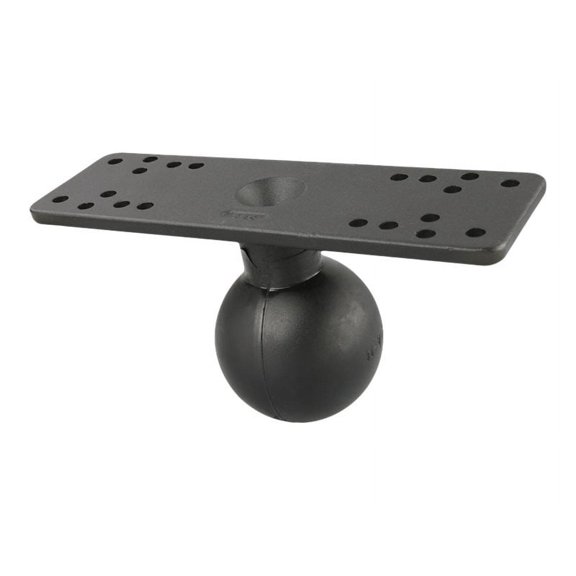 RAM RAM-D-115BU - Mounting component (mounting plate, 2.25" ball adapter) - for chartplotter - marine grade aluminum$39.49current price $39.49