Wasp Printers(4)
Wasp WPL305 - label printer - monochrome - thermal transfer $524.98
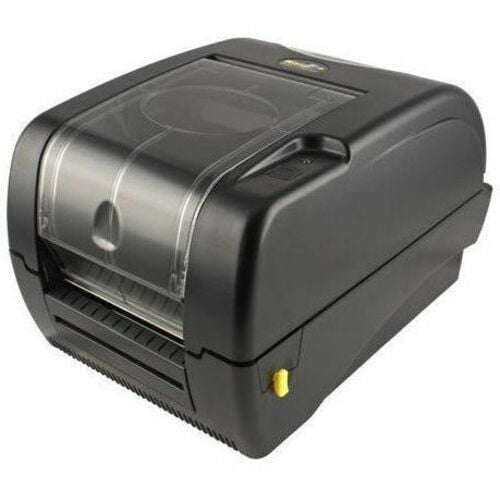
Wasp WPL305 - label printer - monochrome - thermal transfer
Wasp 633808404055 WPL304 Versatile Desktop Barcode Printer $506.47

Wasp 633808404055 WPL304 Versatile Desktop Barcode Printer
WPL308Plus Barcode Printer 203 DPI $778.49
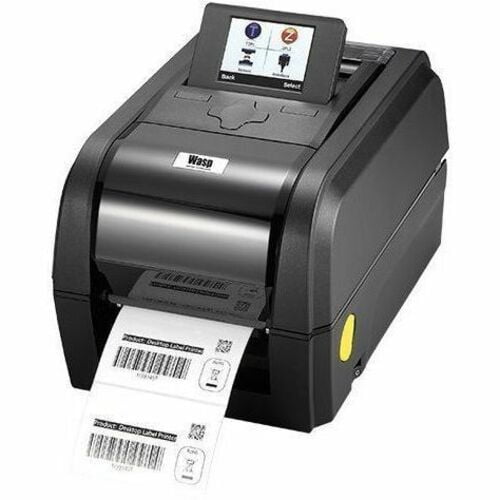
WPL308Plus Barcode Printer 203 DPI
WASP TECHNOLOGIES 633808402006 WASP WPL305-LABEL PRINTER-B/W-THERMAL TRANSFER-ROLL (4.65 IN)-203 DPI-UP TO 300

WASP TECHNOLOGIES 633808402006 WASP WPL305-LABEL PRINTER-B/W-THERMAL TRANSFER-ROLL (4.65 IN)-203 DPI-UP TO 300
Other options to consider(8)
Wasp WWS550i Freedom Cordless Barcode Scanner - Wireless $225.98
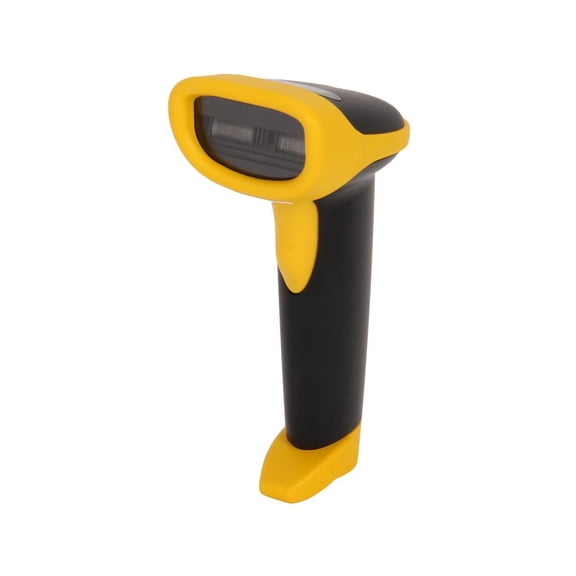
Wasp WWS550i Freedom Cordless Barcode Scanner - Wireless
RIBBON RESIN 4.25IN X 298FT FOR W-300 $35.32

RIBBON RESIN 4.25IN X 298FT FOR W-300
Wasp 633808431198 Premium Wax-Resin Label Ribbon, 3.26" x 820' - 1 Roll $25.98

Wasp 633808431198 Premium Wax-Resin Label Ribbon, 3.26" x 820' - 1 Roll
Wasp 4.33" x 820' Resin Ribbon $33.98

Wasp 4.33" x 820' Resin Ribbon
WASP Resin Ribbon $38.01

WASP Resin Ribbon
Wasp 2.17" x 820' Wax-Resin Ribbon $25.98
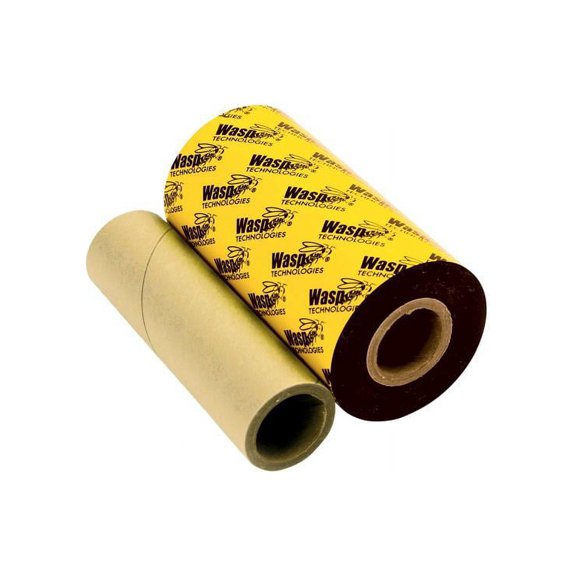
Wasp 2.17" x 820' Wax-Resin Ribbon
Wasp Wax Resin Black Ribbon - Thermal Transfer - Black $25.98

Wasp Wax Resin Black Ribbon - Thermal Transfer - Black
Wwx 2.16in X 820ft Wax Ribbon - For Wasp Wpl305/606 Printer $24.61

Wwx 2.16in X 820ft Wax Ribbon - For Wasp Wpl305/606 Printer
FAQ
How do I set up a barcode printer?
Getting started with a barcode printer is pretty straightforward.
- Unbox the printer and connect it to your computer using the USB or network cable provided.
- Install any drivers or software that came with the printer to ensure compatibility.
- Load your label rolls and ribbons following the instructions in the manual.
- Adjust the print settings to match the label size and type you’re using.
If you run into issues, manufacturer support resources or community forums are often helpful. Don’t forget to keep your workspace clear and follow safety guidelines while setting up.
Can I use different ribbons for thermal printers?
Most thermal transfer printers support a variety of ribbon types, including wax, resin, and wax-resin combinations.
- Wax ribbons are great for basic, paper labels.
- Resin ribbons are designed for durable, synthetic labels.
- Wax-resin ribbons offer a balance between the two.
Always check your printer’s specifications to make sure the ribbon size and material are compatible. This ensures you get clear, reliable prints without damaging the printer or wasting materials.
What’s the best way to clean a barcode printer?
Keeping your barcode printer clean helps it run smoothly.
- Turn off and unplug the printer before cleaning.
- Use a lint-free cloth to gently wipe the print head and rollers.
- For tougher residue, a small amount of isopropyl alcohol on the cloth can be used (avoid using too much liquid).
- Remove any dust or debris from the label path and sensors.
Regular maintenance can reduce errors and prolong the printer’s life. Each model may have specific guidelines, so it’s best to refer to the manual for details.
How do I fix blurry barcode labels?
If your barcode labels turn out blurry, it could be due to a few different issues.
- Make sure the print head is clean and free of residue.
- Check that you’re using the correct ribbon and label type for your printer.
- Adjust the print speed and darkness settings to match the material.
Trying these steps can help improve print quality, but results may vary depending on the materials and printer model. If the problem continues, consulting the manufacturer’s troubleshooting guide is a good next step.
Are replacement ribbons easy to find here?
Replacement ribbons for barcode printers are typically easy to find in-stock.
- Walmart offers several types and sizes of ribbons including wax, resin, and wax-resin blends.
- You can browse compatible ribbons in the printer accessories section.
Checking your printer’s manual for the correct ribbon size and type before purchasing can help you get just what you need.
Popular in Brand Barcode Printers and Label Ribbons Selection
Related Products
Bundle Kit I 110 Sheets A-SUB Sublimation Paper 125g 8.5X11 + 480ML A-SUB Sublimation Ink for All Inkjet Printers Heat Transfer, ET-2400 2803 2800 4800 WF ST-2000 SC F170 etc
 Bundle Kit I 110 Sheets A-SUB Sublimation Paper 125g 8.5X11 + 480ML A-SUB Sublimation Ink for All Inkjet Printers Heat Transfer, ET-2400 2803 2800 4800 WF ST-2000 SC F170 etc$34.99current price $34.99
Epson Monochrome Thermal POS Printer TM-T20III C31CH51001
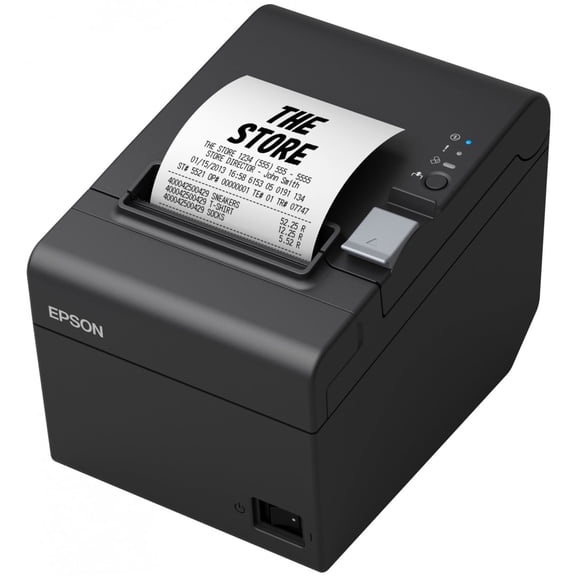 Epson Monochrome Thermal POS Printer TM-T20III C31CH51001$299.99current price $299.99
STAR SP-700 (Box Of 30) Black/Red Ink Ribbon for Star SP700, SP712, SP 712 MD, SP742 Printer
 STAR SP-700 (Box Of 30) Black/Red Ink Ribbon for Star SP700, SP712, SP 712 MD, SP742 Printer$36.79current price $36.79
Oki, OKI42377801, 42377801 Microline Nylon Printer Ribbon, 1 Each
 Oki, OKI42377801, 42377801 Microline Nylon Printer Ribbon, 1 Each$22.01current price $22.01
2PK Fax Ribbon Roll for Brother PC501 PC502 PC401 PC402RF - Fits Brother FAX-575 560 565 580MC MFC-660MC
 2PK Fax Ribbon Roll for Brother PC501 PC502 PC401 PC402RF - Fits Brother FAX-575 560 565 580MC MFC-660MC$17.99current price $17.99
Star SP-700 (Box Of 12) Cartridge Ribbon Black/Red Star Micronics Star Sp700 Printer Ink Ribbons Black/red
 Star SP-700 (Box Of 12) Cartridge Ribbon Black/Red Star Micronics Star Sp700 Printer Ink Ribbons Black/red$20.49current price $20.49
Epson ColorWorks CW-C4000 Color Inkjet Label Printer (Gloss) – C31CK03A9991
 Epson ColorWorks CW-C4000 Color Inkjet Label Printer (Gloss) – C31CK03A9991$2492.00current price $2492.00
2 X EPSON ERC-38BR Black/Red Fabric Ribbon (1.5M/ 750K Characters)( 2) pack of OEM ERC-38BR
 2 X EPSON ERC-38BR Black/Red Fabric Ribbon (1.5M/ 750K Characters)( 2) pack of OEM ERC-38BR$19.99current price $19.99
Epson Ribbon Cartridge - Dot Matrix - Black - 1 Each
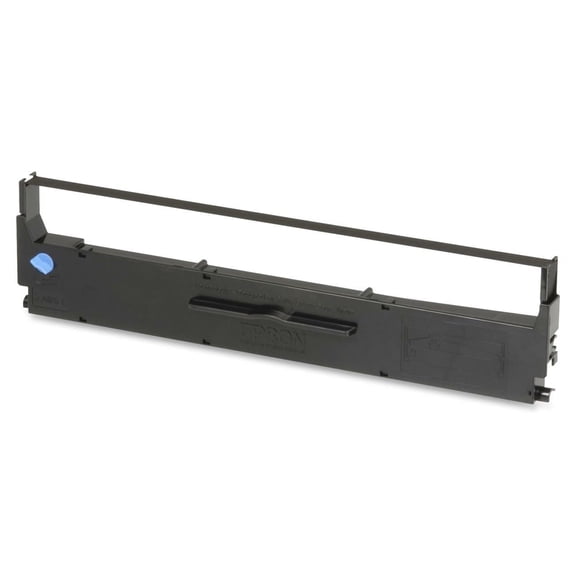 Epson Ribbon Cartridge - Dot Matrix - Black - 1 Each$15.18current price $15.18
Alliance 2451 2451 Cash Register Ribbon, Black/red, 6/box
 Alliance 2451 2451 Cash Register Ribbon, Black/red, 6/box$14.96current price $14.96
Epson, EPSERC23B, ERC23B Printer Ribbon, 1 Each
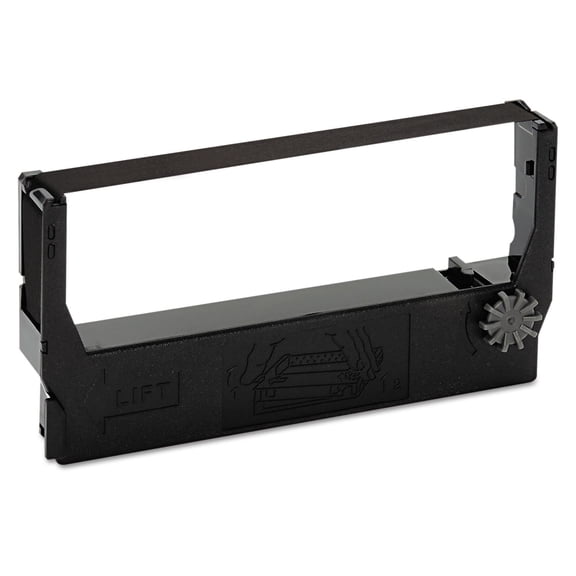 Epson, EPSERC23B, ERC23B Printer Ribbon, 1 Each$13.98current price $13.98
3 X EPSON ERC-38BR Black/Red Fabric Ribbon (1.5M/ 750K Characters)(3) pack of OEM ERC-38BR
 3 X EPSON ERC-38BR Black/Red Fabric Ribbon (1.5M/ 750K Characters)(3) pack of OEM ERC-38BR$20.49current price $20.49
6 X EPSON ERC-38BR Black/Red Fabric Ribbon (1.5M/ 750K Characters)(6) pack of OEM ERC-38BR
 6 X EPSON ERC-38BR Black/Red Fabric Ribbon (1.5M/ 750K Characters)(6) pack of OEM ERC-38BR$30.99current price $30.99
Alliance Compatible Epson ERC 27 Ribbon Purple 6 2481
 Alliance Compatible Epson ERC 27 Ribbon Purple 6 2481$19.64current price $19.64
Okidata (OKI) Compatible #52104001 Seamless Black Printer Ribbons (6 /box) with Free Delivery
Okidata (OKI) Compatible #52104001 Seamless Black Printer Ribbons (6 /box) with Free Delivery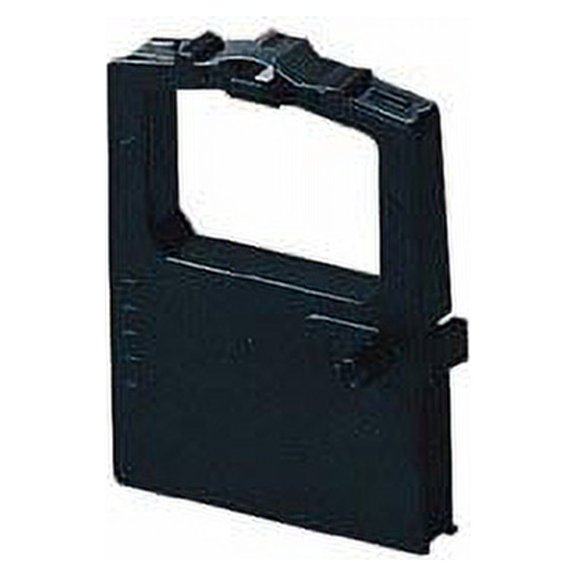
Oki, OKI44173403, 44173403 Printer Ribbon, 1 Each
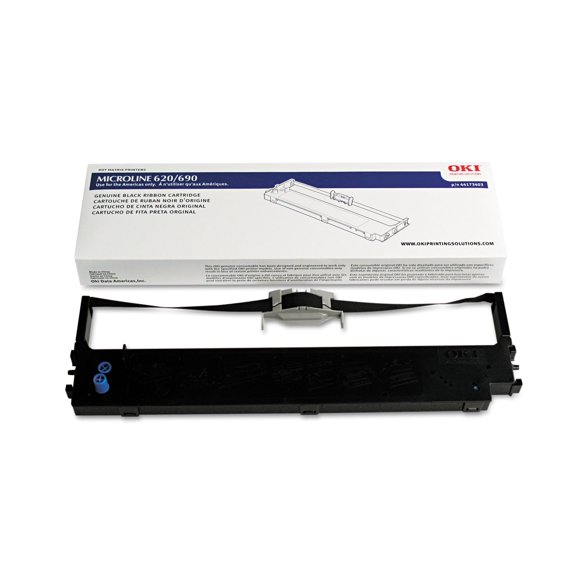 Oki, OKI44173403, 44173403 Printer Ribbon, 1 Each$34.79current price $34.79