

Vosker(10)
Uses item details. Price when purchased online
Vosker VKX Solar-Powered 4G-LTE Outdoor Cellular Security Camera, 1080p HD, No WiFi Needed, Motion-Activated, Night Vision, SIM Card Included, IP65 Weather-Resistant, On-Demand Mode $149.99
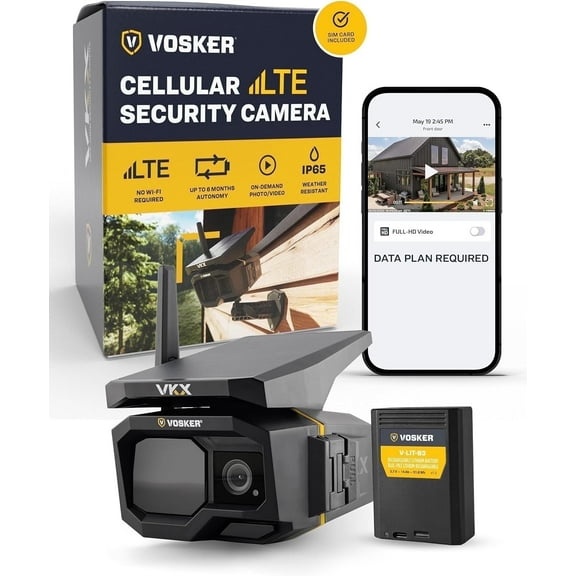
$14999
current price $149.99Vosker VKX Solar-Powered 4G-LTE Outdoor Cellular Security Camera, 1080p HD, No WiFi Needed, Motion-Activated, Night Vision, SIM Card Included, IP65 Weather-Resistant, On-Demand Mode
4.5 out of 5 stars
Vosker Extra Rechargeable Lithium Battery Pack for V150 Mobile Security Camera | Long Lasting Lithium Battery Fast Charge 10 000mAh Capacity | (Weather Resistant) $64.67

$6467
current price $64.67Vosker Extra Rechargeable Lithium Battery Pack for V150 Mobile Security Camera | Long Lasting Lithium Battery Fast Charge 10 000mAh Capacity | (Weather Resistant)
5 out of 5 stars
Vosker 2 Keys Cable Lock for Security Cameras | 6 Feet Long Flexible Braided Steel | Universal Locking Cable and Flexible Lock Cable (Protection Box Support) $17.99

$1799
current price $17.99Vosker 2 Keys Cable Lock for Security Cameras | 6 Feet Long Flexible Braided Steel | Universal Locking Cable and Flexible Lock Cable (Protection Box Support)
3 out of 5 stars
Vosker Mounting Box for Security Camera, Cable Lock, Mounting Arm, Padlock, Black $50.99
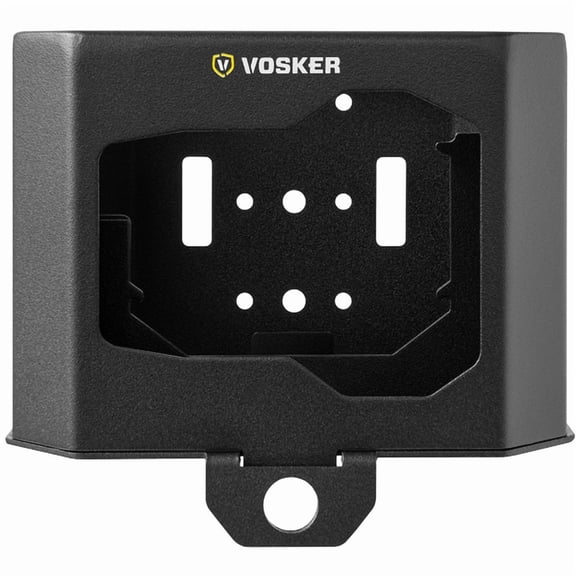
$5099
current price $50.99Vosker Mounting Box for Security Camera, Cable Lock, Mounting Arm, Padlock, Black
VOSKER Metal Security Box for VKX Outdoor Security Camera - Protective Heavy Duty Steel Case, Weather & Animal Resistant, Easy Accessible Panel $69.99

$6999
current price $69.99VOSKER Metal Security Box for VKX Outdoor Security Camera - Protective Heavy Duty Steel Case, Weather & Animal Resistant, Easy Accessible Panel
VOSKER Metal Security Box for V300 Ultimate Outdoor Security Camera - Protective Heavy Duty Steel Case, Weather & Animal Resistant, Easy Accessible Panel $69.99

$6999
current price $69.99VOSKER Metal Security Box for V300 Ultimate Outdoor Security Camera - Protective Heavy Duty Steel Case, Weather & Animal Resistant, Easy Accessible Panel
VOSKER 3005 V-LIT-BC Rechargeable Lithium Battery Pack Kit $72.95

$7295
current price $72.95VOSKER 3005 V-LIT-BC Rechargeable Lithium Battery Pack Kit
VOSKER V300-US Live View Solar Powered 4G-LTE Cellular Outdoor Security Camera $404.44

$40444
current price $404.44VOSKER V300-US Live View Solar Powered 4G-LTE Cellular Outdoor Security Camera
3.2 out of 5 stars
360-degree Swivel and Tilt Mounting Arm $23.53
$2353
current price $23.53360-degree Swivel and Tilt Mounting Arm
Top rated for battery life, Vosker V300 4G-LTE Live View Security Autonomous Security Camera with External Solar Panel
Top rated for battery life

Vosker V300 4G-LTE Live View Security Autonomous Security Camera with External Solar Panel
4.5 out of 5 stars
FAQ
How does a cellular security camera work without WiFi?
Cellular security cameras use a built-in SIM card and connect to 4G-LTE networks, so they don't need WiFi to send images or alerts. This makes them a great choice for remote areas or places where WiFi isn't available.
- Data Transmission: The camera sends photos and notifications over the cellular network.
- Setup: Just insert the included SIM card and follow the manufacturer's instructions to activate the service.
- Power: Many models use solar panels or rechargeable batteries for power, adding flexibility for outdoor use.
Can I use these cameras in bad weather?
Yes, many outdoor security cameras are designed to handle tough weather conditions.
- Weather Resistance: Look for cameras with an IP65 rating or higher, which means they're protected against dust and water jets.
- Durability: Heavy-duty cases and weather-resistant materials help protect the camera from rain, snow, and wind.
- Maintenance: It's a good idea to check the camera and clean the lens regularly to keep your footage clear, especially after storms.
How do I keep my security camera safe from theft?
Protecting your security camera from theft is important for ongoing security.
- Mounting: Use a sturdy mounting box or metal security case to make removal difficult.
- Locks: Secure the camera with a cable lock or padlock for extra protection.
- Placement: Install the camera out of easy reach, such as high on a wall or under an eave.
What should I do if my camera battery runs low?
If your camera's battery is running low, there are a few ways to keep it powered:
- Recharge: Remove the battery and charge it using the recommended charger.
- Solar Power: Some cameras come with solar panels that help keep the battery charged automatically.
- Extra Batteries: Having a spare rechargeable battery pack on hand can minimize downtime.
How do I set up motion alerts on my camera?
Setting up motion alerts helps you stay informed about activity around your property.
- App Setup: Download the camera's companion app and follow the instructions to connect your device.
- Motion Zones: Adjust the motion detection area in the app to focus on key spots.
- Notifications: Enable push notifications or email alerts so you get updates when motion is detected.
Popular in Shop Brand Outdoor Wireless Security Cameras
Related Products
Amcrest 2-Pack ProHD 1080p Wi-Fi/Wireless IP Security Camera IP2M-841 (Black)
 Amcrest 2-Pack ProHD 1080p Wi-Fi/Wireless IP Security Camera IP2M-841 (Black)$104.99current price $104.99
OHWOAI 5MP Wireless Security Camera System, 4-Camera Home Surveillance, 1TB HDD, Without Subscription
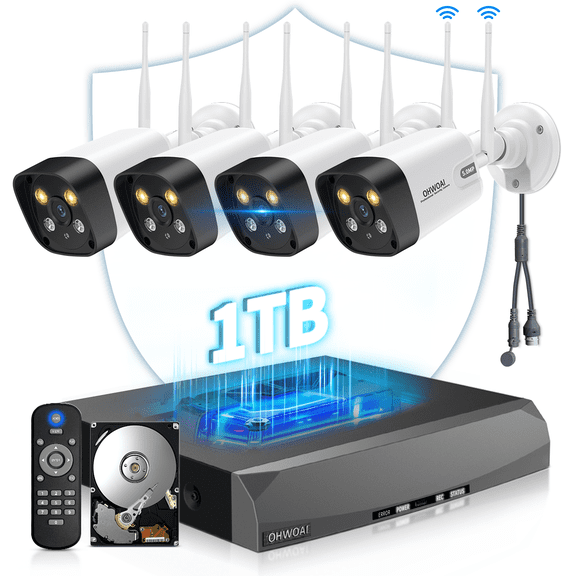 OHWOAI 5MP Wireless Security Camera System, 4-Camera Home Surveillance, 1TB HDD, Without Subscription$229.99current price $229.99
Amcrest 5-Megapixel Fisheye Camera, UltraHD Security PoE Camera Indoor, 1.4mm Lens, 33ft Nightvision, 360° Panoramic Camera Coverage, Cloud and MicroSD Recording, IP5M-F1180EW (White)
 Amcrest 5-Megapixel Fisheye Camera, UltraHD Security PoE Camera Indoor, 1.4mm Lens, 33ft Nightvision, 360° Panoramic Camera Coverage, Cloud and MicroSD Recording, IP5M-F1180EW (White)$199.99current price $199.99
Reolink FE-P White Fisheye PoE Camera with 360° View 6MP Indoor Camera for Home/Office Security
 Reolink FE-P White Fisheye PoE Camera with 360° View 6MP Indoor Camera for Home/Office Security$169.99current price $169.99
Reolink RLC-510A 5MP PoE Outdoor Security Camera, Night Vision, 10x Zoom, Smart Detection, IP67
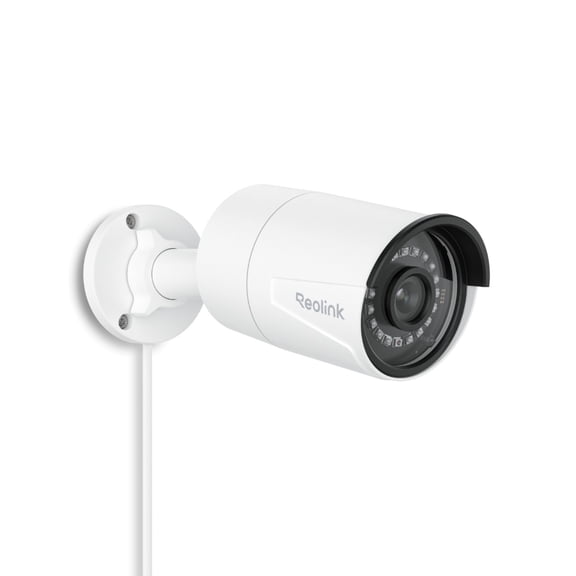 Reolink RLC-510A 5MP PoE Outdoor Security Camera, Night Vision, 10x Zoom, Smart Detection, IP67$62.99current price $62.99
VideoSecu VideoSecu Weatherproof Outdoor Infrared Night Vision Security Camera 1/3 inch CCD 480TVL Wide Angle View with Power Supply and Cable bqc
 VideoSecu VideoSecu Weatherproof Outdoor Infrared Night Vision Security Camera 1/3 inch CCD 480TVL Wide Angle View with Power Supply and Cable bqc$75.56current price $75.56
LTS CMIP3142W-28SDA-WIFI 4MP Mini Network IP Dome Camera with Built in Microphone, WIFI, Audio/Alarm & MD 2.0 - Human and Vehicle Detection
LTS CMIP3142W-28SDA-WIFI 4MP Mini Network IP Dome Camera with Built in Microphone, WIFI, Audio/Alarm & MD 2.0 - Human and Vehicle Detection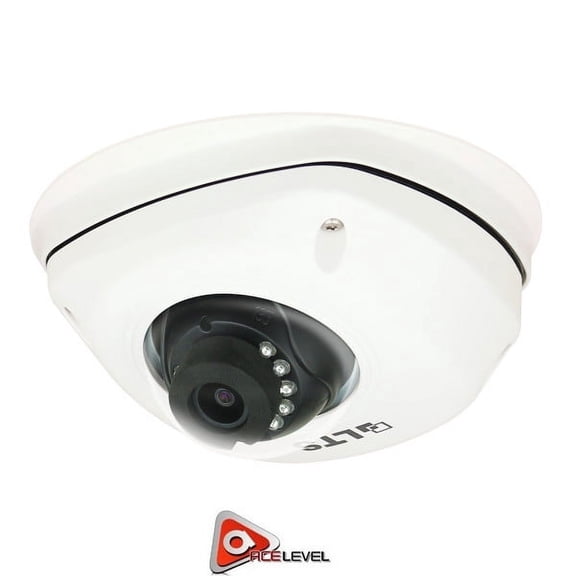
VideoSecu Infrared Day Night Vision Outdoor Vandal-proof Security Camera Wide Angle 1/3 inch CCD with Power Supply C9V
 VideoSecu Infrared Day Night Vision Outdoor Vandal-proof Security Camera Wide Angle 1/3 inch CCD with Power Supply C9V$54.58current price $54.58
AXIS Communications 0517001M M3005-V Ultra Compact Indoor Mini Network Camera
 AXIS Communications 0517001M M3005-V Ultra Compact Indoor Mini Network Camera$249.00current price $249.00
Kguard QRT-502 1 Megapixel Network Camera, 1 Pack
 Kguard QRT-502 1 Megapixel Network Camera, 1 Pack$29.95current price $29.95
Swann SW-VIEWCAM 720p Plug & Play Wi-Fi Smart Security Camera w/iOS, Android App Support
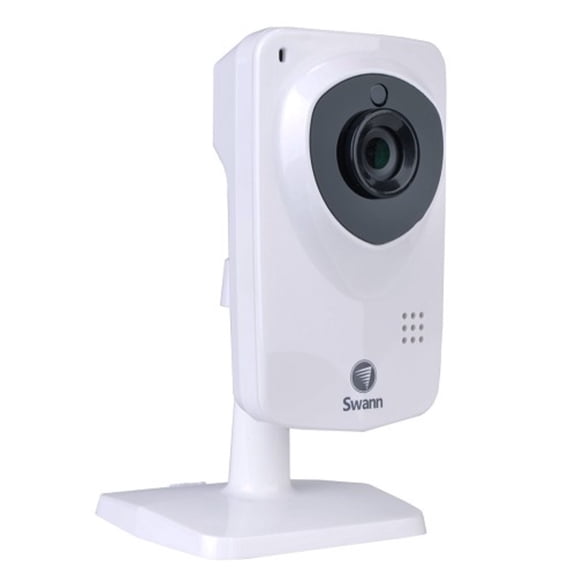 Swann SW-VIEWCAM 720p Plug & Play Wi-Fi Smart Security Camera w/iOS, Android App Support$34.00current price $34.00
Speco VIP2PTZ12X 2 Megapixel Network Camera
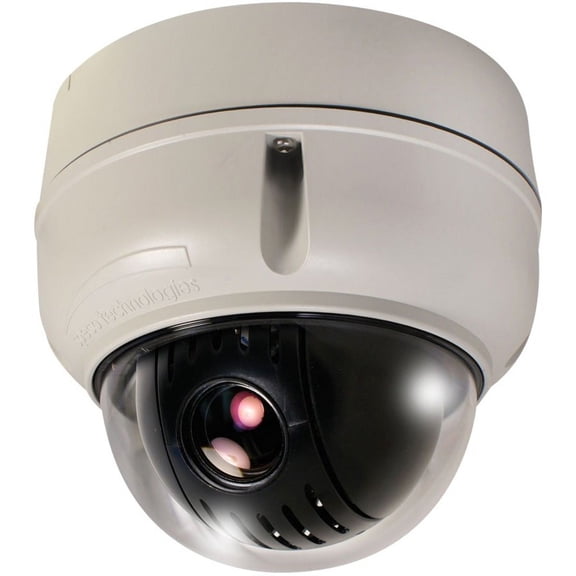 Speco VIP2PTZ12X 2 Megapixel Network Camera$33.10current price $33.10
Axis M3007-P Surveillance Mini Dome Network Camera 0543-001
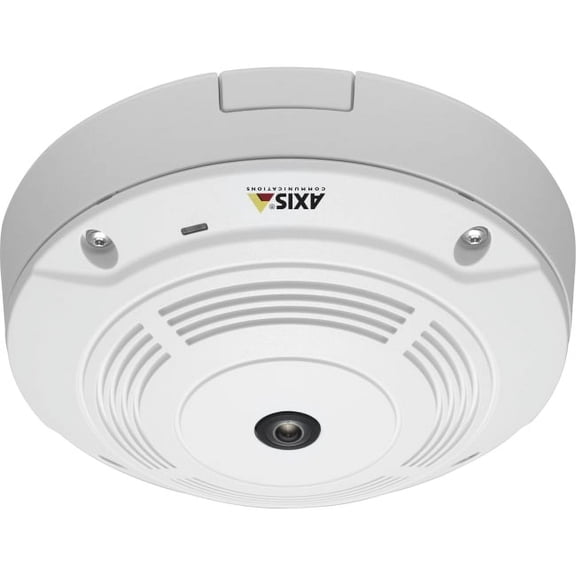 Axis M3007-P Surveillance Mini Dome Network Camera 0543-001$199.00current price $199.00
