Visual Steps(7)
Pre-Owned Studio Visual Steps: Windows Vista for Seniors : For Senior Citizens Who Want to Start Using Computers (Paperback) $8.62

Pre-Owned Studio Visual Steps: Windows Vista for Seniors : For Senior Citizens Who Want to Start Using Computers (Paperback)
Computer Books for Seniors: Windows 10 for Seniors: Get Started with Windows 10 (Paperback) $22.45 Was $27.35

Computer Books for Seniors: Windows 10 for Seniors: Get Started with Windows 10 (Paperback)
Windows 7 for Seniors: For Everyone Who Wants to Learn to Use the Computer at a Later Age (Paperback) by Studio Visual Steps $15.49
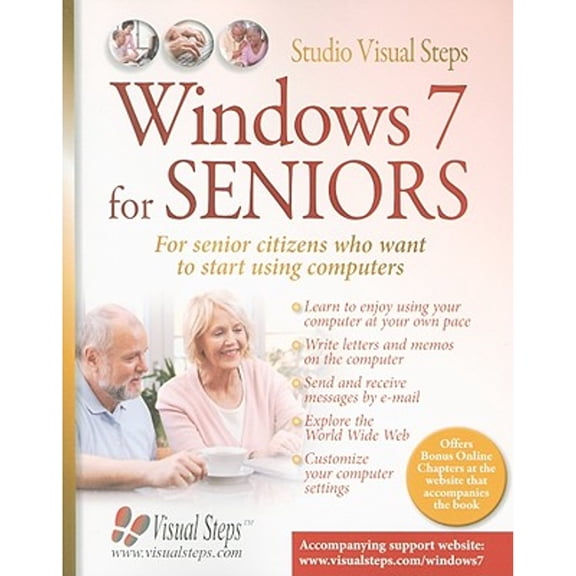
Windows 7 for Seniors: For Everyone Who Wants to Learn to Use the Computer at a Later Age (Paperback) by Studio Visual Steps
Pre-Owned Computer Books for Seniors series: Mac OS X Mavericks for Seniors : Learn Step by Step How to Work with Mac OS X Mavericks (Paperback) $16.08 Was $27.99
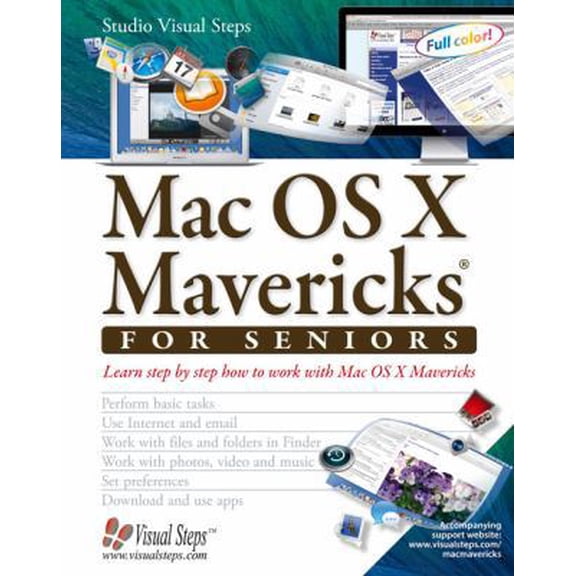
Pre-Owned Computer Books for Seniors series: Mac OS X Mavericks for Seniors : Learn Step by Step How to Work with Mac OS X Mavericks (Paperback)
Pre-Owned Computer Books for Seniors series: iPad with iOS 11 and Higher for Seniors : Learn to work with the iPad (Paperback) $7.60 4.2 ¢/lb
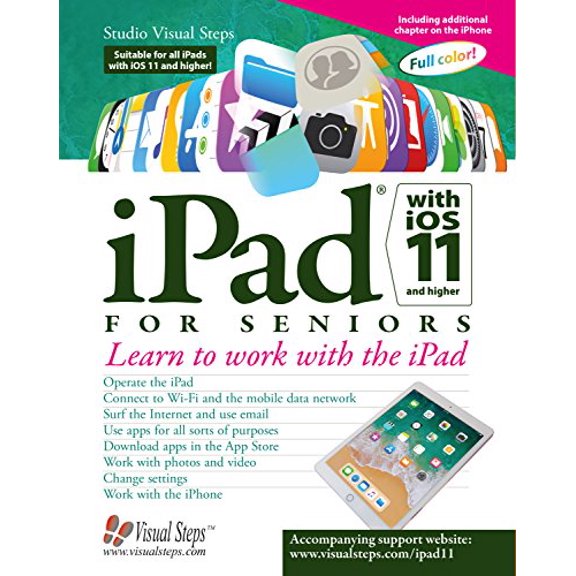
Pre-Owned Computer Books for Seniors series: iPad with iOS 11 and Higher for Seniors : Learn to work with the iPad (Paperback)
Pre-Owned Computer Books for Seniors: Macos High Sierra for Seniors: Learn Step by Step How to Work with Macos High Sierra (Paperback) $6.99
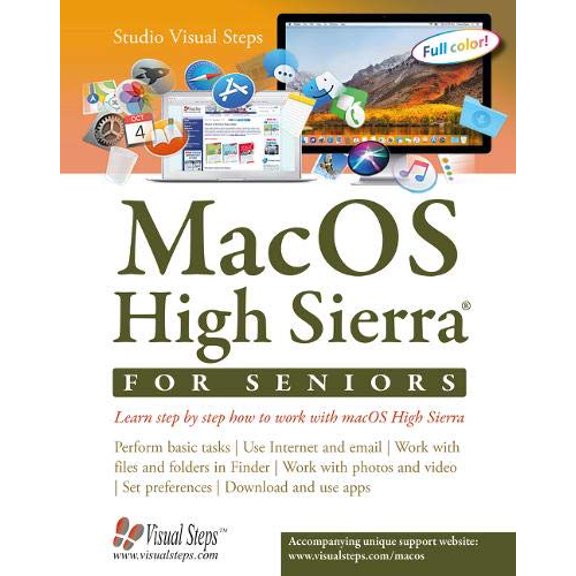
Pre-Owned Computer Books for Seniors: Macos High Sierra for Seniors: Learn Step by Step How to Work with Macos High Sierra (Paperback)
Pre-Owned Computer Books for Seniors series: iPad with iOS 8 and higher for Seniors : Learn to Work with the iPad (Paperback) $7.27 7.3 ¢/lb

Pre-Owned Computer Books for Seniors series: iPad with iOS 8 and higher for Seniors : Learn to Work with the iPad (Paperback)
FAQ
Are these computer books easy to follow?
These computer books are written with seniors in mind, using clear language and step-by-step instructions. Many include helpful visuals and practical examples to make learning easier. If you're new to computers, you'll likely find the pace comfortable and the guidance approachable.
- Simple explanations for common tasks
- Visual aids to support learning
- Designed for beginners
These features can help make technology less overwhelming and more accessible.
Can I use these books if I've never used a computer?
Absolutely, these books are intended for those starting out with computers and tablets. The instructions begin with basic steps and progress gradually, so you don't need prior experience. Each guide covers essentials like turning on your device, navigating menus, and basic troubleshooting.
- Beginner-friendly introductions
- Step-by-step walkthroughs
- Support for common operating systems
Starting from scratch is encouraged, and you'll find plenty of support along the way.
What topics do these books cover?
These books address a variety of topics relevant to seniors using computers, tablets, and different operating systems. Subjects often include device setup, using email, browsing the web, managing files, and customizing settings.
- Device setup and safety basics
- Email and internet browsing
- Working with photos and documents
Each book covers features unique to its operating system, making it easier to follow along with your own device.
How can these books help me stay safe online?
Online safety is a focus in many of these guides. They often explain how to set up secure passwords, recognize suspicious emails, and protect your information while browsing. Tips are provided in easy-to-understand sections so you can practice safe habits.
- Password creation advice
- Identifying phishing attempts
- Basic privacy settings
Following these recommendations can help you feel more confident using your devices.
Do these books include troubleshooting tips?
You'll find troubleshooting sections in most of these books, helping you address common issues like slow performance, connecting to WiFi, or dealing with error messages. Instructions are broken down step-by-step and are written for beginners.
- Easy-to-follow solutions for common problems
- Visual guides for fixing issues
- Suggestions for when to seek extra help
If you run into trouble, these books can be a handy resource to consult.
Popular in Pre-Owned Computer Books for Seniors Online
Related Products
Tracing Emfs in Building Wiring and Grounding (Paperback)
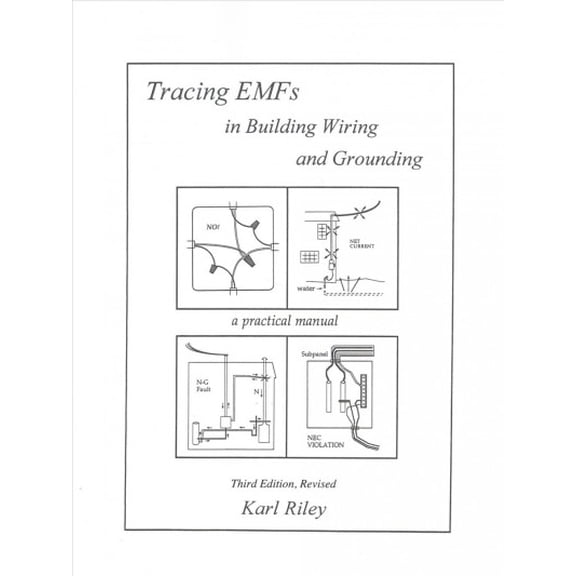 Tracing Emfs in Building Wiring and Grounding (Paperback)$27.04current price $27.04
Creative Research Methods in Practice Sandboxing in Practice: Qualitative Interviewing with Sand, Objects, and Figures, (Hardcover)
 Creative Research Methods in Practice Sandboxing in Practice: Qualitative Interviewing with Sand, Objects, and Figures, (Hardcover)$78.72current price $78.72
Certification Study Companion Snowpro Specialty: Generative AI Study Companion: A Complete Guide to Preparing for the Ges-C02 Snowflake Generative AI , (Paperback)
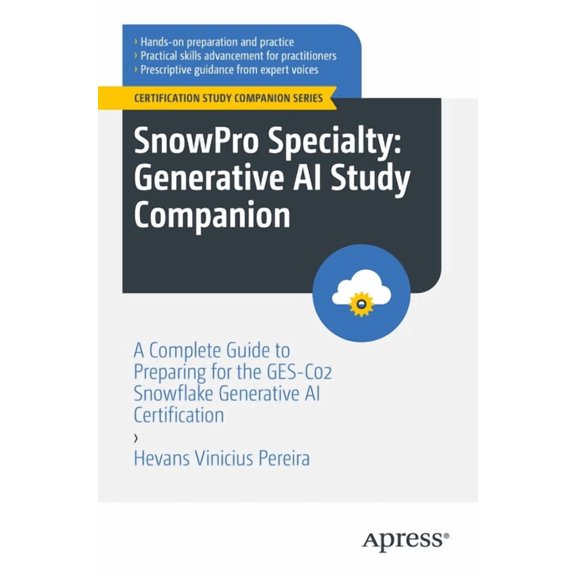 Certification Study Companion Snowpro Specialty: Generative AI Study Companion: A Complete Guide to Preparing for the Ges-C02 Snowflake Generative AI , (Paperback)$54.99current price $54.99
Noise assessment in quarries, (Paperback)
 Noise assessment in quarries, (Paperback)$51.00current price $51.00
Trace Metals and Other Contaminants in t Lead and Public Health: Science, Risk and Regulation Volume 10, Book 10, (Hardcover)
 Trace Metals and Other Contaminants in t Lead and Public Health: Science, Risk and Regulation Volume 10, Book 10, (Hardcover)$244.04current price $244.04
Advanced Structured Materials Recent Approaches in the Theory of Plates and Plate-Like Structures, Book 151, (Paperback)
 Advanced Structured Materials Recent Approaches in the Theory of Plates and Plate-Like Structures, Book 151, (Paperback)$210.53current price $210.53
Geometric Modeling and Reasoning of Human-Centered Freeform Products, (Paperback)
 Geometric Modeling and Reasoning of Human-Centered Freeform Products, (Paperback)$89.88current price $89.88