

Third Reality(2)
THIRDREALITY Zigbee Water Leak Sensor Upgraded with Dripping Detection,120 dB Alarm,App/Email Notifications Enabled When Work with Compatible Zigbee HUB Like SmartThings or Third Reality Hub/Speaker $20.99

THIRDREALITY Zigbee Water Leak Sensor Upgraded with Dripping Detection,120 dB Alarm,App/Email Notifications Enabled When Work with Compatible Zigbee HUB Like SmartThings or Third Reality Hub/Speaker
Third Reality Zigbee Door and Window Contact Sensor with Build-in Zigbee Hub $39.39

Third Reality Zigbee Door and Window Contact Sensor with Build-in Zigbee Hub
FAQ
How do water leak sensors alert you during a leak?
Water leak sensors often use a combination of audible alarms and smart notifications to keep you informed. When moisture or dripping is detected, the device can sound a loud alarm—sometimes up to 120 dB—and, if you’ve paired it with a compatible hub, send alerts through apps or email. This setup helps you react quickly to potential water issues, even if you’re away from home. Make sure your sensor is connected to a Zigbee hub and the notification settings are enabled so you receive updates in real time.
Can motion sensors work if I have pets at home?
- Yes, some motion sensors are designed to be pet friendly.
- The sensor detects movement but is often calibrated to ignore smaller pets to avoid false alarms.
- For best performance, follow the manufacturer’s placement guidelines, keeping sensors away from areas where pets frequently pass close by.
- Your home assistant or hub can help fine-tune sensitivity for your environment. Results may vary based on pet size and sensor settings.
How do you set up a Zigbee contact sensor?
- Make sure you have a compatible Zigbee hub ready and powered on.
- Follow the package instructions to pair the sensor with the hub—usually by pressing a pairing button.
- Install the sensor components on your door or window, ensuring both parts align and are placed according to guidance.
- Check your app for confirmation that the sensor is connected. Placement and wireless range can impact performance, so test the setup before relying on it.
What’s the best way to maintain smart sensors?
Regular maintenance helps smart sensors last and perform well. Clean sensor surfaces gently with a dry cloth to avoid dust buildup. Replace batteries when you notice reduced alerting or as suggested in guidelines. Periodically inspect mounting areas to ensure sensors haven't shifted or disconnected. Using your smart hub’s app, verify that sensors are communicating properly. Each of these actions can help keep your smart home devices running smoothly.
Will these sensors work with my existing smart home system?
- Check if your smart home setup includes a Zigbee-compatible hub, as these sensors require Zigbee for connectivity.
- Popular hubs like SmartThings or certain Echo devices generally support Zigbee integration, but compatibility may depend on the exact model and software version.
- If your system isn’t Zigbee-enabled, you might need an additional hub.
- Consult your hub’s user manual for pairing instructions to ensure seamless integration.
Popular in Explore Zigbee Sensors from Third Reality Brand
Related Products
Geeni Smart WiFi Water Leak Detector & Sensor, 80dB Alarm for Basement, Kitchen, Bathroom, White
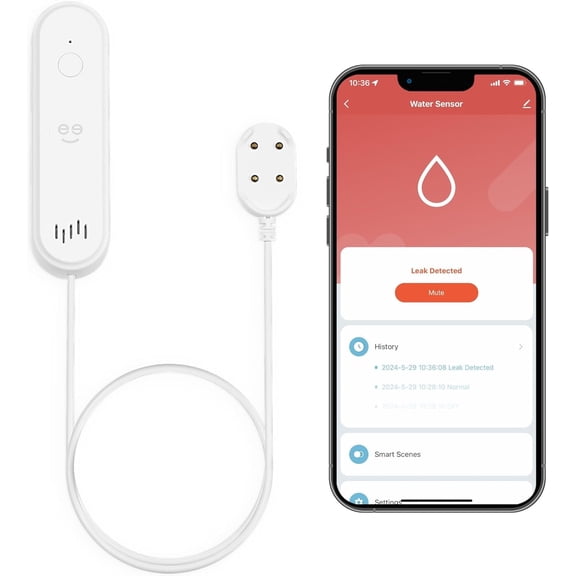 Geeni Smart WiFi Water Leak Detector & Sensor, 80dB Alarm for Basement, Kitchen, Bathroom, White$19.99current price $19.99
Honeywell 5853 Wireless Glass Break Detector Alarm
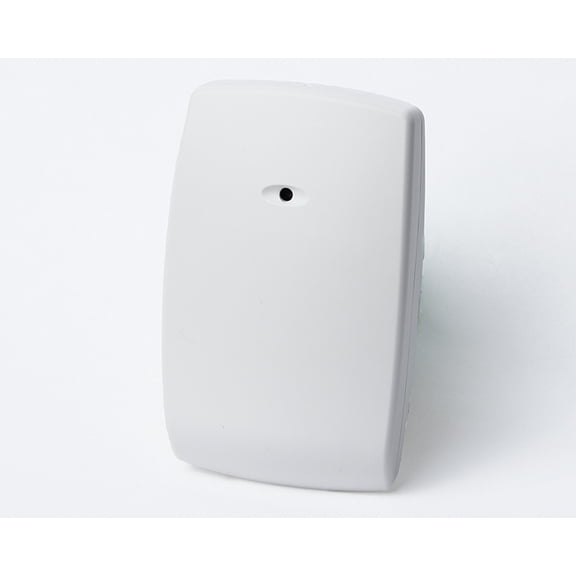 Honeywell 5853 Wireless Glass Break Detector Alarm$103.88current price $103.88
Risinglink Wi-Fi Power Outage Alarm Detector with SMS, Email and Audible Alerts
 Risinglink Wi-Fi Power Outage Alarm Detector with SMS, Email and Audible Alerts$59.99current price $59.99
EVA LOGIK Modern Ultra-Thin Window Alarm with Loud 120dB Alarm and Vibration Sensors Compatible with Virtually Any Window, Glass Break Alarm Perfect for Home, Office, Dorm Room- 4 Pack
EVA LOGIK Modern Ultra-Thin Window Alarm with Loud 120dB Alarm and Vibration Sensors Compatible with Virtually Any Window, Glass Break Alarm Perfect for Home, Office, Dorm Room- 4 Pack
Inkird Home Radon Detector, Portable Radon Meter, Short-Term and Long-Term Accurate Monitoring 2-Year Battery,White
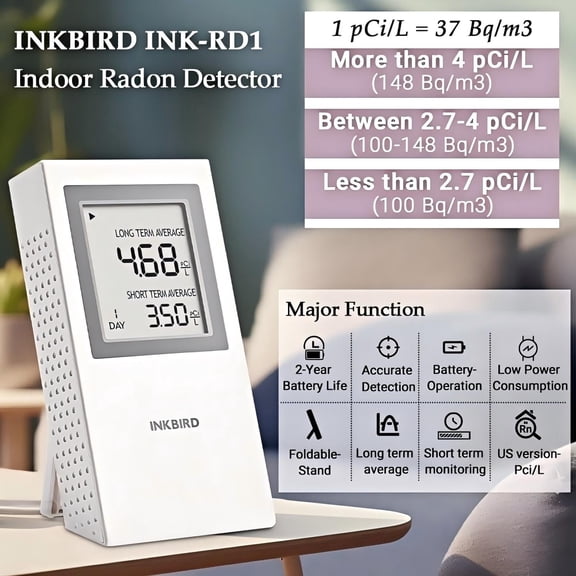 Inkird Home Radon Detector, Portable Radon Meter, Short-Term and Long-Term Accurate Monitoring 2-Year Battery,White$73.57current price $73.57
Zircon Leak Alert Electronic Water Detector, Flood Sensor, Battery Powered Alarm, 90 dB
 Zircon Leak Alert Electronic Water Detector, Flood Sensor, Battery Powered Alarm, 90 dB$14.99current price $14.99
Pristin Door and window alarm,1 Receiver 2 38 Chimes 200m/ Chimes 200m/ 656ft 200m/ 656ft Indoor 656ft Indoor Use Alarm Waterproof Driveway Alarm Alarm Wireless Maiju
 Pristin Door and window alarm,1 Receiver 2 38 Chimes 200m/ Chimes 200m/ 656ft 200m/ 656ft Indoor 656ft Indoor Use Alarm Waterproof Driveway Alarm Alarm Wireless Maiju$23.84current price $23.84
Honeywell Ademco 944TSP-WH 3/4" Recessed Contact with Terminals and 3/8" Magnet (White)
 Honeywell Ademco 944TSP-WH 3/4" Recessed Contact with Terminals and 3/8" Magnet (White)$14.99current price $14.99
System Sensor Horn Strobe,Horn Strobe,White
 System Sensor Horn Strobe,Horn Strobe,White$76.54current price $76.54
Honeywell WAVE2 Siren, Dual Tone, Wall Mount, Warning Alarm
 Honeywell WAVE2 Siren, Dual Tone, Wall Mount, Warning Alarm$13.99current price $13.99
Basement Watchdog 4014251 3.25 x 2.3 x 1 in. Water Alarm for BW-WA360
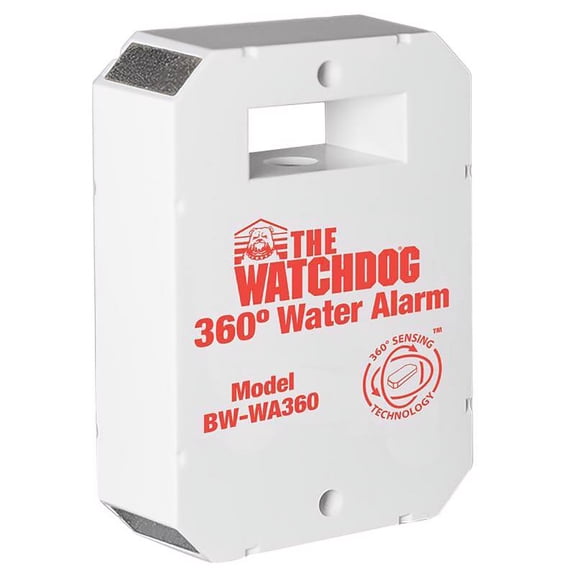 Basement Watchdog 4014251 3.25 x 2.3 x 1 in. Water Alarm for BW-WA360$33.65current price $33.65

