

SanDisk Hard Drives in Computer Accessories


















About SanDisk Hard Drives in Computer Accessories - Walmart.com
Your SanDisk external hard drive choice should match your speed needs, storage size, and device ports. You can compare portable SSD and desktop-style storage options for backup, gaming, travel, and photography workflows.
How to choose a SanDisk external hard drive
Start with drive type, because your choice affects transfer speed, carrying comfort, and daily workflow. You can compare SSD and HDD options by how often you move files and where you use storage.
Next, check connection type before you choose a SanDisk hard drive for your laptop, desktop, or console. Your devices may use USB-C, while your older setup may still rely on USB-A or USB 3.0.
Capacity matters just as much as connection when your folders include photos, videos, games, or backups. You might use 1TB for everyday files, while 2TB or 4TB gives your library more room.
Choosing between a SanDisk SSD external hard drive and HDD
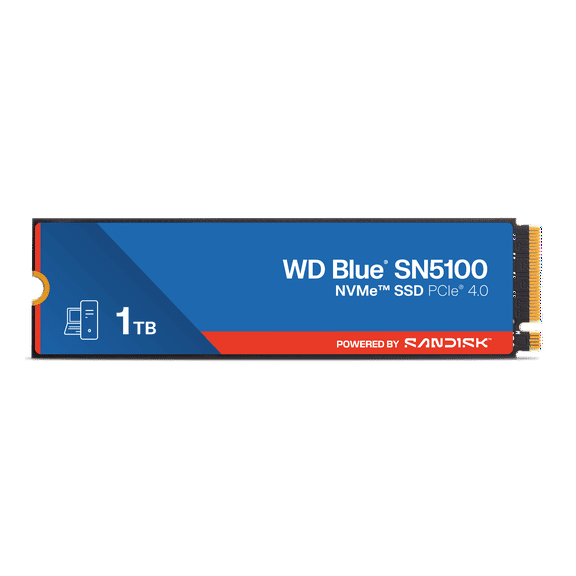
When you compare SSD and HDD options, you’re choosing speed, portability, and storage style. Your routine may point to SSD if you transfer large files often or carry storage between locations.
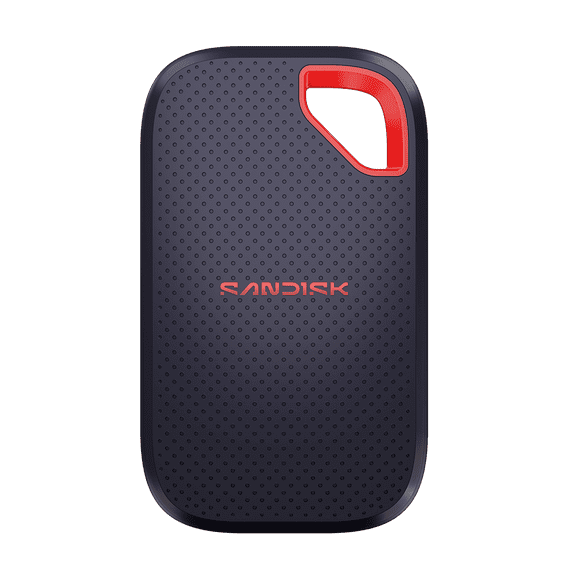
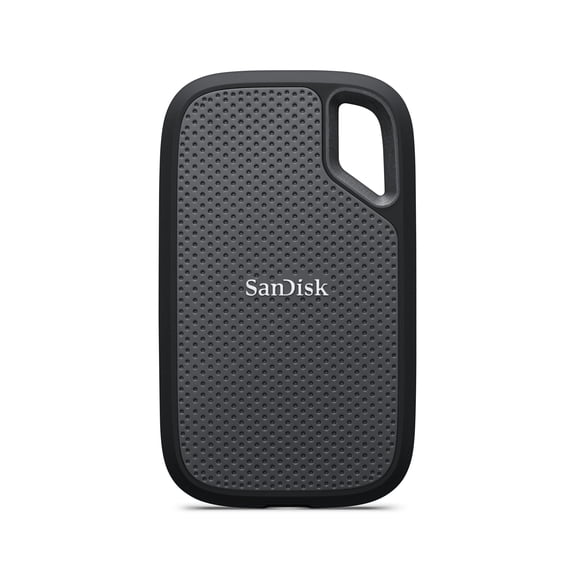
A SanDisk SSD external hard drive can offer read and write speeds up to 2000MB/s on supported systems. You can experience shorter transfer waits when you move large photo sets, videos, or game files.
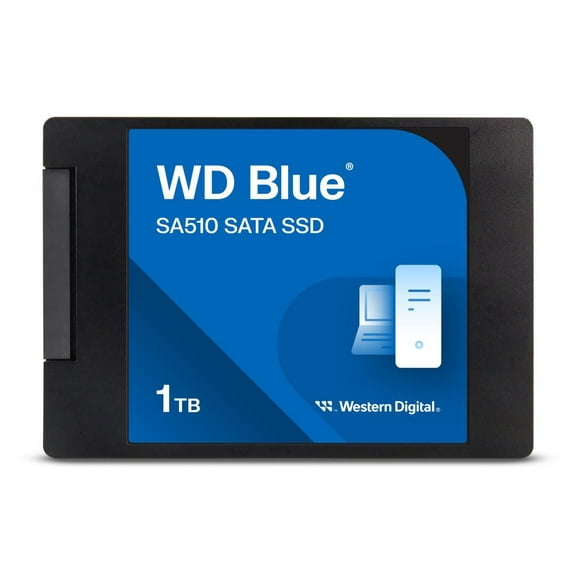
An HDD option may suit your setup when your drive stays in one place for larger archives. Your media library may fit that format when you store older backups and transfer files less often.
- Your SSD choice can support efficient file movement during everyday use.
- Your desktop-style storage can help organize larger archives in one place.
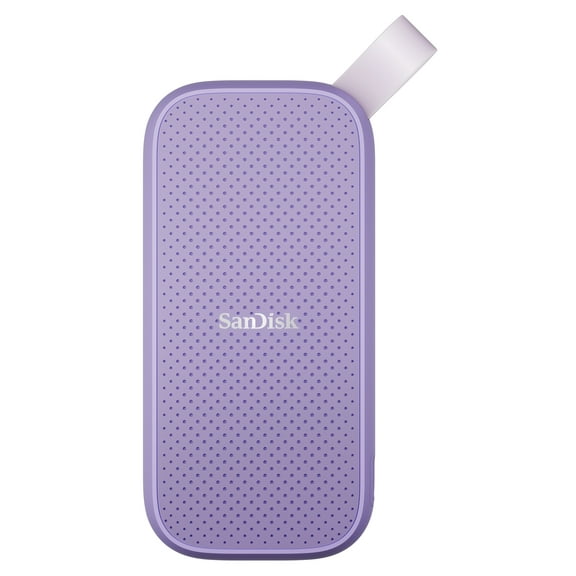
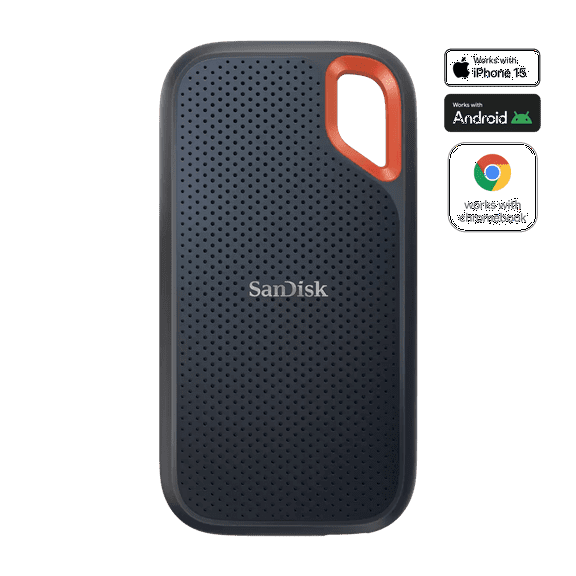
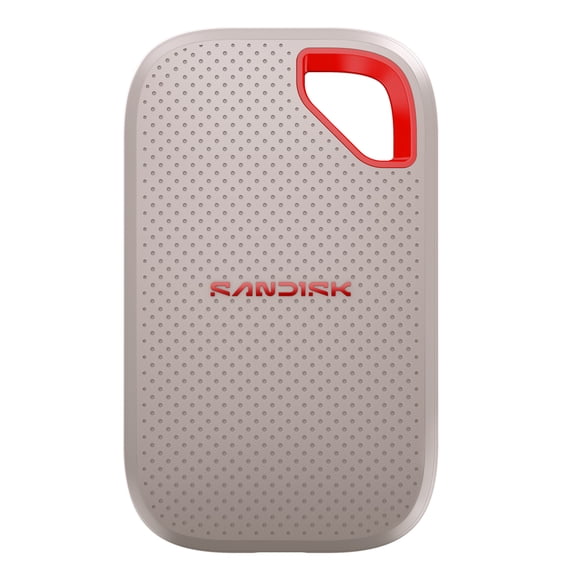
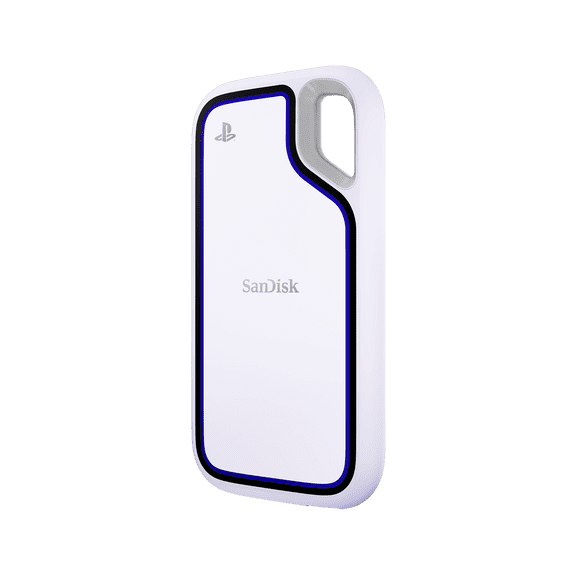
- Your portable drive can fit easily in backpacks, laptop sleeves, or camera bags.
- Your connection choice should match USB-C, USB-A, or USB 3.0 ports on current devices.
Choosing the right SanDisk portable hard drive
Portability affects size, weight, and how easily your storage fits into a busy routine. Your schedule may favor a SanDisk portable hard drive if you switch workspaces or travel with important files.
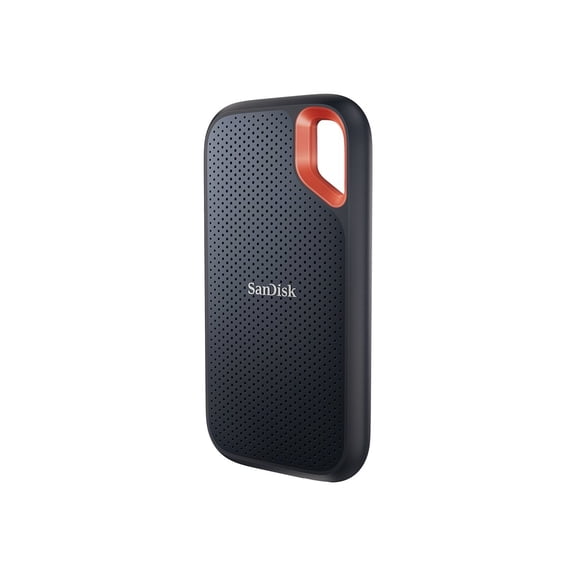
Rugged design can matter when your drive rides in a backpack, camera bag, or carry-on. You may look for drop protection and IP55 water and dust resistance for active routines.
A backup solid state drive can fit quick file copies before a trip, meeting, or shoot. Your compact storage can sit beside your laptop, tablet, or handheld gear without extra bulk.
Comparing USB-C, USB-A, and USB 3.0 connections
Connection type shapes how smoothly your storage fits into your setup. You should check your device ports first, because that step helps you avoid cable mismatches and adapter hassles.
A SanDisk usb hard drive with USB-C can fit many newer laptops, tablets, and supported devices. Your daily routine may favor that port when you want current connectivity and simple plug orientation.
USB-A and USB 3.0 still matter when your computer uses classic rectangular ports or older accessories. Your setup stays simpler when your drive connection matches devices you already own.
Formatting is another key decision when your devices include both macOS and Windows systems. You should confirm compatibility details, because your setup may need a quick reformat before use.
Matching capacity to backup, gaming, travel, and photography
Storage size should match the kind of files you keep and how quickly your library grows. Your 1TB drive may hold documents, many photos, and routine backups without adding oversized storage.
If your folders include 4K video, RAW images, or game installs, 2TB gives your workspace more room. Your archive may fit 4TB when it stays connected at one station and expands often.
For gaming, you’ll want quick transfers and enough room for large installs, updates, and captured clips. Your external hard drive SanDisk option can support file movement between compatible systems.
For professional photography, you may need fast imports after each shoot and organized duplicate folders. Your workflow can benefit from high SSD speeds when you sort high-resolution files and back up edited work.
Using a SanDisk external drive in everyday workflows
Your SanDisk external drive can support home backup, office files, media libraries, and creative projects. You can get excellent performance when you compare speed, durability, and capacity together.
Whether your setup needs a hard drive SanDisk option for a desk or compact storage for travel, your choice should fit your routine. Your storage can feel easier to use when it matches your devices and file habits.