

Rshtech(4)
RSHTECH USB 3.0 Switch Hub, 2 Computers Sharing 4 USB-A Devices with 3.5mm Audio Output, RSH-A201 $22.79
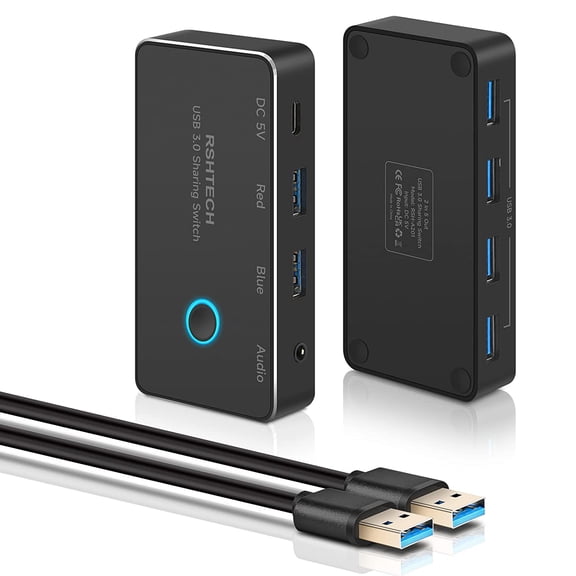
RSHTECH USB 3.0 Switch Hub, 2 Computers Sharing 4 USB-A Devices with 3.5mm Audio Output, RSH-A201
RSHTECH USB C to HDMI 2.0 Cable, 6ft, 4K 60Hz Type C to HDMI Adapter, Thunderbolt 3 Compatible, 1.8m From $16.99
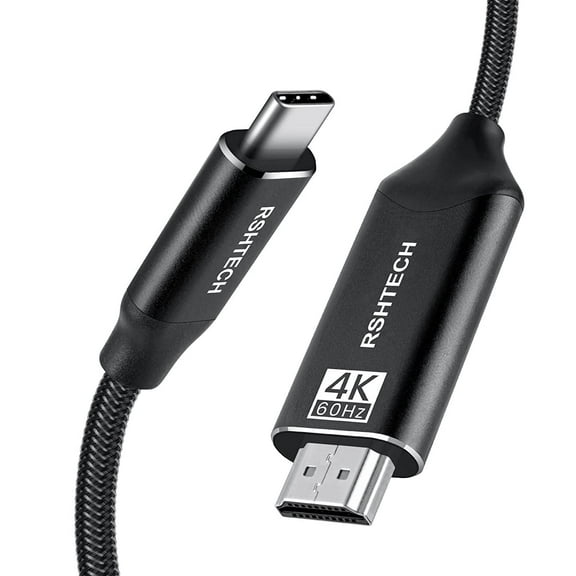
RSHTECH USB C to HDMI 2.0 Cable, 6ft, 4K 60Hz Type C to HDMI Adapter, Thunderbolt 3 Compatible, 1.8m
RSHTECH 4-Port USB 3.0 Data Hub Aluminum USB Port Splitter Expansion for PC and Laptop, Black $13.99
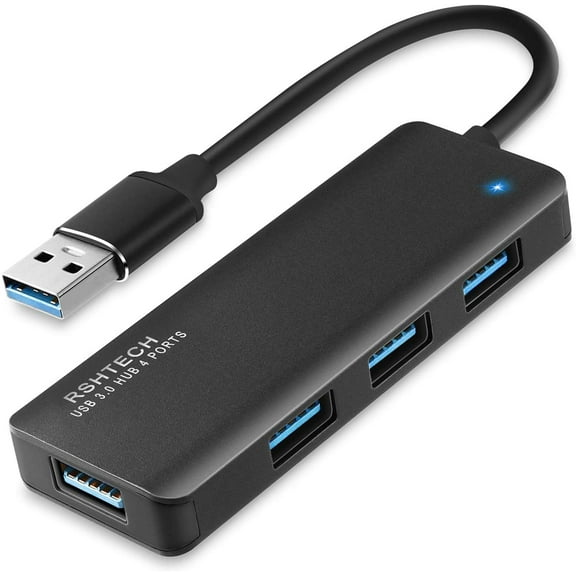
RSHTECH 4-Port USB 3.0 Data Hub Aluminum USB Port Splitter Expansion for PC and Laptop, Black
RSHTECH 4-Port USB 3.0 Hub, Lightweight Aluminum USB Splitter for PC and Laptops, Silver $13.99
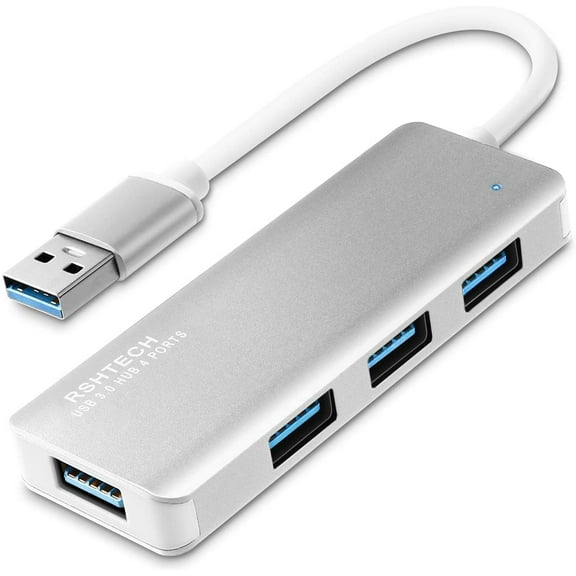
RSHTECH 4-Port USB 3.0 Hub, Lightweight Aluminum USB Splitter for PC and Laptops, Silver
FAQ
what can you plug into a usb hub?
USB hubs are super handy for expanding a single port on your computer or laptop. You can plug in mice, keyboards, flash drives, external hard drives, printers, and even small desk fans or LED lights. Many people also use hubs for charging gadgets or connecting cameras. Just keep in mind that certain power-hungry devices may require their own separate power source, but for most daily tech accessories, a USB hub does the trick for extra convenience.
will a usb switch hub work with two computers?
Yes, a USB switch hub is designed so two computers can share the same set of USB devices, like keyboards, mice, or external drives. With the press of a button, you can switch control from one computer to the other. This setup is great if you work on both a desktop and a laptop. Just make sure to check your models for compatibility and follow the included instructions to connect everything securely for smooth operation.
how do i set up a type c to hdmi cable?
- Connect the USB Type-C end of the cable to your laptop or compatible device.
- Plug the HDMI end into your monitor, TV, or projector.
- Select the right input source on your external display.
- Your device should automatically detect the connection. If not, check your display settings to duplicate or extend your screen.
This lets you enjoy a bigger workspace or watch videos on a larger screen with minimal hassle.
what makes an aluminum usb hub different?
An aluminum USB hub isn’t just about its look—it offers practical benefits too. The metal body helps disperse heat, which can improve durability during heavy use. Aluminum hubs also tend to be more robust and resistant to everyday wear and tear. Besides being lightweight, they often feature a slimmer, modern profile that fits nicely on your desk or for travel, making them a popular choice for those seeking both style and function.
can i use a usb hub for charging devices?
Many USB hubs allow you to charge small devices, like phones or earbuds, especially if the hub has its own external power supply. However, not all hubs deliver enough current for fast charging or powering larger gadgets. For safe and efficient charging, look for hubs described as "powered" or "charging-enabled"—and always double-check your device’s requirements and the hub’s specifications. Charging performance can vary based on the connected device and the hub’s design.
Popular in Shop Brand USB C and USB A Devices Online
Related Products
7-Port USB 3.0 Hub with Individual On/Off Switches, 5Gbps High Speed USB Splitter with 3.3ft Long Cable, USB Port Expander for Laptop Desktop PC, Black
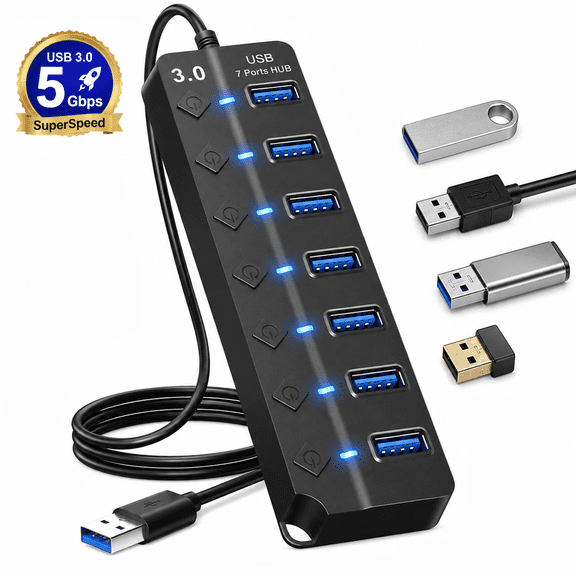 7-Port USB 3.0 Hub with Individual On/Off Switches, 5Gbps High Speed USB Splitter with 3.3ft Long Cable, USB Port Expander for Laptop Desktop PC, Black$8.98current price $8.98
Plugable 2-in-1 USB Splitter with Dual USB 2.0 Ports, Compatible with Windows, Linux, macOS, Chrome OS, USB Multiport Hub for Laptops
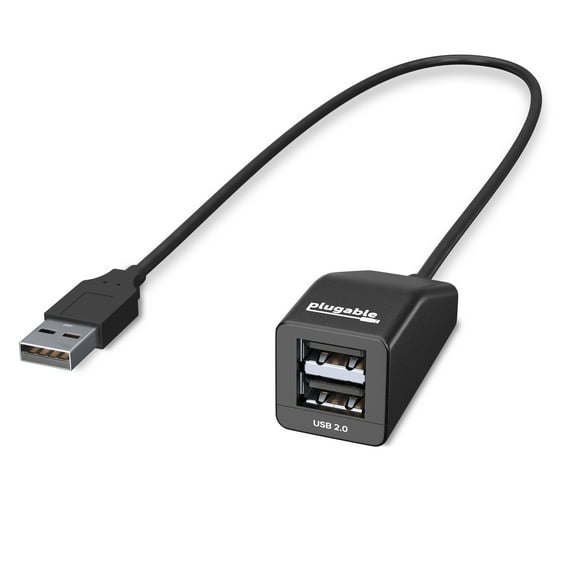 Plugable 2-in-1 USB Splitter with Dual USB 2.0 Ports, Compatible with Windows, Linux, macOS, Chrome OS, USB Multiport Hub for Laptops$16.95current price $16.95
Lemorele 12 in 1 USB C Hub, Triple Display Multiport Adapter with Dual 4K HDMI+VGA,3 USB A 3.2,100W PD Charging,SD/TF Card Reader, Laptop Docking Station for MacBook/Windows
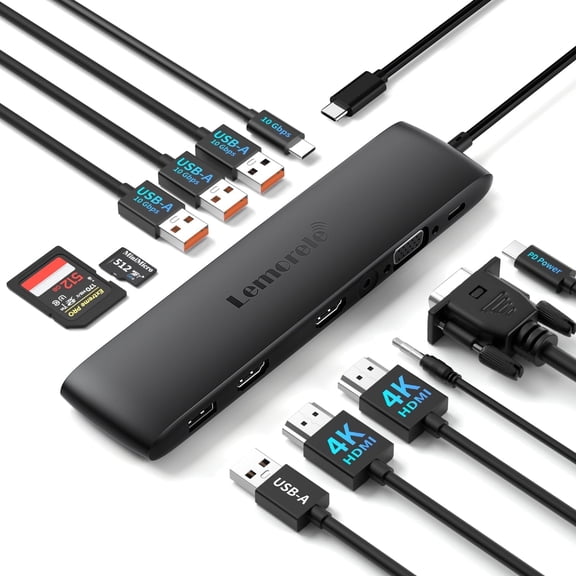 Lemorele 12 in 1 USB C Hub, Triple Display Multiport Adapter with Dual 4K HDMI+VGA,3 USB A 3.2,100W PD Charging,SD/TF Card Reader, Laptop Docking Station for MacBook/Windows$28.79current price $28.79
Multi Port Splitter, 7 Port USB 2.0 Hub, USB A Port Data Hub with Independent On/Off Switch and LED Indicators, Lights for Laptop, PC, Computer, Mobile HDD, Flash Drive and More (Black 2.0)
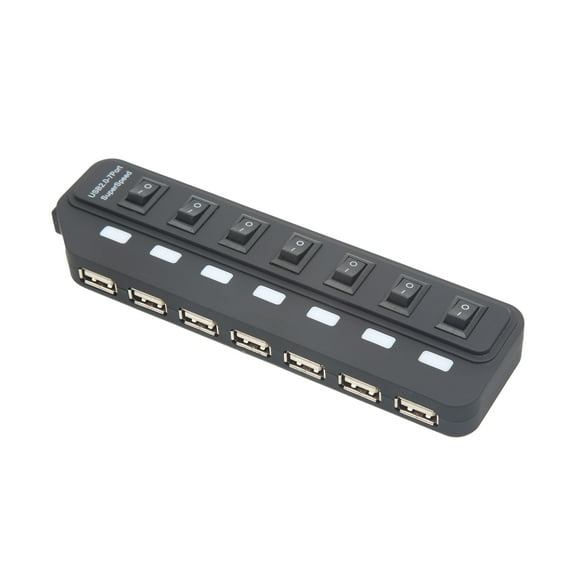 Multi Port Splitter, 7 Port USB 2.0 Hub, USB A Port Data Hub with Independent On/Off Switch and LED Indicators, Lights for Laptop, PC, Computer, Mobile HDD, Flash Drive and More (Black 2.0)$5.80current price $5.80
4-Port USB Hub Adapter for Laptop Receiver Computer Accessories Black
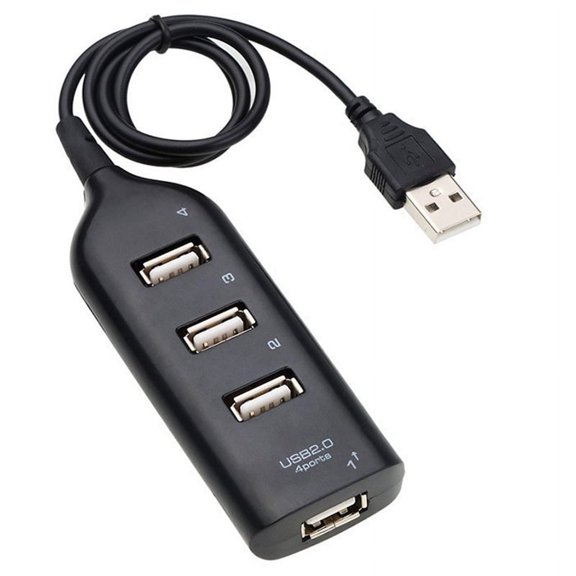 4-Port USB Hub Adapter for Laptop Receiver Computer Accessories Black$6.00current price $6.00
SABRENT Multi-Port USB-C Hub with Power Delivery and HDMI Out, 3 USB A Ports [HB-SHPU]
 SABRENT Multi-Port USB-C Hub with Power Delivery and HDMI Out, 3 USB A Ports [HB-SHPU]$16.99current price $16.99
Plugable USB C to HDMI Multiport Adapter, 3-in-1 USB C Hub with 4K HDMI Output, USB 3.0 and USB-C Charging Port
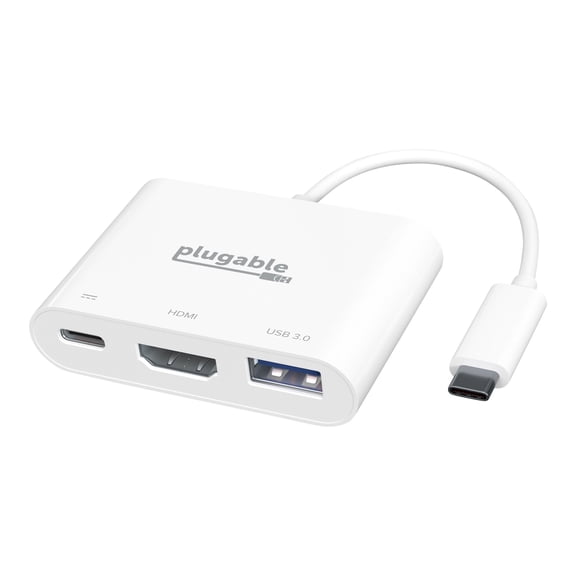 Plugable USB C to HDMI Multiport Adapter, 3-in-1 USB C Hub with 4K HDMI Output, USB 3.0 and USB-C Charging Port$39.95current price $39.95
PULMCheerger Multiport USB Hub 3.0, Multi USB Splitter 4 USB C, Port 3.0 2.0 Ports for PC Laptop Computer Hub
 PULMCheerger Multiport USB Hub 3.0, Multi USB Splitter 4 USB C, Port 3.0 2.0 Ports for PC Laptop Computer Hub$10.02current price $10.02
Zyerch 7-Port USB C Hub with 4K HDMI, 100W PD, USB-C & USB 3.0, SD/TF Card Reader
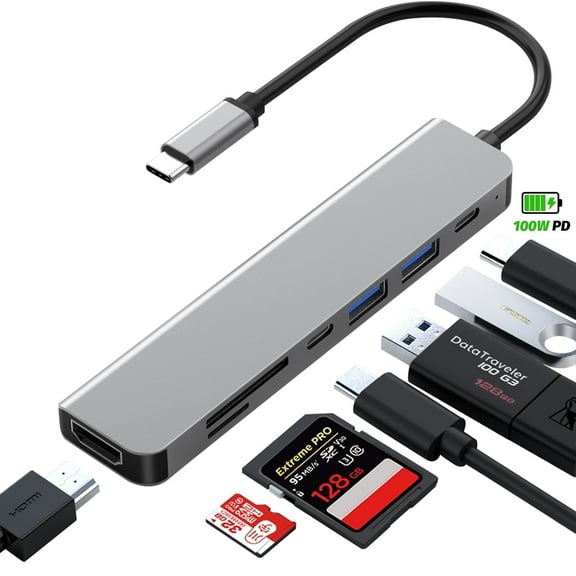 Zyerch 7-Port USB C Hub with 4K HDMI, 100W PD, USB-C & USB 3.0, SD/TF Card Reader$12.99current price $12.99
8 in 1 USB C Hub, 4 USB Ports, USB-C, TF SD Card Reader, 3.5mm Audio Jack for MacBook iPad Laptops-MAOLAI
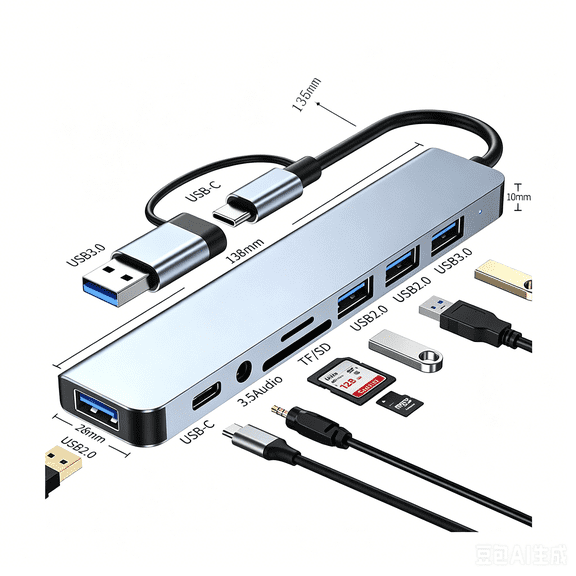 8 in 1 USB C Hub, 4 USB Ports, USB-C, TF SD Card Reader, 3.5mm Audio Jack for MacBook iPad Laptops-MAOLAI$17.99current price $17.99
Sabrent Multi-Port USB Type-C Hub, Black
 Sabrent Multi-Port USB Type-C Hub, Black$12.95current price $12.95
Startech.com Usb C Multiport Adapter, Usb C To 4k 60hz Hdmi 2.0, 2-port 10gbps Usb Hub, 100w Delivery Pass-through, Gbe, Sd/microsd, Usb Type-c Mini Dock, 10"/25cm Attached Cable - Usb C Docking
 Startech.com Usb C Multiport Adapter, Usb C To 4k 60hz Hdmi 2.0, 2-port 10gbps Usb Hub, 100w Delivery Pass-through, Gbe, Sd/microsd, Usb Type-c Mini Dock, 10"/25cm Attached Cable - Usb C Docking$42.10current price $42.10
ORICO USB 3.0 Hub Aluminum [5Gbps], 7 Port USB Hub with 1.64Ft USB-A to USB-C Cable USB Splitter for iMac, All MacBooks, Mac Mini
ORICO USB 3.0 Hub Aluminum [5Gbps], 7 Port USB Hub with 1.64Ft USB-A to USB-C Cable USB Splitter for iMac, All MacBooks, Mac Mini
USB Hub, USB Splitter,Portable 4-Port Usb 2.0 Multiport Adapter Data Transfer Connector for Laptop, Macbook, Mac Pro, and More
 USB Hub, USB Splitter,Portable 4-Port Usb 2.0 Multiport Adapter Data Transfer Connector for Laptop, Macbook, Mac Pro, and More$7.39current price $7.39
Portable Slim 7 Ports in 1 USB 3.0 Hub with USB & Type C Adapter, Support Fast Data Multiple USB Ports Hub Splitter, USB 2.0 & USB 3.0 Ports Hub for Computer, Tablet, Laptop, Smartphone
 Portable Slim 7 Ports in 1 USB 3.0 Hub with USB & Type C Adapter, Support Fast Data Multiple USB Ports Hub Splitter, USB 2.0 & USB 3.0 Ports Hub for Computer, Tablet, Laptop, Smartphone$10.00current price $10.00
Lemorele 5 in 1 USB C Hub, 4 x USB Type-A 3.2 Gen 2 10Gbps,USB C Adapter Plug and Play for Mac, Dell,Window,20CM Cable
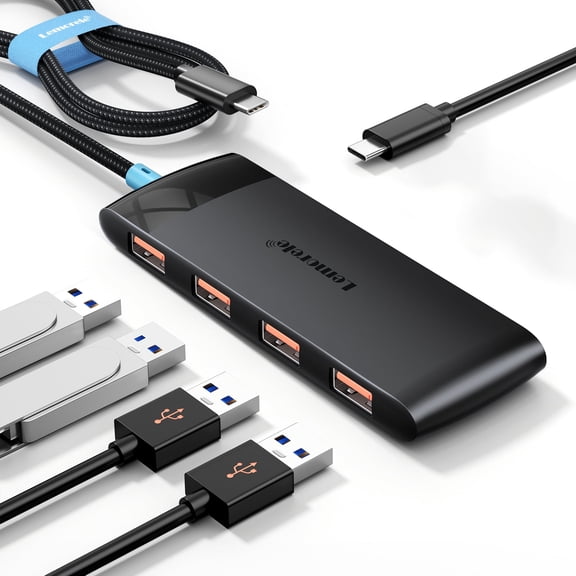 Lemorele 5 in 1 USB C Hub, 4 x USB Type-A 3.2 Gen 2 10Gbps,USB C Adapter Plug and Play for Mac, Dell,Window,20CM Cable$15.69current price $15.69