

rooCASE Collection(4)
roocase Screen Protector Clear, Glossy $9.96
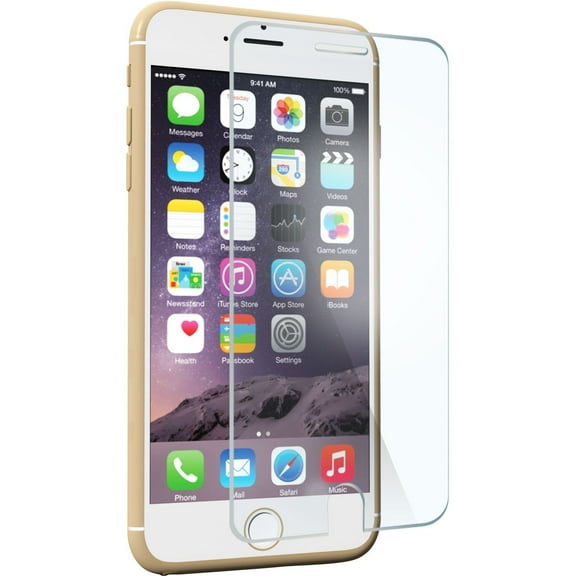
roocase Screen Protector Clear, Glossy
Roocase Balboa Travel Laptop Backpack, TSA Friendly Work Backpack with USB Charging Port and Charging Cable, 15.6 inch $25.11
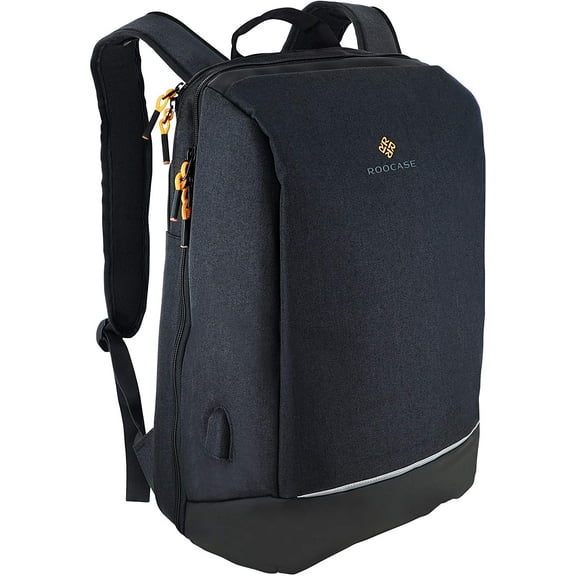
Roocase Balboa Travel Laptop Backpack, TSA Friendly Work Backpack with USB Charging Port and Charging Cable, 15.6 inch
Roocase Olvera iPad Sleeve with Stand for New iPad 10.2, iPad 9.7, iPad Air 10.5, iPad Pro 11, iPad Mini - Duo Tone Vegan Leather Trifold Stand

Roocase Olvera iPad Sleeve with Stand for New iPad 10.2, iPad 9.7, iPad Air 10.5, iPad Pro 11, iPad Mini - Duo Tone Vegan Leather Trifold Stand
Notebook Battery $56.84
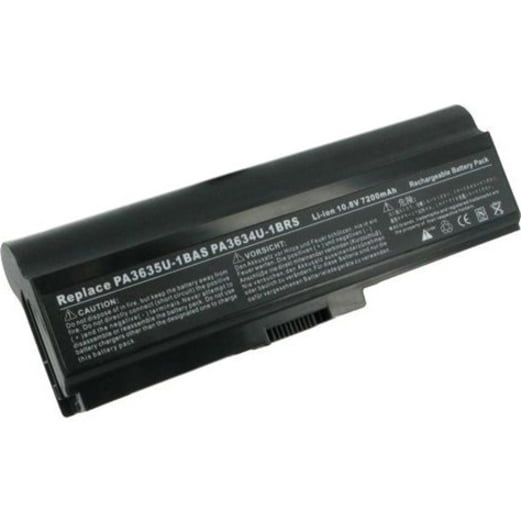
Notebook Battery
FAQ
Will my tablet fit in these iPad cases?
It's important to check your tablet model and size before choosing a case. Many cases are designed for specific devices, and you'll often see supported sizes like "iPad 10.2" or "iPad Pro 11" in the product title. Compare your tablet's measurements with those listed to ensure a snug fit. If you have a different tablet brand or model, double-check dimensions and case compatibility in the product description for the safest fit.
How do you clean a tablet stand case?
To keep your tablet case looking its best, follow these tips:
- Remove your device before cleaning.
- Wipe down the exterior with a damp microfiber cloth—avoid soaking any part.
- For tough spots or vegan leather materials, a mild soap diluted in water can help, but test a small area first.
- Let the case air dry completely before putting your device back in.
This routine can help maintain both function and appearance.
What makes a backpack TSA friendly?
A TSA-friendly backpack is designed so you can easily open it flat for security checks without removing your laptop. Features might include:
- A separate, padded laptop compartment that unzips fully.
- Minimal metal parts or zippers in that section.
- A spacious interior for organizing chargers and travel essentials.
Always follow airport security instructions, as guidelines may change and vary by location.
Can I charge my phone with the backpack?
Some backpacks include a built-in USB port and charging cable that allows you to connect your own portable power bank inside the bag. This setup lets you plug your phone's charging cable into the port for on-the-go charging. Remember, the backpack itself doesn't supply power—you'll need your own power bank (sold separately), and always charge devices according to manufacturer instructions for safety.
Do screen protectors affect touch sensitivity?
Most modern screen protectors are designed to maintain smooth touch response. A clear, glossy protector typically offers good clarity and sensitivity, so you can tap and swipe as usual. It's important to apply the protector carefully; bubbles or misalignment might affect touch accuracy. If you notice any issues, repositioning or replacing the protector can help restore normal performance.
Popular in Shop Brand Tablet Accessories and Cases Online
Related Products
UAG Lite Sleeve Fits Devices Up to 11.6-inches Durable Tablet/Laptop Sleeve 360 Degree Protection Impact Resistant Carrying Handle Protective Bag, Black
 UAG Lite Sleeve Fits Devices Up to 11.6-inches Durable Tablet/Laptop Sleeve 360 Degree Protection Impact Resistant Carrying Handle Protective Bag, Black$24.95current price $24.95
Case Logic 10" Ipad Tablet Attache with Pocket, Black
 Case Logic 10" Ipad Tablet Attache with Pocket, Black$24.99current price $24.99
LLAYOO 11-11.6 Inch Laptop Sleeve Case, Soft Bag with Front Pocket, Compatible with MacBook Air, Chromebook (Black)
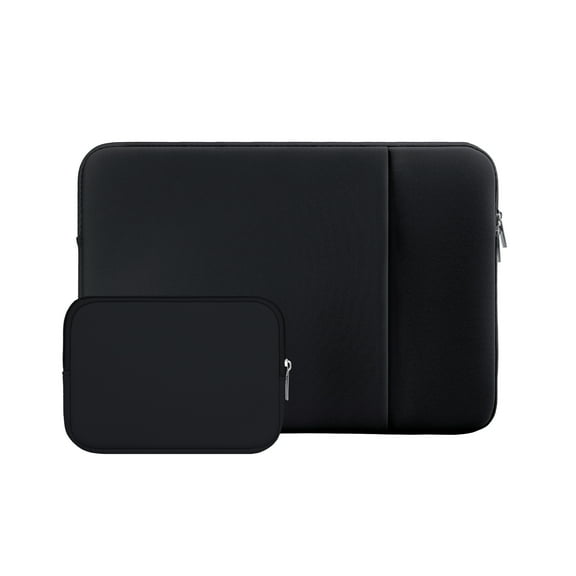 LLAYOO 11-11.6 Inch Laptop Sleeve Case, Soft Bag with Front Pocket, Compatible with MacBook Air, Chromebook (Black)$9.99current price $9.99
CODi Alunno Always-On 13.3" Chromebook Soft Case with Asset Tag– Stays On While You Work
 CODi Alunno Always-On 13.3" Chromebook Soft Case with Asset Tag– Stays On While You Work$19.99current price $19.99
GPD Pocket 7" Mini Laptop PC Hard Shell Storage Travel Case by USA Gear - HS7.5 for 7 Inch Notebook
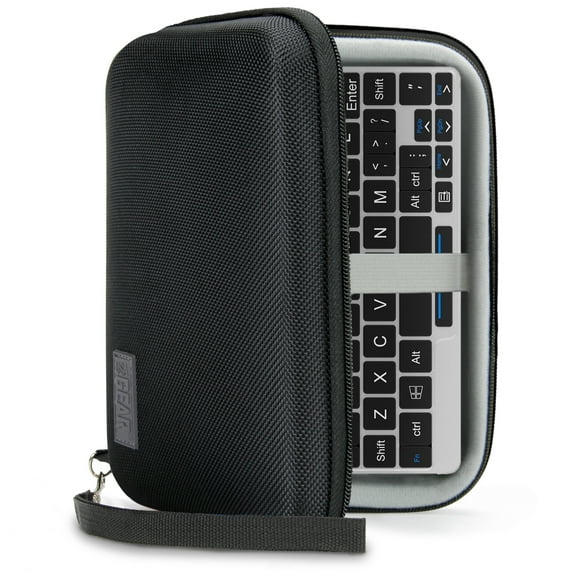 GPD Pocket 7" Mini Laptop PC Hard Shell Storage Travel Case by USA Gear - HS7.5 for 7 Inch Notebook$16.99current price $16.99
COOLHOOD Felt Sleeve Tablet Case Bag for 11 13 15 Inch Solid Color Tablet Laptop Storage Bag Case Organizers
 COOLHOOD Felt Sleeve Tablet Case Bag for 11 13 15 Inch Solid Color Tablet Laptop Storage Bag Case Organizers$9.99current price $9.99
MSP Business Portfolio with Zippered Closure, Calculator, Ipad sleeve- 10 x 13" PU leather -Red (039)
MSP Business Portfolio with Zippered Closure, Calculator, Ipad sleeve- 10 x 13" PU leather -Red (039)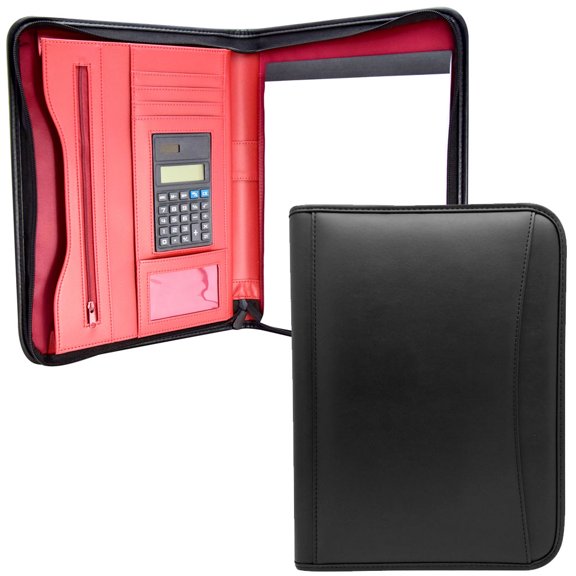
USA GEAR iPad Pro 10.5" Case with Open Front & Shoulder Strap (Black)
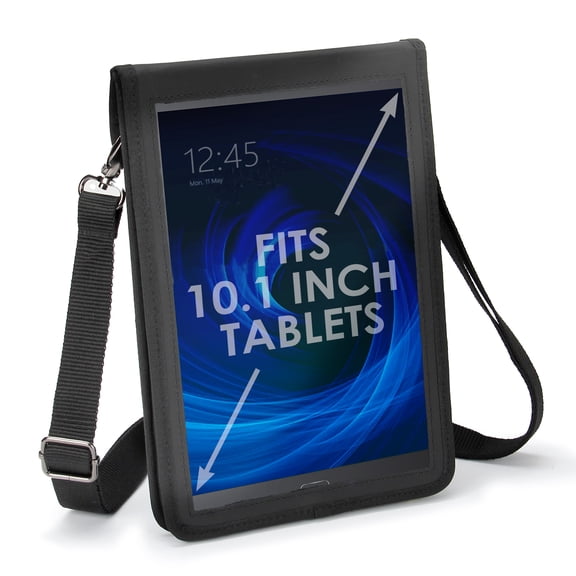 USA GEAR iPad Pro 10.5" Case with Open Front & Shoulder Strap (Black)$21.99current price $21.99
MacCase Premium Leather Tablet Shoulder Bag with Strap and Accessory Pouch - Black
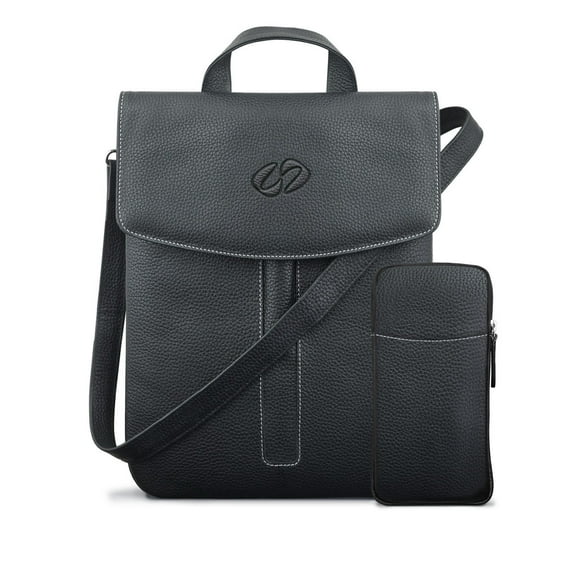 MacCase Premium Leather Tablet Shoulder Bag with Strap and Accessory Pouch - Black$169.95current price $169.95
MacCase Premium Leather Tablet Shoulder Bag with Strap and Accessory Pouch - Vintage
 MacCase Premium Leather Tablet Shoulder Bag with Strap and Accessory Pouch - Vintage$159.95current price $159.95
[U] by UAG Mouve Laptop/Tablet Sleeve for 13" Devices, Compatible with MacBook Neo A18 Pro, MacBook Air 13", iPad Air 13", iPad Pro 13", Padded Protective Carrying Case Snug Tailor Fit, Marshmallow
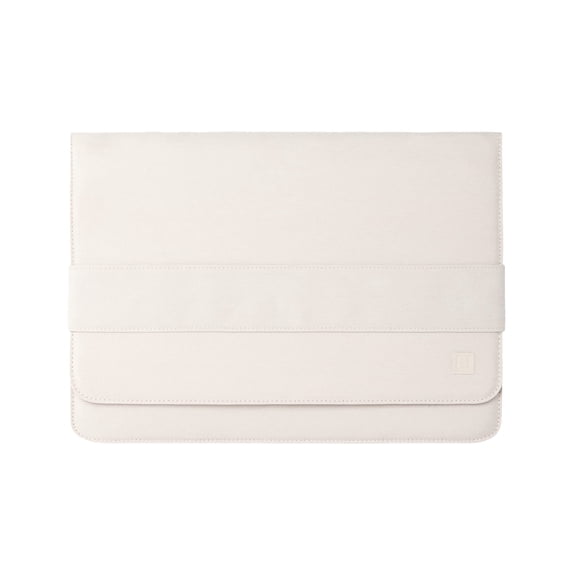 [U] by UAG Mouve Laptop/Tablet Sleeve for 13" Devices, Compatible with MacBook Neo A18 Pro, MacBook Air 13", iPad Air 13", iPad Pro 13", Padded Protective Carrying Case Snug Tailor Fit, Marshmallow$9.95current price $9.95
GOLLA Sirus Slim Open Zipper Pocket 12" Laptop Tablet Sleeve Case - Coal
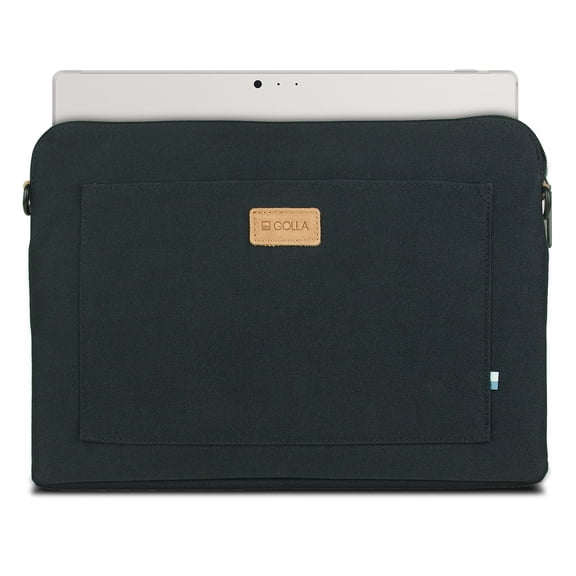 GOLLA Sirus Slim Open Zipper Pocket 12" Laptop Tablet Sleeve Case - Coal$19.99current price $19.99
Computer Cases for Laptops Tablet Sleeve Carrying Case, 10.9In Black Polyester with Lanyard Multi Pocket Office Carrying Cases for Storage Travel
 Computer Cases for Laptops Tablet Sleeve Carrying Case, 10.9In Black Polyester with Lanyard Multi Pocket Office Carrying Cases for Storage Travel$8.49current price $8.49