

Roccat Collection(2)
ROCCAT Sense Pro PC Gaming Mousepad, Non Slip Rubber Back, Speed Military-Grade Fabric with Low-Profile Stitched Edges, Square Computer Mouse Pad, Black $16.87

ROCCAT Sense Pro PC Gaming Mousepad, Non Slip Rubber Back, Speed Military-Grade Fabric with Low-Profile Stitched Edges, Square Computer Mouse Pad, Black
roccat kone pure ultra gaming mouse - white $69.99

roccat kone pure ultra gaming mouse - white
FAQ
How do I pick the right gaming mousepad size?
Choosing the right mousepad size depends on your desk space and gaming style. If you like sweeping arm movements or have a large desk, a bigger pad can give you more room to maneuver. For smaller desks or precise wrist movements, a compact pad might be more comfortable.
- Measure your available desk area before buying.
- Consider how much space your keyboard and mouse need together.
- Think about whether you want extra room for accessories.
What makes a gaming keyboard different from regular ones?
Gaming keyboards are designed with features that can enhance your gaming experience. They often include:
- Mechanical switches for faster response and durability.
- Customizable lighting to match your setup.
- Programmable keys for quick access to in-game commands.
- Sturdy build quality to handle intense use.
How do I clean my gaming mousepad safely?
To keep your mousepad in top shape, regular cleaning is a good idea.
- Unplug and remove it from your desk.
- Use a damp cloth with mild soap to gently wipe the surface.
- Avoid harsh chemicals or soaking the pad, as this can damage the material.
- Let it air dry completely before using it again.
Can I use a gaming mouse for everyday tasks?
Absolutely! Gaming mice are built for precision and comfort, which can make them great for daily computer use. Features like adjustable sensitivity, extra buttons, and ergonomic shapes can help with tasks like browsing, editing documents, or graphic design.
- Adjust the settings to match your preferences.
- Use programmable buttons for shortcuts.
Are virtual soundcard adapters hard to set up?
Most virtual soundcard adapters are designed for easy setup. Typically, you just plug the adapter into a USB port and connect your headphones.
- Your computer should recognize the device automatically.
- Some adapters may come with optional software for extra features.
- Check the included instructions for any specific steps.
Popular in Shop Brand Mouse Pads and Accessories Online
Related Products
Team 365 TT11WRC Women's Zone Performance Racerback Tank-Black-3XL
 Team 365 TT11WRC Women's Zone Performance Racerback Tank-Black-3XL$13.92current price $13.92
Port & Company LPC54TT Ladies Core Cotton Tank Top
 Port & Company LPC54TT Ladies Core Cotton Tank Top$14.99current price $14.99
Distressed Texas Flag All Over Womens Work Out Tank Top Multi LG
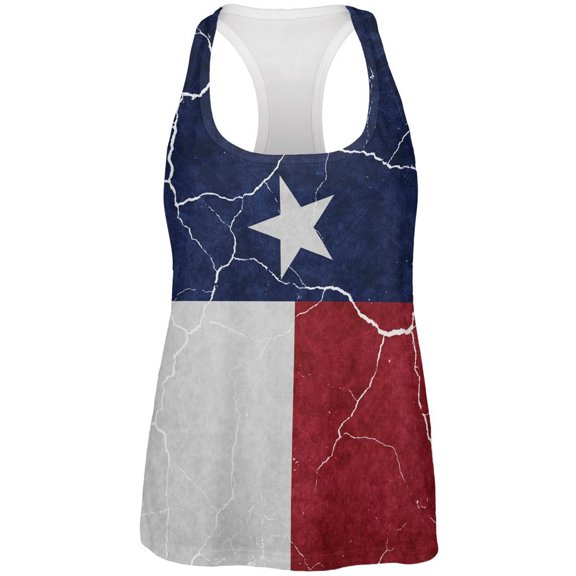 Distressed Texas Flag All Over Womens Work Out Tank Top Multi LG$34.00current price $34.00
World Cup France Distressed Flag Tank Top - Large
 World Cup France Distressed Flag Tank Top - Large$22.95current price $22.95
Men's Summer Tank Top Striped Quick Dry Workout Gym Muscle Tee Fitness Regular-Fit Sleeveless T Shirt Plus Size (Medium, Red 04)
 Men's Summer Tank Top Striped Quick Dry Workout Gym Muscle Tee Fitness Regular-Fit Sleeveless T Shirt Plus Size (Medium, Red 04)$6.11current price $6.11
World Cup Distressed Flag Australia White Adult Tank Top - Large
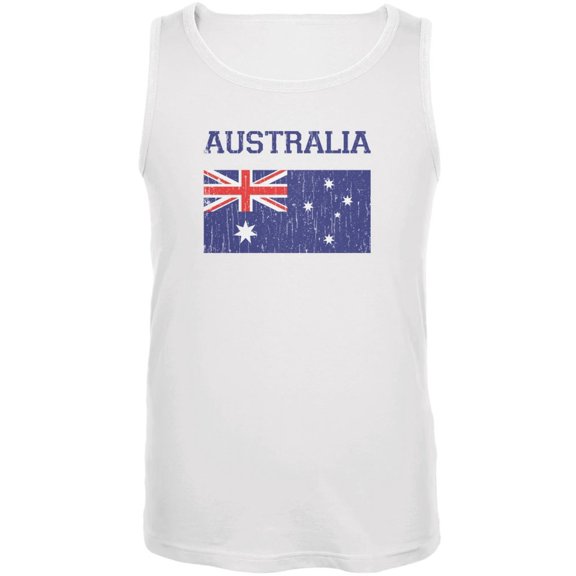 World Cup Distressed Flag Australia White Adult Tank Top - Large$22.95current price $22.95
Bella + Canvas Ladies' Flowy V-Neck Tank - B8805
 Bella + Canvas Ladies' Flowy V-Neck Tank - B8805$17.22current price $17.22
Port & Company Men's Casual Core Cotton Tank Top Neon Green PC54TT 4X-Large
 Port & Company Men's Casual Core Cotton Tank Top Neon Green PC54TT 4X-Large$16.90current price $16.90
BSDJILFG 4th of July Mens Tank Tops ,Summer Casual Beer and Flag Print Sleeveless Tank Round Neck Tops Sizes M-6XL
BSDJILFG 4th of July Mens Tank Tops ,Summer Casual Beer and Flag Print Sleeveless Tank Round Neck Tops Sizes M-6XL
C2 Sport 576000 C2 Reversible Mesh Pinnie-Purple/White-2XL/3XL
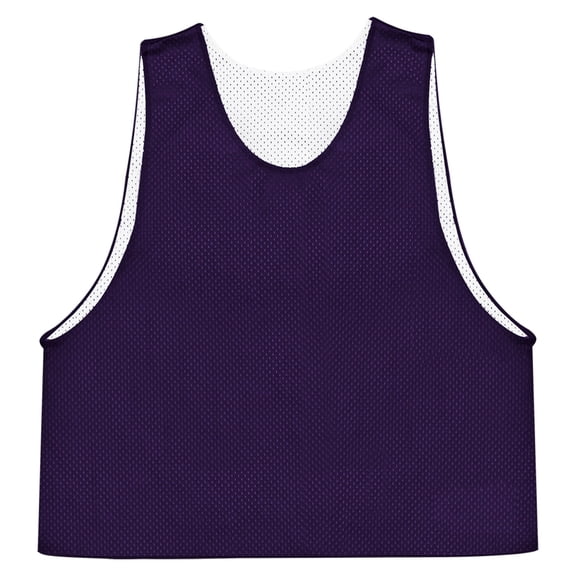 C2 Sport 576000 C2 Reversible Mesh Pinnie-Purple/White-2XL/3XL$11.71current price $11.71
Augusta Adult Striped Sleeve Jersey, Style 360A
 Augusta Adult Striped Sleeve Jersey, Style 360A$26.60current price $26.60
Ladies' Jersey Racerback Tank (MILITRAY GREEN - S)
 Ladies' Jersey Racerback Tank (MILITRAY GREEN - S)$9.97current price $9.97
Bella Canvas B8803 Ladies Muscle Tank
 Bella Canvas B8803 Ladies Muscle Tank$14.33current price $14.33
Men's 4th of July Patriotic Tank Tops – Sleeveless Graphic Muscle Shirts, USA Flag Comfy Cotton Summer 2025 Gym & Casual Wear
 Men's 4th of July Patriotic Tank Tops – Sleeveless Graphic Muscle Shirts, USA Flag Comfy Cotton Summer 2025 Gym & Casual Wear$11.99current price $11.99
Wyobmus Men's 5 Pack Tank Tops Moisture Wicking Muscle Shirt Classic Solid Color Rib Bodybuilding A-Shirt Black
 Wyobmus Men's 5 Pack Tank Tops Moisture Wicking Muscle Shirt Classic Solid Color Rib Bodybuilding A-Shirt Black$10.69current price $10.69
World Cup Netherlands Distressed Flag Tank Top - Large
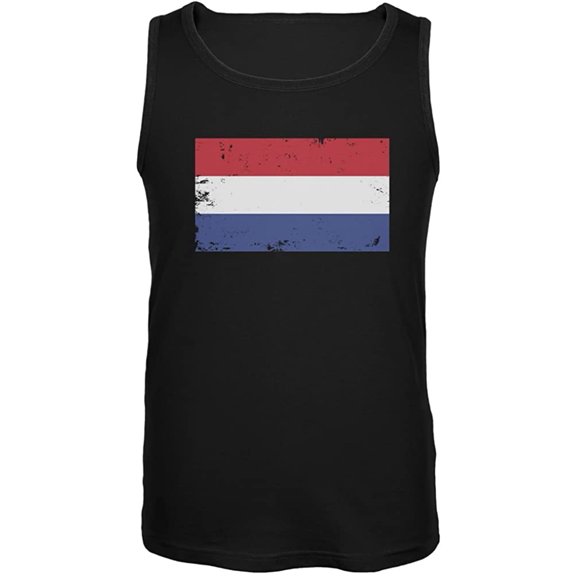 World Cup Netherlands Distressed Flag Tank Top - Large$22.95current price $22.95