






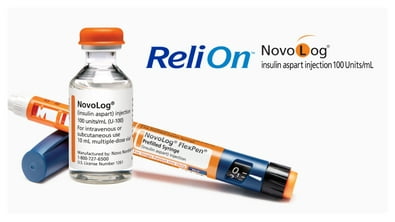
ReliOn Insulin
ReliOn test strips
Accurate results for confident diabetes care
Best seller ReliOn Premier Blood Glucose Test Strips, 100 Count – Diabetes Blood Sugar Test Strips, No Coding, for ReliOn Premier Meters $17.96 18.0 ¢/ea
Best seller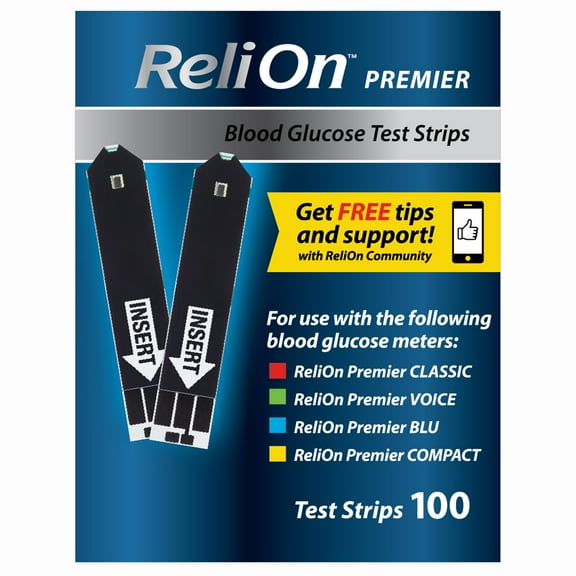 $1796current price $17.9618.0 ¢/ea
ReliOn Premier Blood Glucose Test Strips, 100 Count – Diabetes Blood Sugar Test Strips, No Coding, for ReliOn Premier Meters
Save with
 Delivery as soon as 25 minsShipping, arrives tomorrowPickup as soon as tomorrow
ReliOn Prime Blood Glucose Test Strips, 50 Count $9.00
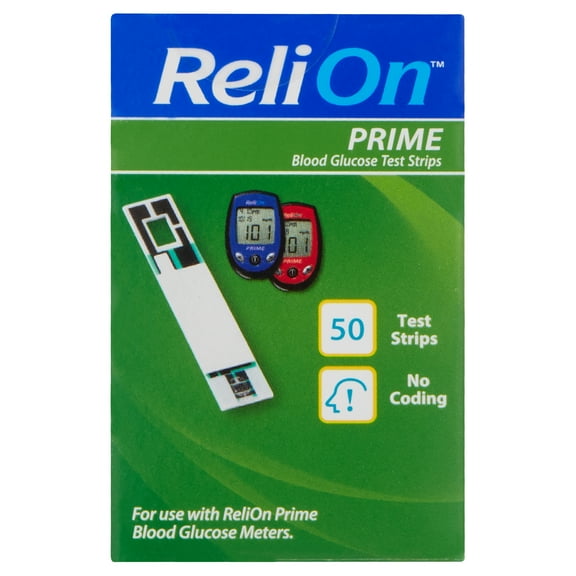 4 optionsAvailable in additional 4 options$900current price $9.00Options from $9.00 – $17.96
ReliOn Prime Blood Glucose Test Strips, 50 Count
Save withDelivery as soon as 25 minsShipping, arrives tomorrowPickup as soon as tomorrowBest seller ReliOn Premier Blood Glucose Test Strips, 50 Count – Diabetes Blood Sugar Test Strips, No Coding, for ReliOn Premier Meters $9.00
Best seller 2 optionsAvailable in additional 2 options$900current price $9.00Options from $9.00 – $96.77
ReliOn Premier Blood Glucose Test Strips, 50 Count – Diabetes Blood Sugar Test Strips, No Coding, for ReliOn Premier Meters
Save withDelivery as soon as 25 minsShipping, arrives tomorrowPickup as soon as tomorrowBest seller ReliOn Platinum Blood Glucose Test Strips, 50 Count $9.98
Best seller 4 optionsAvailable in additional 4 options$998current price $9.98Options from $9.98 – $56.52
ReliOn Platinum Blood Glucose Test Strips, 50 Count
Save withDelivery as soon as 25 minsShipping, arrives tomorrowPickup as soon as tomorrow(3 pack) ReliOn Prime Blood Glucose Test Strips, 50 Count $27.00
 $2700current price $27.00
(3 pack) ReliOn Prime Blood Glucose Test Strips, 50 Count
Save withDelivery as soon as 25 minsShipping, arrives tomorrowPickup as soon as tomorrowReliOn Ketone Test Strips, 50 Count $6.94
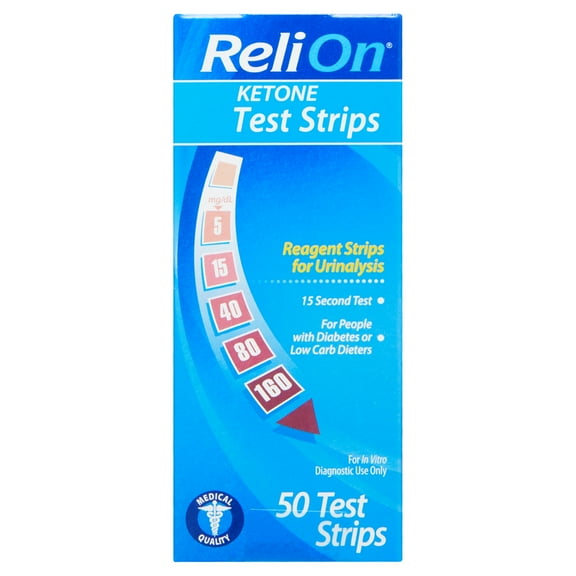 2 optionsAvailable in additional 2 options$694current price $6.94Options from $6.94 – $20.82
ReliOn Ketone Test Strips, 50 Count
Save withDelivery as soon as 25 minsShipping, arrives tomorrowPickup as soon as tomorrowReliOn Confirm Micro Blood Glucose Test Strips, 50 Count $14.23
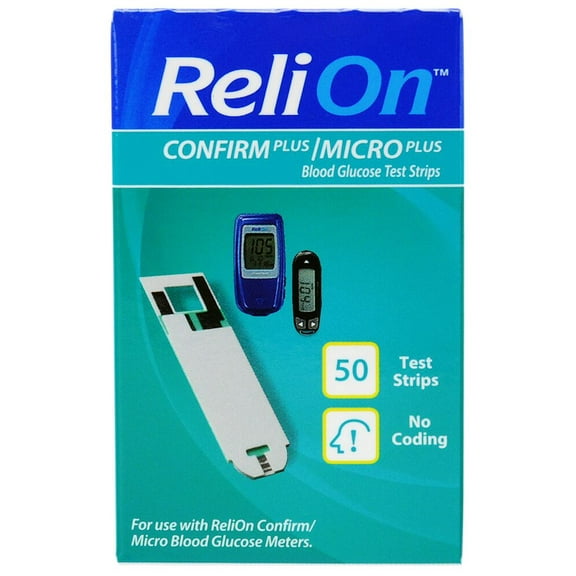 $1423current price $14.23Options from $14.23 – $28.46
ReliOn Confirm Micro Blood Glucose Test Strips, 50 Count
Save withShipping, arrives in 2 daysReliOn Premier Blood Glucose Test Strips, 25 Count $5.00
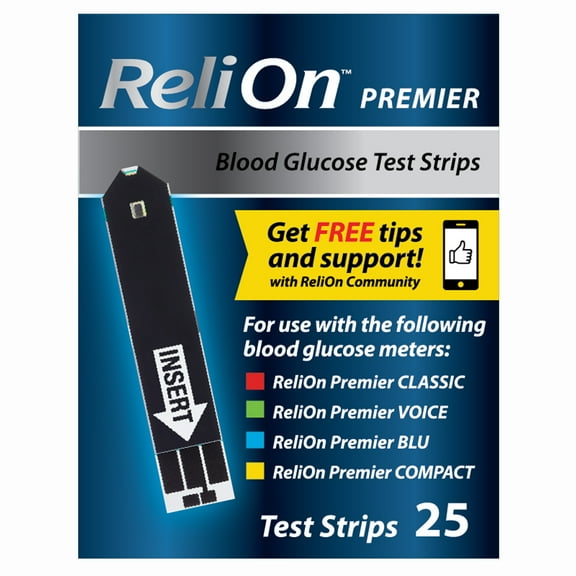 2 optionsAvailable in additional 2 options$500current price $5.00Options from $5.00 – $57.10
ReliOn Premier Blood Glucose Test Strips, 25 Count
Save withDelivery as soon as 25 minsShipping, arrives tomorrowPickup as soon as tomorrow(3 pack) ReliOn Prime Blood Glucose Test Strips, 25 Count $14.28
 $1428current price $14.28
(3 pack) ReliOn Prime Blood Glucose Test Strips, 25 Count
Save withShipping, arrives in 2 days
Relion glucose monitors
Track your levels with ease
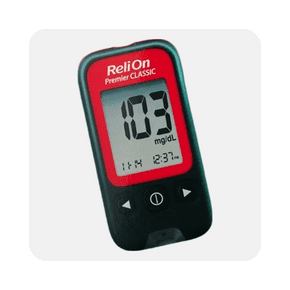
Rollback ReliOn Premier CLASSIC Blood Glucose Monitoring System $7.83 Was $9.00
Rollback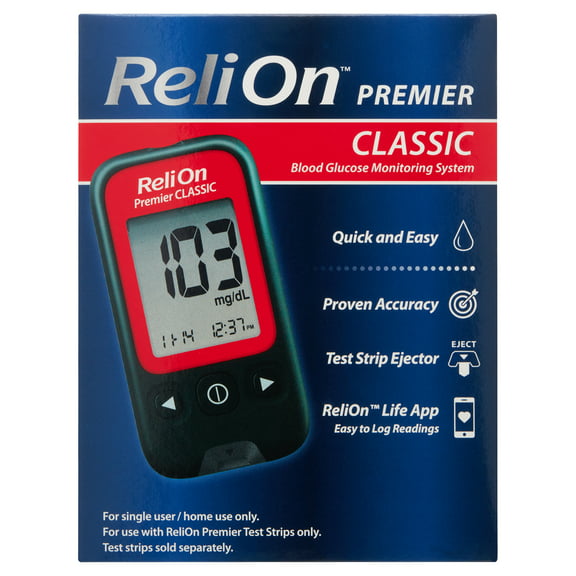 2 optionsAvailable in additional 2 optionsNow$783current price Now $7.83, Was $9.00$9.00Options from $7.83 – $15.66
ReliOn Premier CLASSIC Blood Glucose Monitoring System
Save withDelivery as soon as 25 minsShipping, arrives tomorrowPickup as soon as tomorrowRollback ReliOn Platinum Blood Glucose Meter Kit – Diabetes Blood Sugar Monitoring System $17.66 Was $19.98
Rollback Now$1766current price Now $17.66, Was $19.98$19.98Options from $17.66 – $70.64
ReliOn Platinum Blood Glucose Meter Kit – Diabetes Blood Sugar Monitoring System
Save withDelivery as soon as 25 minsShipping, arrives tomorrowPickup as soon as tomorrowReliOn Premier COMPACT Complete Blood Glucose Monitoring Kit $17.88
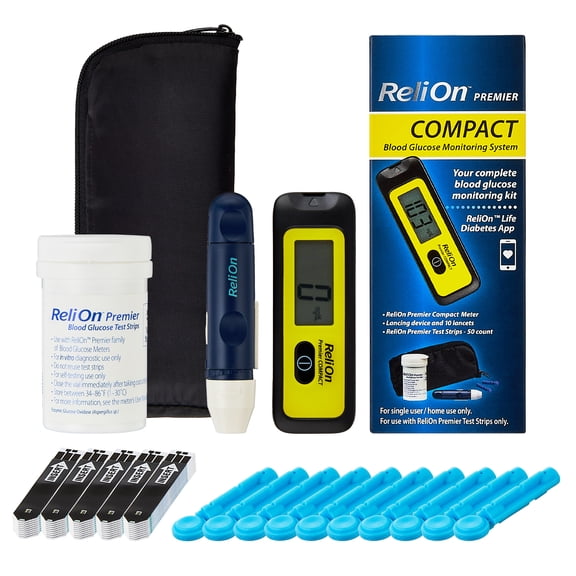 $1788current price $17.88
ReliOn Premier COMPACT Complete Blood Glucose Monitoring Kit
Save withDelivery as soon as 25 minsShipping, arrives tomorrowPickup as soon as tomorrowReliOn A1C Self Test System $36.86
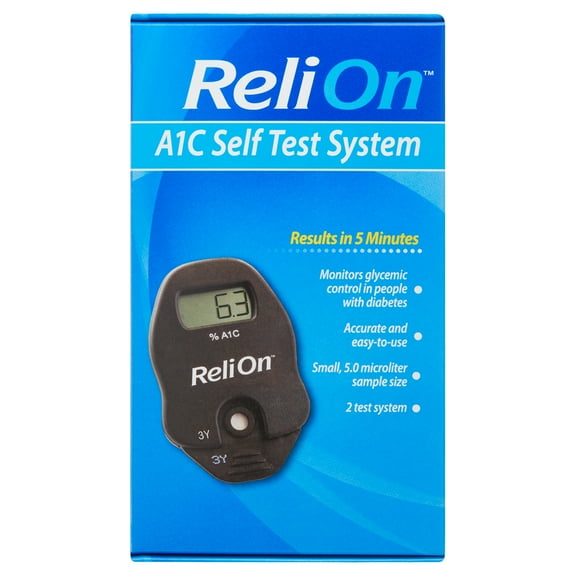 $3686current price $36.86
ReliOn A1C Self Test System
Save withDelivery as soon as 25 minsShipping, arrives tomorrowPickup as soon as tomorrowReliOn Premier BLU Blood Glucose Monitoring System $19.43
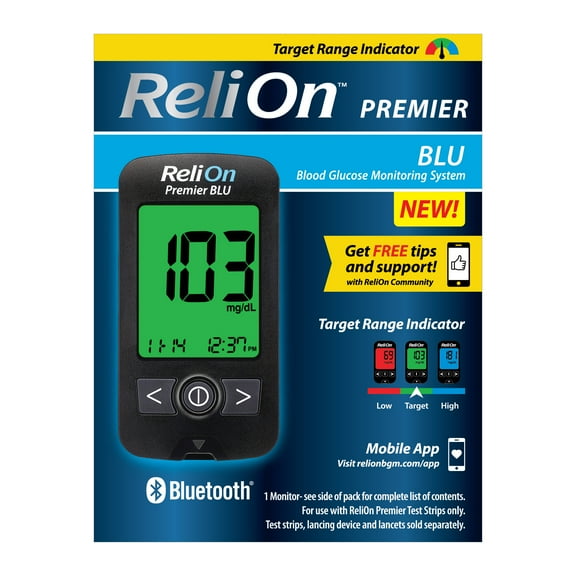 $1943current price $19.43Options from $19.43 – $38.86
ReliOn Premier BLU Blood Glucose Monitoring System
Save withDelivery as soon as 25 minsShipping, arrives tomorrowPickup as soon as tomorrow(4 pack) ReliOn Premier COMPACT Complete Blood Glucose Monitoring Kit $71.52
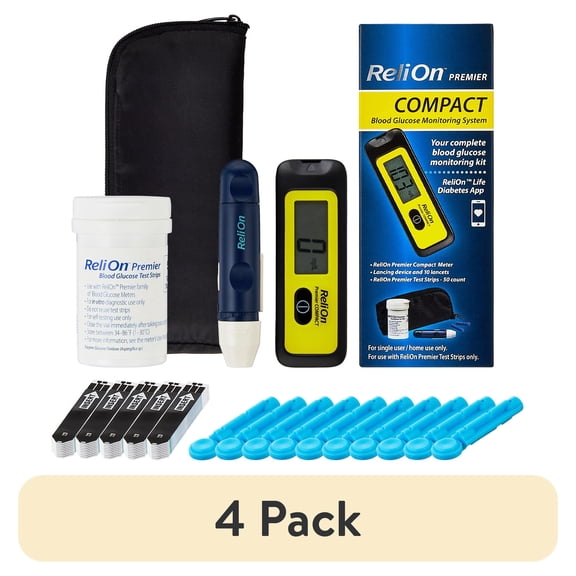 $7152current price $71.52
(4 pack) ReliOn Premier COMPACT Complete Blood Glucose Monitoring Kit
Save withDelivery as soon as 25 minsShipping, arrives tomorrowPickup as soon as tomorrow
Find insulin for your needs
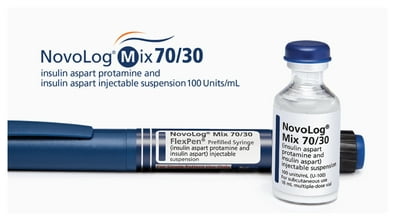
ReliOn™ NovoLog® 70/30 insulin
Rapid- & intermediate-acting analog insulin starting at $73.
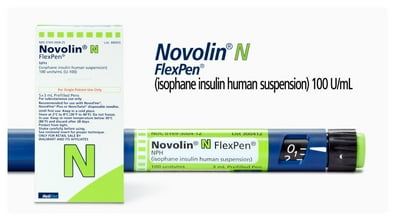
ReliOn™ Novolin® N insulin
No-prescription-needed insulin starting at $25.



Diabetes e-news: sent to your inbox
Diabetes FAQ
What is diabetes?
Diabetes is when the body does not make enough insulin or does not respond to insulin properly. Without insulin, sugar builds up in the blood, causing high blood sugar. High blood sugar can lead to other health problems.
What is Type 1 diabetes?
An autoimmune disorder in which your body makes little or no insulin because your immune system has attacked insulin-producing cells in your pancreas.
5–10% of adults with diabetes have type 1. Treatments must include long-acting (basal) & mealtime (bolus) insulin therapy.
What is Type 2 diabetes?
A metabolic disorder that prevents your body from producing enough insulin & also makes your body more resistant to the insulin that is produced.
90–95% of diabetics have type 2 diabetes. Treatments may include insulin.
What is A1C?
A1C is a blood test your healthcare provider performs in their office. It measures your average plasma glucose concentration, which is your blood sugar level, over the past 2 to 3 months. A1C is made up of your FPG and PPG measurements. Your A1C number will give you an idea of how well your blood sugar has been controlled over time and how well your diabetes care plan is working overall.
What is PPG?
PPG stands for “postprandial plasma glucose.” “Postprandial” means “after a meal”—so PPG is the measure of your blood sugar level an hour or 2 after you’ve eaten. Measuring PPG is important for keeping track of blood sugar spikes, which can tell you how well your mealtime insulin is working and how closely you may be following your food plan.
What is insulin?
Insulin is a hormone that helps glucose pass from the blood to the cells. It’s produced by beta cells in the pancreas.
Cells need glucose as an energy source. The glucose in food increases the level of glucose in the blood. Insulin regulates blood glucose levels by helping glucose pass from the blood into the cells.
If you have type 2 diabetes, your body prevents the insulin it produces from working properly. This is known as “insulin resistance.” In type 2 diabetes, over time the body may not make enough insulin.
Why insulin?
Depending on what type of diabetes you have & how much your diabetes has progressed, your healthcare provider may recommend insulin to better control your blood sugar levels and lower your A1C.
If you have diabetes, it’s important to know that even if you’re following your treatment plan, your diabetes can change over time. Your healthcare provider can work with you to develop a plan that works best for your needs.
You can take insulin by subcutaneous injection (with a pen or vial & syringe), or with a continuous subcutaneous infusion via an insulin pump.
What are the different types of insulin?
There are many types of insulin medications. Each of them works at a different action time to closely mimic how the body normally releases insulin. Action times of insulins can be separated into the following:
An onset of action (time it takes for the insulin to start to lower blood glucose).
A peak-action time (when its effect on lowering blood glucose is highest).
A duration of action (how long it works to lower blood glucose).
Some types of insulin are long-acting & don’t depend on the food you eat; therefore, they’re administered at the same time every day. Others are administered at mealtimes to avoid the increase in blood glucose that occurs when food is eaten. Your provider will prescribe the type of insulin that is right for you. Each type of insulin can help keep your diabetes under control, but no one type is right for everyone & each person's need for insulin can change over time.
What is an insulin plan?
Everyone taking insulin should have a personal insulin plan. Your healthcare provider can help you design a plan that works for you. Your insulin plan will help you closely mimic how a body without diabetes produces insulin.
Your plan will tell you:
When & how much you eat.
Your current blood glucose level.
Your level of physical activity.
Your lifestyle.
The body's need for insulin goes up & down throughout the day. Your need for insulin depends on what you’re doing & on the amount of glucose in your blood.
What is the difference between long-acting vs rapid-acting insulin?
Long-acting (basal) insulin lowers blood sugar throughout the day & may be taken to manage blood sugar for many hours & overnight.
Rapid-acting (bolus) insulin, also called mealtime insulin, helps control your blood sugar when taken as prescribed.
How do these 2 types of insulins work together?
Bodies usually release insulin:
In a steady “basal” amount throughout the day & night.
In “bolus” bursts to control blood sugar spikes when you eat.
How can I take insulin?
There are a few different ways you can take insulin. It's important to talk with your diabetes care team to find the method that works best for you. Ways to take insulin include:
Injecting it with an insulin pen.
Injecting it with a syringe from a bottle (vial) of insulin.
Infusing it with an insulin pump. Pumps are small, computerized devices that deliver fast-acting insulin 24 hours a day through a catheter placed under the skin.
Where do I inject insulin?
Insulin injections are given in the layer of fat just under the skin in these areas of the body:
Abdomen (except a 2-inch circle around your belly button)
Thighs (top & outer parts)
Back of the upper arms
Buttocks
Insulin should be injected in the same general area of the body each time. However, to avoid lumps or buildup of scar tissue, injections should not be given in the exact same spot each day. Check with your insulin label for proper instructions for use.
Is it possible to lower blood sugar too low?
It is possible for your blood sugar to drop too low. Ask your healthcare provider what blood sugar level is considered low for you.
If you’re taking insulin, you should know the symptoms of low blood sugar (also called hypoglycemia):
Sweaty
Hungry
Confused
Shaky
Lightheaded
Dizzy
Sleepy
Nervous
These are not all the possible symptoms of low blood sugar. Talk to your health care provider to get a complete list of symptoms.
How can I get ReliOn™ NovoLog®, ReliOn™ NovoLog® Mix 70/30 or ReliOn™ Novolin® insulin?
If you’re already a NovoLog user, talk to your Walmart pharmacist about switching to ReliOn™ NovoLog®—the same prescription, now at an everyday low price.
If you’re new to NovoLog®, talk to your doctor about getting a prescription for ReliOn™ NovoLog®, which you can fill at your closest Walmart Pharmacy. ReliOn™ Novolin® is available behind the pharmacy counter without a prescription.
How much does ReliOn™ NovoLog®, ReliOn™ NovoLog® Mix 70/30 or ReliOn™ Novolin® insulin cost?
ReliOn™ NovoLog® & ReliOn™ NovoLog® Mix 70/30 are both priced starting at $57.88 for a 10-ml vial & $83.88 for a pack of 5 pens.
ReliOn™ Novolin® N is available behind the pharmacy counter without a prescription & is priced starting at $24.88 for a 10-ml vial & $42.88 for a pack of 5 pens. The price is the same with or without insurance, so no insurance is necessary.
Related links
FAQ
How do I compare options in this category?
You can quickly compare items by opening each product page and reviewing the key details side by side. Here’s a simple approach:
- Read the overview: Check what’s included and the intended use as described on the page.
- Check size/quantity: Look at volume, pack count, and any format notes to match your needs.
- Look at customer feedback: Reviews and Q&A can highlight real‑world experiences.
- Review fulfillment options: Availability for pickup, delivery, or shipping may influence your decision.
Because individual needs vary, it’s a good idea to rely on product information provided on the site and, for personal health questions, seek guidance from a licensed professional. Availability and details can change, so consider saving items to your list for easy re‑checks.
How do I check current prices online?
To see the most up‑to‑date price, make sure your location is set and then view the product page:
- Set your ZIP code: Select your area at the top of the site or in the app for local pricing.
- Open the item page: The current price will display near the title, with any promos noted nearby.
- Review in cart: Add the item to your cart to confirm the latest price before checkout.
Prices can vary by location and change over time based on availability and promotions. If you’re planning ahead, consider saving the item to your account to monitor updates. For help locating an item at a different store, try switching locations to compare options.
How do I see purchase requirements for these items?
Some items may have purchase requirements that can vary by location and item type. You can check this directly on the product page:
- Review the details: Look for notes under “Details,” “Specifications,” or “Shipping & returns.”
- Try adding to cart: Any requirements or prompts typically appear during checkout.
- Check location settings: Set your ZIP code to see location‑specific information.
If you’re unsure what applies to your situation, consider reaching out to a licensed professional for guidance on personal health questions. Requirements and availability may change, so it can help to revisit the product page periodically or save the item to your list for quick access.
How can I find the most affordable choice here?
You can spot budget‑friendly options by using a few tools on the site:
- Sort by price: Choose “Price: Low to High” to see lower‑cost items first.
- Filter your results: Set a price range to narrow down to options within your budget.
- Compare sizes: Check the pack size or quantity to see what offers the best value for your needs.
- Watch for promos: Look for deal badges that may indicate temporary savings.
Prices and promotions can change, and availability may vary by location. Setting your ZIP code and saving items can make it easier to track updates over time without missing a better value.
How do I check pickup or delivery near me?
Service options can differ by location and item. Here’s how to verify what’s available for you:
- Set your location: Enter your ZIP code or select your preferred store at the top of the site.
- Open the item page: Look for “Pickup,” “Delivery,” or “Shipping” options and estimated timing.
- Choose a time window: If available, select from the listed pickup or delivery time slots during checkout.
Availability can change throughout the day as inventory updates, so checking back or trying nearby stores may help. If you’re planning a larger order, adding items to your cart can show combined availability and timing before you place your order.