

Qlogic Collection(10)
Q-Logic NE+ Series 6-Key Joystick Controller on Jazzy & Quantum Power Wheelchair $287.10 Was $319.00

Q-Logic NE+ Series 6-Key Joystick Controller on Jazzy & Quantum Power Wheelchair
Pre-Owned PCI EXPRESS PX2810403-36 G-QLOGIC QLE2562-SUN-ORACLE 371-4325-02-REV50(15227/42) $15.99

Pre-Owned PCI EXPRESS PX2810403-36 G-QLOGIC QLE2562-SUN-ORACLE 371-4325-02-REV50(15227/42)
Pre-Owned QLogic QLE2694-SR-CK 16Gbps Quad-Port Fibre Channel HBA, Gen3 x8 Interface $69.49

Pre-Owned QLogic QLE2694-SR-CK 16Gbps Quad-Port Fibre Channel HBA, Gen3 x8 Interface
Pre-Owned Lot 5 of QLogic QLA4052C SANblade iSCSI HBA - Dual Port PCI-X HP 6KRRX 06KRRX Adapter $61.56

Pre-Owned Lot 5 of QLogic QLA4052C SANblade iSCSI HBA - Dual Port PCI-X HP 6KRRX 06KRRX Adapter
Pre-Owned QLogic QLE2560 8Gbps Fibre Channel PCI Express x8 Host Bus Adapter (Good) $16.49

Pre-Owned QLogic QLE2560 8Gbps Fibre Channel PCI Express x8 Host Bus Adapter (Good)
QLogic QLE8152 10GB Dual Port SFP+ Network Adapter $29.99

QLogic QLE8152 10GB Dual Port SFP+ Network Adapter
QLogic QLE2464 PX2610402-02 PCI-E Quad Port Fibre Channel HBA Card W/Transceiver $24.99

QLogic QLE2464 PX2610402-02 PCI-E Quad Port Fibre Channel HBA Card W/Transceiver
Pre-Owned Qlogic FTLF8529P3BCV-QL 16GB SW SFP+ 300m 850NM Optical Transceiver $9.99

Pre-Owned Qlogic FTLF8529P3BCV-QL 16GB SW SFP+ 300m 850NM Optical Transceiver
Pre-Owned QLogic QTE8652-CU-PUR Dual Port 10/25GbE Low Profile SFP+ Network Ethernet Card (Good) $15.95
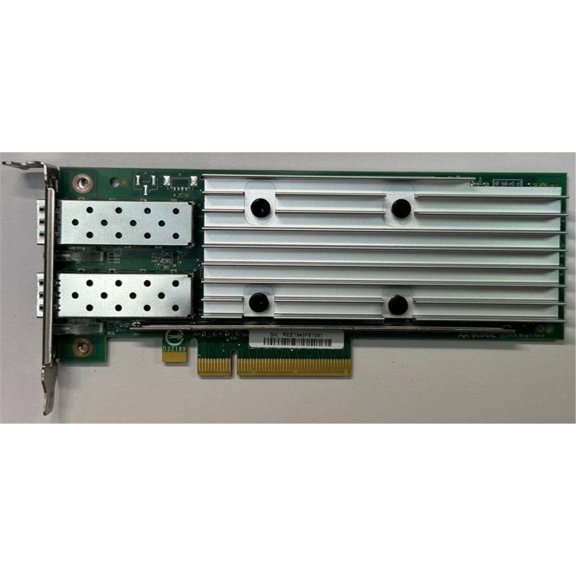
Pre-Owned QLogic QTE8652-CU-PUR Dual Port 10/25GbE Low Profile SFP+ Network Ethernet Card (Good)
Pre-Owned QLOGIC FTLF8529P3BCV-QL Transceiver, Silver (Used ) $9.99

Pre-Owned QLOGIC FTLF8529P3BCV-QL Transceiver, Silver (Used )
FAQ
How do I know which adapter fits my server?
Choosing the right adapter for your server depends on a few key details. Start by checking your server's available expansion slots (like PCI Express or PCI-X) and compare them to the adapter's interface. Next, confirm the speed and port requirements, such as whether you need Fibre Channel or Ethernet and how many ports you'd like. It's helpful to review your server documentation or consult your IT team to make sure the adapter matches your setup. If you're not sure, you can bring your server specs to the store and ask for advice before buying.
What should I look for in a used network card?
When shopping for a pre-owned network card, pay attention to condition and compatibility. Check for signs of wear, ask about any previous use, and make sure it hasn't been physically damaged. Review the card's technical specifications to ensure it supports your required speeds and protocols, like 10Gb or 16Gb Fibre Channel. It's also important to see if the card comes with accessories like transceivers or cables. Always confirm that the card's firmware can be updated if needed, so you get the most out of your investment.
Can I upgrade my storage network with these cards?
Many of the adapters and transceivers in this collection can help boost your storage network's performance. Upgrading depends on your system's compatibility with the card's interface and speed, such as moving from 8Gb to 16Gb Fibre Channel. Before purchasing, check your existing hardware and software requirements to avoid compatibility issues. Upgrading can improve data transfer rates and reliability, but results vary based on your setup. If you're unsure, consulting with your IT provider or reading your equipment manuals can help guide your decision.
How do I install a host bus adapter safely?
Installing a host bus adapter should be done carefully to avoid damage. Before starting, power down your server and disconnect it from electricity. Ground yourself to prevent static discharge, which can harm electronic components. Insert the adapter firmly into the correct slot and secure it with screws if needed. After installation, reconnect your server and boot up, then install any required drivers or firmware for the adapter to be recognized. Always follow your server's manual for specific instructions, and take your time to ensure everything is set up correctly.
Is there a way to check if an optical transceiver works?
To check if an optical transceiver is functioning, you can install it in a compatible network device and monitor for proper link lights or status indicators. Most devices display a green light when the transceiver is working and connected properly. You can also run diagnostic tools provided by your hardware to test data transmission. If you notice any issues, such as intermittent connectivity or no signal, try reseating the transceiver or checking for dust or debris. Always handle these components with care, as they're sensitive to physical and environmental factors.
Popular in Shop Ethernet and Network Adapter Cards Online
Related Products
TRENDnet TMO-312C, Ethernet over Coax 2.5Gbps Adapter
 TRENDnet TMO-312C, Ethernet over Coax 2.5Gbps Adapter$64.99current price $64.99
TRENDnet TPL-406E2K 500 AV Compact Powerline Ethernet Adapter kit
 TRENDnet TPL-406E2K 500 AV Compact Powerline Ethernet Adapter kit$37.99current price $37.99
AUBEAMTO Ethernet Switch, 2 Port Internet and Extranet Bi-Directional Network Switch 2.5/5 Gigabit Ethernet Switch Splitter 1 to 2 1000Mbps High Speed, Office Splitter Adapter for Cat5/5e/6/7/8 Cable
 AUBEAMTO Ethernet Switch, 2 Port Internet and Extranet Bi-Directional Network Switch 2.5/5 Gigabit Ethernet Switch Splitter 1 to 2 1000Mbps High Speed, Office Splitter Adapter for Cat5/5e/6/7/8 Cable$13.59current price $13.59
TRENDnet TPL-422E2K Powerline 1300 AV2 Adapter Kit, Includes 2 x TPL-422E Powerline Ethernet Adapters
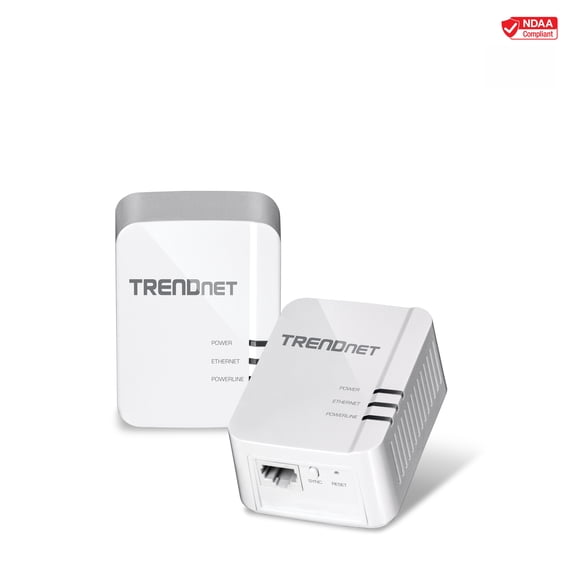 TRENDnet TPL-422E2K Powerline 1300 AV2 Adapter Kit, Includes 2 x TPL-422E Powerline Ethernet Adapters$69.99current price $69.99
TRENDnet TU2-ET100 USB 2.0 to 10/100 Mbps Ethernet Adapter
 TRENDnet TU2-ET100 USB 2.0 to 10/100 Mbps Ethernet Adapter$27.79current price $27.79
StarTech.com 2-Port 2.5Gbps PCI Express PoE Network Card, Dual Intel I225-V, PCIe 802.3af/at PoE+ Multi-Gigabit Ethernet NIC
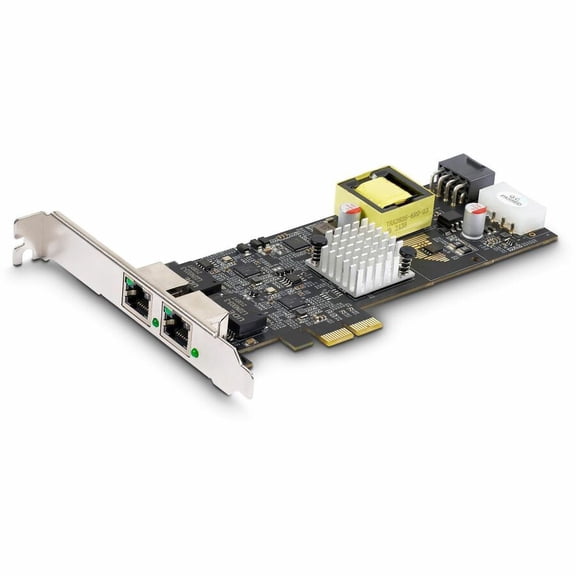 StarTech.com 2-Port 2.5Gbps PCI Express PoE Network Card, Dual Intel I225-V, PCIe 802.3af/at PoE+ Multi-Gigabit Ethernet NIC$304.32current price $304.32
Pre-Owned ASR 1000 Ethernet Line Card, 100 Gb Modular Interface Processor, spare
Pre-Owned ASR 1000 Ethernet Line Card, 100 Gb Modular Interface Processor, spare
Pre-Owned Cisco HWIC-2FE 2 Port Fast Ethernet High-Speed WAN Interface Card (Good)
 Pre-Owned Cisco HWIC-2FE 2 Port Fast Ethernet High-Speed WAN Interface Card (Good)$44.99current price $44.99
Sonnet Solo10G 10GBASE-T 1-Port 10 Gigabit Ethernet PCI Express 3.0 Adapter Card, Thunderbolt Compatible
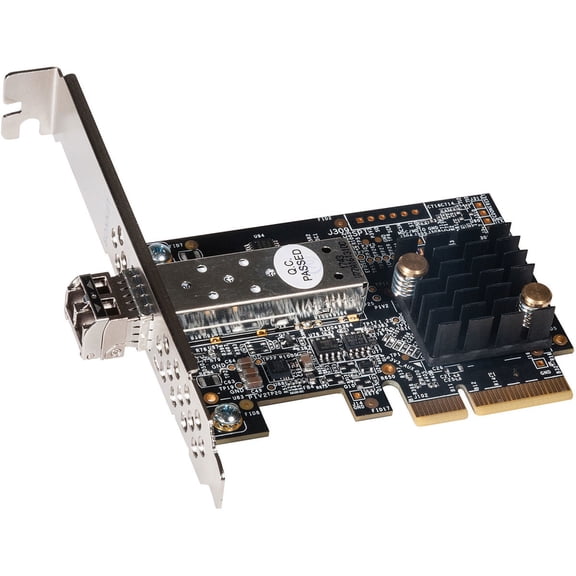 Sonnet Solo10G 10GBASE-T 1-Port 10 Gigabit Ethernet PCI Express 3.0 Adapter Card, Thunderbolt Compatible$109.99current price $109.99
HighZer0 Electronics Wireless-N 1030 Half Mini PCIe Network Card | 300 Mbps with Bluetooth Support | HMC WLAN Replacement Part 1230BNH Wi-Fi Card 11230BNHMW
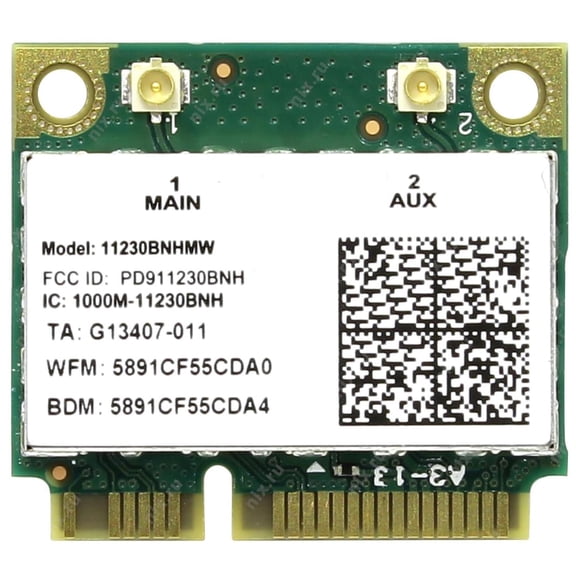 HighZer0 Electronics Wireless-N 1030 Half Mini PCIe Network Card | 300 Mbps with Bluetooth Support | HMC WLAN Replacement Part 1230BNH Wi-Fi Card 11230BNHMW$19.75current price $19.75
HighZer0 Electronics Wireless-N 2230 Half Mini PCIe Network Card | 300 Mbps with Bluetooth Support | HMC WLAN Replacement Part 2230BNH Wi-Fi Card 2230BNHMW
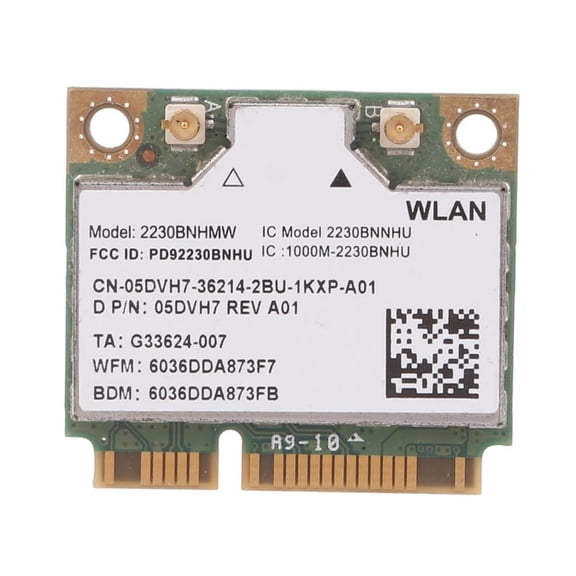 HighZer0 Electronics Wireless-N 2230 Half Mini PCIe Network Card | 300 Mbps with Bluetooth Support | HMC WLAN Replacement Part 2230BNH Wi-Fi Card 2230BNHMW$19.75current price $19.75
SIIG 4 Port Gigabit Ethernet with POE PCIe Card Intel 350
 SIIG 4 Port Gigabit Ethernet with POE PCIe Card Intel 350$256.24current price $256.24
StarTech.com 2-Port PCIe 10Gb Ethernet Network Card, Dual RJ45 10GBase-T/Gigabit, Broadcom BCM57416 Chipset, NIC Card, Windows & Linux
 StarTech.com 2-Port PCIe 10Gb Ethernet Network Card, Dual RJ45 10GBase-T/Gigabit, Broadcom BCM57416 Chipset, NIC Card, Windows & Linux$472.12current price $472.12
Black Box POE Injector At 16-Port 10/100/1000
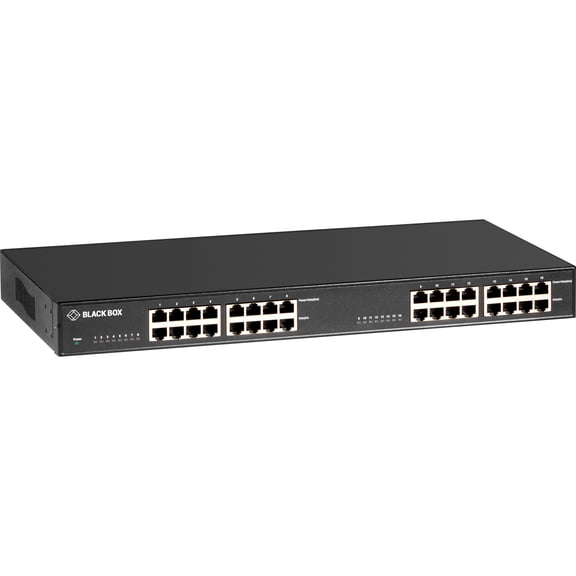 Black Box POE Injector At 16-Port 10/100/1000$891.56current price $891.56
StarTech 1-Port Serial to Ethernet Adapter
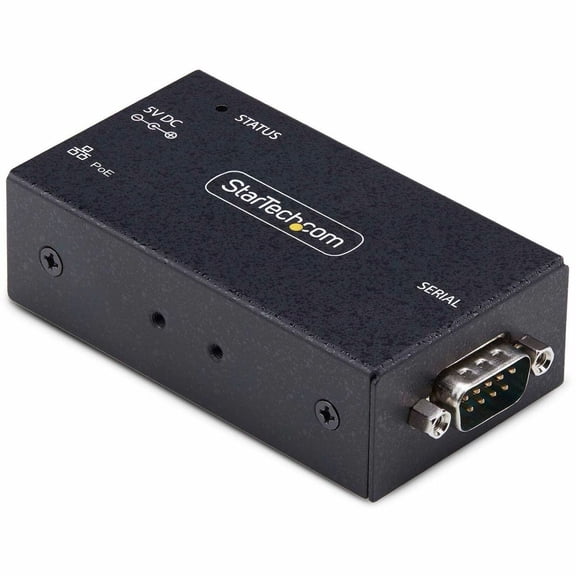 StarTech 1-Port Serial to Ethernet Adapter$222.75current price $222.75
IOCrest PCI-Express 2.0, x4, 4-Port Gigabit Ethernet RJ45 Card, Realtek+ASMedia Chipsets
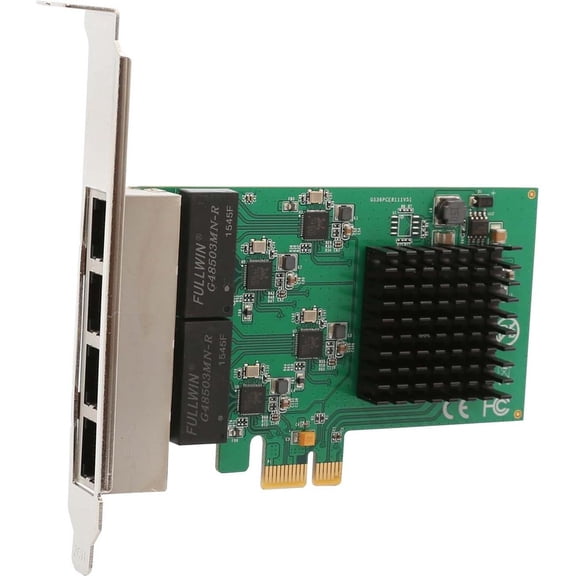 IOCrest PCI-Express 2.0, x4, 4-Port Gigabit Ethernet RJ45 Card, Realtek+ASMedia Chipsets$39.99current price $39.99