Suggested
Psp-3000(1)
Restored PlayStation Portable PSP 3000 Video Game Console with 32 MB Data Storage, Red, 1, 1 pack From $170.00
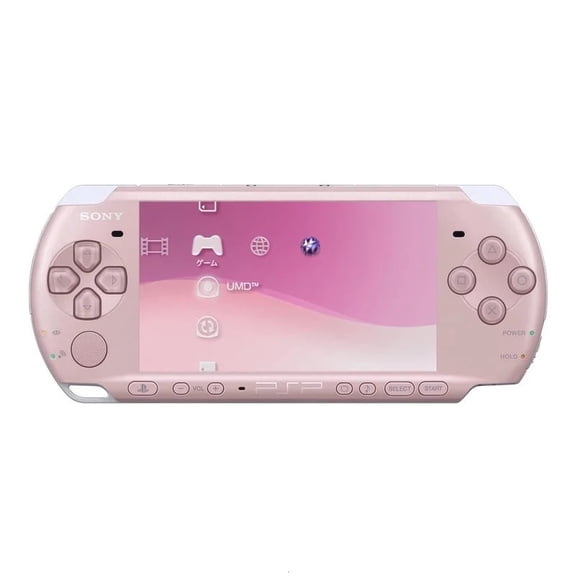


Restored PlayStation Portable PSP 3000 Video Game Console with 32 MB Data Storage, Red, 1, 1 pack
FAQ
What makes the PSP-3000 different from older models?
The PSP-3000 stands out from earlier versions thanks to its improved screen, which offers better color and less glare for gaming on the go. It also features a built-in microphone, making it easier to use voice chat in supported games. While the overall design is similar to previous models, these updates can enhance your gaming experience, especially if you enjoy playing outdoors or connecting with friends online. If you’re considering an upgrade or your first handheld console, these differences might help you decide which model fits your needs best.
Can I still find games for the PSP-3000?
Yes, you can still find a variety of games for the PSP-3000. Many popular titles are available both new and pre-owned, and some retailers offer bundles that include games with the console. While new releases are rare, the existing library covers a wide range of genres, from action and adventure to puzzle and sports. If you're looking for specific games, checking online retailers and specialty stores can help you discover both classics and hidden gems for your handheld system.
How do I transfer music or videos to my PSP-3000?
- First, insert a compatible memory card into your PSP-3000.
- Connect the console to your computer using a USB cable.
- On the PSP menu, select 'USB Connection' to access the device from your computer.
- Drag and drop music or video files into the appropriate folders (like 'MUSIC' or 'VIDEO').
Make sure your files are in a supported format for smooth playback. This process lets you enjoy your favorite media on the go, turning your PSP-3000 into a portable entertainment hub.
What should I check before buying a used PSP-3000?
- Inspect the screen for scratches or dead pixels.
- Test all buttons and the analog stick for responsiveness.
- Check the battery life and see if the charger is included.
- Look for any signs of damage to the casing or ports.
Buying from a trusted retailer can add peace of mind, as some offer warranties or return policies on restored electronics. Taking these steps can help you get a handheld console that works well and meets your expectations.
How do I connect my PSP-3000 to Wi-Fi?
- Turn on your PSP-3000 and go to 'Settings' in the main menu.
- Select 'Network Settings' and choose 'Infrastructure Mode.'
- Scan for available wireless networks and select your Wi-Fi network.
- Enter your Wi-Fi password if prompted, then save the settings.
Once connected, you can browse the web, access the PlayStation Store (where available), or play supported games online. Keep in mind that Wi-Fi compatibility may depend on your network’s settings and security type.
Popular in Explore Brand Home Page for Gaming Devices
Related Products
Trademark Global Electronic Handheld 5 in 1 Poker Game
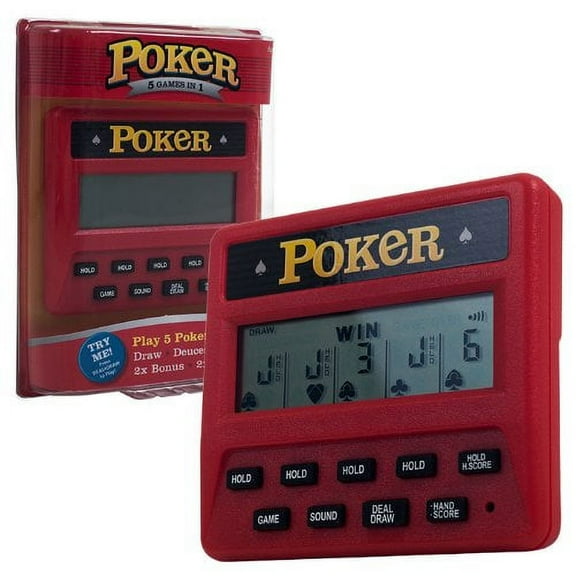 Trademark Global Electronic Handheld 5 in 1 Poker Game$21.99current price $21.99
Solitaire Klondike Electronic Handheld Video Game, Purple
 Solitaire Klondike Electronic Handheld Video Game, Purple$16.18current price $16.18
Epic Art 'Hand-held Game System Blueprint Patent Parchment,' Acrylic Glass Wall Art, 16"x24"
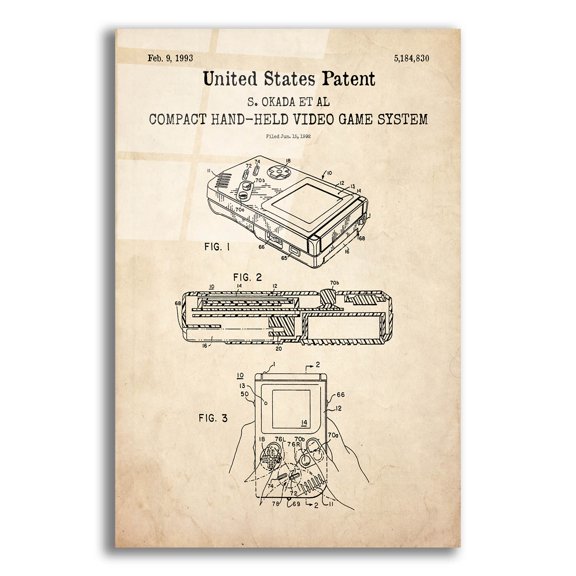 Epic Art 'Hand-held Game System Blueprint Patent Parchment,' Acrylic Glass Wall Art, 16"x24"$84.99current price $84.99