Outlinx(6)
The Original QR Smart Stickers, Bundle of 4 Packs, 32 stickers $26.50

Blackout QR Smart Stickers, Bundle of 4 Packs, 32 stickers $26.50

Space Beetle QR Smart Sticker Pack, 10 stickers $10.00

Blackout QR Smart Sticker Pack, 8 stickers $8.00

The Original QR Smart Sticker Pack, 8 stickers $8.00

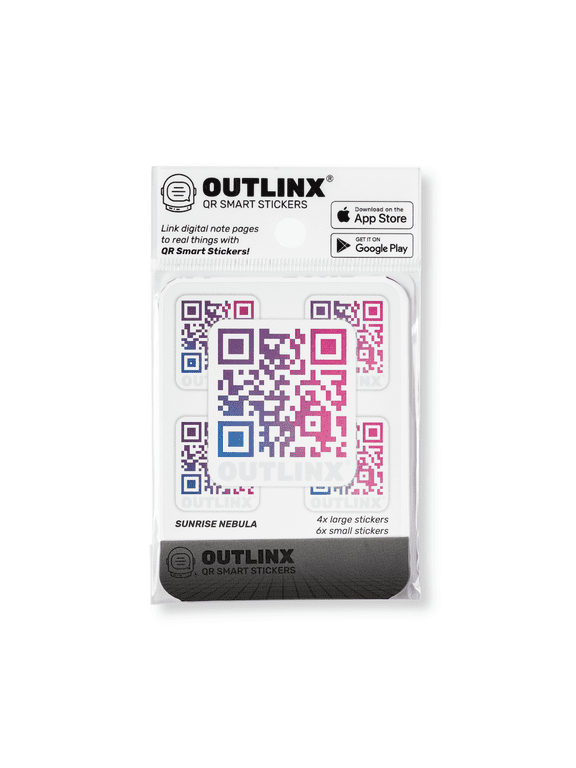
Sunrise Nebula QR Smart Sticker Pack, 10 stickers $10.00
FAQ
What are QR Smart Stickers used for?
QR Smart Stickers are designed to help organize and streamline your life by connecting physical items to digital notes, instructions, or details using your smartphone. Simply scan the sticker with your phone's camera to access information you've attached to that item, like reminders, inventory lists, or care instructions. They're perfect for tagging storage boxes, items around the house, or anything you want to keep track of digitally. This can make home organization a lot more interactive and easier to manage.
How do I attach a QR Smart Sticker?
- Clean the surface: Make sure the area you're sticking onto is dry and free of dust for the best adhesion.
- Peel off the backing: Gently remove the sticker from its backing sheet.
- Stick firmly: Press the sticker onto your chosen item and smooth it down to remove bubbles.
These stickers are made for everyday objects, like boxes, notebooks, or electronics. It's always helpful to check if the surface is appropriate, such as avoiding wet or rough textures.
Can I reuse a QR Smart Sticker if I move it?
Generally, QR Smart Stickers are intended for one-time application, so moving them might reduce how well they stick. If you try to relocate a sticker, it may not adhere as securely to a new surface, which could affect the scanning experience. For best results, place each sticker where you plan to keep it long-term. If you need to tag another item, using a fresh sticker is a practical choice.
Do these stickers work with any smartphone?
Most smartphones with camera functionality can scan QR Smart Stickers. Simply open your phone's camera app, point it at the QR code, and follow the link that pops up. Some older phones or those without QR code scanning capability may need an additional QR reader app. Make sure your software is up to date for the best experience, and always test your device beforehand if you're unsure.
Are QR Smart Stickers safe for delicate surfaces?
QR Smart Stickers are made with gentle adhesive, but it's wise to be cautious with delicate or sensitive surfaces, like painted finishes or certain plastics. Always test a sticker on a small, hidden area if you're concerned. If removing, peel slowly to minimize residue. These stickers are designed for everyday use, but checking compatibility helps avoid unwanted marks or wear.
Popular in Shop Brand Products and Essentials Online
Related Products
3.75in x 3in Blue Cursive B Monogram Sticker Fancy Vinyl Vehicle Stickers
 3.75in x 3in Blue Cursive B Monogram Sticker Fancy Vinyl Vehicle Stickers$8.99current price $8.99
128Pcs Red Cross Stickers Decal Self-Adhesive Waterproof Sticker Round Bulk Vinyl Medical Small Stickers for Calendar Water Bottles Laptop Luggage Cup Mobile Phone 2.5x2.5cm
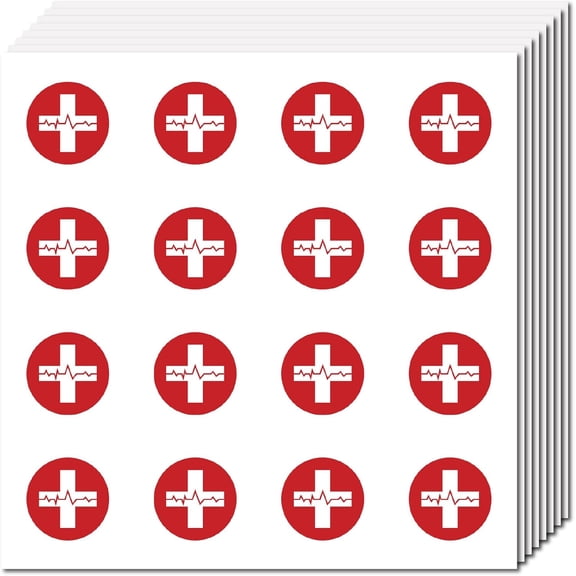 128Pcs Red Cross Stickers Decal Self-Adhesive Waterproof Sticker Round Bulk Vinyl Medical Small Stickers for Calendar Water Bottles Laptop Luggage Cup Mobile Phone 2.5x2.5cm$8.10current price $8.10
128Pcs Crown Planner Stickers Gold Crown Helmet Sticker Decals Self-Adhesive Waterproof Sticker Round Dot Cartoon Decal Bulk Stickers for Scrapbooking Calendar Water Bottles Laptop 2.5cm
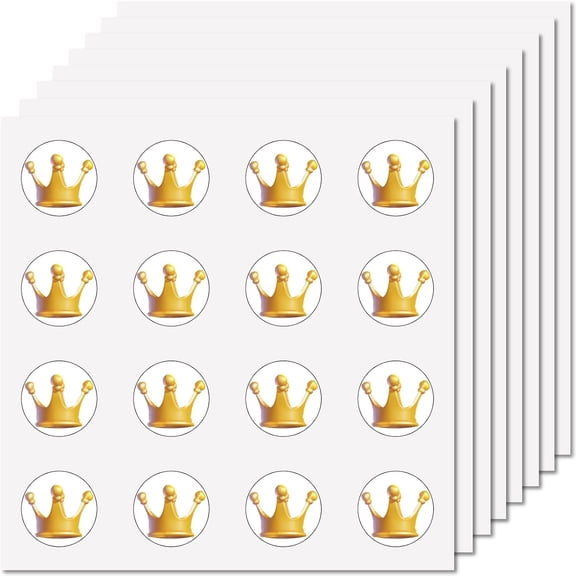 128Pcs Crown Planner Stickers Gold Crown Helmet Sticker Decals Self-Adhesive Waterproof Sticker Round Dot Cartoon Decal Bulk Stickers for Scrapbooking Calendar Water Bottles Laptop 2.5cm$8.10current price $8.10
Cute Cartoon Plant Potted Stickers 100 Pcs Trendy Style Stickers Laptop Stickers Pack Cool Sticker for Pad MacBook Car Snowboard Bicycle Luggage Water Cup Mobile Phone Decal
 Cute Cartoon Plant Potted Stickers 100 Pcs Trendy Style Stickers Laptop Stickers Pack Cool Sticker for Pad MacBook Car Snowboard Bicycle Luggage Water Cup Mobile Phone Decal$8.90current price $8.90
12 Pcs Alphanumeric Sticker,Digital Combination DIY Stickers,Large Self-Adhesive Waterproof Stickers,Colorful Alphabet Decals Pack,Stickers for Scrapbook Mailbox Luggage Cup Laptop Decor
 12 Pcs Alphanumeric Sticker,Digital Combination DIY Stickers,Large Self-Adhesive Waterproof Stickers,Colorful Alphabet Decals Pack,Stickers for Scrapbook Mailbox Luggage Cup Laptop Decor$12.99current price $12.99
StickerTalk Do Not Disturb Vinyl Stickers, 1 sheet of 3 stickers, 3 inches x 1 inch each
 StickerTalk Do Not Disturb Vinyl Stickers, 1 sheet of 3 stickers, 3 inches x 1 inch each$8.99current price $8.99
35pcs-50pcs Scenic Stickers Traveling Country Stickers Landmark Stickers for Luggage Suitcases Fridge
 35pcs-50pcs Scenic Stickers Traveling Country Stickers Landmark Stickers for Luggage Suitcases Fridge$7.07current price $7.07