FAQ
What does a topic page show me?
A topic page brings together lots of helpful info about a specific category or interest. You'll usually find:
- Featured products related to the topic
- Useful guides or tips
- Frequently asked questions
- Links to popular items or brands
It's designed to make browsing and shopping easier, whether you're looking for inspiration or want to learn more before buying.
How do I use a topic page to shop?
Using a topic page is pretty straightforward. You can:
- Browse curated product selections
- Read tips and guides for the category
- Explore related items or deals
Just click on products or guides to get more details, compare options, and add items to your cart when you're ready.
Can I find buying tips on a topic page?
Yes, topic pages often include buying tips and guides tailored to the category. These might cover:
- How to choose the right item for your needs
- Features to look for
- Care or maintenance advice
Checking these tips can help you make a more confident shopping decision.
Where do I find related products on a topic page?
Related products are usually highlighted throughout the topic page. Look for sections like:
- 'You might also like'
- 'Trending now'
- 'Best sellers'
These spots feature items connected to the main topic, making it easy to discover new options or compare choices.
Is there expert advice on topic pages?
Many topic pages include expert advice or curated guides to help you learn more about the category. This may appear as:
- How-to articles
- Frequently asked questions
- Tips from store associates
Exploring these resources can give you extra confidence and support as you shop.
Popular in Onetify
Related Products
Legalize Marinara Crewneck Sweatshirt
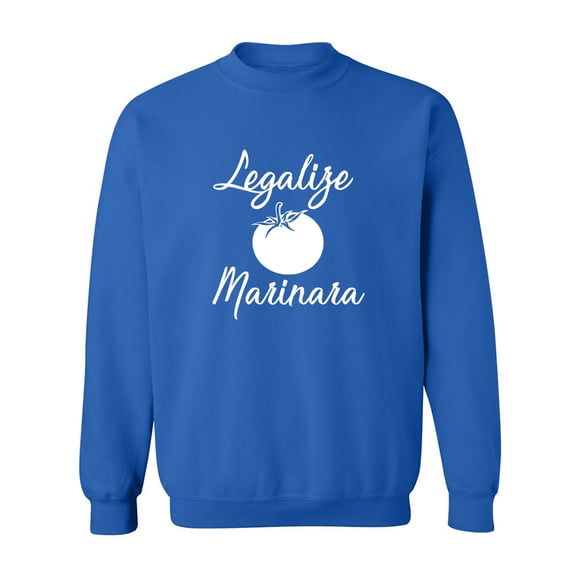 Legalize Marinara Crewneck Sweatshirt$28.99current price $28.99
IROINNID Women's Hooded Zip Up Jacket Graphic Prints Long Sleeve Casual Men LED Colorful Glowing Jacket Coat Luminous Clothing, White
 IROINNID Women's Hooded Zip Up Jacket Graphic Prints Long Sleeve Casual Men LED Colorful Glowing Jacket Coat Luminous Clothing, White$20.99current price $20.99
BDPORKAS Women's Oversized Hoodies Sweatshirt Quarter-Zip Mock Neck Fleece Pullover Hoodie Tops with Thumb Holes Brown XL
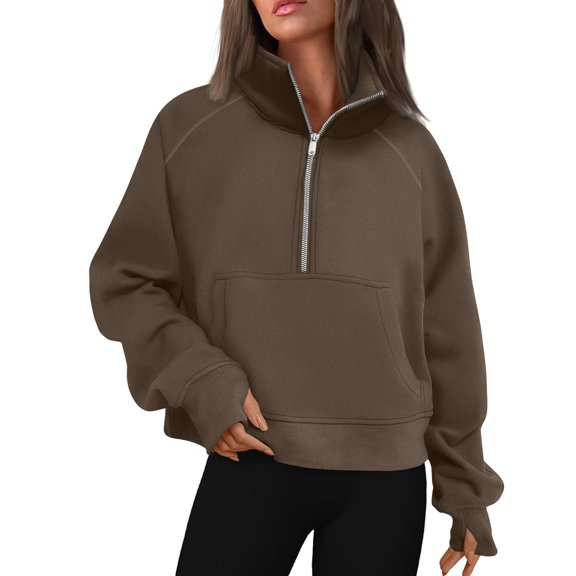 BDPORKAS Women's Oversized Hoodies Sweatshirt Quarter-Zip Mock Neck Fleece Pullover Hoodie Tops with Thumb Holes Brown XL$8.81current price $8.81
ZCFZJW Mens Ombre Hoodie Tops Lightweight Casual Drawstring Long Sleeve Hooded Pullover Sweatshirts Trendy Tie Dye Gradient Print Warm Coat with Pockets Multicolor#02 XL
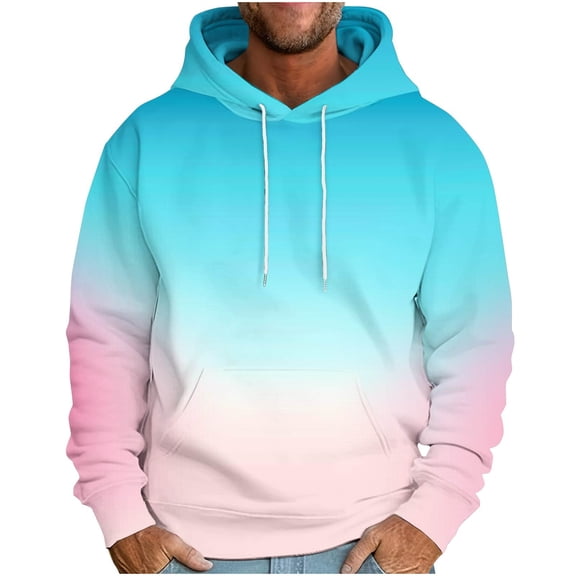 ZCFZJW Mens Ombre Hoodie Tops Lightweight Casual Drawstring Long Sleeve Hooded Pullover Sweatshirts Trendy Tie Dye Gradient Print Warm Coat with Pockets Multicolor#02 XL$40.39current price $40.39
HomeDM Women's Full Zip Up Hoodie Sweatshirts Solid Color Long Sleeve Pullover Tops with Pockets Fall Trendy Hooded - Light Blue/L
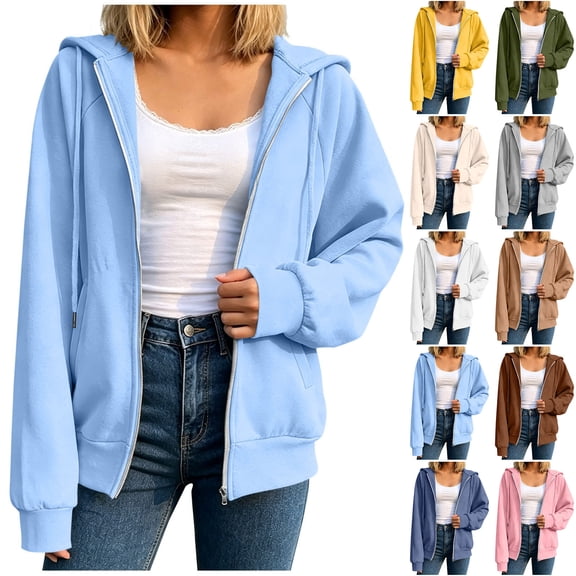 HomeDM Women's Full Zip Up Hoodie Sweatshirts Solid Color Long Sleeve Pullover Tops with Pockets Fall Trendy Hooded - Light Blue/L$10.99current price $10.99
Boy London Reflective Cotton Sweatshirt, Size Small
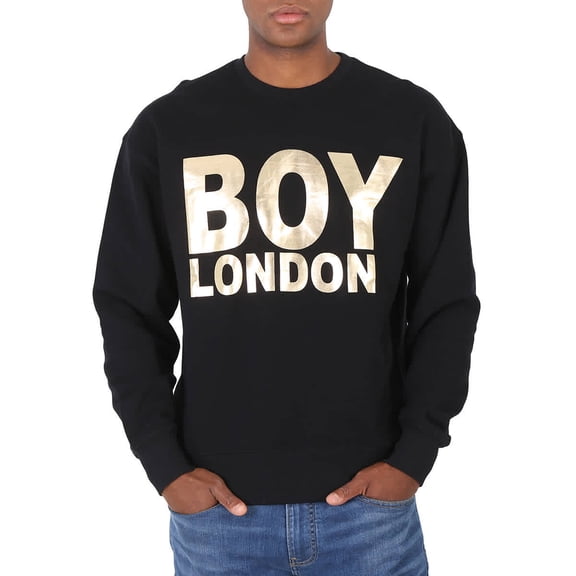 Boy London Reflective Cotton Sweatshirt, Size Small$47.72current price $47.72
Wyobmus Plus Size Hoodies for Women Long Sleeve Drawstring Hooded Sweatshirts Crewneck Comfy Pullover Tops Fall Fashion Clothes S-5X Blue
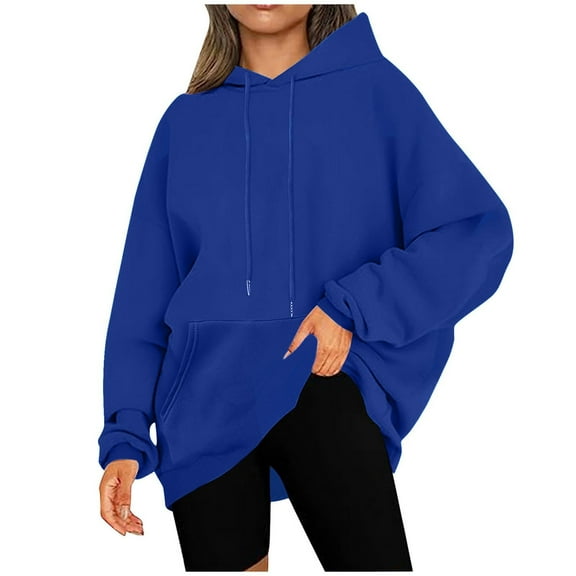 Wyobmus Plus Size Hoodies for Women Long Sleeve Drawstring Hooded Sweatshirts Crewneck Comfy Pullover Tops Fall Fashion Clothes S-5X Blue$9.59current price $9.59
Weilanxin Mens Hooded Sweatshirt Casual Long Sleeve Drawstring Waffle Knit Pullover Hoodies Deepgrey L
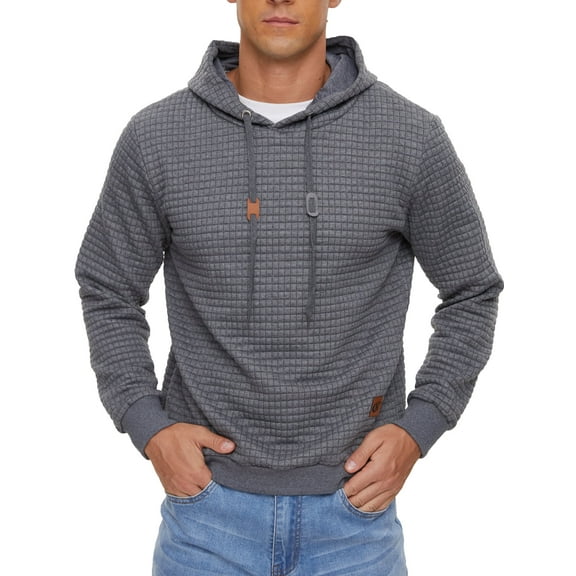 Weilanxin Mens Hooded Sweatshirt Casual Long Sleeve Drawstring Waffle Knit Pullover Hoodies Deepgrey L$19.99current price $19.99
Futezty Men Hoodies Print Long Sleeve Drawstring Pullover Hoodies Sweatshirt with Pocket Trendy
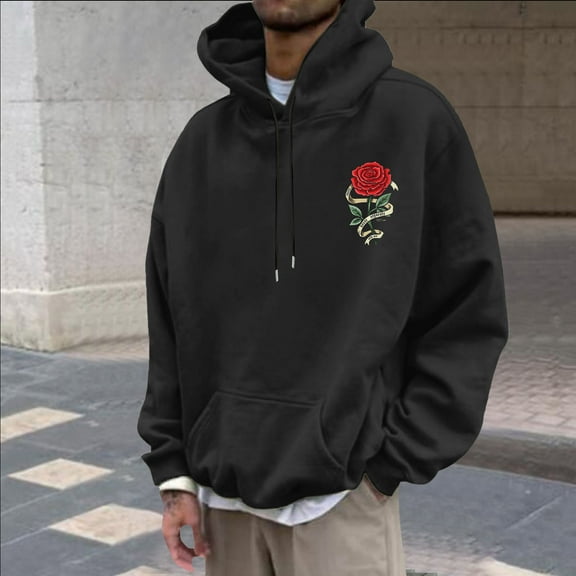 Futezty Men Hoodies Print Long Sleeve Drawstring Pullover Hoodies Sweatshirt with Pocket Trendy$7.99current price $7.99
Fashion casual printed loose hoodie for men and women's pullover, casual top, autumn and winter hoodie
 Fashion casual printed loose hoodie for men and women's pullover, casual top, autumn and winter hoodie$37.38current price $37.38
Lane Seven LS11001 Nantucket Pullover Hoodie-Black-XS
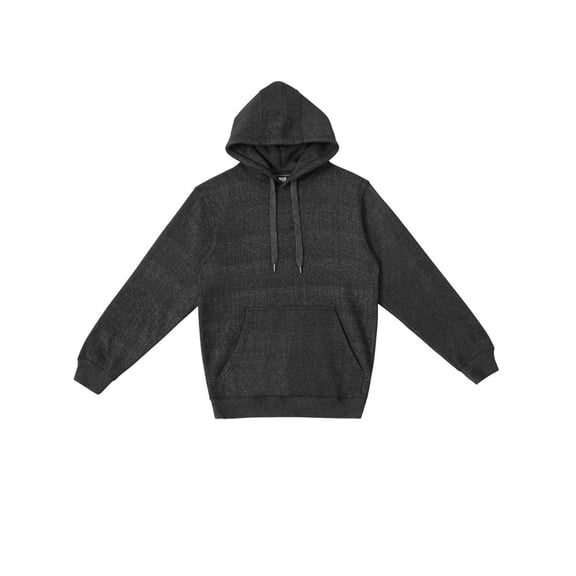 Lane Seven LS11001 Nantucket Pullover Hoodie-Black-XS$34.05current price $34.05
Ltctricy Oversized Hoodies for Women Casual Long Sleeve Drawstring Hooded Plus Size Sweatshirts Loose Pullover Tops with Pocket(Pink,X-Large)
 Ltctricy Oversized Hoodies for Women Casual Long Sleeve Drawstring Hooded Plus Size Sweatshirts Loose Pullover Tops with Pocket(Pink,X-Large)$11.99current price $11.99
zbxnLI Men's Velvet Long Sleeve Shirts Mock Neck Velour Classic T-Shirts Vintage Party Club Tops for Men
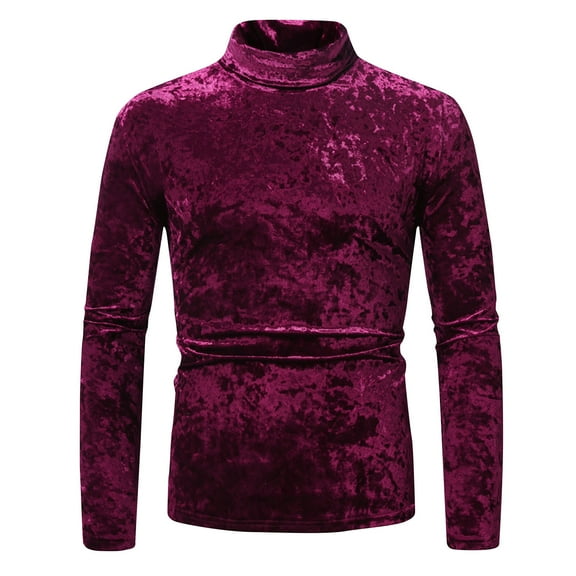 zbxnLI Men's Velvet Long Sleeve Shirts Mock Neck Velour Classic T-Shirts Vintage Party Club Tops for Men$6.49current price $6.49
Goodtrade8 Tie Dye Fall Tops for Men Casual Crew Neck Long Sleeve Long Sleeve Shirts for Men for the Winter
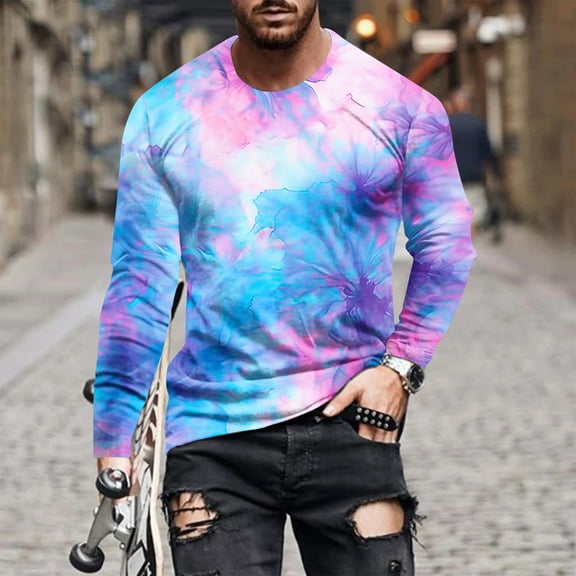 Goodtrade8 Tie Dye Fall Tops for Men Casual Crew Neck Long Sleeve Long Sleeve Shirts for Men for the Winter$9.99current price $9.99
Womens Oversized Hibiscus Graphic Embroidery Hoodie Preppy Cotton Sweatshirt for Teen Grils LightBlue, XS
 Womens Oversized Hibiscus Graphic Embroidery Hoodie Preppy Cotton Sweatshirt for Teen Grils LightBlue, XS$32.99current price $32.99