

NZXT(65)


NZXT ATX 3.1 1200 Watt 80 Plus Gold Fully Modular Power Supply - Black - PA-2G2BB-US
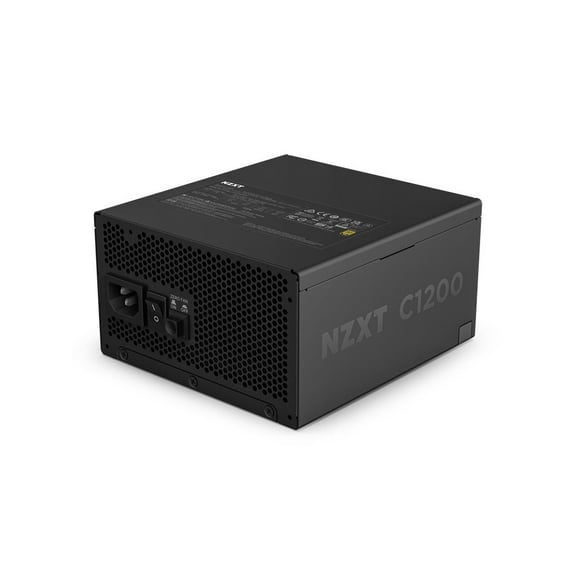


NZXT ATX 3.1 1200 Watt 80 Plus Gold Fully Modular Power Supply - Black - PA-2G2BB-US


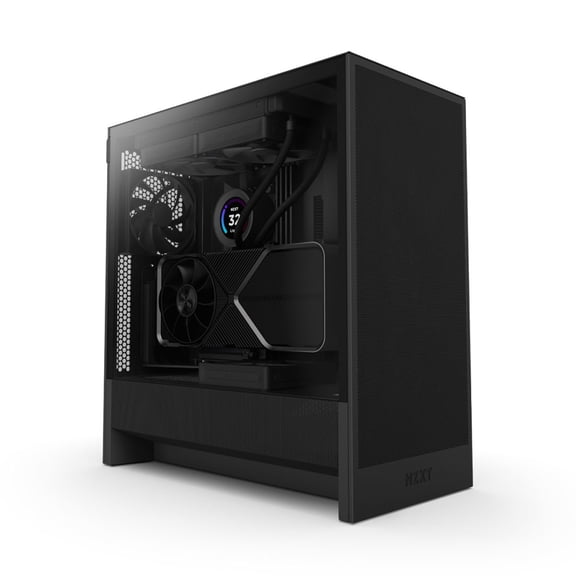
NZXT H9 Flow (2025) CM-H92FW-01 Large Dual-Chamber ATX Mid-Tower - Black $99.99 Was $119.99

NZXT H9 Flow (2025) CM-H92FW-01 Large Dual-Chamber ATX Mid-Tower - Black
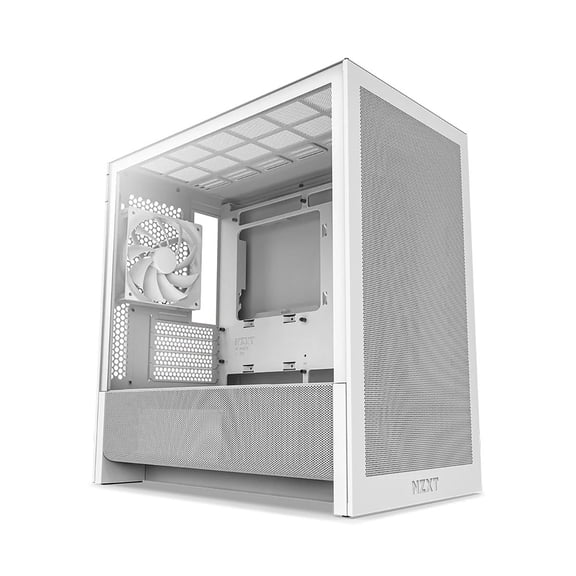
NZXT H7 Flow RGB Tempered Glass E-ATX Mid-Tower Airflow Computer Case, White, 2024 From $69.99
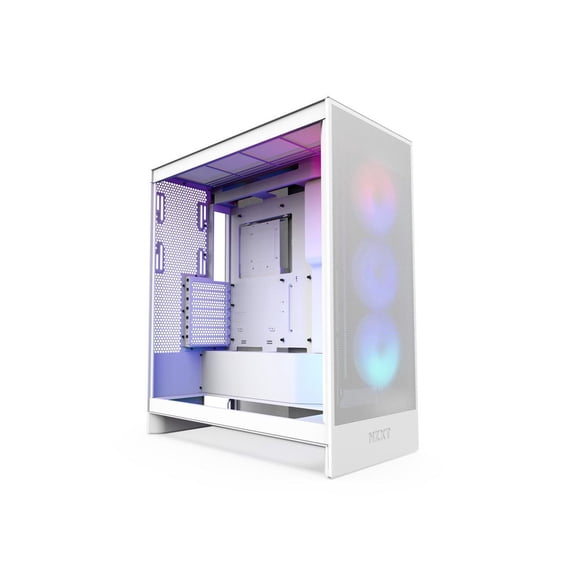


NZXT H7 Flow RGB Tempered Glass E-ATX Mid-Tower Airflow Computer Case, White, 2024
NZXT Kraken Plus RGB 240mm All-in-One Liquid CPU Cooler with LCD Display, White $91.98
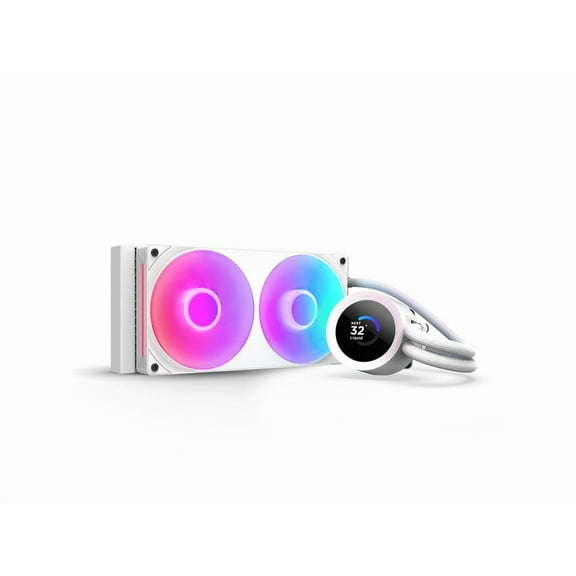
NZXT Kraken Plus RGB 240mm All-in-One Liquid CPU Cooler with LCD Display, White
KRAKEN ELITE RGB 360 WHITE AIO LIQUID COOLER WITH IPS LCD & STATIC PRESSURE FANS Intel Socket LGA 1851, 1700 & 1200/115X AMD Socket AM5, AM4


KRAKEN ELITE RGB 360 WHITE AIO LIQUID COOLER WITH IPS LCD & STATIC PRESSURE FANS Intel Socket LGA 1851, 1700 & 1200/115X AMD Socket AM5, AM4
NZXT H Series H5 Flow 2024 RGB Edition ATX Mid Tower Chassis All Black Color Was $89.77
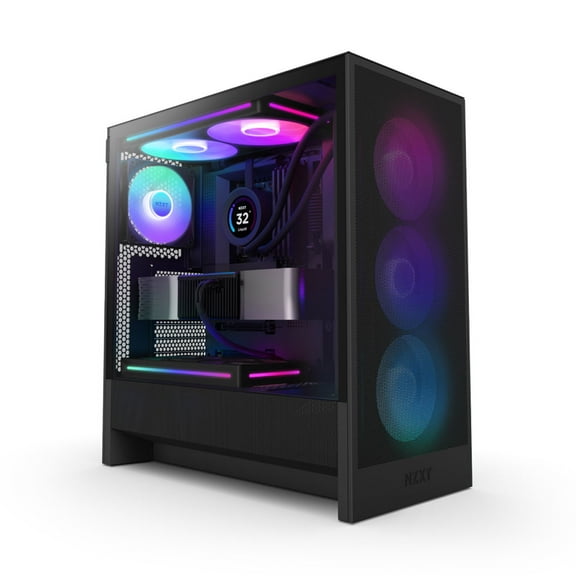


NZXT H Series H5 Flow 2024 RGB Edition ATX Mid Tower Chassis All Black Color
NZXT C1000 Gold Core 80Plus Gold Fully-modular ATX 3.1 Power Supply, US Power Cord $178.88
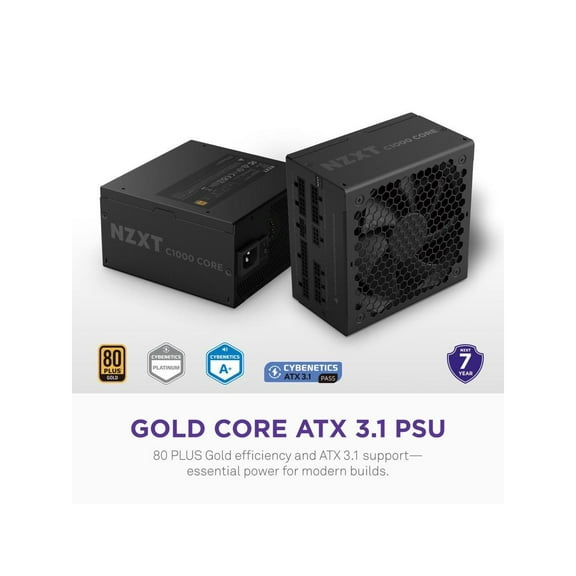
NZXT C1000 Gold Core 80Plus Gold Fully-modular ATX 3.1 Power Supply, US Power Cord
Black Friday Deal, H6 RGB+ (2026) Compact Dual-chamber ATX Case - All White $179.99 Was $199.99
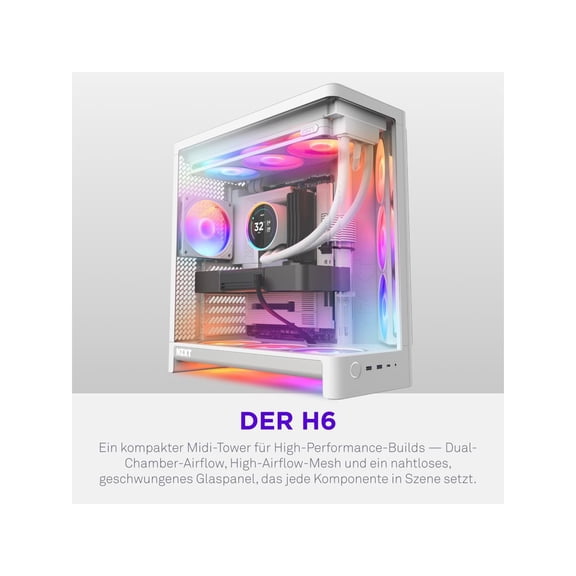
H6 RGB+ (2026) Compact Dual-chamber ATX Case - All White
Black Friday Deal, NZXT F280 RGB CORE RF-U28HF-W1 280mm RGB LED Single-Frame RGB Fan Unit $45.99
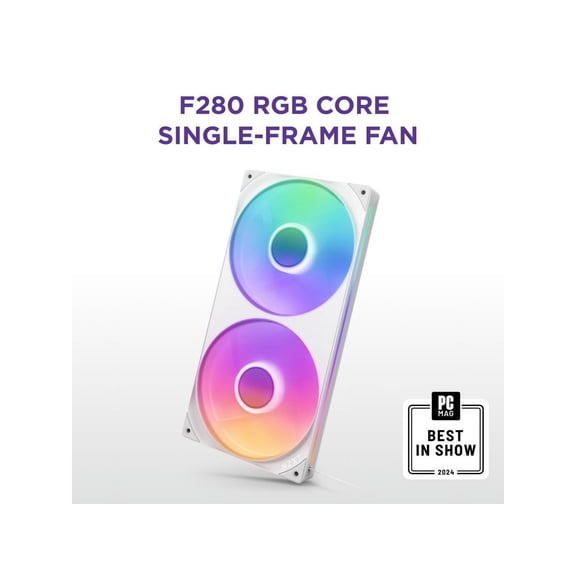
NZXT F280 RGB CORE RF-U28HF-W1 280mm RGB LED Single-Frame RGB Fan Unit
KRAKEN ELITE RGB 280 WHITE AIO LIQUID COOLER WITH IPS LCD & STATIC PRESSURE FANS Intel Socket LGA 1851, 1700 & 1200/115X AMD Socket AM5, AM4 Was $255.90


KRAKEN ELITE RGB 280 WHITE AIO LIQUID COOLER WITH IPS LCD & STATIC PRESSURE FANS Intel Socket LGA 1851, 1700 & 1200/115X AMD Socket AM5, AM4
NZXT Large Dual-Chamber Mid-Tower ATX Airflow Case (cm-h92fb-r1) $134.98
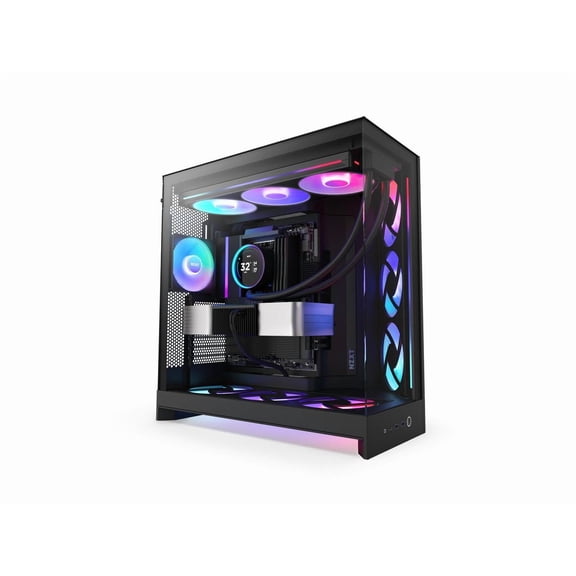
NZXT Large Dual-Chamber Mid-Tower ATX Airflow Case (cm-h92fb-r1)
NZXT Kraken Core RGB 240mm All-in-One Liquid CPU Cooler with LCD Display, Black $81.98
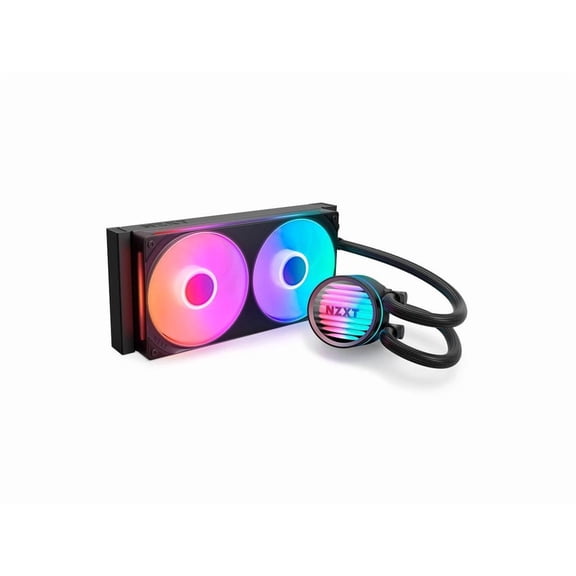
NZXT Kraken Core RGB 240mm All-in-One Liquid CPU Cooler with LCD Display, Black
NZXT H9 Flow RGB+ Dual-Chamber ATX Mid-Tower Airflow Computer Case, Black $285.99
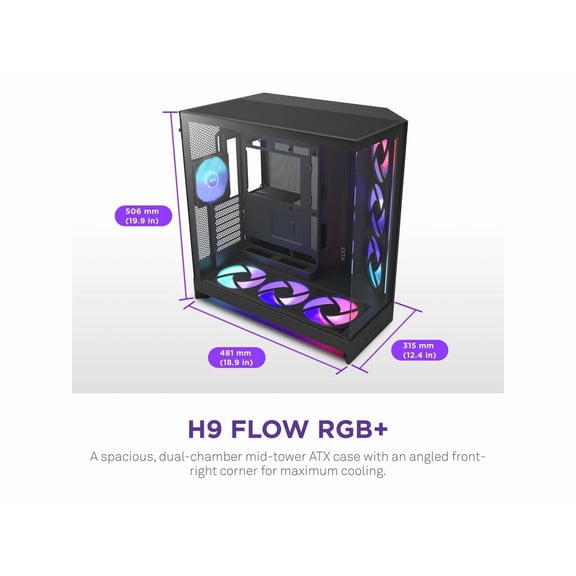
NZXT H9 Flow RGB+ Dual-Chamber ATX Mid-Tower Airflow Computer Case, Black
NZXT CMH92FWR1 H9 Flow RGB ATX Mid-Tower PC Case Dual Chamber White $204.99
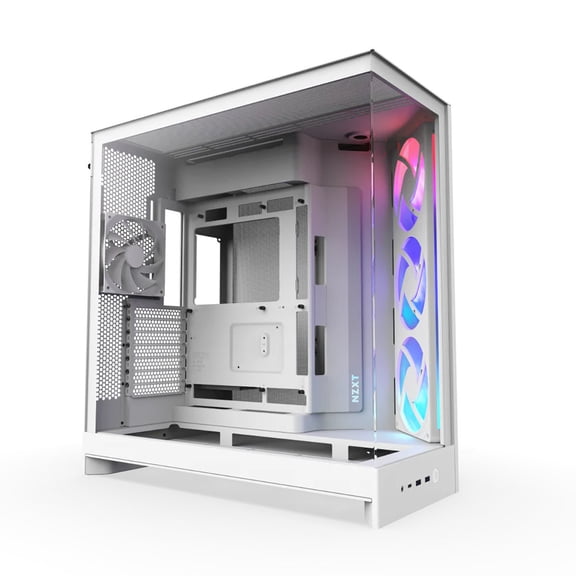
NZXT CMH92FWR1 H9 Flow RGB ATX Mid-Tower PC Case Dual Chamber White
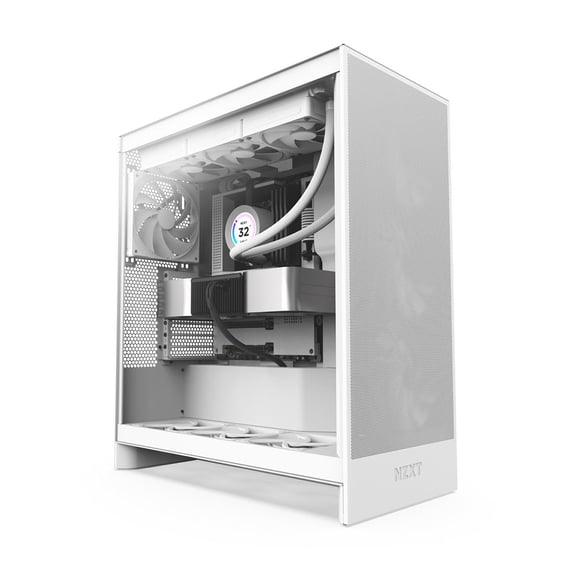


Nzxt PA8G2BBUS Fully Modular Power Supply From $114.99
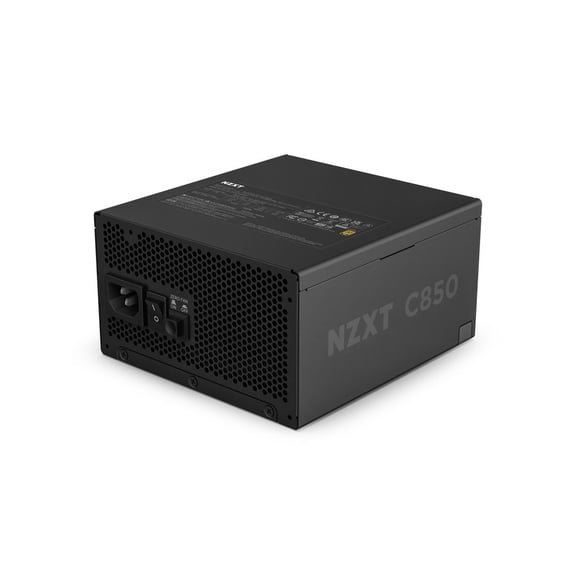


Nzxt PA8G2BBUS Fully Modular Power Supply
NZXT F120RGB Duo - 120mm Dual-sided RGB Fan - Triple Pack (White) w/RGB Controller $99.00
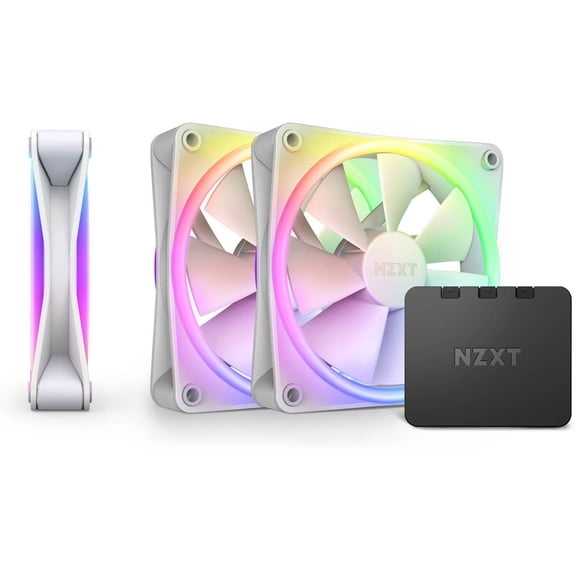
NZXT F120RGB Duo - 120mm Dual-sided RGB Fan - Triple Pack (White) w/RGB Controller
Black Friday Deal, NZXT F240 RGB Core Fan Unit, White $26.98 Was $29.99
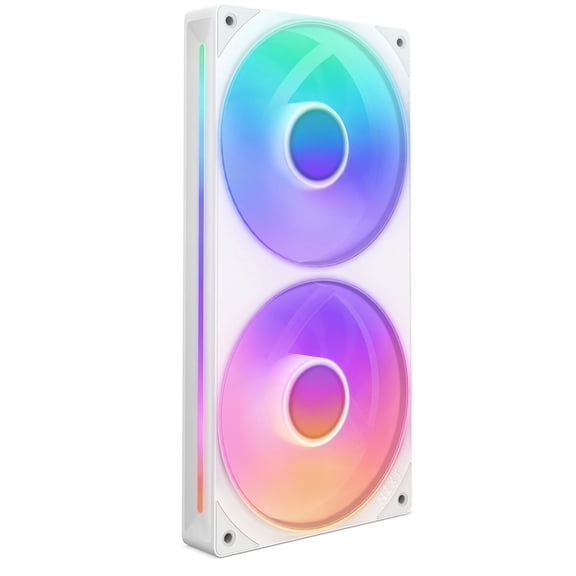
NZXT F240 RGB Core Fan Unit, White
NZXT CM-H92FB-P1 Black tinted tempered glass Mid-Tower Case (Computer Cases - ATX Form) $199.99 Was $249.99

NZXT CM-H92FB-P1 Black tinted tempered glass Mid-Tower Case (Computer Cases - ATX Form)
NZXT F360 RGB White 360mm PWM Single-Frame Addressable RGB Fan $49.99
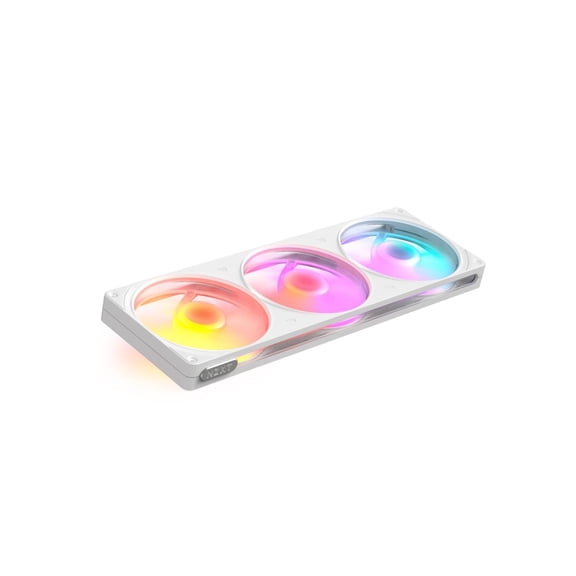
NZXT F360 RGB White 360mm PWM Single-Frame Addressable RGB Fan
NZXT ACCRFR1B1 Digital RGB and Fan Speed Controller Hub $54.99
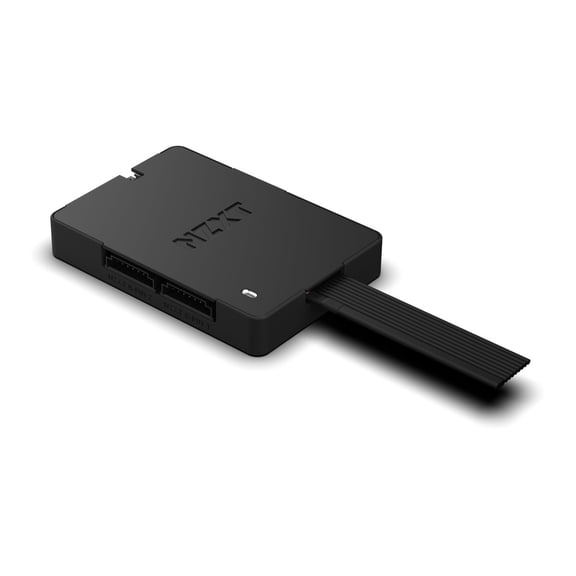
NZXT ACCRFR1B1 Digital RGB and Fan Speed Controller Hub
NZXT KRAKEN PLUS RGB 240 MM BLACK AIO LIQUID COOLER WITH 1.54" LCD & RGB CORE SINGLE FRAME FAN $89.99
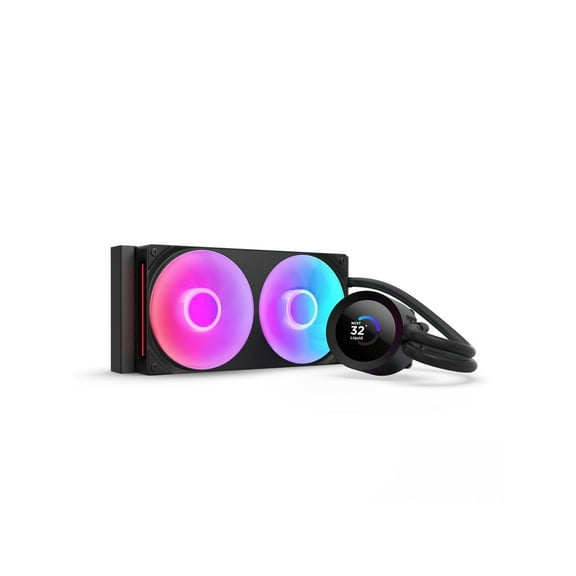
NZXT KRAKEN PLUS RGB 240 MM BLACK AIO LIQUID COOLER WITH 1.54" LCD & RGB CORE SINGLE FRAME FAN
NZXT F420 RGB Core 420 mm Single-Frame RGB Fan Unit (rf-u42hf-b1) $34.99 Was $39.99
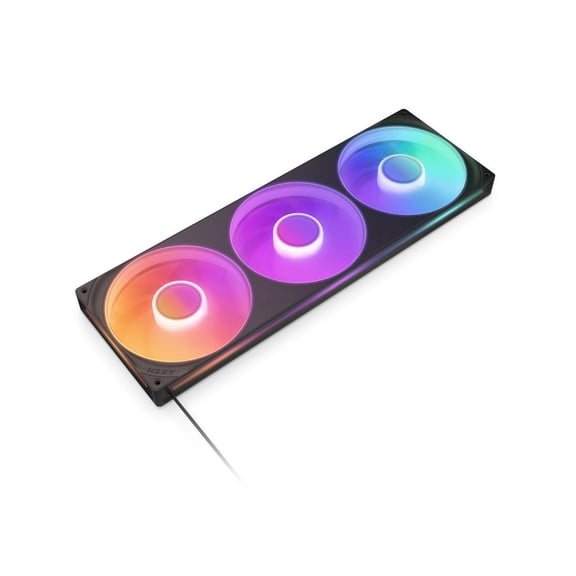
NZXT F420 RGB Core 420 mm Single-Frame RGB Fan Unit (rf-u42hf-b1)
NZXT F120 RGB Duo - 120mm Dual-Sided RGB PC Case Fan - White $29.99 $29.99/lb

NZXT F120 RGB Duo - 120mm Dual-Sided RGB PC Case Fan - White
NZXT Kraken Core RGB 360mm All-in-One Liquid CPU Cooler with LCD Display, Black $136.50
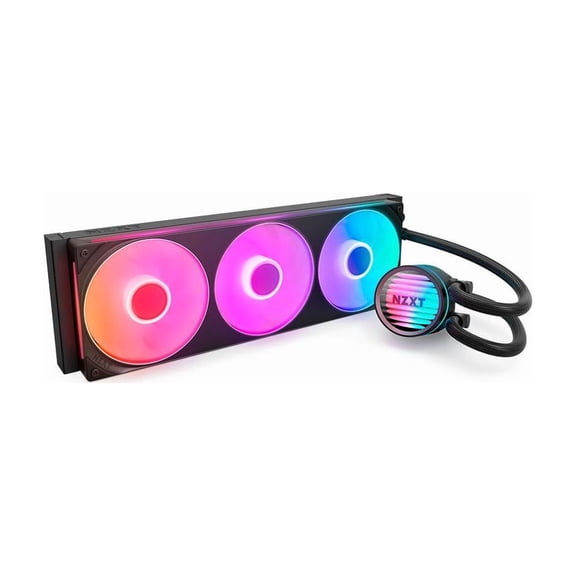
NZXT Kraken Core RGB 360mm All-in-One Liquid CPU Cooler with LCD Display, Black
NZXT F120U White 120mm Ultra Multi-Zone Addressable RGB Fan $29.99
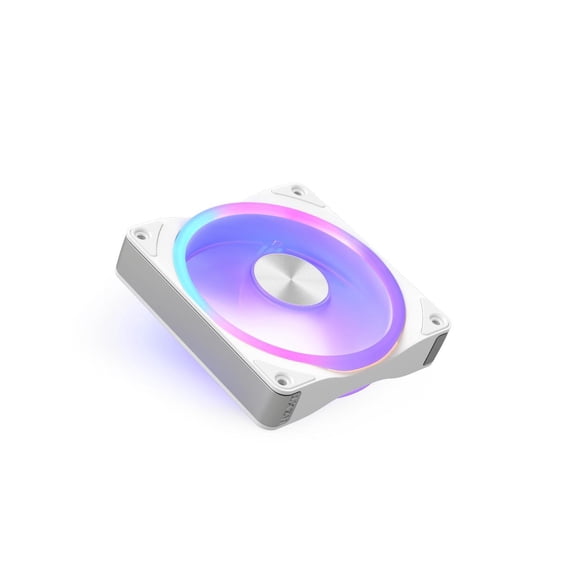
NZXT F120U White 120mm Ultra Multi-Zone Addressable RGB Fan
NZXT F140Q 140mm Quiet Airflow PWM Case Fan, White $19.99
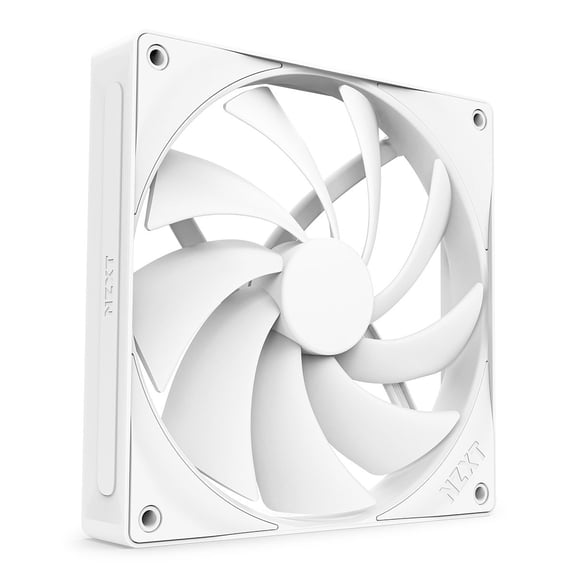
NZXT F140Q 140mm Quiet Airflow PWM Case Fan, White
F140RGB - 140mm RGB Fans - Twin + RGB Lighting Controller - White $59.99
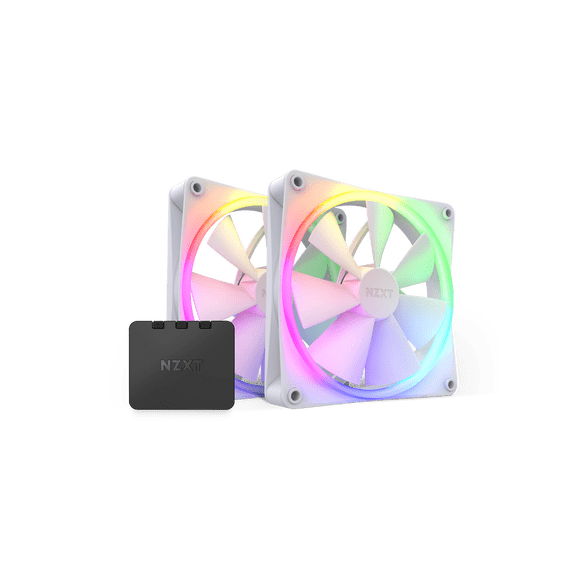
F140RGB - 140mm RGB Fans - Twin + RGB Lighting Controller - White
NZXT Kraken M22 LIQUID COOLING $122.00

NZXT Kraken M22 LIQUID COOLING
NZXT KRAKEN PLUS 240 MM AIO LIQUID COOLER WITH 1.54" LCD & STATIC PRESSURE FANS $119.99 Was $139.99

NZXT KRAKEN PLUS 240 MM AIO LIQUID COOLER WITH 1.54" LCD & STATIC PRESSURE FANS
NZXT F140 140mm RGB DUO Fan, Matte Black $37.00
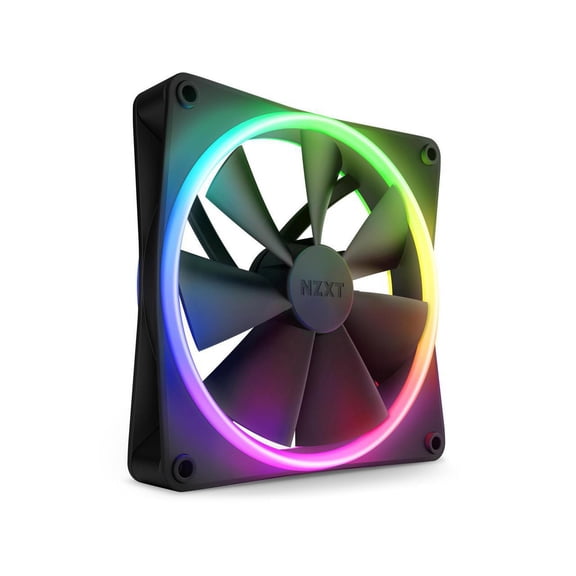
NZXT F140 140mm RGB DUO Fan, Matte Black
NZXT ATX 3.1 1000 Watt 80 Plus Gold Fully Modular Power Supply - Black - PA-0G2BB-US $124.99
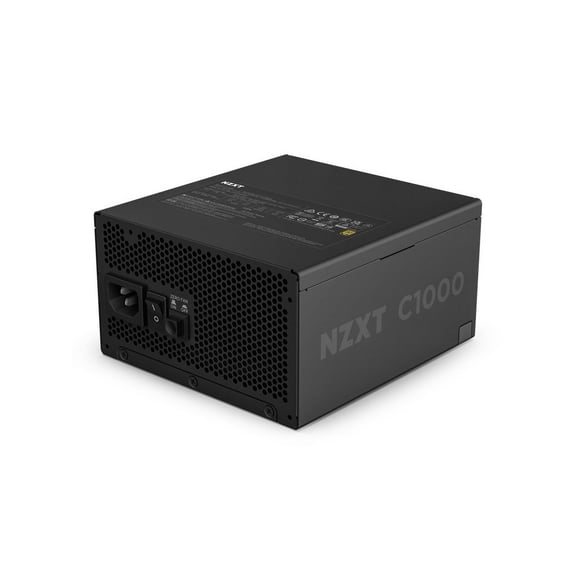
NZXT ATX 3.1 1000 Watt 80 Plus Gold Fully Modular Power Supply - Black - PA-0G2BB-US
NZXT F120U Black 120mm Ultra Multi-Zone Addressable RGB Fan $29.99
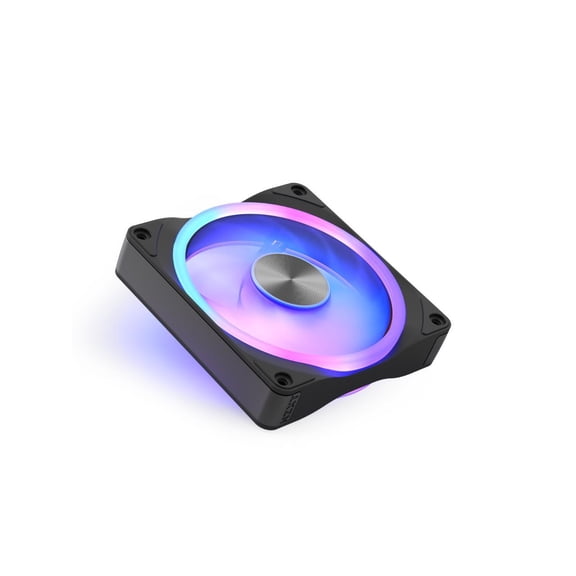
NZXT F120U Black 120mm Ultra Multi-Zone Addressable RGB Fan
KRAKEN ELITE RGB 240 BLACK WITH AIO LIQUID COOLER WITH IPS LCD & STATIC PRESSURE FANS Intel Socket LGA 1851, 1700 & 1200/115X AMD Socket AM5, AM4 $246.99

KRAKEN ELITE RGB 240 BLACK WITH AIO LIQUID COOLER WITH IPS LCD & STATIC PRESSURE FANS Intel Socket LGA 1851, 1700 & 1200/115X AMD Socket AM5, AM4
NZXT F420 RGB Reverse White 420mm PWM Single-Frame Reverse-Blade RGB Fan $86.75
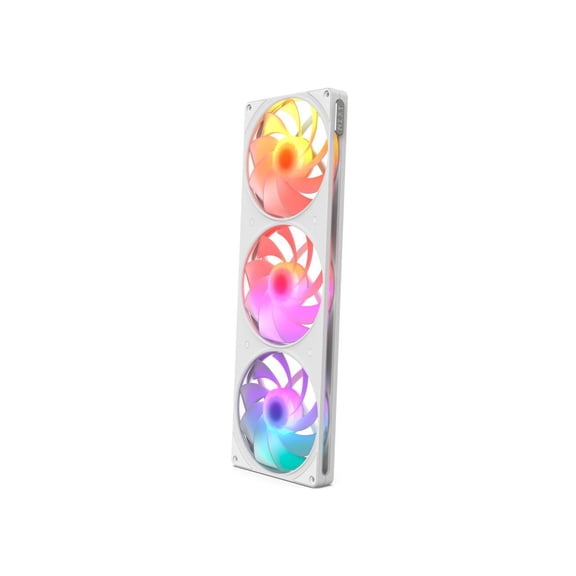
NZXT F420 RGB Reverse White 420mm PWM Single-Frame Reverse-Blade RGB Fan
NZXT RFP14SFW2 F140P Static Pressure Fan 140mm White $19.99
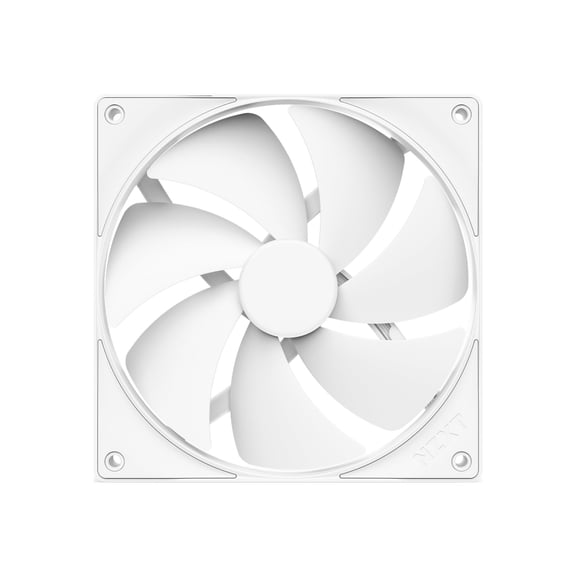
NZXT RFP14SFW2 F140P Static Pressure Fan 140mm White
NZXT Kraken RL-KRZ73-01 Cooling Fan/Radiator/Water Block $399.90
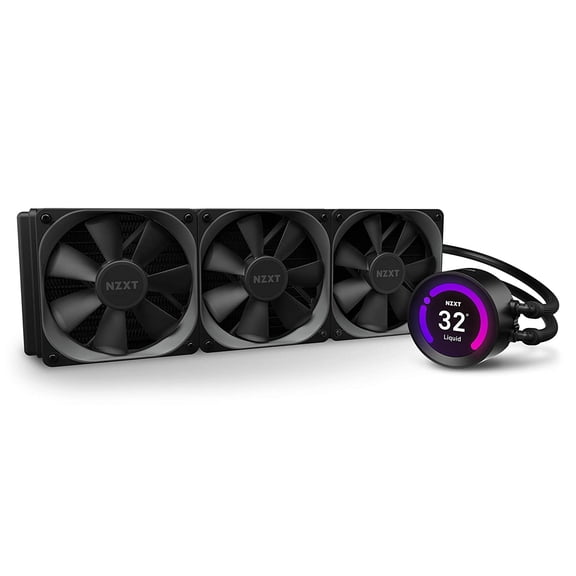
NZXT Kraken RL-KRZ73-01 Cooling Fan/Radiator/Water Block
NZXT C850 Gold Core 80Plus Gold Fully-modular ATX 3.1 Power Supply, US Power Cord $109.99

NZXT C850 Gold Core 80Plus Gold Fully-modular ATX 3.1 Power Supply, US Power Cord
FAQ
How do I pick the right PC case size?
Choosing the right PC case size depends on your components and space needs. Here are a few things to consider:
- Motherboard Compatibility: Check if your motherboard is ATX, Micro-ATX, or Mini-ITX, and match it with a compatible case.
- Graphics Card Length: Make sure the case supports the length of your graphics card.
- Cooling Needs: If you plan to use liquid cooling or multiple fans, look for cases with enough room and airflow features.
- Drive Bays: Consider how many storage drives you want to install.
Review the product details for each case to ensure it fits your build and workspace.
What’s the benefit of a dual-chamber case?
Dual-chamber cases separate components like the power supply and cables from the main hardware. This design can offer several advantages:
- Improved Airflow: By isolating heat sources, airflow is more efficient around your CPU and graphics card.
- Cleaner Look: Cables and drives are hidden, making your build look tidier through tempered glass panels.
- Easier Cable Management: Extra space behind the motherboard tray helps organize cables for better maintenance.
This setup can help keep your system cooler and make your build process smoother.
How do I clean my PC case safely?
Keeping your PC case clean helps maintain airflow and performance. Here’s a safe way to do it:
- Turn off and unplug your computer before cleaning.
- Remove side panels and use a can of compressed air to blow dust out of fans, vents, and filters.
- Wipe surfaces with a soft, dry cloth. Avoid using liquids inside the case.
- Clean or replace dust filters as needed.
Regular cleaning can help your components last longer and run more efficiently.
Can I add more fans to these cases?
Many mid-tower and dual-chamber cases are designed with extra fan mounts for better cooling. Before adding fans, check the product specifications for:
- Supported Fan Sizes: Common sizes are 120mm or 140mm.
- Available Mounting Locations: Look for open spots on the top, front, or rear of the case.
- Fan Type: Some cases support RGB or static pressure fans for enhanced airflow and aesthetics.
Adding fans can help improve airflow, especially if you’re running high-performance components.
Where can I find replacement parts for my case?
If you need replacement parts like side panels, dust filters, or screws, start by checking the product page for available accessories. You can also:
- Contact the manufacturer for specific replacement components.
- Visit Walmart’s support or help center for guidance on ordering parts.
- Look for universal accessories that fit your case’s specifications.
Having the right parts can help keep your PC case in top shape for years to come.