

Nvt Phybridge(7)
NVT Phybridge EC-Link Network Extender $164.13
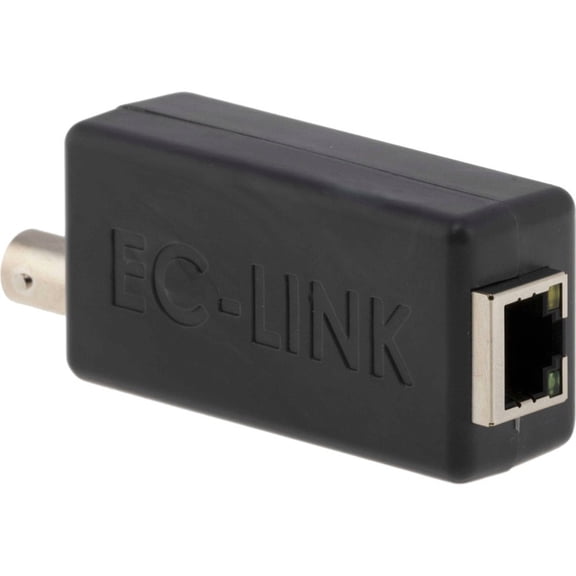
NVT Phybridge EC-Link Network Extender
NVT Phybridge 1-Port Extender Kit (NV-FLXLK-XKIT) $639.98
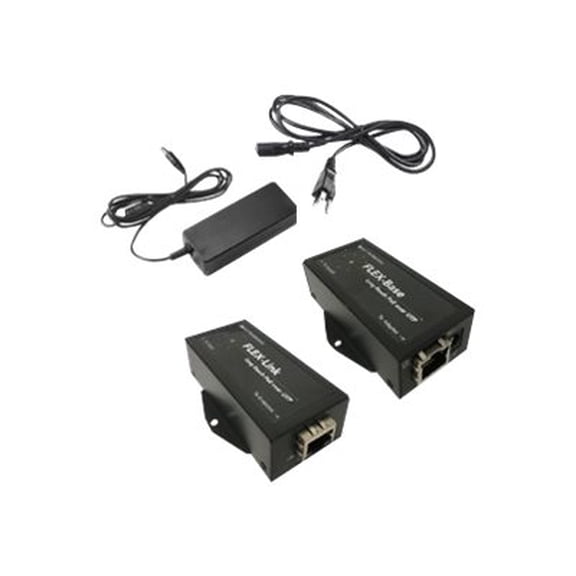
NVT Phybridge 1-Port Extender Kit (NV-FLXLK-XKIT)
NVT Phybridge Extended Port Kit $732.24

NVT Phybridge Extended Port Kit
NVT Phybridge EC-Link+ - Network extender - 100Mb LAN - up to 4000 ft $243.20

NVT Phybridge EC-Link+ - Network extender - 100Mb LAN - up to 4000 ft
EC10 Ethernet Switch $1,278.50

EC10 Ethernet Switch
PoLRE NV-PL-024 Ethernet Switch $3,580.04

PoLRE NV-PL-024 Ethernet Switch
NVT Phybridge PoLRE NV-PL-048 Ethernet Switch

NVT Phybridge PoLRE NV-PL-048 Ethernet Switch
FAQ
Can I extend my network with these products?
Yes! These network extenders and switches are designed to help you expand your Ethernet connections in places where standard cables may not reach. They work by allowing data and sometimes power to travel over longer distances, which is helpful if you need more devices connected throughout your office or home. Make sure to review the product specifications to check how far each extender can go and what types of cables are supported. It’s always a good idea to confirm compatibility with your current setup before making a purchase.
How do I set up a network extender?
Setting up a network extender typically involves a few basic steps:
- Connect the extender to your existing network switch or router using the appropriate cable (often Ethernet or coaxial, depending on the model).
- Power on the device following the included instructions.
- Plug the other end into the device or location you want to extend your network to.
- Check indicator lights to ensure a stable connection.
Be sure to refer to the user manual for your specific model for detailed instructions, safety precautions, and troubleshooting tips.
What devices work with these switches?
These switches are compatible with a wide range of Ethernet-enabled devices, including computers, IP phones, security cameras, and wireless access points. Before connecting your devices, check that they use standard Ethernet cables (like Cat5e or Cat6). If you’re adding more technology to your network, these switches can help you manage and organize multiple connections. Always review the switch’s port specifications and your device’s requirements to ensure a secure setup.
Do I need special cables for installation?
Most network extenders and switches support common Ethernet cables such as Cat5e or Cat6, and some may also work with coaxial cables. The type of cable required depends on the specific product and your existing network setup. It’s a good idea to check the product’s specifications and your current wiring to choose the right cable. Proper cabling helps maintain reliable network performance over longer distances.
Where can I get help if I have setup issues?
If you run into any problems setting up your extender or switch, start by consulting the product’s included manual for troubleshooting guidance. You can also visit Walmart’s support center online or reach out to customer service for help with installation questions. Keeping your device’s model number handy will make it easier to get accurate assistance. Having diagrams or photos of your setup can also help customer support give more tailored advice.
Popular in Shop Brand Network Extenders and Ethernet Switches
Related Products
8-Port Gigabit Internet Unmanaged Poe Switch, Home Power over Ethernet Hub Router, Office Network Splitter with Fanless Metal Housing
 8-Port Gigabit Internet Unmanaged Poe Switch, Home Power over Ethernet Hub Router, Office Network Splitter with Fanless Metal Housing$29.99current price $29.99
TP LINK 16-Port Gigabit Desktop Switch
 TP LINK 16-Port Gigabit Desktop Switch$85.61current price $85.61
TP-Link 5-Port Gigabit Ethernet Switch with New Count
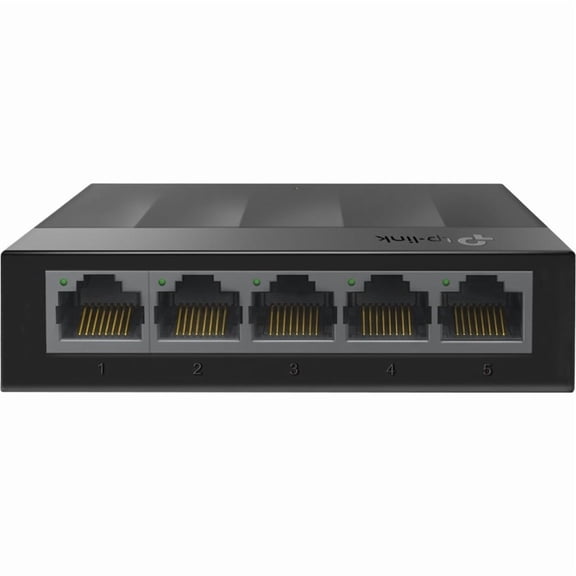 TP-Link 5-Port Gigabit Ethernet Switch with New Count$27.41current price $27.41
TP-Link JetStream TL-SG2008P 8 Port Manageable 2 Layer Ethernet Switch
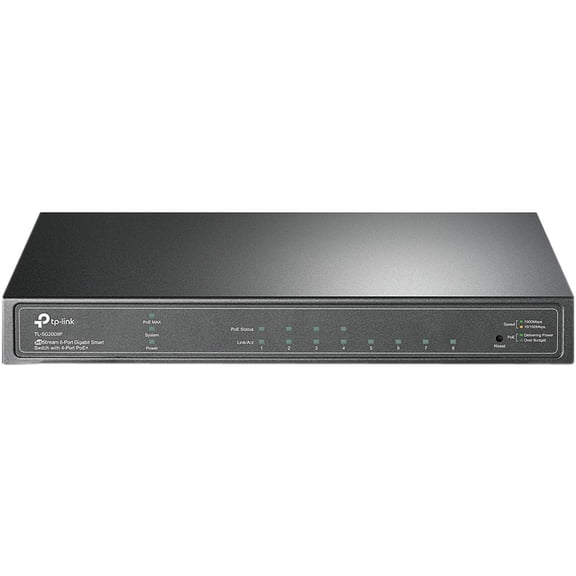 TP-Link JetStream TL-SG2008P 8 Port Manageable 2 Layer Ethernet Switch$113.13current price $113.13
Ubiquiti UniFi U6+ U6-Plus Wireless Access Point, WiFi 6, PoE, Gigabit Ethernet
 Ubiquiti UniFi U6+ U6-Plus Wireless Access Point, WiFi 6, PoE, Gigabit Ethernet$145.00current price $145.00
TP-LINK 8-Port TL-SG1008D 8-Port Gigabit Desktop Switch - Switch - 8 x 10/100/1000 - desktop
 TP-LINK 8-Port TL-SG1008D 8-Port Gigabit Desktop Switch - Switch - 8 x 10/100/1000 - desktop$31.95current price $31.95
Wireless Bridge Point to Point Outdoor WiFi, Wireless Network Expansion Kit, Long Range High Speed 5G | 2 Units Bridge Kit Complete Pre-Configured - P2P 450(2Pack)
Wireless Bridge Point to Point Outdoor WiFi, Wireless Network Expansion Kit, Long Range High Speed 5G | 2 Units Bridge Kit Complete Pre-Configured - P2P 450(2Pack)
TP-Link Gigabit 48VDC Passive PoE Adapter TL-POE4824G
 TP-Link Gigabit 48VDC Passive PoE Adapter TL-POE4824G$23.82current price $23.82
D-Link 7-Port 2.5GB Unmanaged Gaming Switch DMS-107
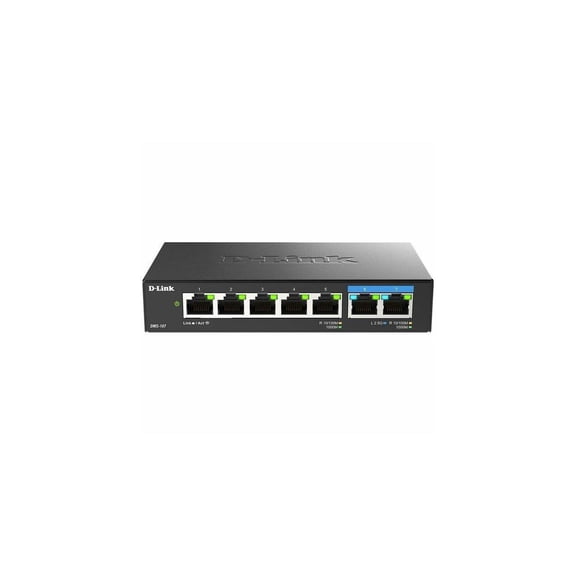 D-Link 7-Port 2.5GB Unmanaged Gaming Switch DMS-107$29.99current price $29.99
4 Port POE Extender 10/100/1000Mbps 1 in 3 Out Gigabit PoE Extender 1 to 3 Network Switch Repeater for PoE Switch 3Pcs
 4 Port POE Extender 10/100/1000Mbps 1 in 3 Out Gigabit PoE Extender 1 to 3 Network Switch Repeater for PoE Switch 3Pcs$40.74current price $40.74
Ubiquiti Networks IsoStation AC 5GHz Shielded airMAX ac Radio with Isolation Antenna
 Ubiquiti Networks IsoStation AC 5GHz Shielded airMAX ac Radio with Isolation Antenna$87.05current price $87.05
Open Box NETGEAR 5-Port PoE Gigabit Ethernet Unmanaged Switch (GS305P-300NAS)
 Open Box NETGEAR 5-Port PoE Gigabit Ethernet Unmanaged Switch (GS305P-300NAS)$22.00current price $22.00
D-Link DAP-1520 - Wi-Fi range extender - 802.11ac (draft) - 802.11a/b/g/n/ac (draft) - Dual Band
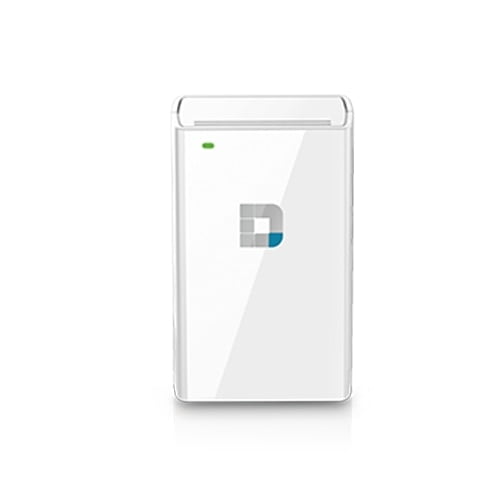 D-Link DAP-1520 - Wi-Fi range extender - 802.11ac (draft) - 802.11a/b/g/n/ac (draft) - Dual Band$25.98current price $25.98