

Nec Monitors(13)
Uses item details. Price when purchased online
Sharp 43" Ultra High Definition Commercial Display PNME432 $824.47

$82447
current price $824.47Sharp 43" Ultra High Definition Commercial Display PNME432
NEC 24" 1080p LED Computer Monitor, Black, E244FL-BK $249.99
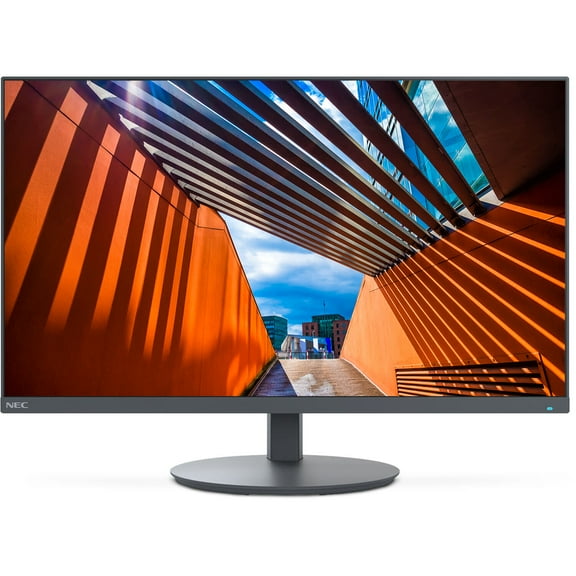
$24999
current price $249.99NEC 24" 1080p LED Computer Monitor, Black, E244FL-BK
MultiSync M491 with Installed PCAP Touchscreen $2,420.79 Was $3,817.81
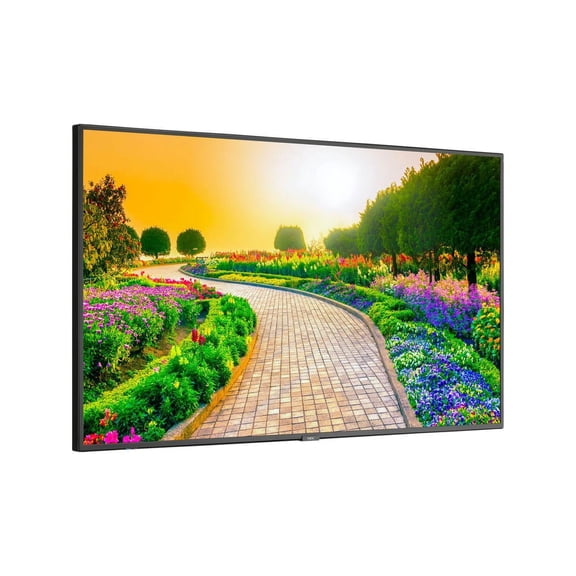
Now$2,42079
current price Now $2,420.79, Was $3,817.81$3,817.81
MultiSync M491 with Installed PCAP Touchscreen
NEC MultiSync EA271Q 27" 16:9 WQHD PLS LED Monitor w/SpectraViewII Software $699.00
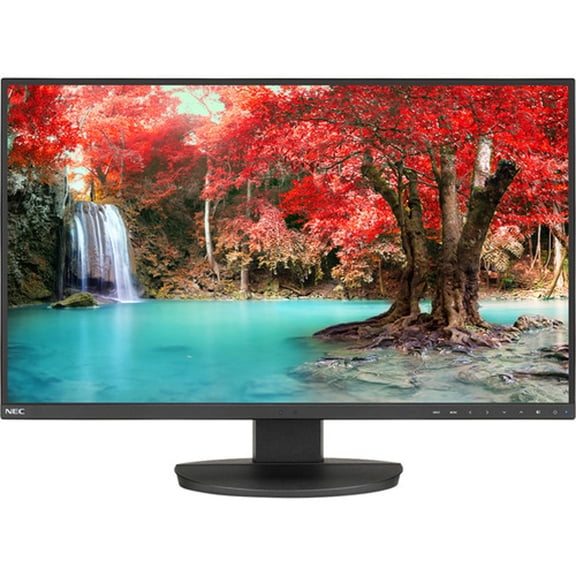
$69900
current price $699.00NEC MultiSync EA271Q 27" 16:9 WQHD PLS LED Monitor w/SpectraViewII Software
(Open Box) NEC Display MultiSync E274FL 27" Class Full HD LCD Monitor 16:9 $226.00
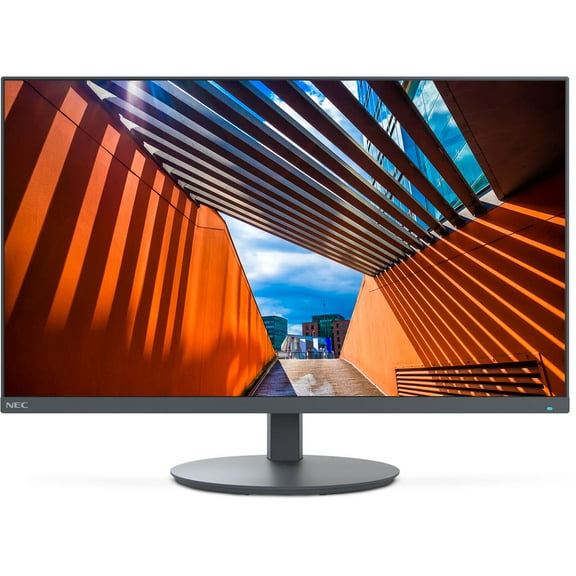
$22600
current price $226.00(Open Box) NEC Display MultiSync E274FL 27" Class Full HD LCD Monitor 16:9
NEC MultiSync M551-PC5 - 55" Diagonal Class M Series LED-backlit LCD display - digital signage - with built-in PC - 4K UHD (2160p) 3840 x 2160 - HDR - edge-lit $2,300.00 Was $2,589.97

Now$2,30000
current price Now $2,300.00, Was $2,589.97$2,589.97
NEC MultiSync M551-PC5 - 55" Diagonal Class M Series LED-backlit LCD display - digital signage - with built-in PC - 4K UHD (2160p) 3840 x 2160 - HDR - edge-lit
(Open Box) NEC Display MultiSync LCD205WNXM 20.1" LCD Monitor, Black $133.79

$13379
current price $133.79(Open Box) NEC Display MultiSync LCD205WNXM 20.1" LCD Monitor, Black
NEC Display MultiSync E 24" 1920 x 1080 LED Eco Mode, Carbon Footprint Meter Monitor, Black, E244F-BK $238.41

$23841
current price $238.41NEC Display MultiSync E 24" 1920 x 1080 LED Eco Mode, Carbon Footprint Meter Monitor, Black, E244F-BK
NEC MultiSync M551-PT - 55" Diagonal Class M Series LED-backlit LCD display - digital signage - with built-in media player and touchscreen (multi touch) - 4K UHD (2160p) 3840 x 2160 - HDR - edge-lit $2,500.00 Was $4,019.62

Now$2,50000
current price Now $2,500.00, Was $4,019.62$4,019.62
NEC MultiSync M551-PT - 55" Diagonal Class M Series LED-backlit LCD display - digital signage - with built-in media player and touchscreen (multi touch) - 4K UHD (2160p) 3840 x 2160 - HDR - edge-lit
NEC X554HB 55" Class (55" viewable) LED display - $2,442.54 Was $3,312.95

Now$2,44254
current price Now $2,442.54, Was $3,312.95$3,312.95
NEC X554HB 55" Class (55" viewable) LED display -
NEC Display MultiSync M652 LCD 65" Message Large Format Display $2,625.44
$2,62544
current price $2,625.44NEC Display MultiSync M652 LCD 65" Message Large Format Display
NEC MultiSync M551-AVT3 - 55" Diagonal Class M Series LED-backlit LCD display - with TV tuner - digital signage - 4K UHD (2160p) 3840 x 2160 - HDR - edge-lit - black $2,352.49

$2,35249
current price $2,352.49NEC MultiSync M551-AVT3 - 55" Diagonal Class M Series LED-backlit LCD display - with TV tuner - digital signage - 4K UHD (2160p) 3840 x 2160 - HDR - edge-lit - black
Sharp NEC Display 43" Ultra High Definition Professional Display with Pre-installed IR Touch (m431-ir)

Sharp NEC Display 43" Ultra High Definition Professional Display with Pre-installed IR Touch (m431-ir)
FAQ
How do I pick the right monitor size?
Choosing the right monitor size depends on how you plan to use it and the space you have available.
- For home offices or desks with limited space, a 24-inch monitor can be a great fit, offering a balance between screen real estate and compactness.
- If you need more workspace for multitasking or creative projects, larger displays like 27-inch or even 49-inch models provide more room for multiple windows and detailed visuals.
- Consider your viewing distance—sitting farther away may make a larger screen more comfortable.
What features help reduce eye strain on monitors?
Many modern monitors include features designed to help minimize eye fatigue during long use.
- Adjustable brightness and color settings let you tailor the display to your environment.
- Low blue light modes can help reduce the amount of blue light emitted, which some users find more comfortable for extended viewing.
- Flicker-free technology is another helpful feature, as it can make the screen easier on your eyes over time.
Can I use these monitors for gaming?
Many monitors are versatile enough for both work and entertainment, including gaming.
- Look for monitors with fast response times and higher refresh rates if smooth gameplay is important to you.
- Some models offer wide color gamuts and high resolutions, which can enhance your gaming visuals.
- Be sure to check your computer's compatibility with the monitor's resolution and input options for the best experience.
How do I clean my monitor safely?
To keep your monitor looking its best, follow these steps:
- Turn off and unplug the monitor before cleaning.
- Use a soft, dry microfiber cloth to gently wipe the screen. For stubborn spots, lightly dampen the cloth with water—never spray liquid directly onto the screen.
- Avoid using harsh chemicals or paper towels, as they can damage the display.
Are replacement parts or accessories available?
Replacement parts and accessories, such as cables, stands, or wall mounts, are often available for many monitors.
- You can check Walmart's website for compatible accessories by searching for your monitor's model or browsing the electronics section.
- If you need a specific part, reviewing the product's manual or support page can help identify the right accessory.
Popular in Shop Brand Computer Monitors and Displays Online
Related Products
Sceptre E225W 22" 1080P LED Computer Monitor with HDMI & VGA, Black
 Sceptre E225W 22" 1080P LED Computer Monitor with HDMI & VGA, Black$72.97current price $72.97
Sceptre E225W-19203R 22" Ultra Thin 75Hz 1080p LED Monitor 2x HDMI VGA Build-in Speakers, Metallic Black 2018
 Sceptre E225W-19203R 22" Ultra Thin 75Hz 1080p LED Monitor 2x HDMI VGA Build-in Speakers, Metallic Black 2018$54.42current price $54.42
Dell UltraSharp 32\" 3840 x 2160 LCD sRGB, Anti-glare Monitor, Black, U3223QZ
 Dell UltraSharp 32\" 3840 x 2160 LCD sRGB, Anti-glare Monitor, Black, U3223QZ$853.99current price $853.99
Acer Office Professional EB321HQ Awi 32" IPS 1920x1080 Low Blue Light and Flicker-Less VESA wall Mounting Monitor, VGA, HDMI
 Acer Office Professional EB321HQ Awi 32" IPS 1920x1080 Low Blue Light and Flicker-Less VESA wall Mounting Monitor, VGA, HDMI$199.99current price $199.99
Sceptre C248W-FW100T 24" 1080p LCD FreeSync Computer Monitors, Black
 Sceptre C248W-FW100T 24" 1080p LCD FreeSync Computer Monitors, Black$79.98current price $79.98
Sceptre New 22 Inch FHD LED Monitor 75Hz 2X HDMI VGA Build-in Speakers, Machine Black (E22 Series)
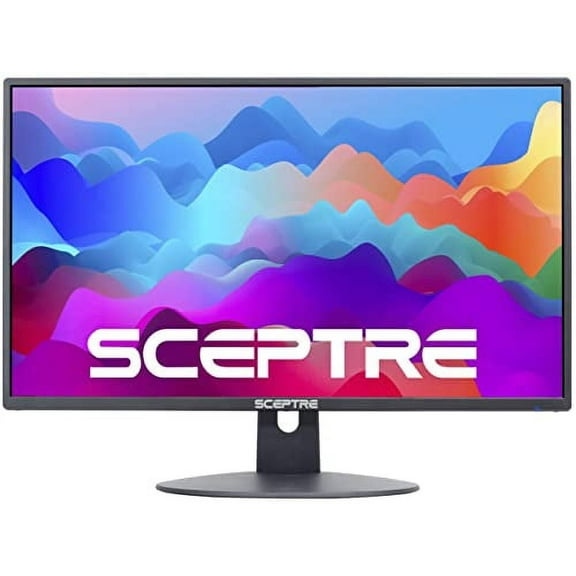 Sceptre New 22 Inch FHD LED Monitor 75Hz 2X HDMI VGA Build-in Speakers, Machine Black (E22 Series)$72.97current price $72.97
KOORUI 24" 100Hz Curved Computer Monitor, FHD 1080P 1500R PC Monitors, HDMI&VGA Ports, Eye Care
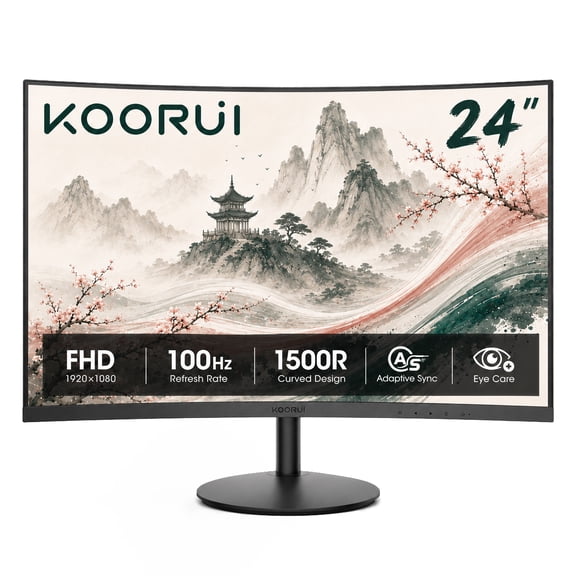 KOORUI 24" 100Hz Curved Computer Monitor, FHD 1080P 1500R PC Monitors, HDMI&VGA Ports, Eye Care$79.99current price $79.99
Dell D2721H - LED monitor - 27" (27" viewable) - 1920 x 1080 Full HD (1080p) @ 60 Hz - IPS - 250 cd/m������ - 1000:1 - 5 ms - HDMI, VGA
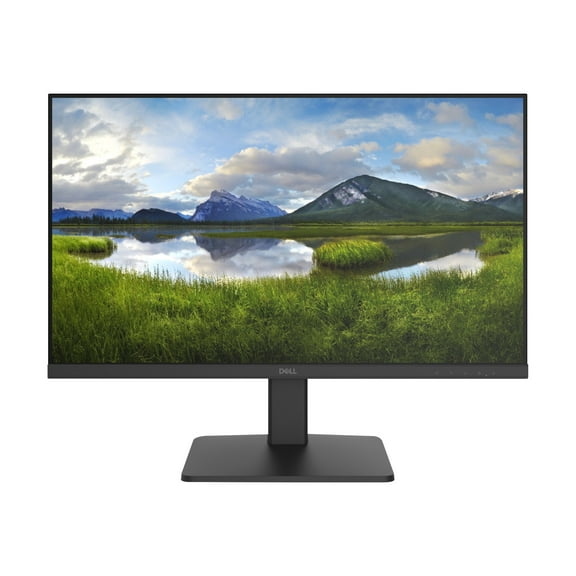 Dell D2721H - LED monitor - 27" (27" viewable) - 1920 x 1080 Full HD (1080p) @ 60 Hz - IPS - 250 cd/m������ - 1000:1 - 5 ms - HDMI, VGA$199.00current price $199.00
AW2523HF 24.5" IPS LED FHD - 360Hz - AMD FreeSync
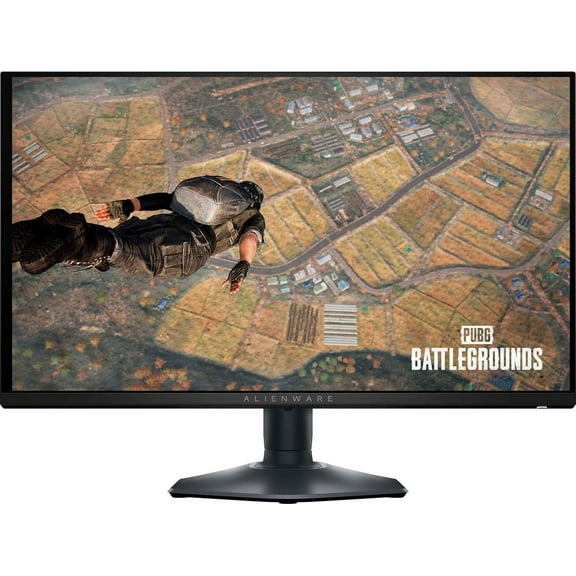 AW2523HF 24.5" IPS LED FHD - 360Hz - AMD FreeSync$338.00current price $338.00
ViewSonic VG2755 27 Inch 1080p Computer Monitor, IPS, 60W USB C, Ergonomic
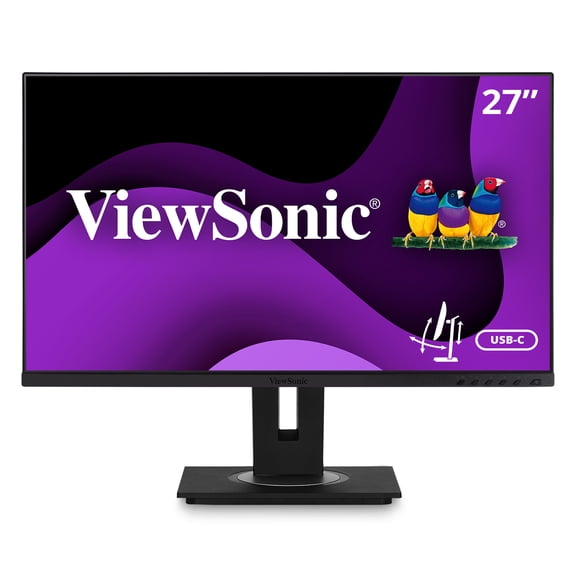 ViewSonic VG2755 27 Inch 1080p Computer Monitor, IPS, 60W USB C, Ergonomic$249.99current price $249.99
Sceptre E248W-FPT 24" 1080p IPS Computer Monitor with HDMI, VGA, Built-in Speakers, Black
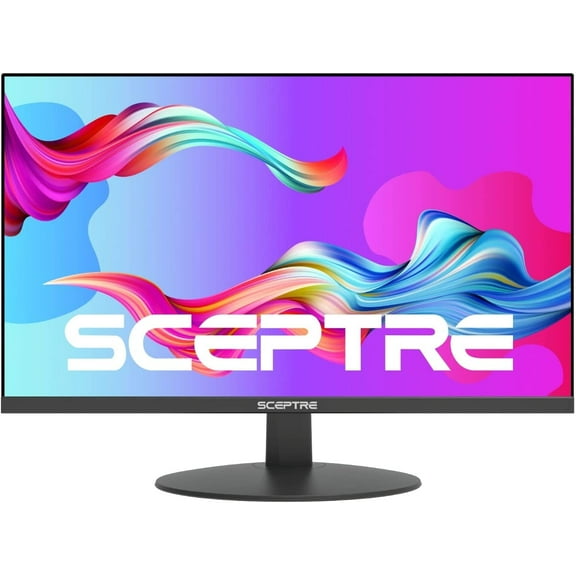 Sceptre E248W-FPT 24" 1080p IPS Computer Monitor with HDMI, VGA, Built-in Speakers, Black$87.97current price $87.97