

Mastereld(7)
MasterELD Universal 9-PIN to 16-PIN OBD2 Adapter $35.00

MasterELD Universal 9-PIN to 16-PIN OBD2 Adapter
Volvo in Dash Harness to 9-Pin Deutsch J1939 4 Ft Long - 860001950816 - pre 2020 $83.00

Volvo in Dash Harness to 9-Pin Deutsch J1939 4 Ft Long - 860001950816 - pre 2020
BLUE (Mack/Volvo) 16-PIN Cable for BlueLink $19.99

BLUE (Mack/Volvo) 16-PIN Cable for BlueLink
GREY 6PIN Cable J1708 for BlueLink $19.99

GREY 6PIN Cable J1708 for BlueLink
LIGHT DUTY OBDii Cable Extension for BlueLink $19.99

LIGHT DUTY OBDii Cable Extension for BlueLink
GREEN 9PIN Cable J1939 for BlueLink $19.99
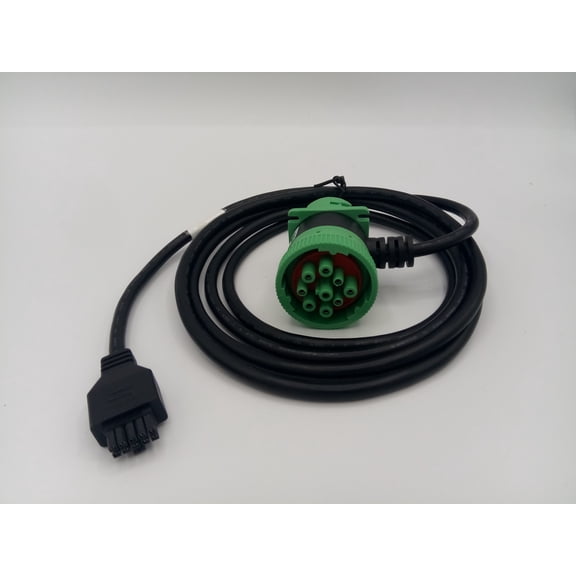
GREEN 9PIN Cable J1939 for BlueLink
MasterELD Driver Dash Camera Lite $129.00

MasterELD Driver Dash Camera Lite
FAQ
How do I connect a dash camera?
Setting up a dash camera involves finding a safe mounting spot and connecting the power cable.
- Attach the camera to your windshield using the supplied adhesive or bracket.
- Plug the cable into your vehicle's power outlet or compatible port.
- Adjust the camera angle to capture the road ahead.
Consult your product's manual for specific instructions and check that the camera doesn't obstruct your view while driving.
What adapter do I need for my truck?
Choosing the right adapter depends on your truck's diagnostic port type.
- Older trucks may use 6-pin or 9-pin connectors (like J1708 or J1939).
- Newer vehicles often use a 16-pin OBD2 port.
- Universal adapters can bridge different styles for compatibility with electronic logging devices or diagnostic tools.
It's a good idea to check your vehicle's manual or inspect the port shape before purchasing an adapter.
Can I extend my OBD cable safely?
Extending your OBD cable can help with easier device placement, but a few things to keep in mind:
- Use a cable designed for extension to maintain a reliable connection.
- Avoid sharp bends or pinching the cable to prevent damage.
- Keep the extension away from moving parts or hot surfaces in the vehicle.
Proper routing can help protect both the cable and your diagnostic device.
What's the difference between 6-pin and 9-pin cables?
6-pin and 9-pin cables are used for connecting diagnostic devices to heavy-duty vehicles, but they serve different systems.
- 6-pin cables (J1708) are generally found in older trucks.
- 9-pin cables (J1939) are more common in modern vehicles and support advanced diagnostics.
Knowing your truck's port type will help you pick the right cable for your needs.
How do I care for my diagnostic cables?
Taking care of diagnostic cables helps them last longer and maintain reliable connections.
- Store cables in a dry, clean place when not in use.
- Avoid pulling on the cable to disconnect; always grip the connector.
- Inspect the connectors regularly for dirt or corrosion and clean gently if needed.
Proper handling can reduce wear and keep your cables performing well.
Popular in Mastereld
Related Products
Autel MK808S Car Diagnostic Tools, Bidirectional Scan Tool, OE All System Diagnostics, 28 Services, 3000 Active Tests, Auto Scan and Autovin
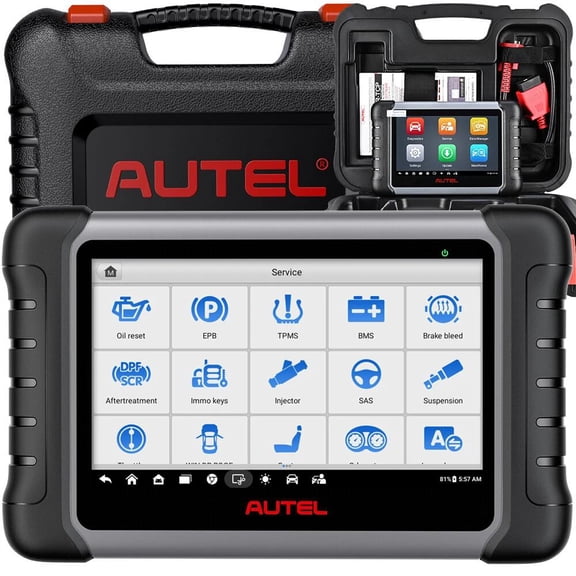 Autel MK808S Car Diagnostic Tools, Bidirectional Scan Tool, OE All System Diagnostics, 28 Services, 3000 Active Tests, Auto Scan and Autovin$479.00current price $479.00
ANCEL AD710 OBD2 Scanner ABS SRS Engine Code Reader with ABS Bleeding EPB Reset Battery Test, Live Data, Full OBD2 Modes, Car Diagnostic Tool for All Cars
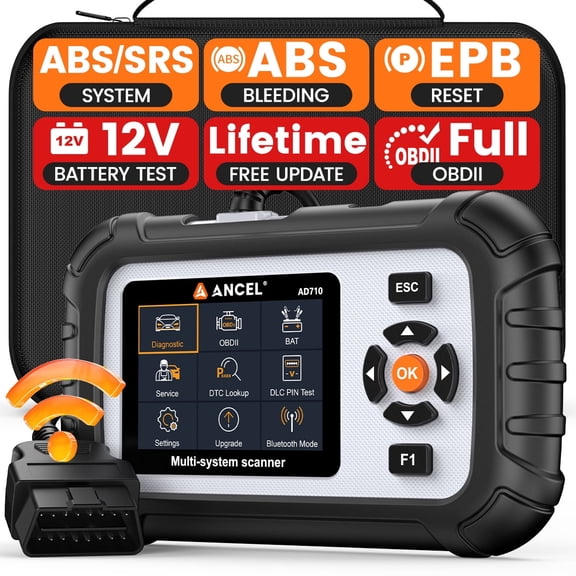 ANCEL AD710 OBD2 Scanner ABS SRS Engine Code Reader with ABS Bleeding EPB Reset Battery Test, Live Data, Full OBD2 Modes, Car Diagnostic Tool for All Cars$121.79current price $121.79
16Pin 39.37 Inches OBD2 Male to Female Extension Cable Diagnostic Extender Cord
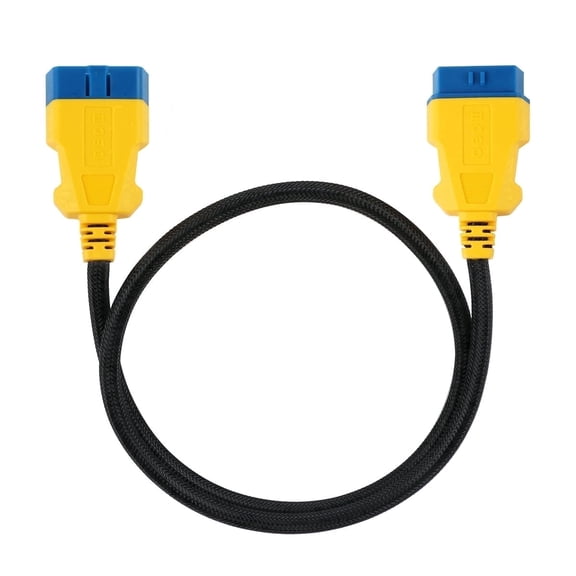 16Pin 39.37 Inches OBD2 Male to Female Extension Cable Diagnostic Extender Cord$10.25current price $10.25
iCarsoft CR Pro+ OBD2 Diagnostic Tool | Multibrand Car Scanner | Read & Clear Fault Codes, DPF Reset, Injector Coding, ABS Bleeding & More
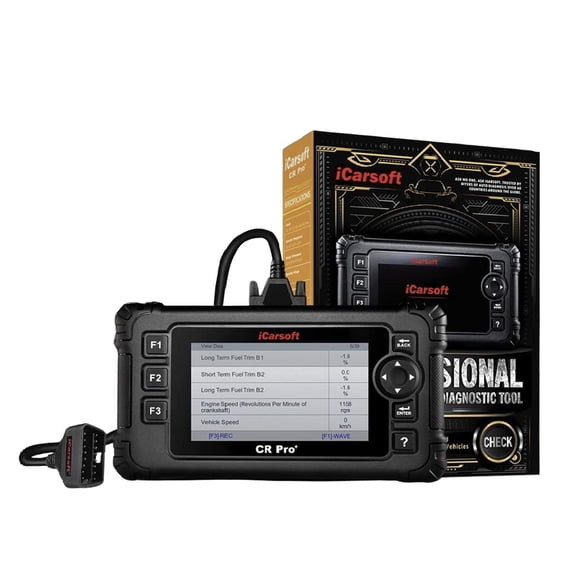 iCarsoft CR Pro+ OBD2 Diagnostic Tool | Multibrand Car Scanner | Read & Clear Fault Codes, DPF Reset, Injector Coding, ABS Bleeding & More$245.98current price $245.98
ANCEL DS410 Lite Bidirectional Wireless OBD2 Scanner Diagnostic Tool, 15+ Reset Services Full System Diagnostic Tool, 24-hour Real-time Online Chat, Free Lifetime WiFi Update
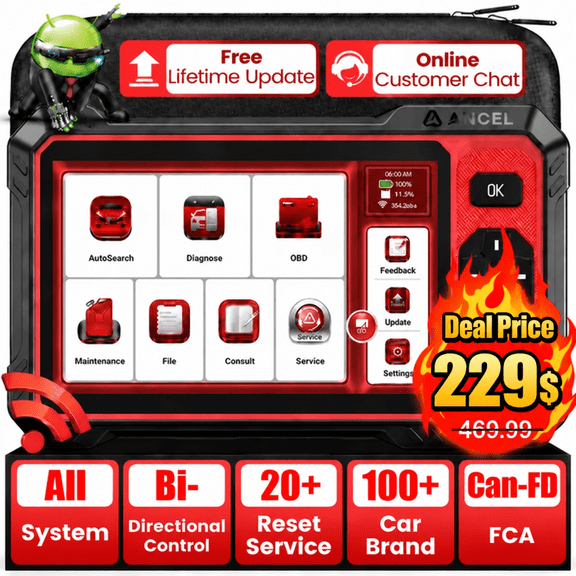 ANCEL DS410 Lite Bidirectional Wireless OBD2 Scanner Diagnostic Tool, 15+ Reset Services Full System Diagnostic Tool, 24-hour Real-time Online Chat, Free Lifetime WiFi Update$229.00current price $229.00
GOOLOO DS100 OBD2 Scanner Bluetooth, Full System Car Diagnostic Tool for iOS & Android, Check Engine Code Reader, 6 Maintenance Functions, Battery Test, HUD Display
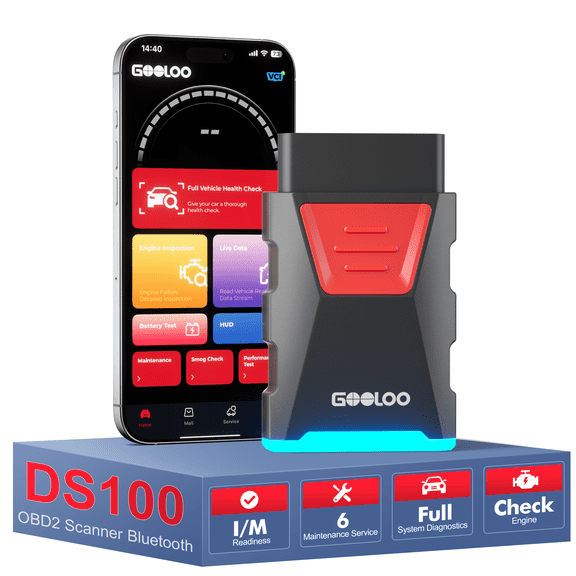 GOOLOO DS100 OBD2 Scanner Bluetooth, Full System Car Diagnostic Tool for iOS & Android, Check Engine Code Reader, 6 Maintenance Functions, Battery Test, HUD Display$35.99current price $35.99
2025 OBD2 Scanner Diagnostic Tool - Check Engine Light Code Reader with Reset, Tester, Modes 6 & 8, Suitable for OBD II Protocol & Since 1996
 2025 OBD2 Scanner Diagnostic Tool - Check Engine Light Code Reader with Reset, Tester, Modes 6 & 8, Suitable for OBD II Protocol & Since 1996$28.99current price $28.99
ANCEL FX2000 PRO OBD2 Scanner Car Diagnostic Scanner with 7 Reset Service, Oil Reset, FCA SGW, AutoVIN, Battery Test, WiFi Lifetime Free Update
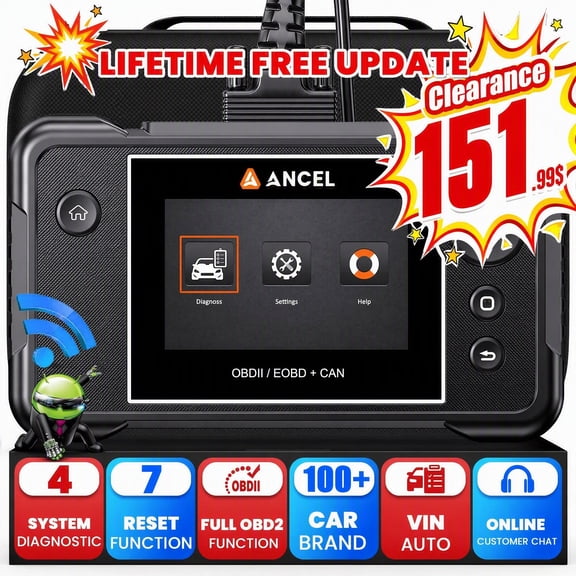 ANCEL FX2000 PRO OBD2 Scanner Car Diagnostic Scanner with 7 Reset Service, Oil Reset, FCA SGW, AutoVIN, Battery Test, WiFi Lifetime Free Update$151.99current price $151.99
iCarsoft CR MAX 2025 Ver Bidirectional Scan Tool All System Diagnosis 49+ Services 47+ Special Functions Full Active Test OBD2 Scanner Diagnostic Tool Car Code Reader ECU Coding CAN FD Free Update
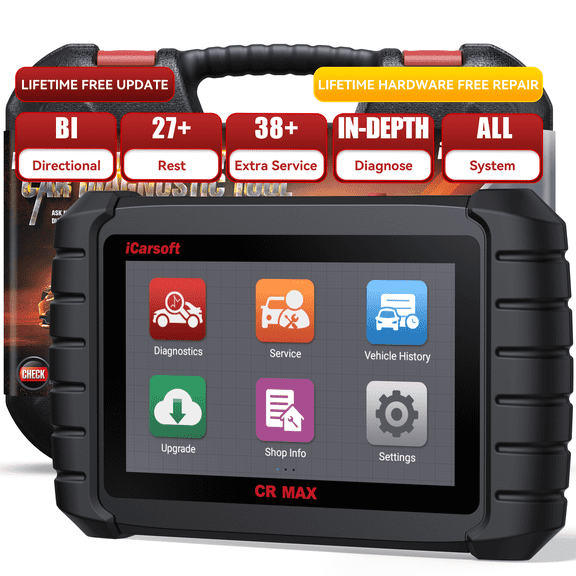 iCarsoft CR MAX 2025 Ver Bidirectional Scan Tool All System Diagnosis 49+ Services 47+ Special Functions Full Active Test OBD2 Scanner Diagnostic Tool Car Code Reader ECU Coding CAN FD Free Update$389.95current price $389.95
OBD1 12 Pins To OBD2 16 Pins Car Diagnostic Cable Universal OBD Adapte-r Fits
 OBD1 12 Pins To OBD2 16 Pins Car Diagnostic Cable Universal OBD Adapte-r Fits$7.85current price $7.85
1 x OBD II OBD2 16 Pin Splitter-Black
 1 x OBD II OBD2 16 Pin Splitter-Black$14.66current price $14.66
Car Diagnostic Cable Adapter: Connect OBD1 12-Pins to OBD2 16-Pins, Eco-Friendly, for GM Vehicles
 Car Diagnostic Cable Adapter: Connect OBD1 12-Pins to OBD2 16-Pins, Eco-Friendly, for GM Vehicles$5.99current price $5.99
Unique Bargains OBDII OBD2 Main Cable Diagnostic Tool Adapter Connector Cable for Launch X431 CRP129 CRP123
 Unique Bargains OBDII OBD2 Main Cable Diagnostic Tool Adapter Connector Cable for Launch X431 CRP129 CRP123$12.99current price $12.99
Motorcycle 6 Pin to OBD OBD2 Diagnostic Adapter CANBUS Cable for BRP Motorbike, Compatible with Diagnostic Scanner
 Motorcycle 6 Pin to OBD OBD2 Diagnostic Adapter CANBUS Cable for BRP Motorbike, Compatible with Diagnostic Scanner$12.99current price $12.99
Michigan Motorsports Universal OBD2 Data Link Connector Pigtail OBDII
 Michigan Motorsports Universal OBD2 Data Link Connector Pigtail OBDII$15.99current price $15.99