

Jawbone(15)
MTB Flat Pedals, Aluminum Alloy Mountain Bike Platform Pedals with Sealed Bearing, Anti-Slip Pins, 9/16 Inch Spindle for BMX Road Cycling $42.99

(Open Box) Jawbone JBR52a-SM Small-Onyx $19.00 Was $53.00
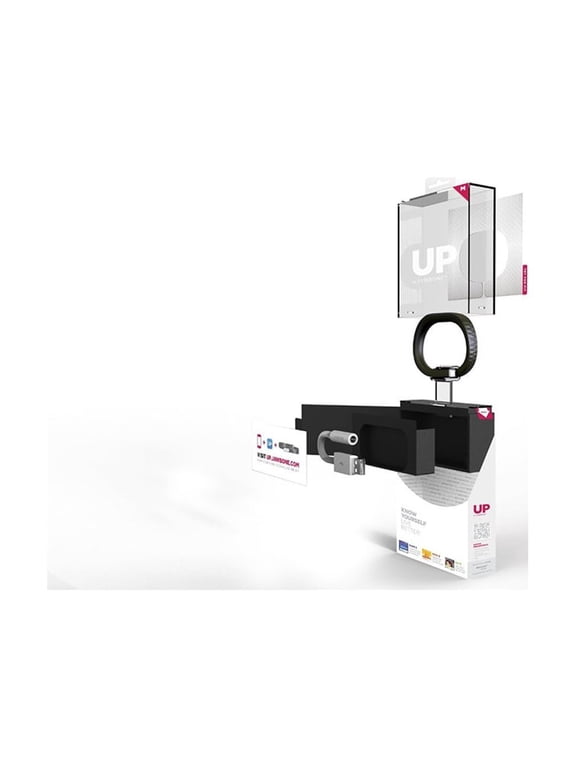
(Open Box) Jawbone UP - Medium - activity tracker - 0.78 oz - onyx $27.00 Was $65.00
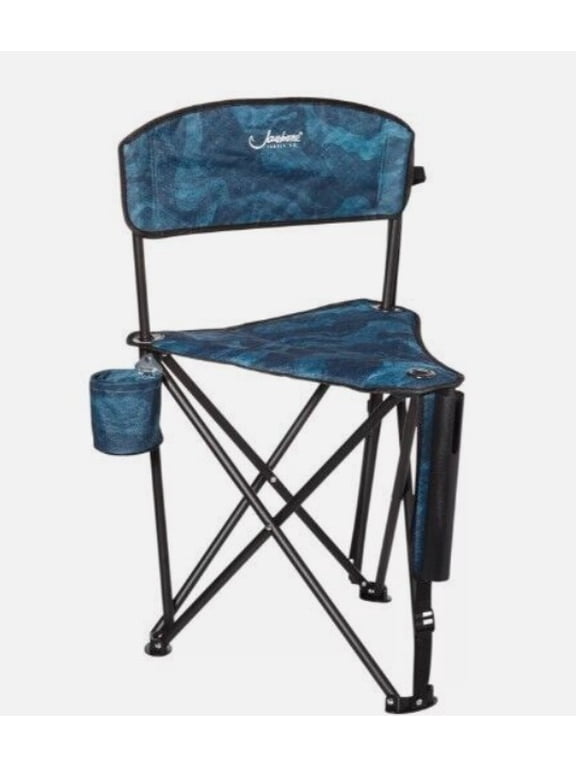
Padded Tri-pod Stool $39.95
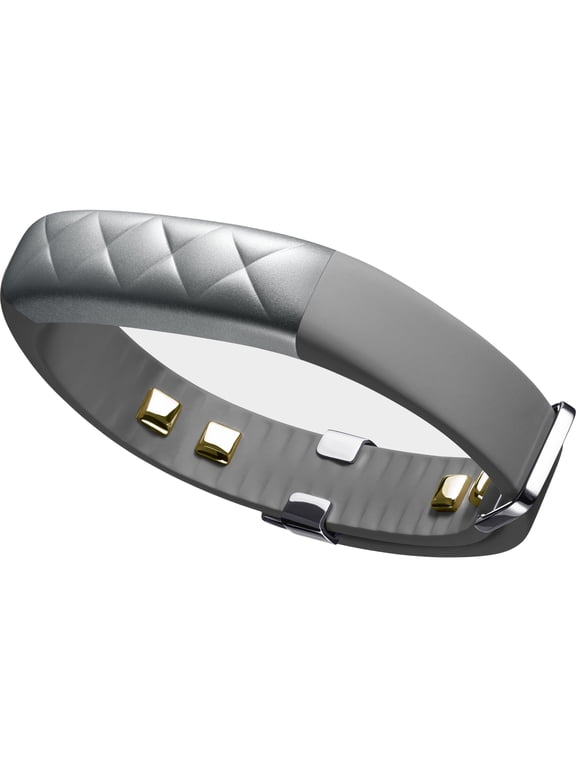
UP4 by Jawbone Advanced Tracking + Tap To Play, Silver Cross Without Retail Packaging $16.99

MTB Flat Pedals, Aluminum Alloy Mountain Bike Platform Pedals with Sealed Bearing, Anti-Slip Pins, 9/16 Inch Spindle for BMX Road Cycling $42.99
UP3 Smart Band $9.95
UP3 Bluetooth Heart Rate, Sleep and Fitness Tracker Band - Ruby Cross $9.95
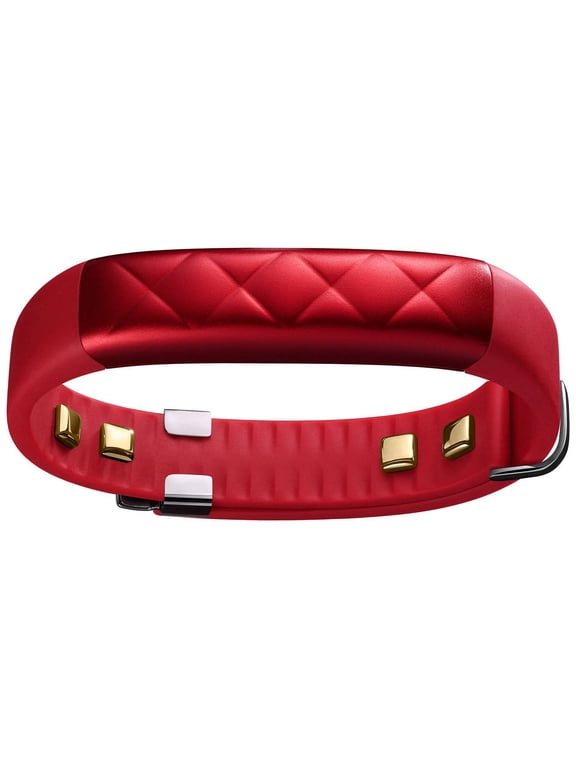
(Open Box) Jawbone JBR52a-SM Small-Onyx $19.00 Was $53.00
UP3 USB Charging and Data Transfer Cable Cord JL04A - Gray $8.99
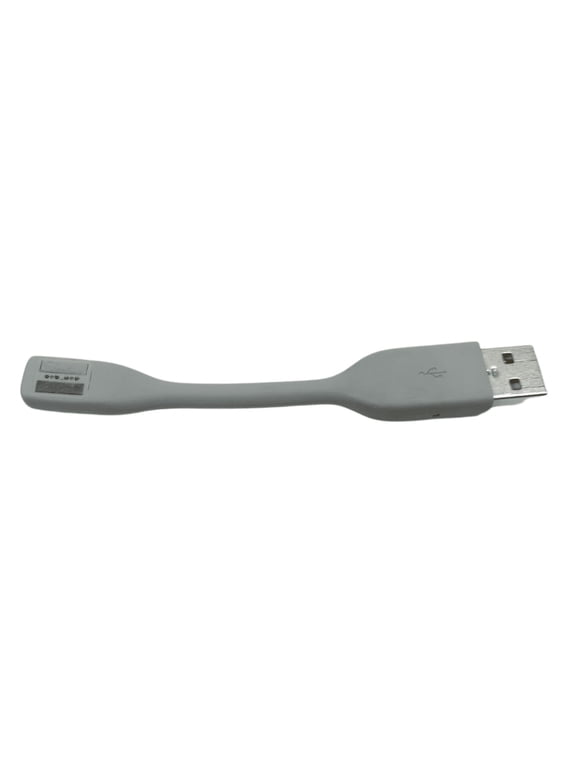
Restored Jawbone (SPA-K901) 5V 550mA AC Adapter for USB Devices - Gray (Refurbished) $6.99
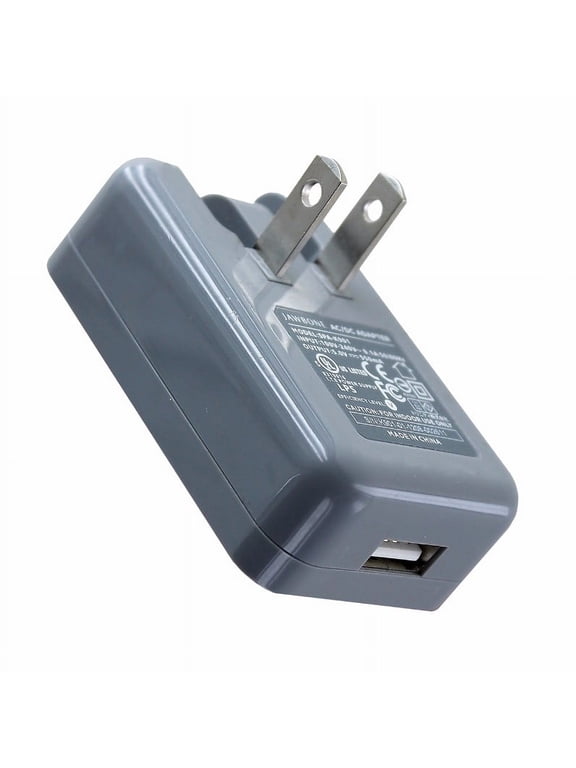
Jawlipops 3731 Jawbreaker Lollipop - Pack of 100 $750.06

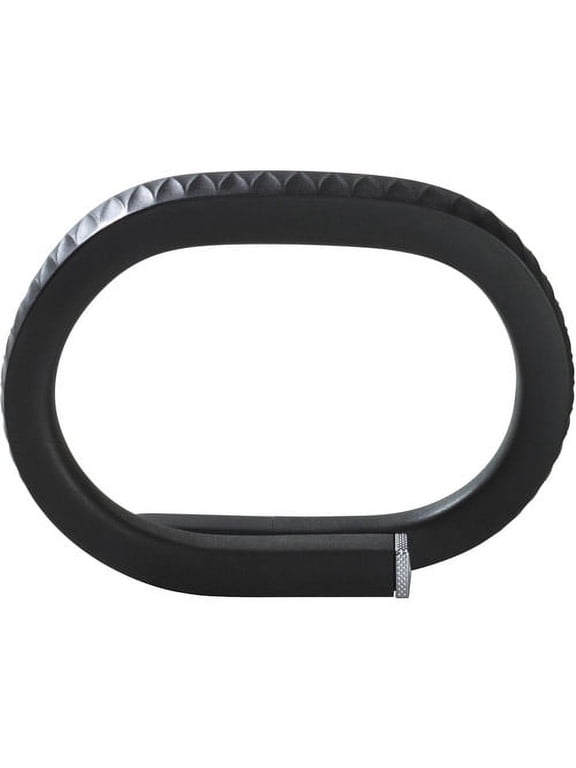
(Open Box) Jawbone UP - Medium - activity tracker - 0.78 oz - onyx $27.00 Was $65.00
USB POWER POWER CHARGER CABLE Cord for JAWBONE JAMBOX WIRELESS SPEAKER Mains PSU $7.91
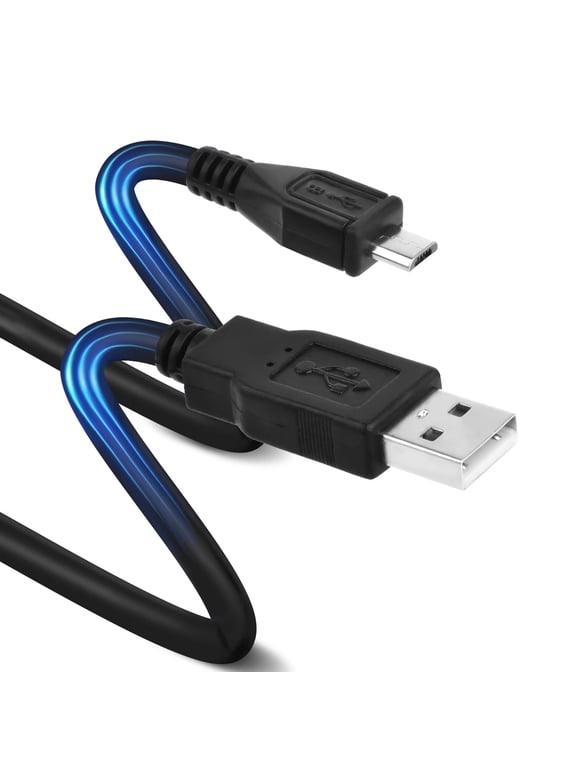
Replacement End Caps Covers For Jawbone Up24 Up-24, Red (Pack of 3) $8.99

FAQ
How do I charge my Jawbone fitness tracker?
Charging your Jawbone fitness tracker is simple. Most models use a dedicated USB charging cable or cradle. To charge:
- Locate the charging port on your device, usually on the underside or side.
- Connect the tracker to the USB charging cable, making sure it's securely attached.
- Plug the USB end into a computer or a compatible USB wall adapter.
- Look for an indicator light or on-screen icon to confirm charging has started.
Charging times can vary, so check your device's manual for specifics. Always use the recommended cable to avoid damage.
Can I replace the band on my Jawbone tracker?
Some Jawbone fitness trackers have removable or interchangeable bands, while others have fixed designs. If your model allows band replacement:
- Gently detach the old band following the instructions in your user guide.
- Attach the new band, ensuring it's securely in place before wearing.
Replacement bands may be available online or in select stores. If your tracker has a fixed band, it's best to handle it with care to extend its lifespan.
What should I do if my Jawbone won't sync?
If your Jawbone device isn't syncing, try these steps:
- Ensure Bluetooth is enabled on your smartphone or tablet.
- Restart both your device and the Jawbone tracker.
- Check for app updates and install the latest version.
- Try re-pairing the tracker by removing it from your device's Bluetooth list and reconnecting.
If issues persist, consult the user manual or reach out to customer support for further troubleshooting. Keeping your app and device updated can help prevent syncing problems.
How do I clean my Jawbone fitness band?
To keep your Jawbone fitness band clean:
- Wipe the band gently with a soft, damp cloth.
- Avoid using harsh chemicals or soaking the device in water.
- Let it air dry completely before wearing again.
Regular cleaning helps maintain comfort and appearance. Always follow the care instructions in your user manual to avoid damaging the device.
Are replacement charging cables available for Jawbone devices?
Replacement charging cables for Jawbone devices can often be found online or in electronics stores. When searching for a replacement:
- Check your device model to ensure compatibility with the cable.
- Look for cables that match the connector type and charging specifications.
Using the correct cable helps maintain safe charging and device performance. If you're unsure, consult your device's manual or reach out to customer support for guidance.