

Imation USB Flash Drives(1)
Uses item details. Price when purchased online
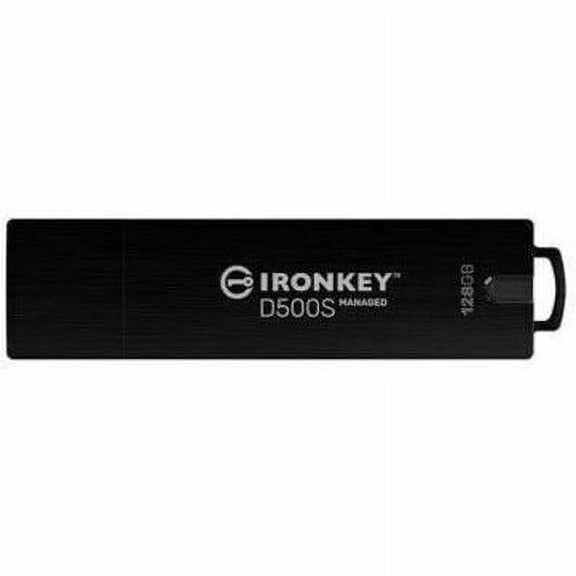
Open Box IronKey D500SM 128GB USB 3.2 (Gen 1) Type A Flash Drive $149.99
$14999
current price $149.99Open Box IronKey D500SM 128GB USB 3.2 (Gen 1) Type A Flash Drive
Other options to consider(3)
Imation 1-2 in. 9940 Black Watch 60GB Data Cartridge - Black $53.91

$5391
current price $53.91Imation 1-2 in. 9940 Black Watch 60GB Data Cartridge - Black
Imation 16260 Super Dlt 1 $30.95

$3095
current price $30.95Imation 16260 Super Dlt 1
Imation 43832 3590 Data Cartridge Data Cartridge 3590 10 GB Native-20 GB Compressed 1049.87 ft Storage

Imation 43832 3590 Data Cartridge Data Cartridge 3590 10 GB Native-20 GB Compressed 1049.87 ft Storage
FAQ
How do I choose the right data cartridge?
When picking a data cartridge, it's helpful to know your storage needs and the device you're using.
- Check the compatibility with your tape drive or backup system.
- Look at the native and compressed capacity to see how much data each cartridge can hold.
- Consider the type—like LTO, SLR, or QIC—to match your equipment.
Can USB flash drives store large files easily?
USB flash drives are handy for storing large files like videos, documents, and images.
- Look for drives with higher capacity, such as 128GB or more, if you're transferring big items.
- USB 3.2 (Gen 1) drives often provide faster file transfer speeds compared to older models.
- Always double-check file system compatibility (like FAT32 or exFAT) just in case some files are very large.
What’s the best way to keep data cartridges safe?
To protect your data cartridges, handle them with care and follow these steps:
- Store cartridges in cases when not in use to guard against dust and damage.
- Keep them away from magnets and extreme temperatures.
- Label each cartridge to keep track of your backups and prevent accidental overwrites.
Are old tape cartridges still reliable for backups?
Tape cartridges have been trusted for reliable backups over the years, but their condition depends on how they've been stored and maintained.
- If handled properly and kept away from moisture, they can still be used for archiving data.
- Always check your device compatibility, as newer tape drives may not support older formats.
- Routine testing is a good way to make sure the tapes still perform well.
How do I transfer files from a USB drive?
Moving files from a USB flash drive is simple:
- Insert the drive into your computer's USB port.
- Open your file explorer to view the USB contents.
- Select and copy files you want, then paste them into your desired folder.
Popular in Shop Brand USB Flash Drives and Data Storage
Related Products
Tech Store USB Flash Drive - Windows Repair, Reinstall, Data Recovery, Diagnostics, Drivers, Bootable Stick
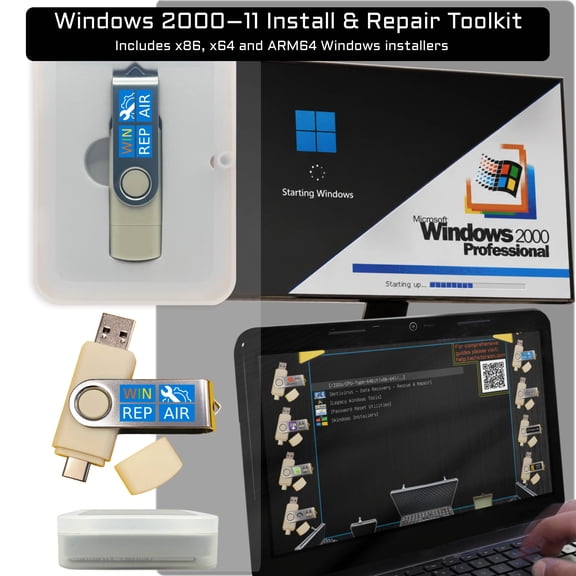 Tech Store USB Flash Drive - Windows Repair, Reinstall, Data Recovery, Diagnostics, Drivers, Bootable Stick$25.99current price $25.99
LG External CD/DVD Rewriter With M-Disc Mac & Surface Support (Black) - Model GP65NB60
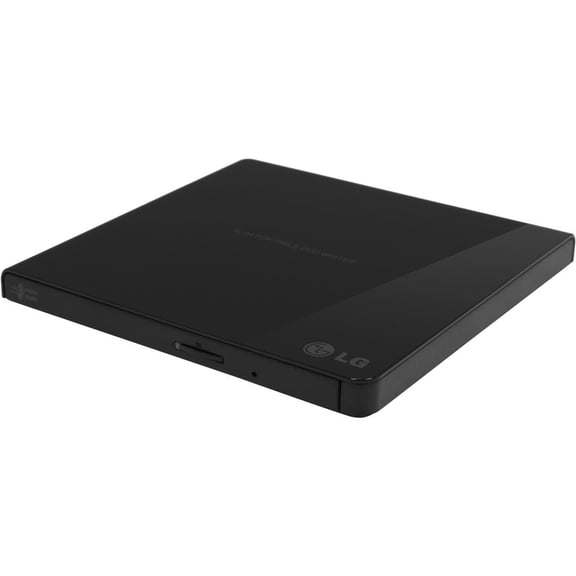 LG External CD/DVD Rewriter With M-Disc Mac & Surface Support (Black) - Model GP65NB60$42.98current price $42.98
Plextor PXL-910S Professional Internal 24x SATA CD/DVD/RW DL DVD Writer Drive Burner for Desktop PC Computer
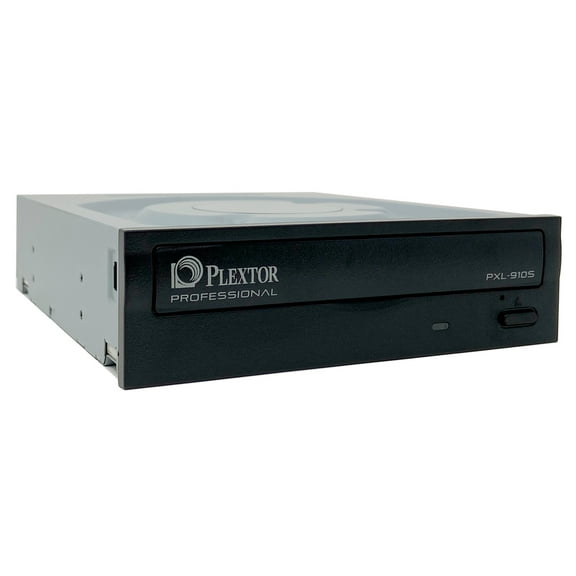 Plextor PXL-910S Professional Internal 24x SATA CD/DVD/RW DL DVD Writer Drive Burner for Desktop PC Computer$49.99current price $49.99
Buffalo MediaStation DVD-Writer - DVD-RAM/±R/±RW Support - 24x CD Write/24x CD Rewrite/24x CD Read - 6x DVD Write/8x DVD Rewrite/8x DVD Read - M-DISC Ready - Double-layer Media Supported ...
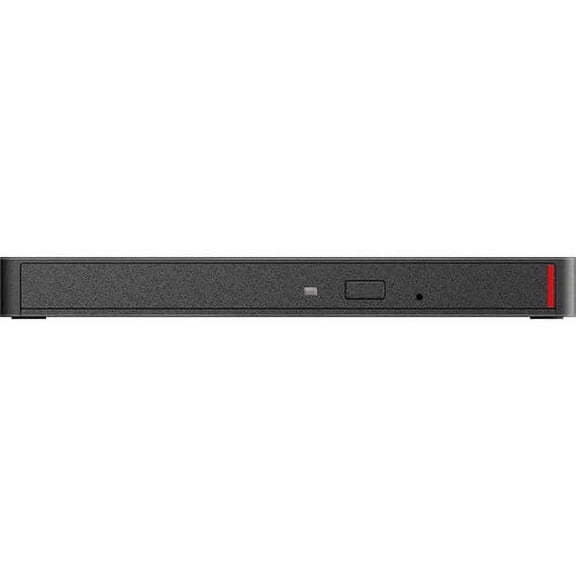 Buffalo MediaStation DVD-Writer - DVD-RAM/±R/±RW Support - 24x CD Write/24x CD Rewrite/24x CD Read - 6x DVD Write/8x DVD Rewrite/8x DVD Read - M-DISC Ready - Double-layer Media Supported ...$47.76current price $47.76
Portable USB External Floppy Disk Drive, 3.5-Inch Floppy Disk Drive, USB 2.0 Interface Plug and Play Low Noise for PC Laptop Black
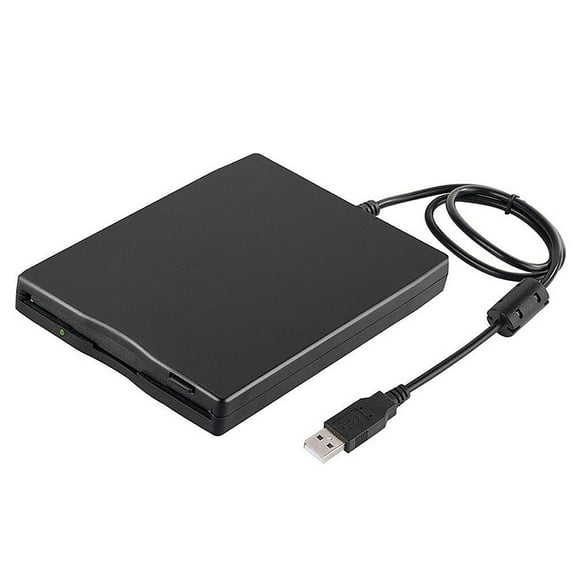 Portable USB External Floppy Disk Drive, 3.5-Inch Floppy Disk Drive, USB 2.0 Interface Plug and Play Low Noise for PC Laptop Black$20.51current price $20.51
LG External CD/DVD Rewriter With M-Disc Mac & Surface Support (White) - Model GP65NW60
 LG External CD/DVD Rewriter With M-Disc Mac & Surface Support (White) - Model GP65NW60$56.74current price $56.74
StarTech eSATA / USB 3.0 Hard Drive Duplicator Dock with SATA 6Gbps
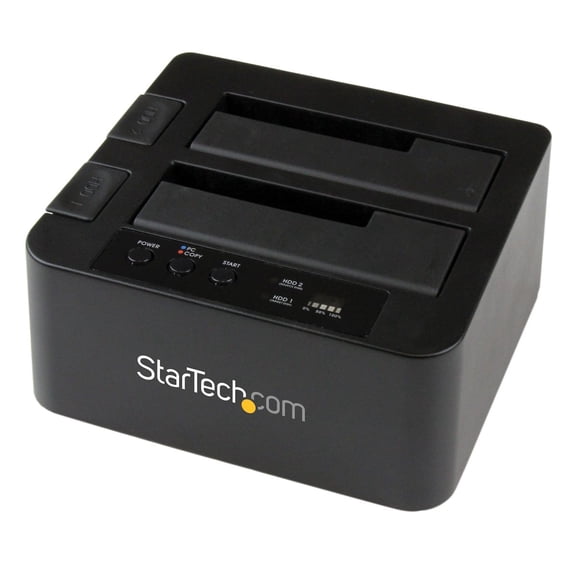 StarTech eSATA / USB 3.0 Hard Drive Duplicator Dock with SATA 6Gbps$126.72current price $126.72
Dell Genuine Slim DW316 DVD±RW DL USB 2.0 External Drive,8J15V 08J15V
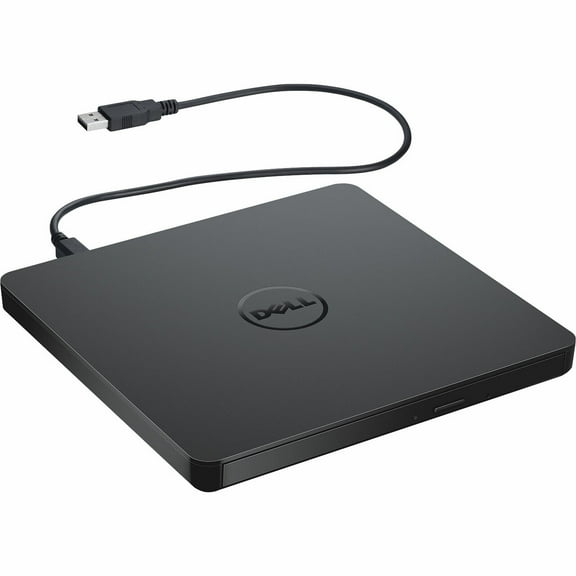 Dell Genuine Slim DW316 DVD±RW DL USB 2.0 External Drive,8J15V 08J15V$41.99current price $41.99
Pro Flash USB/Memory Card Duplicator and Backup System
 Pro Flash USB/Memory Card Duplicator and Backup System$335.08current price $335.08
Asus SDRW-08D2S-U Portable DVD-Writer - External - White
 Asus SDRW-08D2S-U Portable DVD-Writer - External - White$50.34current price $50.34
ASUS USB 2.0 Black External Slim CD / DVD Re-writer MacOS Compatible Model SDRW-08D2S-U
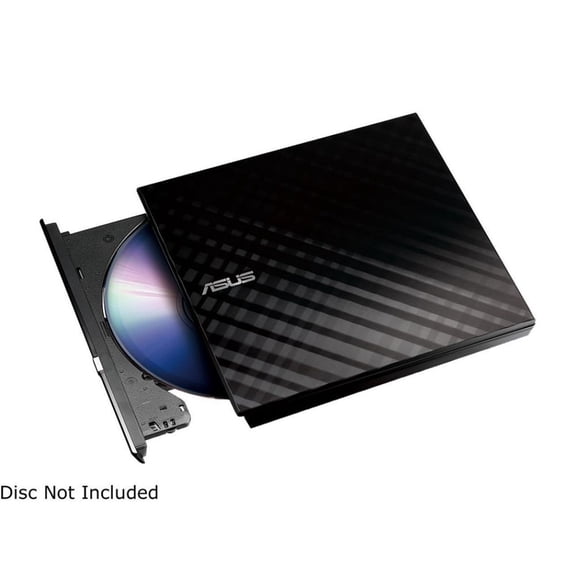 ASUS USB 2.0 Black External Slim CD / DVD Re-writer MacOS Compatible Model SDRW-08D2S-U$51.99current price $51.99
8XDVDEXT 8x DVD±RW Mobile Slim Drive
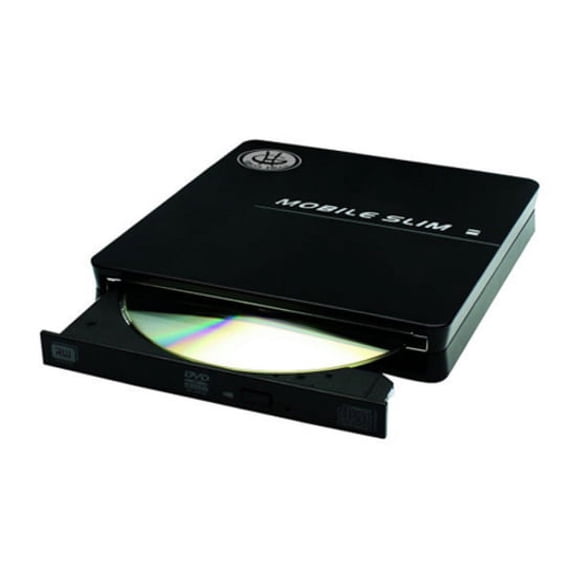 8XDVDEXT 8x DVD±RW Mobile Slim Drive$74.88current price $74.88