Goldtouch(15)
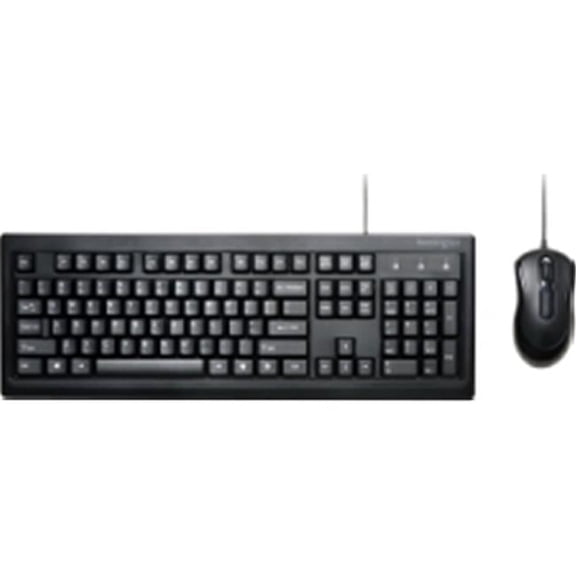
Goldtouch KB-X231-TM Trident Standard Keyboard $48.00

Goldtouch KB-X231-TM Trident Standard Keyboard
Goldtouch Elite Keypad (USB) PC & Mac $55.00

Goldtouch Elite Keypad (USB) PC & Mac
Goldtouch Elite Adjustable Ergonomic Keyboard $96.00
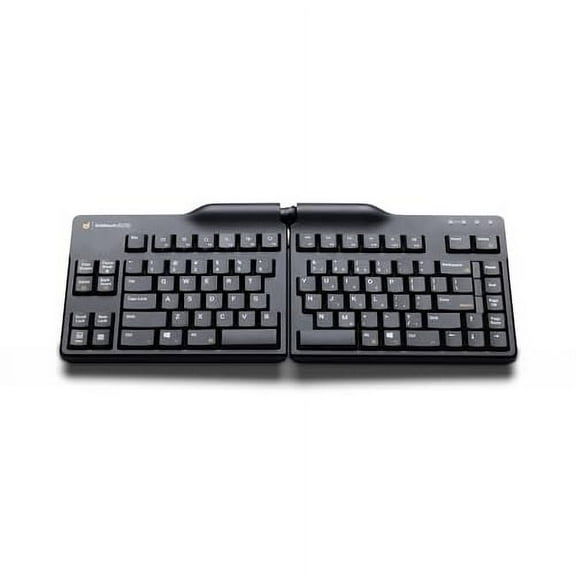
Goldtouch Elite Adjustable Ergonomic Keyboard
Goldtouch Semi-Vertical Mouse Wired, Black $79.00

Goldtouch Semi-Vertical Mouse Wired, Black
Goldtouch Wireless Ambidextrous Mouse, Black $40.00

Goldtouch Wireless Ambidextrous Mouse, Black
Goldtouch KB-X211-TM Trident Mini Keyboard $38.00
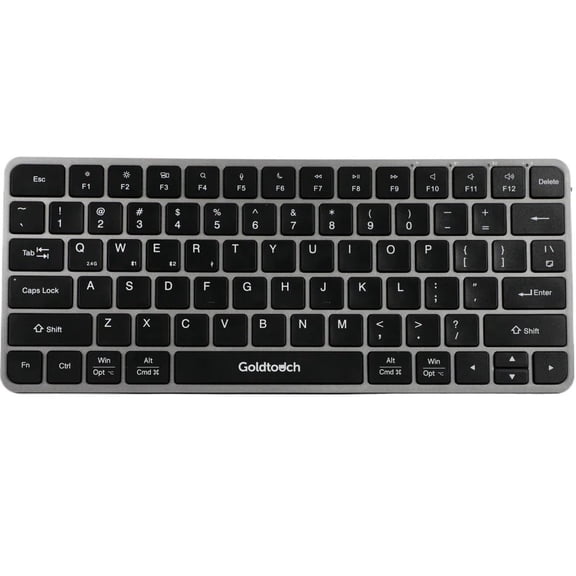
Goldtouch KB-X211-TM Trident Mini Keyboard
Goldtouch Mouse $89.00

Goldtouch Mouse
Goldtouch FlexMouse - Mouse - ergonomic - right-handed - optical - 4 buttons - wired - USB - TAA Compliant $84.00

Goldtouch FlexMouse - Mouse - ergonomic - right-handed - optical - 4 buttons - wired - USB - TAA Compliant
Goldtouch Peapod Mini Bluetooth Keyboard | Ultra-Compact Wireless Keyboard for Tablet & Phone $29.00
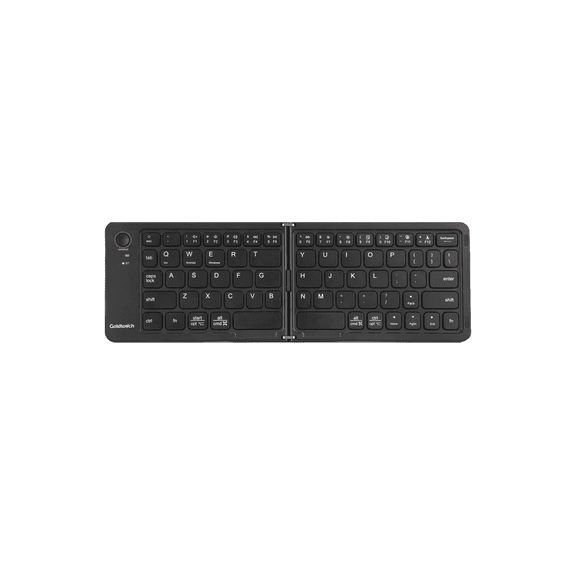
Goldtouch Peapod Mini Bluetooth Keyboard | Ultra-Compact Wireless Keyboard for Tablet & Phone
Goldtouch Bluetooth Wireless Comfort Mouse Right-Handed Only $79.00
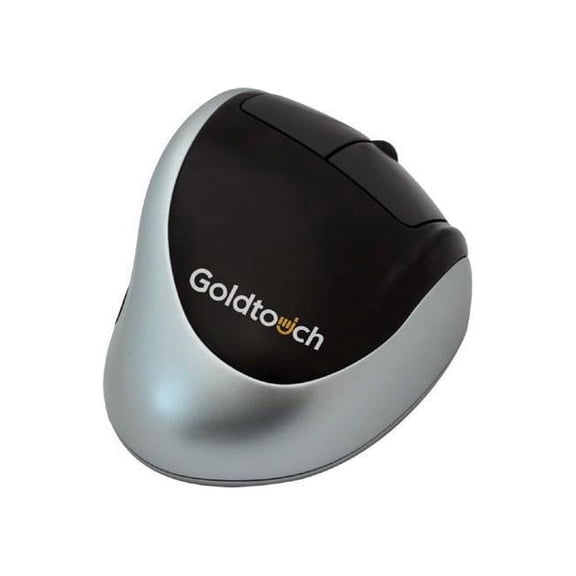
Goldtouch Bluetooth Wireless Comfort Mouse Right-Handed Only
Goldtouch SlimLine Mouse Pad | Right-Handed $43.00

Goldtouch SlimLine Mouse Pad | Right-Handed
Goldtouch 2.4GHz Wireless Office Mouse | Ergonomic Right-Handed Mouse with Adjustable DPI $21.50
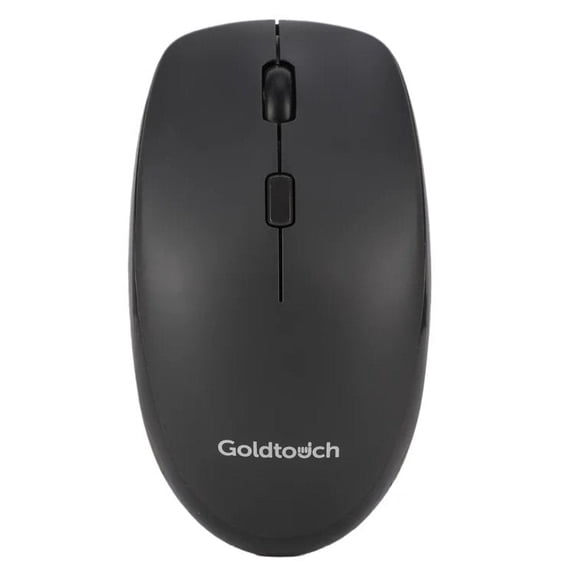
Goldtouch 2.4GHz Wireless Office Mouse | Ergonomic Right-Handed Mouse with Adjustable DPI
Goltouch Newtral 3 Wireless Mouse, Medium, Left-Handed, Black $78.00

Goltouch Newtral 3 Wireless Mouse, Medium, Left-Handed, Black
Goldtouch Newtral 3 Medium Black Mouse Wireless, Right Handed $59.00 Was $69.00

Goldtouch Newtral 3 Medium Black Mouse Wireless, Right Handed
Goldtouch USB Wired Office Mouse | Ergonomic Right-Handed Mouse with Adjustable DPI $15.50
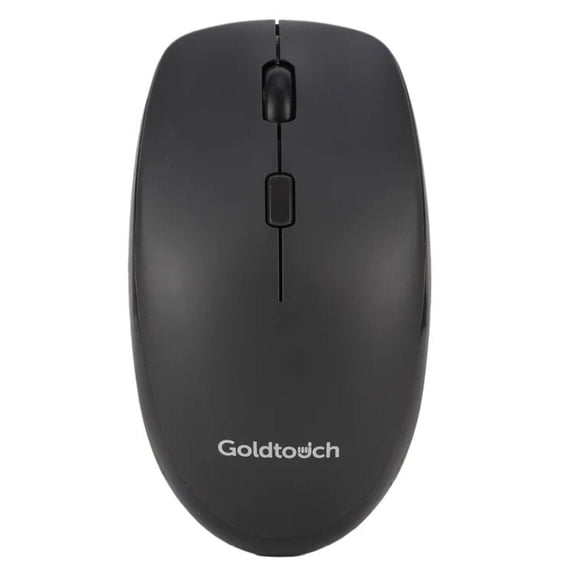
Goldtouch USB Wired Office Mouse | Ergonomic Right-Handed Mouse with Adjustable DPI
FAQ
How do I pick the best ergonomic keyboard?
Choosing the right ergonomic keyboard depends on your personal comfort and workspace setup. Here are a few tips to consider:
- Adjustability: Look for adjustable features that let you change the keyboard's angle and split it to suit your hand placement.
- Size: Decide if you need a full-size model or a compact one for portability.
- Compatibility: Check if the keyboard works with your computer or device (PC, Mac, tablet, or phone).
- Wrist Support: Consider keyboards with built-in wrist rests for extra comfort.
Trying different models can help you find the one that fits your needs best.
Are wireless keyboards easy to connect?
Yes, most wireless keyboards are designed for quick and easy setup. Typically, you'll just need to:
- Turn on your keyboard and make sure it's in pairing mode (usually indicated by a blinking light).
- Open your device's Bluetooth settings and select the keyboard from the list of available devices.
- Follow any on-screen prompts to complete pairing.
If you encounter any issues, checking the keyboard manual or support page can provide additional tips specific to your model.
Can I use these keyboards with tablets or phones?
Many compact and Bluetooth-enabled keyboards are designed to work with a variety of devices, including tablets and smartphones. You'll want to:
- Check if the keyboard supports Bluetooth connectivity.
- Make sure your mobile device's operating system is compatible (like iOS, Android, or Windows).
- Pair the devices using the standard Bluetooth setup steps.
Using a wireless keyboard with your mobile device can make typing more comfortable on the go.
What's the advantage of an ambidextrous mouse?
An ambidextrous mouse is shaped to comfortably fit either your right or left hand. This design can help if you switch hands often or share the mouse with others. These mice tend to:
- Provide balanced support, reducing strain on either hand.
- Accommodate multiple users in shared workspaces.
- Offer flexibility for reducing repetitive strain by alternating hands during use.
Trying out an ambidextrous mouse can help identify what feels most comfortable for you.
How do I clean my keyboard safely?
To keep your keyboard working well, regular cleaning is a good idea. Here's how you can do it safely:
- Unplug or turn off the keyboard before cleaning.
- Gently shake out crumbs or debris (hold it upside down).
- Use a soft, slightly damp cloth to wipe the keys and surface. Avoid using excess moisture.
- For a deeper clean, use a cotton swab for hard-to-reach spots.
Avoid using harsh cleaners or spraying liquids directly onto the keyboard to help prevent damage.
Popular in Shop Brand Keyboards and Mice for Ergonomic Home Office
Related Products
ZIYOU LANG T96 Wireless Gaming Keyboard and Mouse Combo, Dual Bluetooth//2.4G RGB Backlit Mechanical Feeling Keyboard with Smart Display & Knob, 4000 DPI Gaming Mouse for PC Laptop Mac Wins
 ZIYOU LANG T96 Wireless Gaming Keyboard and Mouse Combo, Dual Bluetooth//2.4G RGB Backlit Mechanical Feeling Keyboard with Smart Display & Knob, 4000 DPI Gaming Mouse for PC Laptop Mac Wins$42.49current price $42.49
T96 Smart Display Wireless Gaming Keyboard and Mouse Comb, 94Key LED Lighting Rechargeable Silent Membrane Keyboard with Knobs, 2000mAh Battery, 6-Button 4KDPI Mouse for Win/Mac(Glimmer)
 T96 Smart Display Wireless Gaming Keyboard and Mouse Comb, 94Key LED Lighting Rechargeable Silent Membrane Keyboard with Knobs, 2000mAh Battery, 6-Button 4KDPI Mouse for Win/Mac(Glimmer)$42.74current price $42.74
T3 Wireless Gaming Keyboard and Mouse Combo Rainbow Backlight Rechargeable Mouse for Computer
 T3 Wireless Gaming Keyboard and Mouse Combo Rainbow Backlight Rechargeable Mouse for Computer$34.39current price $34.39
Dell KM300C Wired Keyboard and Mouse Combo - Black
 Dell KM300C Wired Keyboard and Mouse Combo - Black$19.95current price $19.95
Dell Wired Keyboard and Mouse - KM300C
 Dell Wired Keyboard and Mouse - KM300C$28.99current price $28.99
Incase Wired Desktop 600 Keyboard & Mouse Combo ? Designed by Microsoft ? Four Hot Keys, Spill-Resistant Keyboard, Quiet-Touch Keys, Optical Mouse
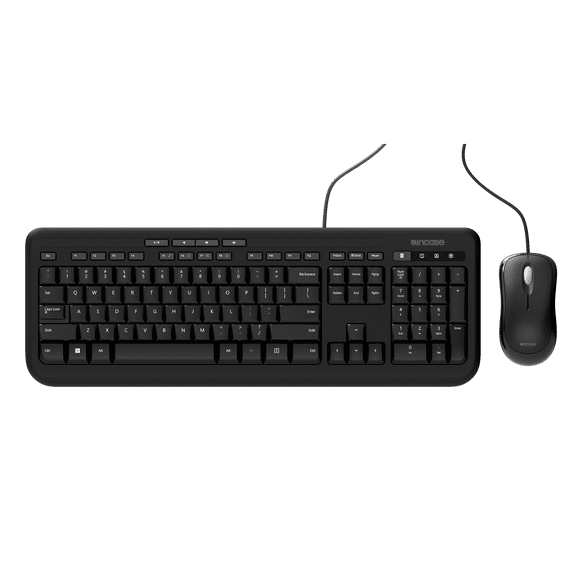 Incase Wired Desktop 600 Keyboard & Mouse Combo ? Designed by Microsoft ? Four Hot Keys, Spill-Resistant Keyboard, Quiet-Touch Keys, Optical Mouse$27.99current price $27.99
Snpurdiri 2.4G Wireless Gaming Keyboard and Mouse Combo, Include Mini 60% Merchanical Feel RGB Backlit Keyboard, Ergonomic Vertical Feel Small Wireless Mouse(White and Black)
 Snpurdiri 2.4G Wireless Gaming Keyboard and Mouse Combo, Include Mini 60% Merchanical Feel RGB Backlit Keyboard, Ergonomic Vertical Feel Small Wireless Mouse(White and Black)$35.99current price $35.99
Perixx PERIDUO-512B US, Wired Ergonomic Keyboard and Vertical Mouse Combo - USB - Black - US English
 Perixx PERIDUO-512B US, Wired Ergonomic Keyboard and Vertical Mouse Combo - USB - Black - US English$59.99current price $59.99
Wired Computer Keyboard and Mouse Combos for Windows, Plug and Play, Full-Size, Spill-Resistant, Ergonomic Silent Design, 12 Shortcut Keys, Compatible with PC, Laptop - Black
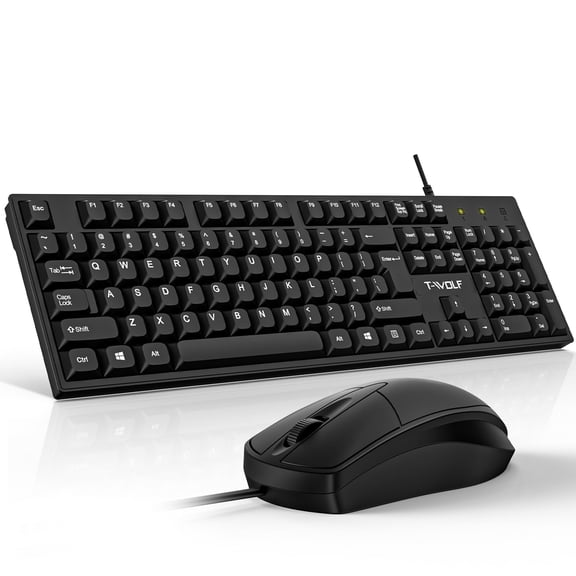 Wired Computer Keyboard and Mouse Combos for Windows, Plug and Play, Full-Size, Spill-Resistant, Ergonomic Silent Design, 12 Shortcut Keys, Compatible with PC, Laptop - Black$12.79current price $12.79
Wireless Gaming Keyboard & Mouse & Headset & Mouse Pad Combo Set 4 in 1,16 RGB Backlit Rechargeable Keyboard with Palm Rest,7 Backlit Gaming Mouse & RGB Bluetooth Headphones for Laptop Computer PC
 Wireless Gaming Keyboard & Mouse & Headset & Mouse Pad Combo Set 4 in 1,16 RGB Backlit Rechargeable Keyboard with Palm Rest,7 Backlit Gaming Mouse & RGB Bluetooth Headphones for Laptop Computer PC$65.69current price $65.69
Redragon S101-4 Wired PC Gaming Keyboard Mouse Combo, RGB Backlit Keyboard, US Layout, 7200DPI Mouse for Windows
 Redragon S101-4 Wired PC Gaming Keyboard Mouse Combo, RGB Backlit Keyboard, US Layout, 7200DPI Mouse for Windows$46.99current price $46.99
Wireless Gaming Keyboard and Mouse Combo with 87 Key Rainbow LED Backlight Rechargeable 3800mAh Battery Mechanical Feel Anti-ghosting Ergonomic Waterproof RGB Mute Mice for Computer PC Gamer (Black)
 Wireless Gaming Keyboard and Mouse Combo with 87 Key Rainbow LED Backlight Rechargeable 3800mAh Battery Mechanical Feel Anti-ghosting Ergonomic Waterproof RGB Mute Mice for Computer PC Gamer (Black)$35.99current price $35.99
Verbatim Keyboard & Mouse - USB Cable - Black - USB Cable - Optical - Scroll Wheel - QWERTY - Black - Compatible with Computer for PC, Mac
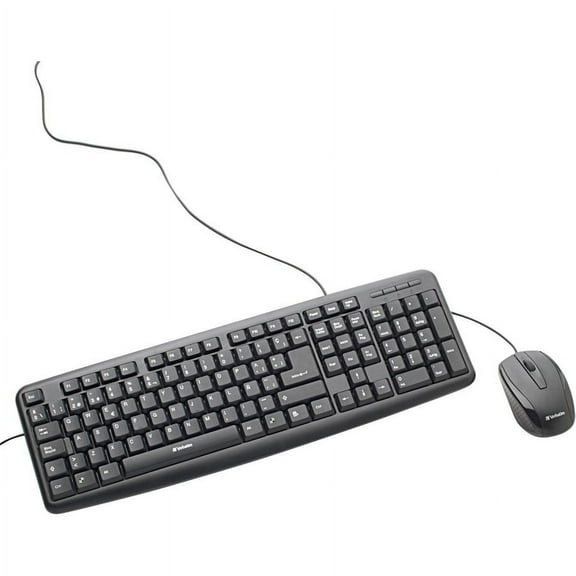 Verbatim Keyboard & Mouse - USB Cable - Black - USB Cable - Optical - Scroll Wheel - QWERTY - Black - Compatible with Computer for PC, Mac$25.31current price $25.31