Fart Machine(2)
TJ Wiseman's Remote Control Fart Machine No. 2 $16.95 $16.95/count
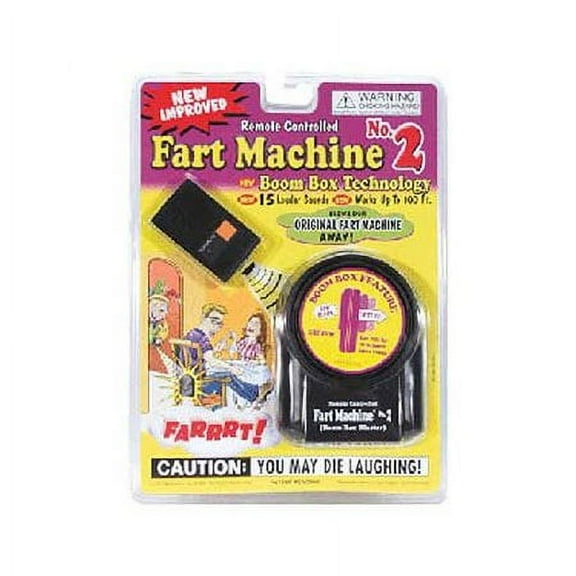
TJ Wiseman's Remote Control Fart Machine No. 2
Fart Machine Child Remote Controlled Fart Machine, Black, 2 Pack $19.00 $19.00/count
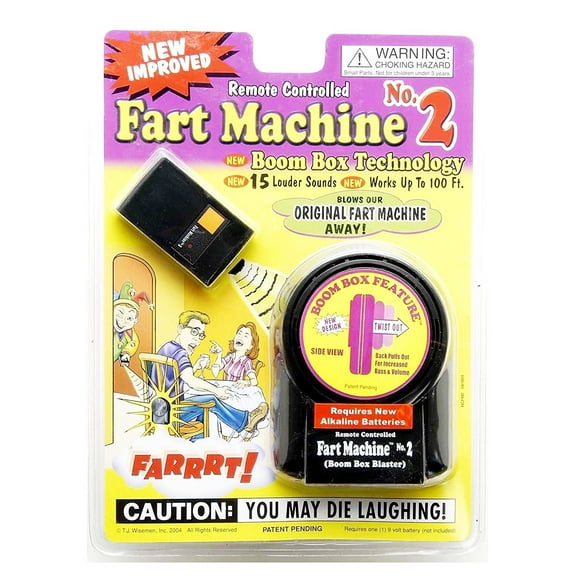
Fart Machine Child Remote Controlled Fart Machine, Black, 2 Pack
FAQ
How far do the remotes reach on fart machines?
Remote range can vary by model and room layout, so it’s helpful to check the item page for any listed specs and do a quick test at home.
- Keep a clear path between the remote and speaker when possible.
- Walls, furniture, metal, and other electronics can reduce distance.
- Place the speaker in a semi‑open spot; avoid sealing it deep in cushions.
- Fresh batteries can help maintain reliable range.
- If you need more reach, move the speaker closer to the action rather than pushing the maximum distance.
Actual performance may vary based on environment and battery strength. A short practice run usually helps you find the best placement for your space.
Are these kid-friendly and safe to use at home?
These novelty gadgets are typically intended for lighthearted fun, and following basic toy safety tips can help keep playtime comfortable for everyone.
- Check the product page for the manufacturer’s age recommendation.
- Keep small parts and batteries out of reach of young children.
- Use moderate volume and avoid placing the speaker near anyone’s ears.
- Supervise play around pets or people who may be easily startled.
- Avoid moisture, heat, and prolonged continuous operation.
- Store remotes and spare batteries safely when not in use.
If you have questions about age‑appropriate use, review the listing details and the instructions included with the item. Being considerate of your setting helps keep the joke fun for everyone.
How do I set one up for the best prank?
Setup is usually straightforward, and a little prep can improve the effect.
- Read the quick‑start info on the item page or packaging.
- Install fresh batteries, matching polarity.
- Power on the speaker and remote; set volume if that option exists.
- Test a few sounds to confirm they trigger reliably.
- Place the speaker where sound carries—on a shelf, under a couch edge, or behind a plant—without blocking vents.
- Minimize obstacles and stay within typical remote range.
Room layout and background noise can affect the result. A brief practice run helps you find the sweet spot while keeping things considerate and safe.
Can I get a two-pack for bigger spaces?
Some listings offer multi‑packs, which can be useful for larger spaces or coordinating gags in different rooms.
- Use one speaker per area so sound coverage feels natural.
- Trigger devices separately to avoid overlapping effects.
- Label similar remotes to prevent mix‑ups.
- Test placement for each unit to balance volume and concealment.
Availability can vary by listing, so check the product title and details for pack size before adding to cart. You can also adjust quantity at checkout if you prefer individual units. A quick trial helps you plan timing and distance for your space.
Why won’t my remote trigger the speaker?
If the remote isn’t triggering the speaker, a few checks can help narrow things down.
- Confirm both units are powered on and batteries are fresh and correctly installed.
- Reduce the distance and remove obstacles like walls or metal surfaces.
- Check for volume or mode switches on the speaker and adjust if needed.
- Look for a pairing or channel button and re‑sync if the model supports it.
- Inspect battery contacts and clean gently if there’s visible debris.
- Test in a different room to limit interference from other electronics.
For model‑specific steps, review the instructions on the item page. If issues continue, you can start support or return options through your Walmart account’s order details.
Related Products
Fart Machine Child Remote Controlled Fart Machine, Black, 2 Pack
Fart Machine Child Remote Controlled Fart Machine, Black, 2 Pack$19.00current price $19.00Create Farting Sounds Fart Machine Party Squeeze the fart tube Funny Spoof Toys
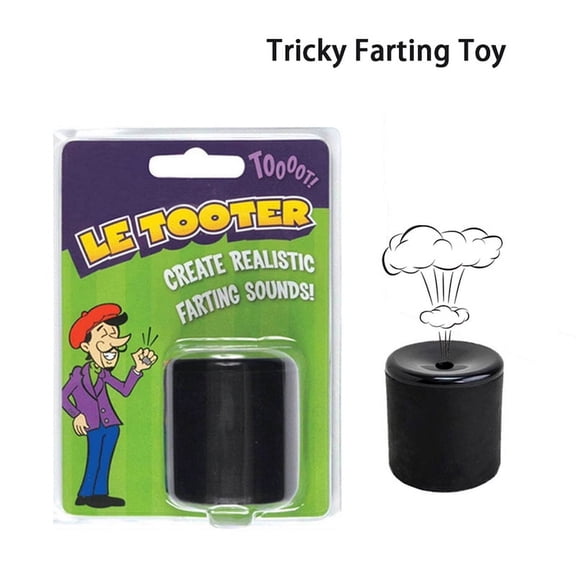 Create Farting Sounds Fart Machine Party Squeeze the fart tube Funny Spoof Toys$13.36current price $13.36