

Ergear(3)
ErGear Height Adjustable Electric Standing Desk, 55 x 28 Inches Sit Stand up Desk, Large Memory Computer Home Office Desk with Two-Piece Desktop (Black) $214.39

ErGear Height Adjustable Electric Standing Desk, 55 x 28 Inches Sit Stand up Desk, Large Memory Computer Home Office Desk with Two-Piece Desktop (Black)
New, ErGear 48 X 24 Inch Height Adjustable Electric Standing Desk, Black | Stand Up office Desk, Home Office Computer Desk with 4 Memory Presets, Stable Steel Frame, 176 lbs Capacity, Easy Assembly $134.19
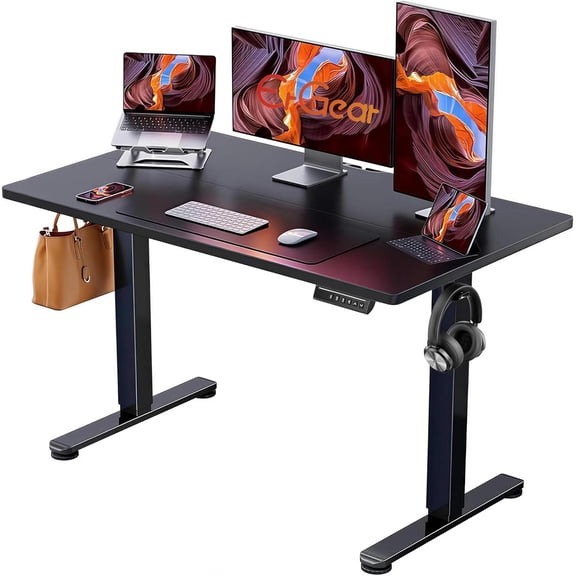
ErGear 48 X 24 Inch Height Adjustable Electric Standing Desk, Black | Stand Up office Desk, Home Office Computer Desk with 4 Memory Presets, Stable Steel Frame, 176 lbs Capacity, Easy Assembly
ErGear Electric Standing Desk, 44 x 24 Inches Height Adjustable Stand up Desk, Sit Stand Home Office Desk, with Two-Piece Desktop (Natural) $138.59 Was $170.19

ErGear Electric Standing Desk, 44 x 24 Inches Height Adjustable Stand up Desk, Sit Stand Home Office Desk, with Two-Piece Desktop (Natural)
FAQ
How reliable is ErGear for standing desks?
Reliability can vary by model, so it helps to compare details on the Walmart product page before you buy. Consider:
- Customer reviews: Look for long-term feedback, photo reviews, and consistency in ratings.
- Materials and build: A sturdy frame and solid desktop can support everyday use.
- Weight capacity and height range: Match these to your monitors, accessories, and preferred working posture.
- Stability feedback: Scan reviews for notes about wobble at different heights.
- Warranty and support: Check what’s listed on the product page for peace of mind.
- Delivery and returns: Choose options that fit your timeline and flexibility.
Reading product Q&A and comparing a few models can help you gauge overall dependability. These steps can guide your decision, but individual experiences may vary.
What is ErGear used for?
These adjustable-height desks are designed to create a comfortable home office setup. They’re commonly used to alternate between sitting and standing for work, study, and creative projects. Depending on the model, you can:
- Set up a computer, monitors, and peripherals with room for notes and accessories.
- Use an L-shaped surface to maximize corner space and organize tasks.
- Adjust height for typing, video calls, or sketching at different working positions.
- Route cables and keep clearance under the desk for smooth movement.
Measure your space and check the dimensions, features, and customer reviews on the Walmart product page to see how a specific desk matches your workspace and routine. Actual use and comfort can vary by setup.
How much do ErGear standing desks usually cost?
Prices can vary widely depending on size, shape, motor design, desktop material, and included accessories. To find a good fit within your budget:
- Use Walmart filters to set a price range and compare options side by side.
- Sort by price or customer rating to balance value and feedback.
- Check what’s included (like cable management or hooks) to understand overall value.
- Review delivery and assembly options that may affect total cost.
Current pricing and availability are listed on each product page and may change over time. Comparing specifications, reviews, and what’s included can help you choose the best value for your needs without relying on a single price point.
How do I clear an error on a standing desk?
An error indicator on an electric sit-stand desk often relates to calibration, load, or power. These steps may help, but exact instructions vary by model:
- Remove obstructions and lighten the desktop to reduce strain.
- Ensure legs are even and fasteners are snug for smooth travel.
- Plug the desk directly into a wall outlet and power cycle it.
- Try a basic reset: hold the down button until the desk reaches its lowest point, then continue holding for several seconds to recalibrate.
- Allow the motor to rest between attempts to prevent overheating.
For model-specific guidance, open the manual on the Walmart product page or in your order details. If the error persists, contact the manufacturer’s support. Avoid opening motor housings, and unplug before moving or adjusting components.
Will an L-shaped standing desk fit my space?
Start by mapping the footprint and ensuring movement clearance:
- Measure both sides of the “L,” leaving room for chair travel and walkways.
- Mark the outline with painter’s tape to test door and shelf clearance.
- Check listed dimensions and height range on the Walmart product page.
- Leave cable slack and a bit of wall clearance for lift/lower motion.
- Confirm the floor is level; uneven surfaces can affect stability.
Some models allow the return to be installed on either side—verify this in the specifications. Planning these details can help the desk operate smoothly in your room, but the ideal fit depends on your layout and equipment.
Popular in Explore Brand Collections and Products
Related Products
VIVO Steel Universal Pole Mount TV Arm VESA Plate | Fits 32" to 55" Screens
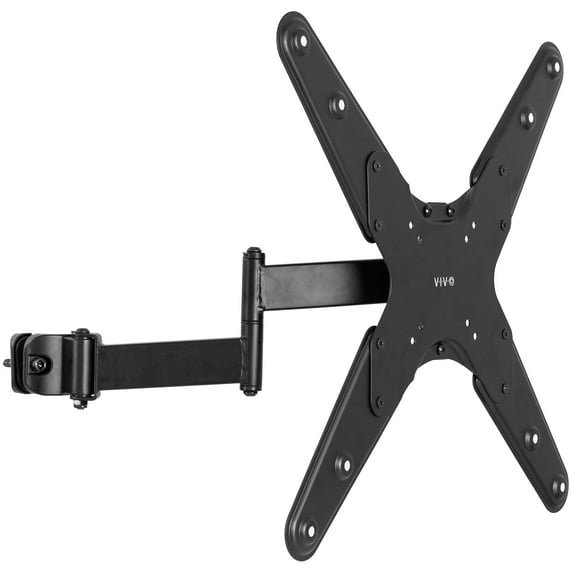 VIVO Steel Universal Pole Mount TV Arm VESA Plate | Fits 32" to 55" Screens$49.99current price $49.99
VIVO Single Pneumatic Monitor Wall Mount, Fits Ultrawides up to 49"
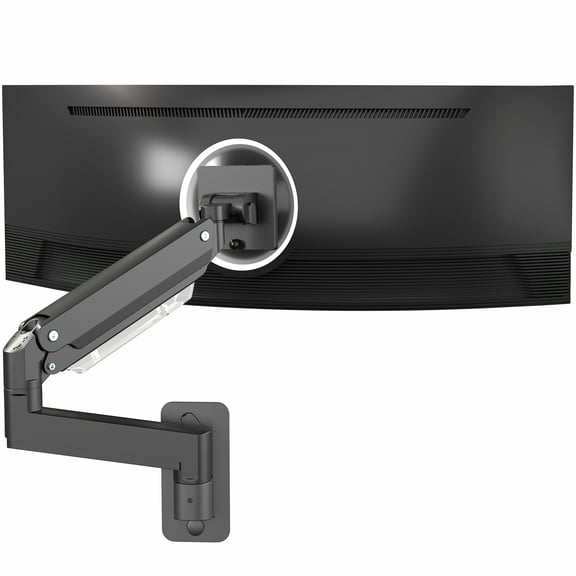 VIVO Single Pneumatic Monitor Wall Mount, Fits Ultrawides up to 49"$79.99current price $79.99
Mount-It Triple Heavy Duty Monitor Stand, Fits 17-Inch to 27-Inch Computer Screens, Freestanding Full Motion Monitor Mount
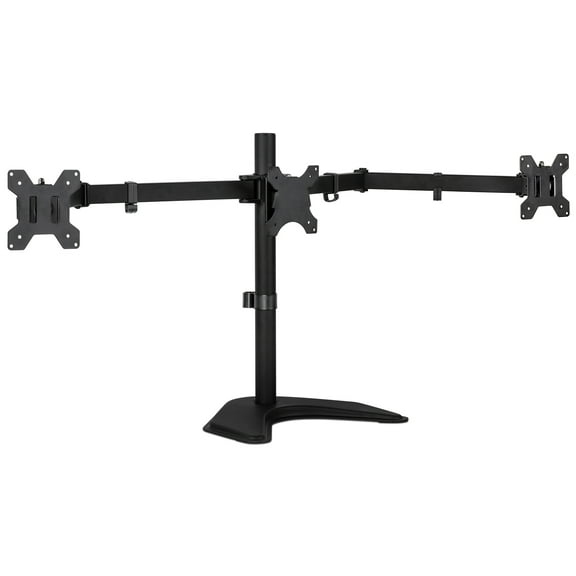 Mount-It Triple Heavy Duty Monitor Stand, Fits 17-Inch to 27-Inch Computer Screens, Freestanding Full Motion Monitor Mount$79.99current price $79.99
VIVO Height Adjustable 17" to 32" VESA Monitor Wall Mount Bracket for 1 Screen
 VIVO Height Adjustable 17" to 32" VESA Monitor Wall Mount Bracket for 1 Screen$29.99current price $29.99
VIVO Steel Telescoping Flush Wall Mount for Dual 27" to 38" Ultra Wide Monitors
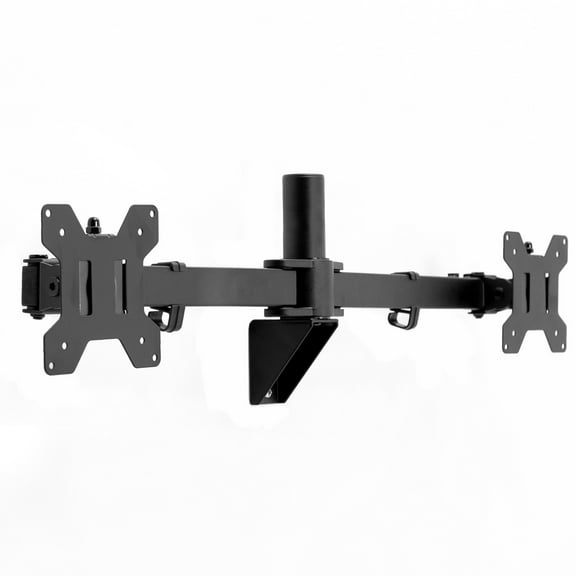 VIVO Steel Telescoping Flush Wall Mount for Dual 27" to 38" Ultra Wide Monitors$49.99current price $49.99
Stand Steady Triple Monitor Mount| Clamp-On Height Adjustable Triple Monitor Stand | Full Articulation VESA Mount Fits Most LCD/LED Monitors 13-32 Inches | Black
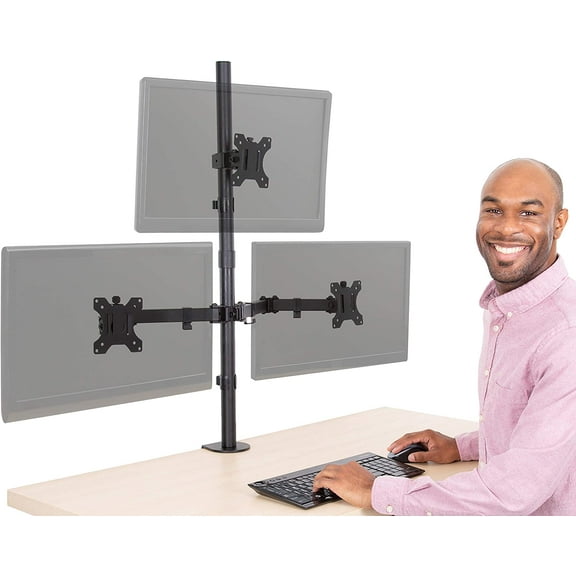 Stand Steady Triple Monitor Mount| Clamp-On Height Adjustable Triple Monitor Stand | Full Articulation VESA Mount Fits Most LCD/LED Monitors 13-32 Inches | Black$49.99current price $49.99
VIVO Steel Universal Pole Mount Monitor Arm VESA Plate | Fits 17" to 32" Screens
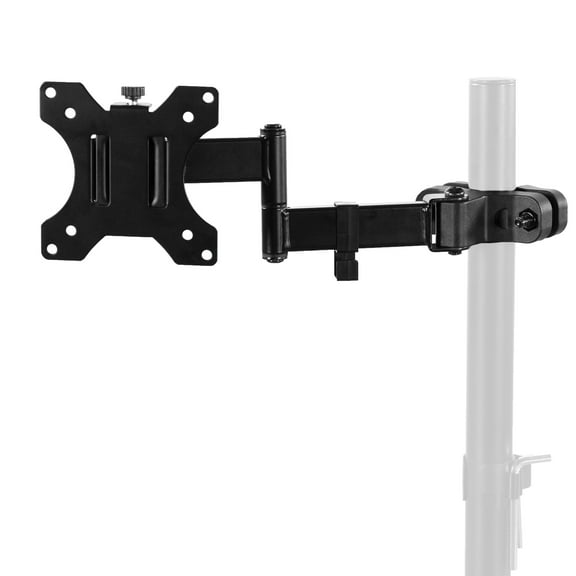 VIVO Steel Universal Pole Mount Monitor Arm VESA Plate | Fits 17" to 32" Screens$29.99current price $29.99
VIVO Black Aluminum Single Monitor Pneumatic Arm Desk Mount, Up to 32" Screens
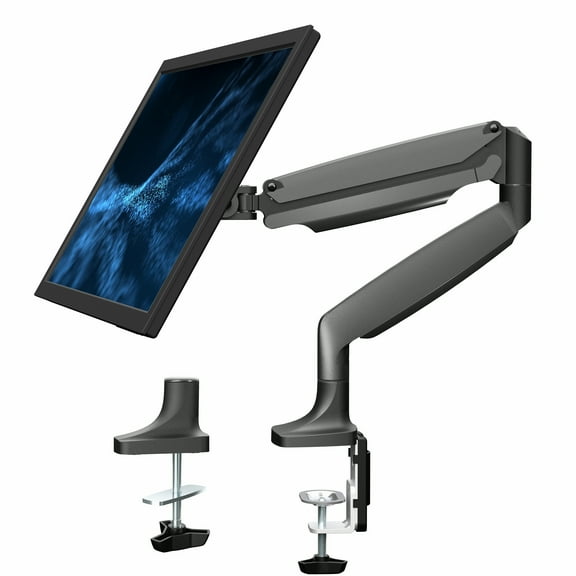 VIVO Black Aluminum Single Monitor Pneumatic Arm Desk Mount, Up to 32" Screens$69.99current price $69.99
VIVO Gas Spring Full Articulating Arm Monitor Wall Mount for 17" to 32" Screens
 VIVO Gas Spring Full Articulating Arm Monitor Wall Mount for 17" to 32" Screens$39.99current price $39.99
VIVO Mechanical Spring Extended Arm, 17" to 32" Computer Monitor Wall Mount
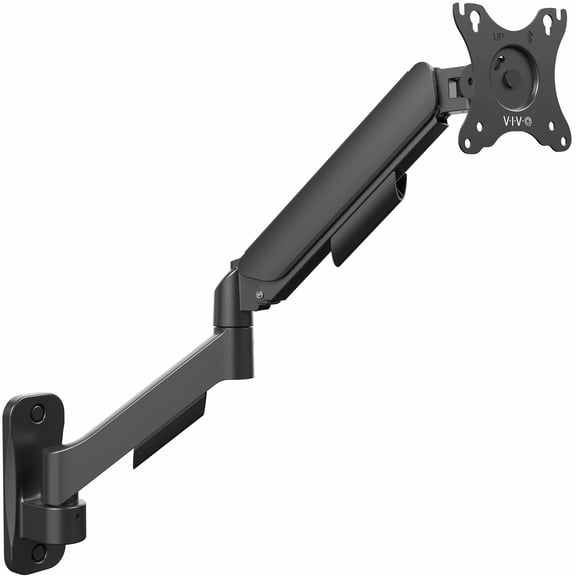 VIVO Mechanical Spring Extended Arm, 17" to 32" Computer Monitor Wall Mount$39.99current price $39.99
HOMOUNT Single Monitor Wall Mount for Max 32 Inch Computer Screen, Gas Spring Monitor Arm Holder Support 4.4-19.8lbs, Full Motion Adjustable Wall Bracket
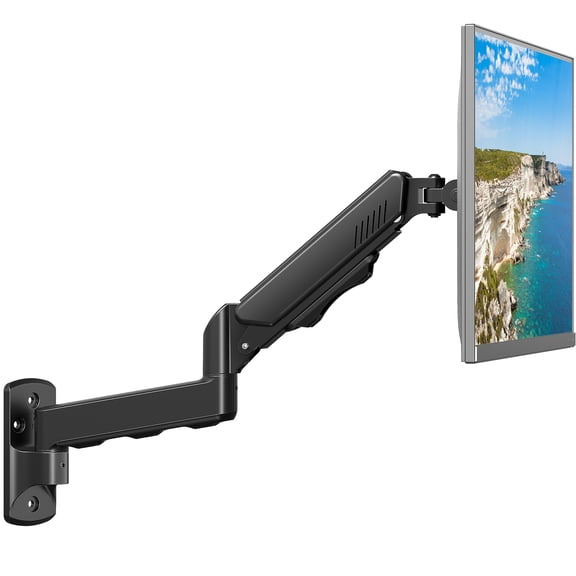 HOMOUNT Single Monitor Wall Mount for Max 32 Inch Computer Screen, Gas Spring Monitor Arm Holder Support 4.4-19.8lbs, Full Motion Adjustable Wall Bracket$20.99current price $20.99
Kensington SmartFit One-Touch Height Adjustable Dual Monitor Arm - Black
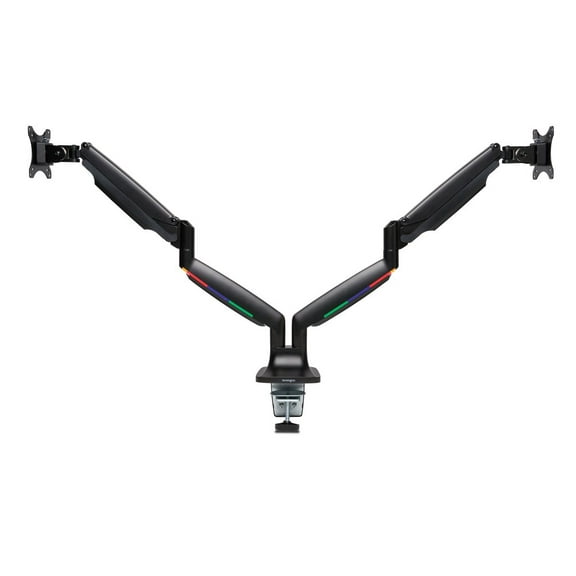 Kensington SmartFit One-Touch Height Adjustable Dual Monitor Arm - Black$203.40current price $203.40
Mount-It! Dual Arm Monitor Stand | Fits 17"-27" Computer Screens | Adjustable Arms
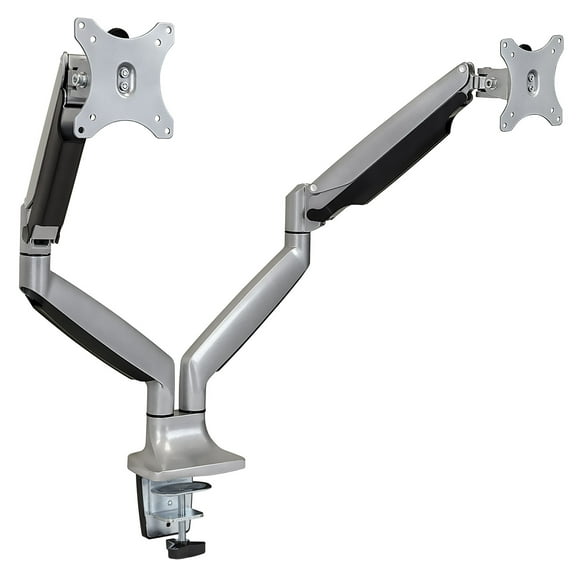 Mount-It! Dual Arm Monitor Stand | Fits 17"-27" Computer Screens | Adjustable Arms$159.99current price $159.99
VIVO Steel Universal Pole Mount TV Bracket VESA Plate | Fits 32" to 55" Screens
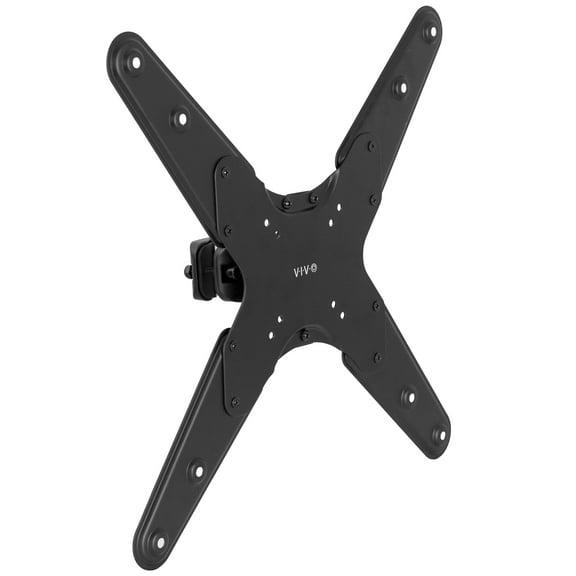 VIVO Steel Universal Pole Mount TV Bracket VESA Plate | Fits 32" to 55" Screens$39.99current price $39.99
3M MA140MB 4-1/2 in. x 19-1/2 in. 30-lb. Capacity Dual-Swivel Monitor Arm - Black/Gray
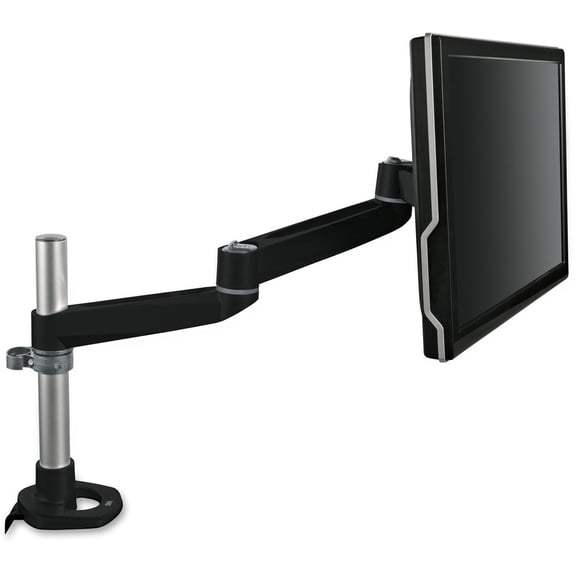 3M MA140MB 4-1/2 in. x 19-1/2 in. 30-lb. Capacity Dual-Swivel Monitor Arm - Black/Gray$153.32current price $153.32