Echogear(1)
ECHOGEAR White in Wall Cable Hider for Wall Mount TV - Single Gang Pass Through Pair with Drywall Brackets Included - Manage 8 Low Voltage Cords Behind The Wall - Quick Install with Wall Template
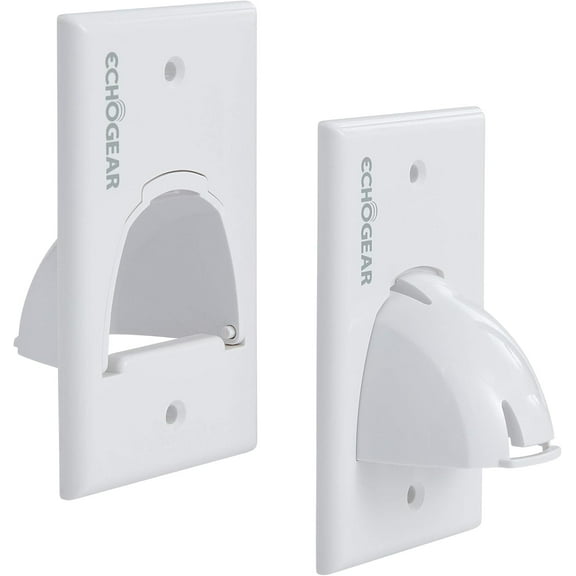
ECHOGEAR White in Wall Cable Hider for Wall Mount TV - Single Gang Pass Through Pair with Drywall Brackets Included - Manage 8 Low Voltage Cords Behind The Wall - Quick Install with Wall Template
FAQ
What can I use EchoGear products for?
EchoGear products are designed to help you set up and organize your home entertainment spaces. Common uses include:
- Mounting TVs securely to walls for a clean look and better viewing angles.
- Managing cables to reduce clutter and keep your setup tidy.
- Installing shelves or speaker mounts to enhance audio experiences.
These solutions can make your living room, bedroom, or office more functional and stylish. Always check the product details to make sure it fits your specific needs and TV size.
Who makes EchoGear products?
EchoGear is a brand that specializes in home entertainment accessories, such as TV mounts and cable management systems. While Walmart offers a variety of EchoGear products, the brand itself is owned and operated by its parent company, not Walmart. If you need more details about the manufacturer, you can usually find this information on the product packaging or the manufacturer's official website.
Are EchoGear TV mounts reliable for home use?
Many customers choose EchoGear TV mounts for their reputation in home entertainment setups. Key points to consider:
- They’re designed to fit a range of TV sizes and wall types.
- Most include hardware and instructions for installation.
- Customer reviews often highlight ease of use and sturdy construction.
It's important to follow all installation guidelines and check compatibility with your TV model for the best results.
How do I install an EchoGear TV mount?
To install an EchoGear TV mount, start by reading the included instructions carefully. General steps include:
- Locate wall studs using a stud finder for secure mounting.
- Mark and drill pilot holes at the recommended spots.
- Attach the mounting bracket to the wall with the provided hardware.
- Secure the mounting plate to your TV, then hang the TV on the wall bracket.
Each model may have specific requirements, so always refer to the manual. If you’re unsure, consider seeking professional installation help.
Can I adjust my TV after mounting with EchoGear?
Many EchoGear TV mounts are designed with adjustable features, allowing you to tilt, swivel, or extend your TV for better viewing angles. Adjustment options can include:
- Tilt to reduce glare from lights or windows.
- Swivel to face different areas of the room.
- Extension to pull the TV away from the wall for easier access to ports.
Check your specific model’s manual to learn about its adjustment capabilities and how to use them safely.
Popular in Echogear
Related Products
Construct Pro Raceway INSIDE Corner Adapters for Cable Covers (5-Pack, 1.38”, White)
 Construct Pro Raceway INSIDE Corner Adapters for Cable Covers (5-Pack, 1.38”, White)$8.99current price $8.99
1.5" White Cable Tie Mounts - (pack of 25)
 1.5" White Cable Tie Mounts - (pack of 25)$32.43current price $32.43
100 PCS Adhesive Wire Cord Cable Holder Tie Clip Fixer Organizer Drop Clamp
 100 PCS Adhesive Wire Cord Cable Holder Tie Clip Fixer Organizer Drop Clamp$11.39current price $11.39
2" White Super-Stick Cable Tie Mounts - (pack of 10)
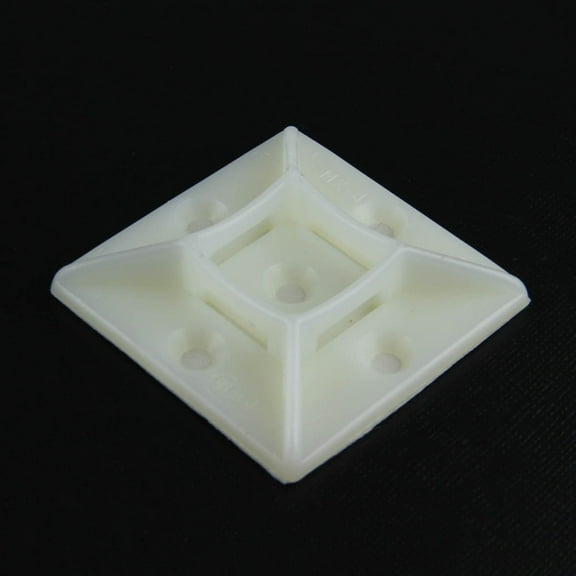 2" White Super-Stick Cable Tie Mounts - (pack of 10)$26.31current price $26.31
Mount-It! In-Wall Cable Concealer with Recessed Power
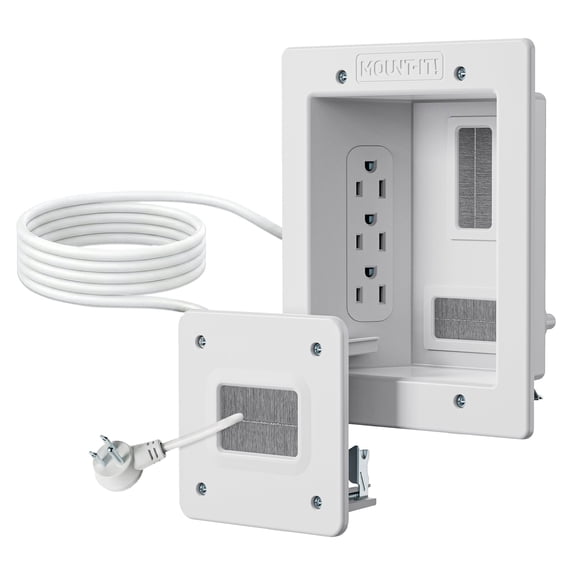 Mount-It! In-Wall Cable Concealer with Recessed Power$66.99current price $66.99
Unique Bargains 21pcs 6mm-7mm Cable Wire Holder Plastic Adhesive Clips Clamps Organizer Gray for Home Essential
 Unique Bargains 21pcs 6mm-7mm Cable Wire Holder Plastic Adhesive Clips Clamps Organizer Gray for Home Essential$8.09current price $8.09
Cord Cover, LazySpin 85" Cord Hider for Wall Mounted TV, Hide TV Wires on Wall, White
 Cord Cover, LazySpin 85" Cord Hider for Wall Mounted TV, Hide TV Wires on Wall, White$12.99current price $12.99
BASEPORT In Wall Cable Management Kit, TV Cord Hider for Wall Mounted TV with Recessed Outlet
 BASEPORT In Wall Cable Management Kit, TV Cord Hider for Wall Mounted TV with Recessed Outlet$69.95current price $69.95
4 Pack Wire Concealer for Wall Mounted TV, 2-3/8 Inch (60Mm Hole) TV Wall Wire Concealer, Wall Cable Management Kit
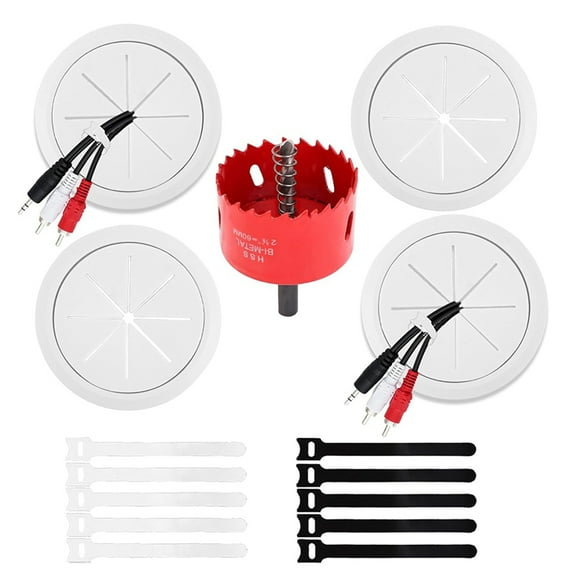 4 Pack Wire Concealer for Wall Mounted TV, 2-3/8 Inch (60Mm Hole) TV Wall Wire Concealer, Wall Cable Management Kit$14.79current price $14.79