

Dolgin(2)
Dolgin Engineering TC200 2-Position DPM Charger (120-240V) for the Canon C100, C300, C500, XL-2 & Similar Camcorders $245.00
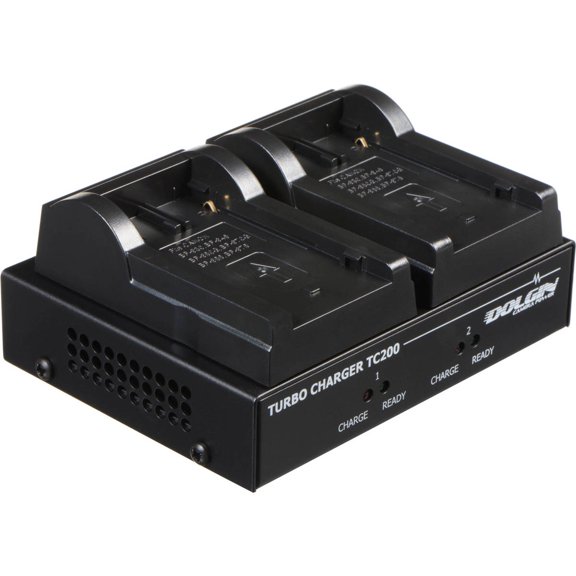
Dolgin Engineering TC200 2-Position DPM Charger (120-240V) for the Canon C100, C300, C500, XL-2 & Similar Camcorders
Dolgin Engineering TC40-CAN-LP-E8 4-Position Battery Charger for Canon LP-E8 (for Canon EOS Rebel T2i, T3i & T4i) $319.00

Dolgin Engineering TC40-CAN-LP-E8 4-Position Battery Charger for Canon LP-E8 (for Canon EOS Rebel T2i, T3i & T4i)
FAQ
How do I know which charger fits my camera?
Choosing the right charger starts with checking your camera model and battery type. Different chargers are designed for specific batteries, so it's important to match them up.
- Look at your camera's battery model (like LP-E8 or DPM).
- Compare this with the charger's compatibility details listed on the packaging or product page.
- If you're unsure, you can check your camera's manual or reach out to the manufacturer for clarification.
This helps make sure you get a charger that'll work smoothly with your equipment.
Can I charge multiple batteries at once?
Some chargers are built to handle more than one battery at the same time, which is great for busy shoots or when you need extra power.
- Multi-position chargers let you charge two or four batteries simultaneously.
- This can save you time and help keep your gear ready for action.
- Check the charger specs to see how many slots it offers and which battery types fit.
Having this feature makes managing your camera batteries much easier.
What should I check before plugging in the charger?
Before using a charger, it's smart to take a few safety steps to protect your gear and yourself.
- Confirm that the charger's voltage matches your power supply (like 120-240V).
- Inspect the charger and cables for any signs of damage.
- Make sure the batteries are clean and dry before inserting them.
- Follow the manufacturer's instructions for setup and use.
These precautions can help your charging routine go smoothly and safely.
How can I tell if my batteries are fully charged?
Most camera battery chargers have lights or indicators to show charging progress.
- Look for colored LEDs that change when charging is complete (usually green or blue).
- Some chargers may beep or display a message when batteries are ready.
- If your charger doesn't have indicators, check your camera's battery meter after charging.
These signs help you know when it's time to pop your batteries back in and get shooting.
Are there tips for storing the charger when not in use?
Proper storage keeps your charger in good shape and ready for your next project.
- Store it in a cool, dry place away from direct sunlight and moisture.
- Keep cables loosely coiled and avoid bending them sharply.
- If possible, use a case or pouch to protect it from dust and accidental damage.
Taking care of your charger can extend its lifespan and ensure reliable performance.
Popular in Dolgin Engineering Chargers for Canon Camcorders
Related Products
UGREEN Nexode Pro 100W USB C Charger, GaN Fast Charger Kit for Laptop Cellphone
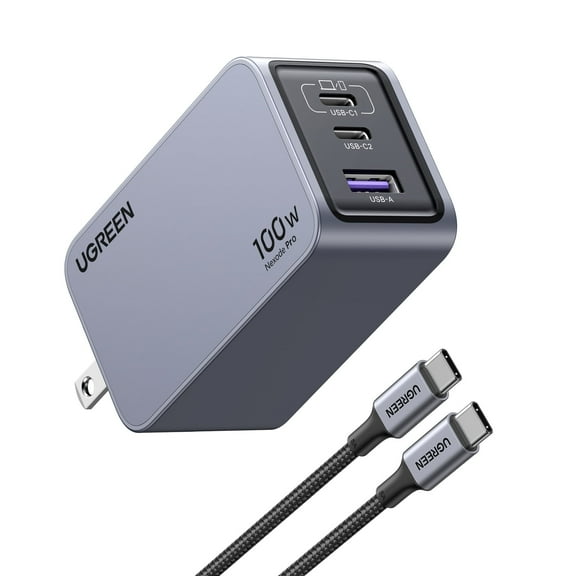 UGREEN Nexode Pro 100W USB C Charger, GaN Fast Charger Kit for Laptop Cellphone$37.99current price $37.99
Insignia Universal Wall Charger with 2 USB-C Ports
 Insignia Universal Wall Charger with 2 USB-C Ports$49.99current price $49.99
118W USB C Fast Charger,Laptop Charger Compatible with All USB C Charge Device
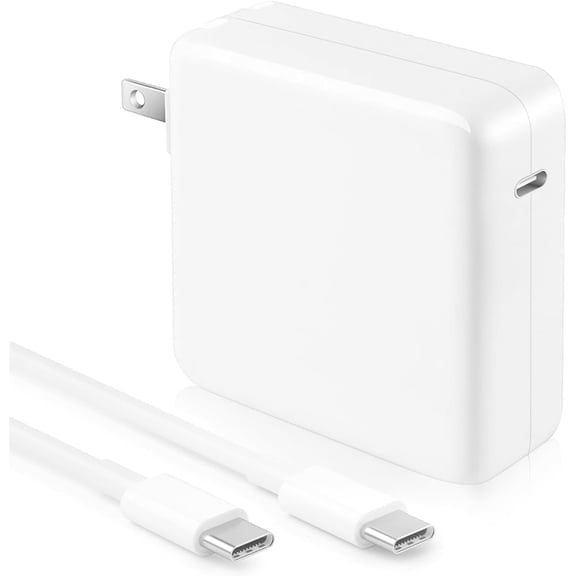 118W USB C Fast Charger,Laptop Charger Compatible with All USB C Charge Device$21.59current price $21.59
60W T-Tip Magnetic Charger Power Adapter Compatible with Air/Pro 13-Inch Retina Display(After 2012)
 60W T-Tip Magnetic Charger Power Adapter Compatible with Air/Pro 13-Inch Retina Display(After 2012)$14.98current price $14.98
Belkin 30-Watt USB-C Wall Charger, White
 Belkin 30-Watt USB-C Wall Charger, White$24.99current price $24.99
Plugable 140W USB C Charger, GaN Wall Charger for Laptop, PD 3.1 (EPR) Power Adapter is Compatible with USB-C MacBook Pro, Macbook Air iPad Pro, Surface and USB-C Devices, Compact and Portable Charger
 Plugable 140W USB C Charger, GaN Wall Charger for Laptop, PD 3.1 (EPR) Power Adapter is Compatible with USB-C MacBook Pro, Macbook Air iPad Pro, Surface and USB-C Devices, Compact and Portable Charger$75.95current price $75.95
96W USB C Fast Charger Laptop Charger Compatible with All USB C Charge Device, Include Charge Cable (6.6ft/2m)
 96W USB C Fast Charger Laptop Charger Compatible with All USB C Charge Device, Include Charge Cable (6.6ft/2m)$19.99current price $19.99
My Cable Mart USB Charger 5V 1000mA Device-Specific Electronics Charger
 My Cable Mart USB Charger 5V 1000mA Device-Specific Electronics Charger$7.33current price $7.33
Limitless PowerPro Go 3-in-1 Wall Charger - Black
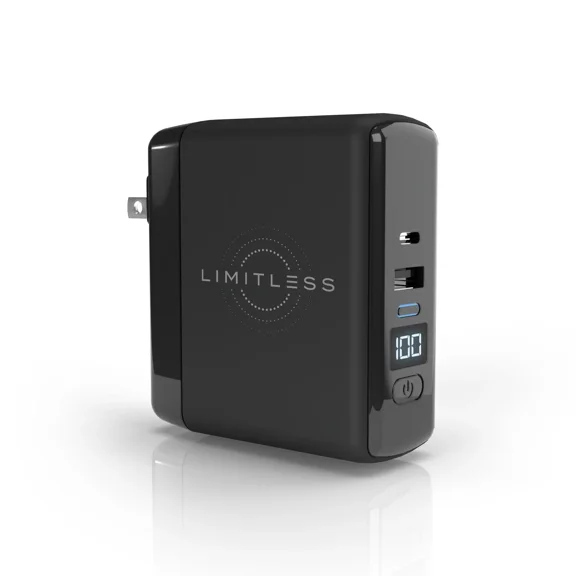 Limitless PowerPro Go 3-in-1 Wall Charger - Black$49.99current price $49.99
Compatible for Hot Pepper Chilaca HPP-L60A Black 18W Fast Wall Charger + 4FT TYPE C to C USB Cable
 Compatible for Hot Pepper Chilaca HPP-L60A Black 18W Fast Wall Charger + 4FT TYPE C to C USB Cable$16.95current price $16.95
