

Dane-elec(19)
The Hate Game (Paperback) $17.99

The Hate Game (Paperback)
chumbo duplo (Paperback) $17.99

chumbo duplo (Paperback)
Dane-Elec Gigastone Classic Series USB Flash Drive - Pack of 10 $134.10

Dane-Elec Gigastone Classic Series USB Flash Drive - Pack of 10
Dual Leaden (Paperback) $17.99

Dual Leaden (Paperback)
Dane-Elec Gigastone Classic Series USB Flash Drive - Pack of 10 $159.02

Dane-Elec Gigastone Classic Series USB Flash Drive - Pack of 10
Plomo doble (Paperback) $17.99

Plomo doble (Paperback)
Piombo doppio (Paperback) $17.99

Piombo doppio (Paperback)
Dane-Elec Gigastone Classic Series USB Flash Drive - Pack of 4 Bulk Value Case $63.17

Dane-Elec Gigastone Classic Series USB Flash Drive - Pack of 4 Bulk Value Case
Dane-Elec Gigastone Classic Series USB Flash Drive - Pack of 24 $323.27

Dane-Elec Gigastone Classic Series USB Flash Drive - Pack of 24
Blood Wet Rose (Paperback) $12.99

Blood Wet Rose (Paperback)
Dane-Elec Gigastone Prime Series SDHC Card - Pack of 10 $193.52
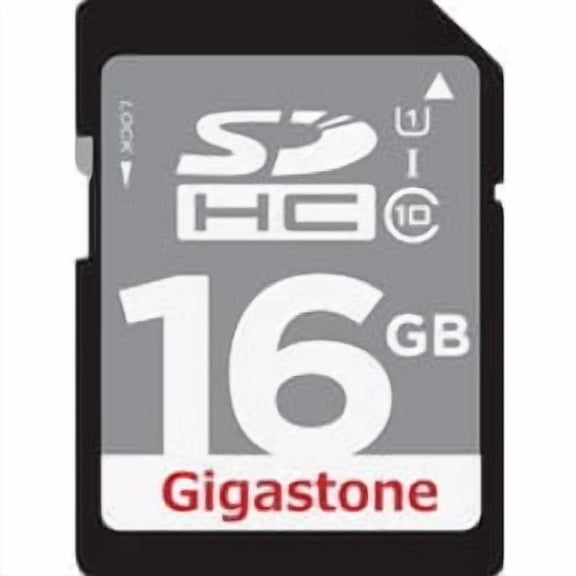
Dane-Elec Gigastone Prime Series SDHC Card - Pack of 10
Dane-Elec Gigastone Prime Series SDHC Card - Pack of 10 $157.80
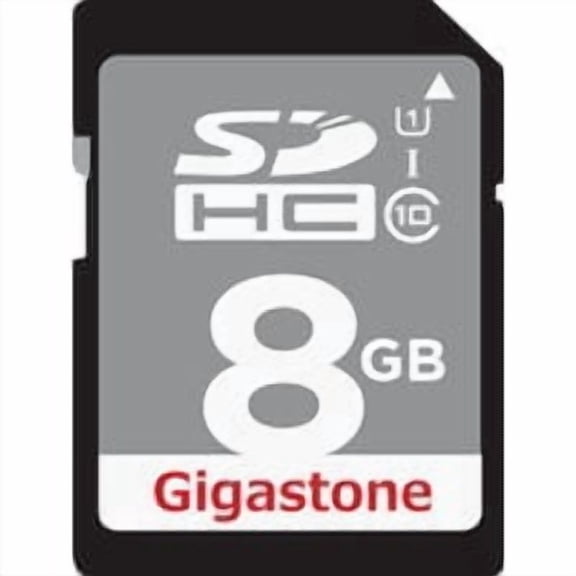
Dane-Elec Gigastone Prime Series SDHC Card - Pack of 10
Het Haatspel (Paperback) $17.99

Het Haatspel (Paperback)
Das Hassspiel (Paperback) $17.99

Das Hassspiel (Paperback)
Danelectro Vintage 9V Battery | 2-Pack $4.99

Danelectro Vintage 9V Battery | 2-Pack
Dane-Elec Gigastone Classic Series USB Flash Drive - Pack of 24 $269.39
Dane-Elec Gigastone Classic Series USB Flash Drive - Pack of 24
Tout cachette (Paperback) $17.73

Tout cachette (Paperback)
Le lieu magntique (Paperback) $17.73

Le lieu magntique (Paperback)
Dane-Elec Gigastone USB Flash Drive GS-Z08GCNBL-R Classic Capless - 8GB USB 2.0 - Black/Silver Residential Use, Standard Application
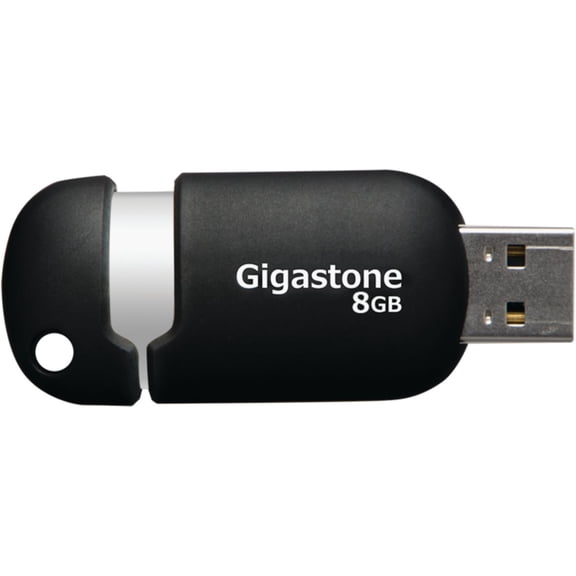
Dane-Elec Gigastone USB Flash Drive GS-Z08GCNBL-R Classic Capless - 8GB USB 2.0 - Black/Silver Residential Use, Standard Application
FAQ
How do I choose the right USB flash drive pack?
Choosing the right USB flash drive pack depends on how many drives you need and what you'll use them for. Consider these factors:
- Check the pack size—some options come in packs of 4, 10, or 24, which is helpful for group projects, classrooms, or office use.
- Look at the storage capacity of each drive to make sure it fits your files.
- Think about how you'll organize or label each drive, especially if you're sharing them.
Reviewing these details can help you pick a pack that matches your needs.
Can I use these USB drives with both Mac and PC?
Most USB flash drives are designed to work with both Mac and PC computers. However, you might need to reformat the drive depending on your operating system or file type needs.
- Plug the drive into your device to see if it's recognized automatically.
- If not, you can reformat the drive using your computer's disk utility tool, but this will erase any files on the drive.
Always back up important files before reformatting, and check your device's compatibility guide if you're unsure.
What should I do if a USB drive isn't showing up?
If your USB flash drive isn't showing up, there are a few steps you can try:
- First, safely remove and reinsert the drive into another USB port.
- Try connecting the drive to a different computer to see if it's recognized there.
- Check your computer's device manager or disk utility for unrecognized drives.
If the drive still doesn't appear, it may need to be reformatted or could be damaged. Always handle your drives carefully to help prevent issues.
Are these bulk USB packs good for sharing at work?
Bulk USB drive packs can be a practical option for sharing files with coworkers or distributing materials in group settings.
- Having multiple drives makes it easier to assign one to each team member or project.
- They're also handy for events, classrooms, or training sessions where you need to give out digital content.
Just remember to label each drive, so everyone knows which one belongs to them or what files are on each.
How should I store my USB drives when not in use?
Proper storage helps keep your USB flash drives safe and working well. Here are some tips:
- Keep drives in a protective case or pouch to avoid dust and scratches.
- Store them in a cool, dry place away from direct sunlight and moisture.
- Avoid bending or dropping the drives to prevent damage.
Labeling each drive can also help you quickly find the one you need when it's time to use it again.