

Cypher Groups(2)
Uses item details. Price when purchased online
Gamecube Memory Card 4MB 59 Blocks $9.99

$999
current price $9.99Gamecube Memory Card 4MB 59 Blocks
5 out of 5 stars
Everyone
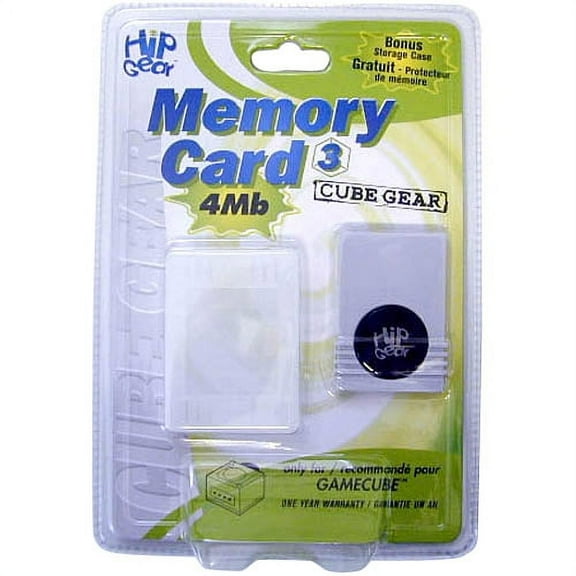
Gamecube 4MB Memory Card for GameCube $9.48
$948
current price $9.48Gamecube 4MB Memory Card for GameCube
Everyone
FAQ
How do GameCube memory cards work?
GameCube memory cards are essential for saving your progress in games. Simply insert the card into the slot on your GameCube console before you start playing. Most games automatically detect the card and offer options to save and load data. Memory cards have capacity measured in blocks—the 4MB versions usually offer around 59 blocks, which can store multiple game files. Always check how many blocks a particular game needs, as larger files may require more space.
Can I use this memory card for all GameCube games?
- Most standard GameCube memory cards, like the 4MB (59 blocks), are compatible with the majority of GameCube titles.
- Some games may require more storage space, so make sure the card has enough blocks available.
- If a game needs more blocks than the card provides, you may need a higher-capacity card.
- Always consult your game’s manual or on-screen prompts for memory details specific to your title.
What should I do if my memory card isn't reading?
If your memory card isn't being recognized by your GameCube, try these steps:
- Remove the card and gently wipe the connectors with a dry, lint-free cloth.
- Reinsert the card firmly into the slot.
- Restart your console to see if it detects the card.
- If issues persist, test the card in another slot or console if possible.
- Corrupted cards may need to be reformatted, but this could erase saved data. Use your GameCube system settings for this process.
If problems continue, the card may be faulty and could require replacement.
How can I organize my saved games on a memory card?
- Access the memory card menu from your GameCube console’s main screen.
- From there, you can view, move, or delete game save files.
- Naming files consistently and keeping track of which game uses which file helps you stay organized.
- If your card fills up quickly, consider transferring files to another card or deleting files you no longer need.
Are there precautions for storing GameCube memory cards?
To help keep your memory card functioning properly, store it in a cool, dry place away from dust and moisture.
- Always remove the card from the console when not in use.
- Avoid exposing it to extreme temperatures or direct sunlight.
- Keep memory cards away from magnets or electronic devices that could affect stored data.