

Chattervox(6)
ChatterVOX HM200 Headset Microphone $99.00

ChatterVOX HM200 Headset Microphone
ChatterVOX Voice Amplifier without headphone $188.00
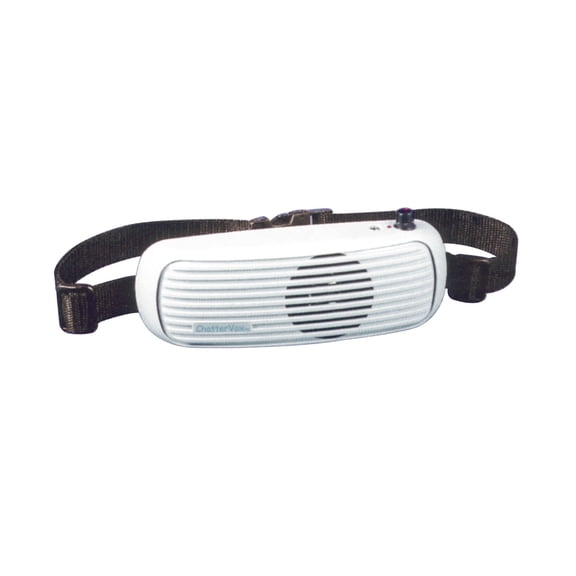
ChatterVOX Voice Amplifier without headphone
Chattervox Voice Amplifier Headset $91.33

Chattervox Voice Amplifier Headset
ChatterVox SI-HDST Voice Amplifier Headset $75.92
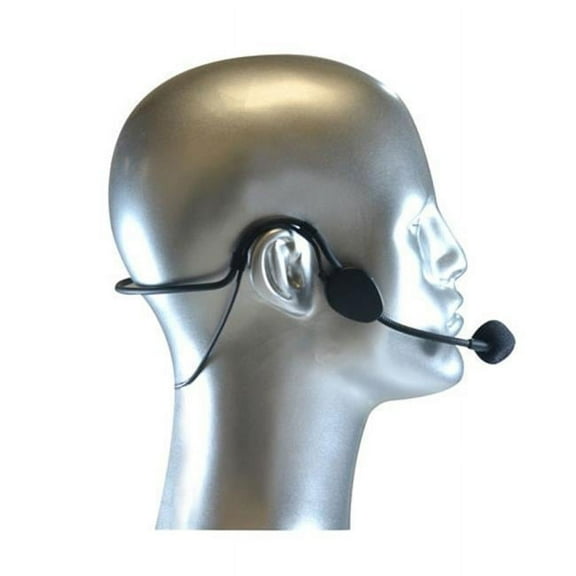
ChatterVox SI-HDST Voice Amplifier Headset
ChatterVox HC-CM200 Voice Amplifier Collar Microphone $84.16
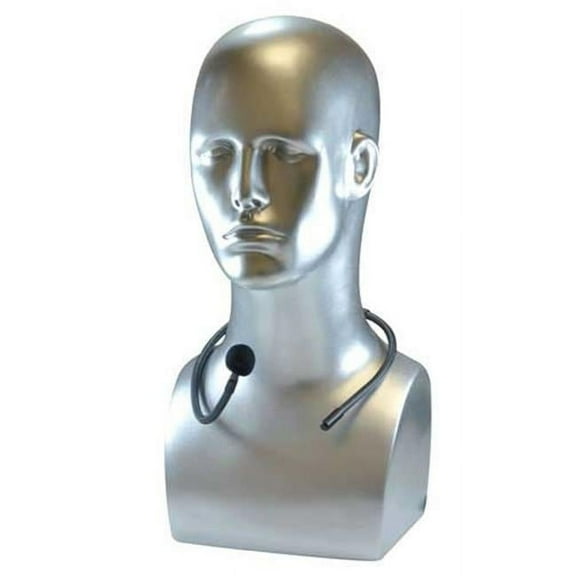
ChatterVox HC-CM200 Voice Amplifier Collar Microphone
ChatterVOX Voice Amplifier with Pencil Mic $248.75
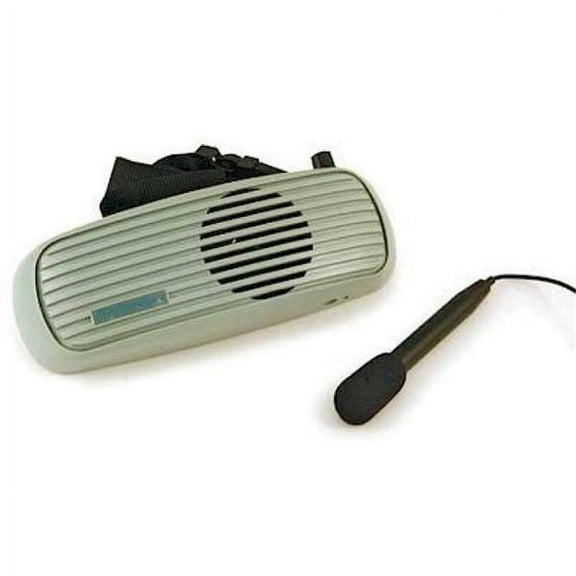
ChatterVOX Voice Amplifier with Pencil Mic
FAQ
How do you wear a voice amplifier headset?
Wearing a voice amplifier headset is pretty straightforward, but comfort matters! Start by placing the headset over your head so the microphone sits close to your mouth, usually about an inch away. Make sure the headband feels secure but not too tight. Then, plug the headset into the amplifier unit. Check that the cable isn't twisted or stretched so you can move freely. Adjust the microphone's position if needed for clear sound. Taking a moment to fit it well can make long periods of use much more comfortable.
What can you use a voice amplifier for?
A voice amplifier can be handy in lots of situations where you need your voice to carry without strain. Common uses include:
- Teaching in classrooms
- Leading group tours
- Giving presentations or workshops
- Speaking at outdoor events
- Helping those with weaker voices be heard in group settings
They're designed to make communication easier, especially in noisy or large spaces.
How do you charge a voice amplifier?
Charging a voice amplifier is usually simple. Most models come with a charging cable—often USB. Plug the cable into the charging port on the amplifier, then connect it to a USB adapter or computer. Look for an indicator light that shows when it's charging. Charging times can vary, so check the manual for details. Be sure not to overcharge, and always use the provided cable to keep the battery in good shape.
Can you use different microphones with it?
Many voice amplifiers support a variety of microphones, such as headset, collar, or pencil mics. Before swapping mics, make sure the connector type matches the amplifier's input. Some devices use standard 3.5mm jacks, while others might need a specific plug. Always check the product's compatibility guide or manual for safe use. Using the right microphone can improve comfort and audio quality for different situations.
How do you clean a headset microphone?
Keeping your headset microphone clean helps maintain sound quality and hygiene. To clean it:
- Gently wipe the headset and microphone with a soft, dry cloth
- If needed, use a slightly damp cloth for stubborn spots, avoiding excess moisture
- Never immerse the microphone in water or use harsh chemicals
- For foam covers, remove and hand wash with mild soap, then air dry completely before reattaching
Regular cleaning can help your headset last longer and stay comfortable to use.
Popular in Chattervox
Related Products
Wired Stereo Monitor Headphones Over-ear Headset with 50mm Driver 6.5mm Plug for Recording Monitoring Music Appreciation Game Playing DJ Black
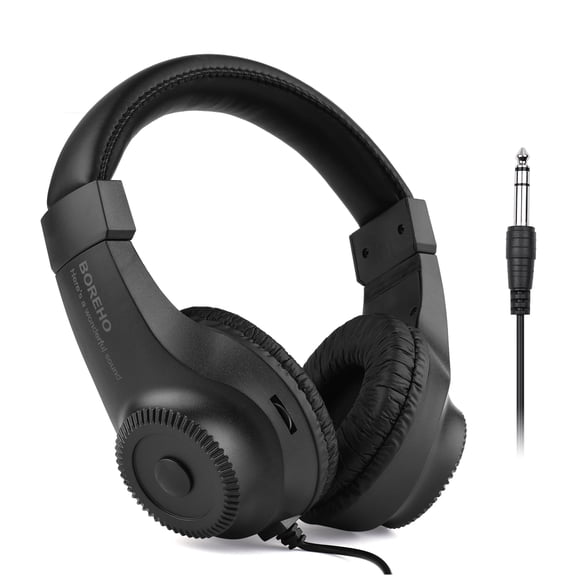 Wired Stereo Monitor Headphones Over-ear Headset with 50mm Driver 6.5mm Plug for Recording Monitoring Music Appreciation Game Playing DJ Black$14.40current price $14.40
Swiifome Active Noise Canceling Headphones, over Ear Foldable Headphones with Mic, 60 Hours Play Time on Ear Bluetooth Headsets with Deep Bass, with HiFi Audio for Music
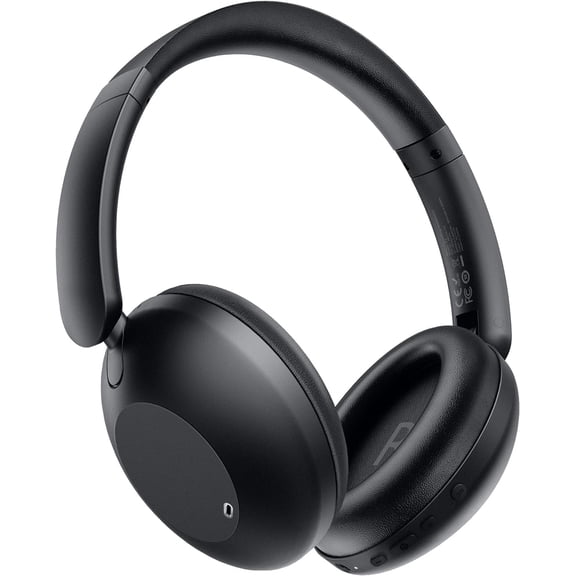 Swiifome Active Noise Canceling Headphones, over Ear Foldable Headphones with Mic, 60 Hours Play Time on Ear Bluetooth Headsets with Deep Bass, with HiFi Audio for Music$19.99current price $19.99
FM Headphones with Reception, Portable Digital FM Headset Ear Muffs for Walking, Jogging, Riding, and Mowing, Supports 3.5mm AUX Cable, Rechargeable Battery
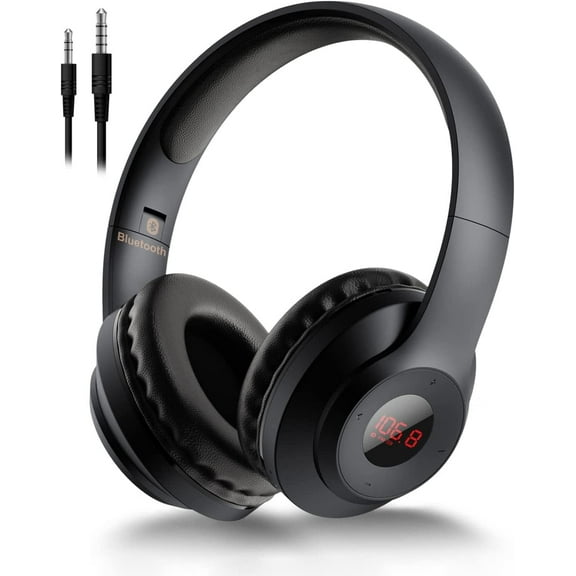 FM Headphones with Reception, Portable Digital FM Headset Ear Muffs for Walking, Jogging, Riding, and Mowing, Supports 3.5mm AUX Cable, Rechargeable Battery$23.99current price $23.99
KQJQS Bluetooth Headphones - Foldable Over-Ear Noise Cancelling Headset with SD Card Slot, Ideal for Gaming
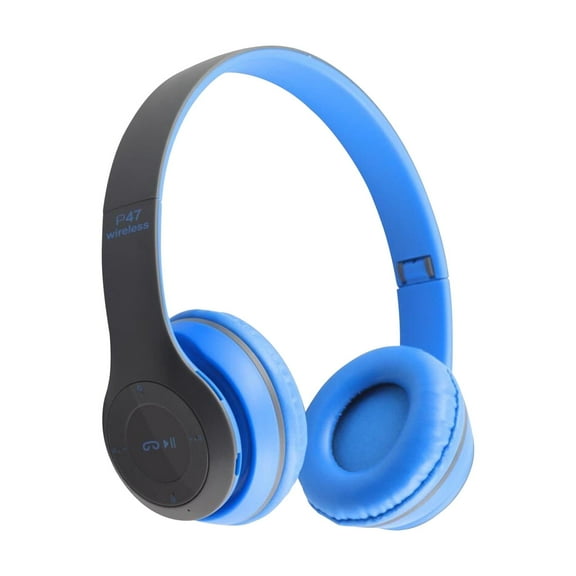 KQJQS Bluetooth Headphones - Foldable Over-Ear Noise Cancelling Headset with SD Card Slot, Ideal for Gaming$10.99current price $10.99
2pcs Gold Plated Airplane Flight Headphone Adapters - Use Own Headphones with Plane's In-Flight Entertainment Systems - Great Sound on all Planes - by Mobi Lock
 2pcs Gold Plated Airplane Flight Headphone Adapters - Use Own Headphones with Plane's In-Flight Entertainment Systems - Great Sound on all Planes - by Mobi Lock$6.99current price $6.99
EPOS Audio Wired H3 Closed Acoustic Gaming Headset (Onyx Black)
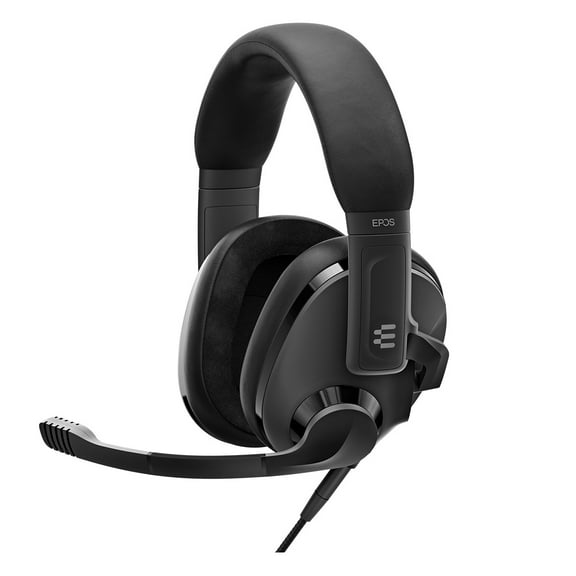 EPOS Audio Wired H3 Closed Acoustic Gaming Headset (Onyx Black)$49.95current price $49.95
Nothing Headphone (1) (Black) Hybrid Active Noise Cancelling Wireless Over Ear Headphones Bundle Including: Headset Case, Goby Labs Cleaner, Desk Holder, Charging Cable W Adapter, Fiber Cloth
 Nothing Headphone (1) (Black) Hybrid Active Noise Cancelling Wireless Over Ear Headphones Bundle Including: Headset Case, Goby Labs Cleaner, Desk Holder, Charging Cable W Adapter, Fiber Cloth$299.00current price $299.00
KQJQS Wired Stereo On-Ear Headphones with 1.2 Metres Cord, Black
 KQJQS Wired Stereo On-Ear Headphones with 1.2 Metres Cord, Black$9.89current price $9.89
Headphone With Boom Microphone, Single Plug, White
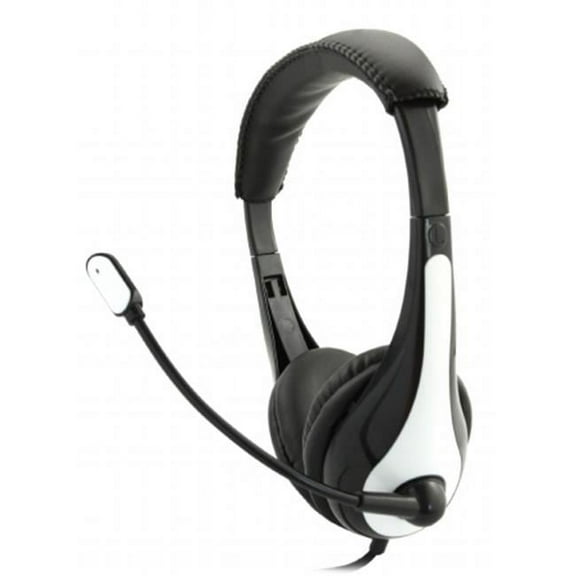 Headphone With Boom Microphone, Single Plug, White$34.39current price $34.39
5 in 1 Hi-Fi Wireless Headphones Headset FM Radio TV MP3 PC Laptop Full Channel Audio Chat Wired Wireless Monitor Earphones with Stand Audio Cable Y Adaptor for Home Office
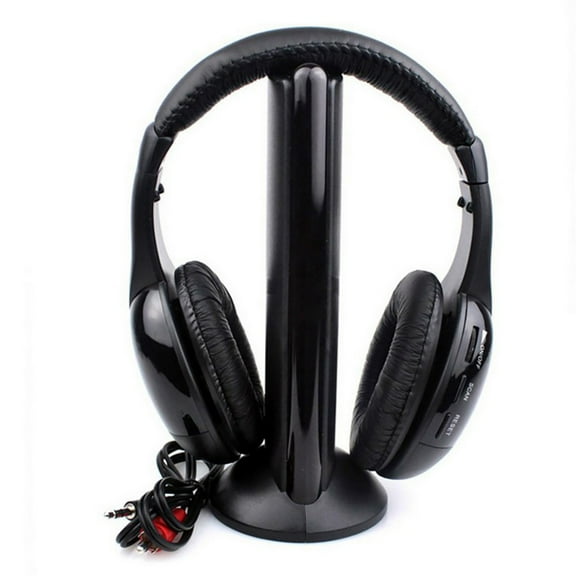 5 in 1 Hi-Fi Wireless Headphones Headset FM Radio TV MP3 PC Laptop Full Channel Audio Chat Wired Wireless Monitor Earphones with Stand Audio Cable Y Adaptor for Home Office$12.31current price $12.31
Spectra SP-PC 3.5 mm PC Stereo Transcription Headset
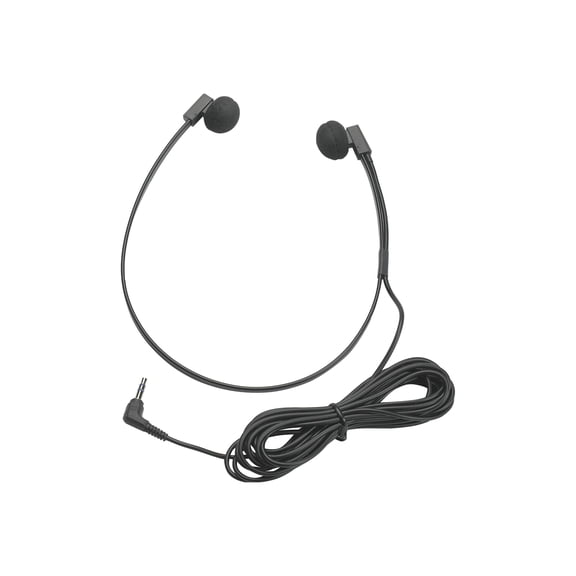 Spectra SP-PC 3.5 mm PC Stereo Transcription Headset$24.89current price $24.89
KARE Audio KARE-CS4 ChairSpeaker CS4 SonicCast TV Listening System Earbubs
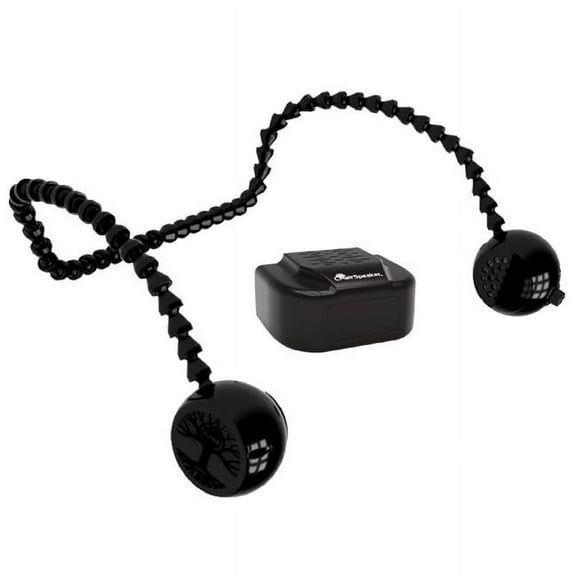 KARE Audio KARE-CS4 ChairSpeaker CS4 SonicCast TV Listening System Earbubs$358.52current price $358.52
Williams Sound WS-HED036 HED 036 Stereo Behind-the-Head Headphone
 Williams Sound WS-HED036 HED 036 Stereo Behind-the-Head Headphone$23.99current price $23.99
Fisher Pro Active Noise Cancelling Headphones,Over-Ear Headphones Wireless
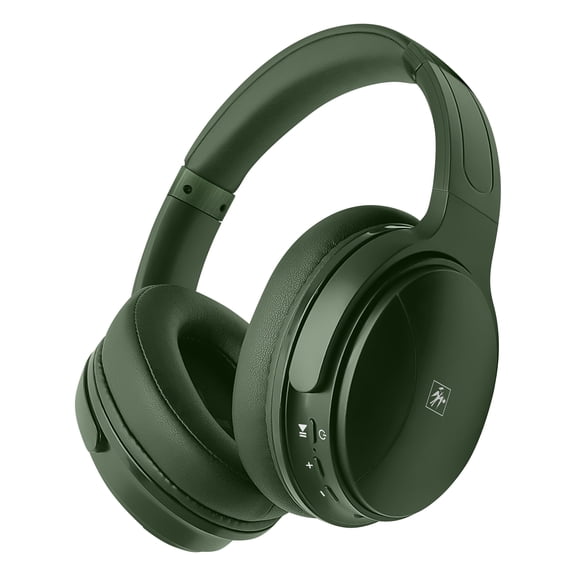 Fisher Pro Active Noise Cancelling Headphones,Over-Ear Headphones Wireless$23.99current price $23.99