

Azurewave(3)
Azurewave AW-CH397 802.11ac/nbg WiFi+BT+NFC SiP Module $29.99
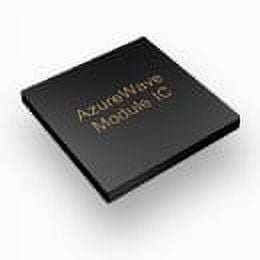
Azurewave AW-CH397 802.11ac/nbg WiFi+BT+NFC SiP Module
Azurewave AW-CU282A EVALUATION BOARD/Combo MCU + WiFi Wireless Smart Energy Module Marvell 88MC200 (MCU) + 88W8782 (WiFi 802.11nbg) w/On-Board Chip Antenna $228.85

Azurewave AW-CU282A EVALUATION BOARD/Combo MCU + WiFi Wireless Smart Energy Module Marvell 88MC200 (MCU) + 88W8782 (WiFi 802.11nbg) w/On-Board Chip Antenna
azurewave aw-nb041 802.11n/b/g wifi and bluetooth pcie mini-card
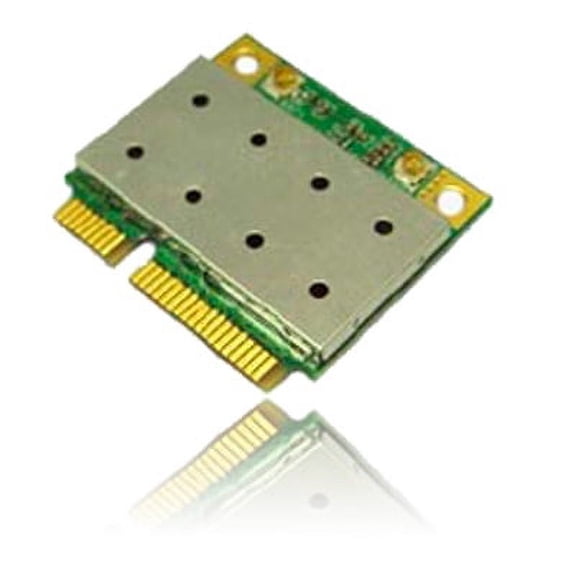
azurewave aw-nb041 802.11n/b/g wifi and bluetooth pcie mini-card
FAQ
What should I check before buying a WiFi module?
When you're shopping for a WiFi module, it's helpful to look at a few key details to make sure it's a good fit. First, check the compatibility with your device or system—different modules support various connection types and standards.
- Look for supported WiFi protocols (like 802.11ac, n, b, or g).
- Consider if you need Bluetooth or NFC features included.
- Check the physical size and connector type to ensure it fits your device.
Reading the product description and specifications can help you make a confident choice.
How do I set up a wireless module?
Setting up a wireless module usually involves a few straightforward steps. Start by installing the module into your device, making sure it's properly seated and connected. Next, you'll need to install any required drivers or software for your operating system.
- Follow the manufacturer's instructions for installation.
- Use the included software or your device's settings to configure WiFi or Bluetooth connections.
- Test the connection to confirm everything is working smoothly.
If you run into trouble, checking online guides or the product manual can be helpful.
Can I use these modules for smart home devices?
Many wireless modules are designed to work with smart home devices, especially those that require WiFi or Bluetooth connectivity. When considering a module for smart home projects, check if it supports the protocols and features your devices need.
- Look for modules with integrated WiFi and Bluetooth capabilities.
- Check compatibility with your smart home hub or platform.
- Make sure the module's antenna and range are suitable for your space.
Always review the product details to see if it's suited for your specific smart home setup.
What does NFC mean on a wireless module?
NFC stands for 'Near Field Communication,' a technology that lets devices exchange information over short distances. On a wireless module, NFC can be used for tasks like pairing devices, secure authentication, or contactless data transfer.
- It's helpful for quick setup and connecting compatible devices.
- NFC is commonly used in payments, access control, and smart tags.
If your project or device requires NFC, choosing a module with this feature can add extra convenience and functionality.
How do I troubleshoot connection issues?
If you're having trouble with your wireless module, there are a few steps you can try. First, make sure the module is securely installed and all connections are tight. Restart your device to reset the hardware.
- Check for the latest drivers or firmware updates.
- Verify your device settings for WiFi or Bluetooth.
- Move closer to your router or reduce interference from other electronics.
If issues persist, consult the product manual or reach out for support from the module's manufacturer.
Popular in Azurewave
Related Products
Deal4GO 3165ac 802.11ac 433Mbps M.2 mini PCi-e WiFi Adapter w/ Bluetooth 4.2 Wireless-AC combo WLAN card for Intel 3165NGW
 Deal4GO 3165ac 802.11ac 433Mbps M.2 mini PCi-e WiFi Adapter w/ Bluetooth 4.2 Wireless-AC combo WLAN card for Intel 3165NGW$8.99current price $8.99
AX200NGW Wi-Fi 6 Card | M.2 PCIe Wireless Adapter for Compatible Laptops
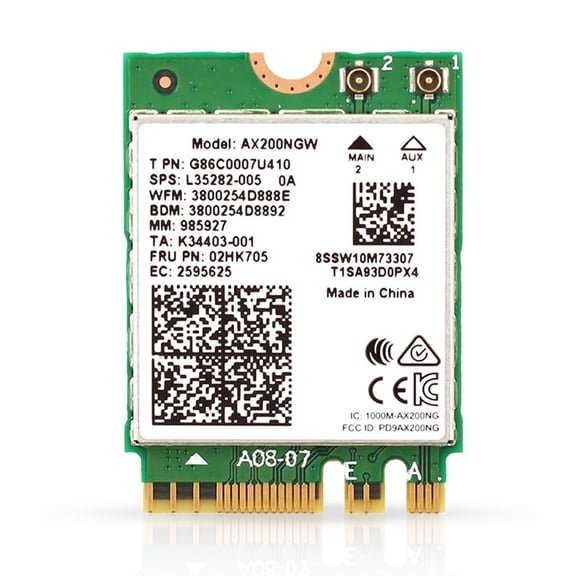 AX200NGW Wi-Fi 6 Card | M.2 PCIe Wireless Adapter for Compatible Laptops$22.95current price $22.95
USB WiFi Adapter,1200Mbps WiFi USB 3.0 Dual Band 5G/2.4G Wireless Network Adapter,2.4GHz, 5GHz High Gain Dual Band 4 Antenna, for Windows 11/10/8.1/8/7
 USB WiFi Adapter,1200Mbps WiFi USB 3.0 Dual Band 5G/2.4G Wireless Network Adapter,2.4GHz, 5GHz High Gain Dual Band 4 Antenna, for Windows 11/10/8.1/8/7$16.18current price $16.18
WAVLINK WiFi 7 BE8800 Tri-Band PCIe Wireless Card - Intel BE200 Chip, 8800Mbps (2.4/5/6GHz), Bluetooth 5.4, M.2 for Laptop/PC - Windows 11/10
 WAVLINK WiFi 7 BE8800 Tri-Band PCIe Wireless Card - Intel BE200 Chip, 8800Mbps (2.4/5/6GHz), Bluetooth 5.4, M.2 for Laptop/PC - Windows 11/10$33.99current price $33.99
Fenvi Wifi 6E PCIe Network Card, Tri-Band AX210, Desktop Wireless Adapter, 5400Mbps
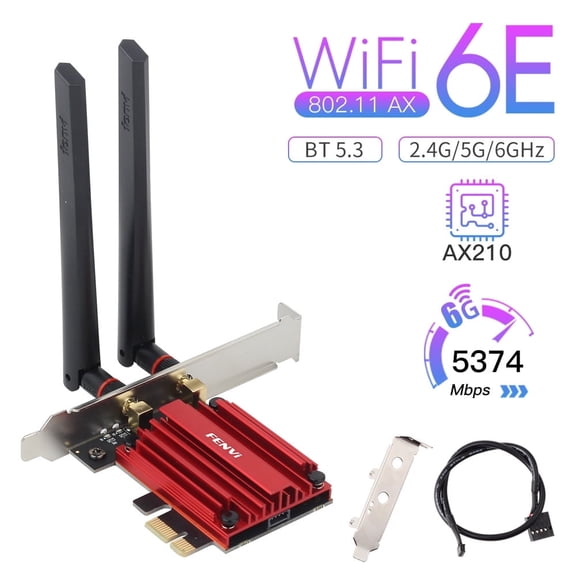 Fenvi Wifi 6E PCIe Network Card, Tri-Band AX210, Desktop Wireless Adapter, 5400Mbps$23.99current price $23.99
IEC ADP3142-W1 USB 802.11n 150Mbps WiFi Compact Adaptor
 IEC ADP3142-W1 USB 802.11n 150Mbps WiFi Compact Adaptor$33.96current price $33.96
641 Wireless Access Point with Secure Wireless Network Management & Support
 641 Wireless Access Point with Secure Wireless Network Management & Support$960.14current price $960.14
AX200NGW Intel WI-FI 6 AX200 (Gig+) PCI-E M.2 2230 Wlan BT 5.2 Wifi Card 02HK705 Laptop Wireless Cards - Wifi
 AX200NGW Intel WI-FI 6 AX200 (Gig+) PCI-E M.2 2230 Wlan BT 5.2 Wifi Card 02HK705 Laptop Wireless Cards - Wifi$24.55current price $24.55
5G Base-T PCIe Network Card, 5000Mbps Ethernet PCI WiFi Adapter, NIC for Windows 10/11, Linux
 5G Base-T PCIe Network Card, 5000Mbps Ethernet PCI WiFi Adapter, NIC for Windows 10/11, Linux$26.99current price $26.99
Alfa AWUS036ACH AC1200 Dual-Band USB 3.0 Wi-Fi Adapter with High-Gain Antennas for Windows, Mac, Linux
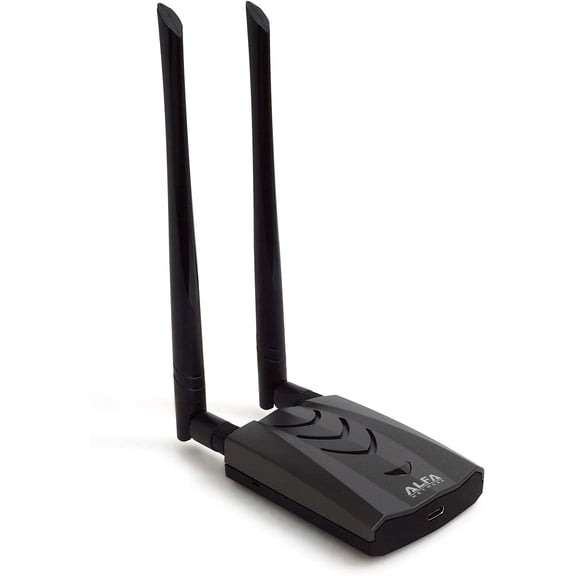 Alfa AWUS036ACH AC1200 Dual-Band USB 3.0 Wi-Fi Adapter with High-Gain Antennas for Windows, Mac, Linux$56.91current price $56.91
Garland Usb Wifi Dongle 4602870 - Genuine OEM Replacement Part
 Garland Usb Wifi Dongle 4602870 - Genuine OEM Replacement Part$90.59current price $90.59