

Computadoras Acer & Acer Laptops | Walmart


























About Computadoras Acer & Acer Laptops | Walmart - Walmart.com
Acer laptops give you clear choices for school, work, and play, with series options that match your daily routine. You can compare Chromebook, Aspire, Swift, Nitro, and Predator models by operating system, processor type, and performance tier.
How to choose Acer laptops by series
You should start with the series because each Acer family points you toward a different experience. You can narrow your options faster when you match the name to your daily tasks.
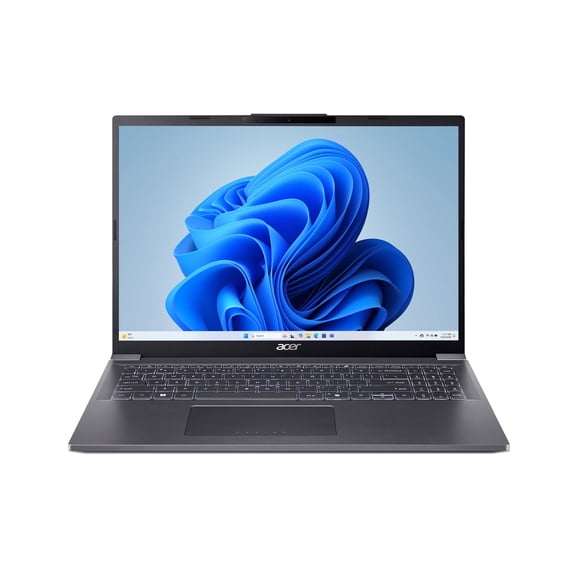
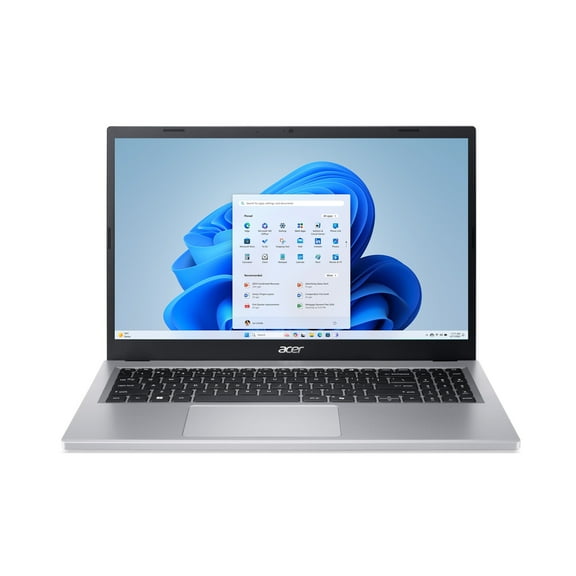
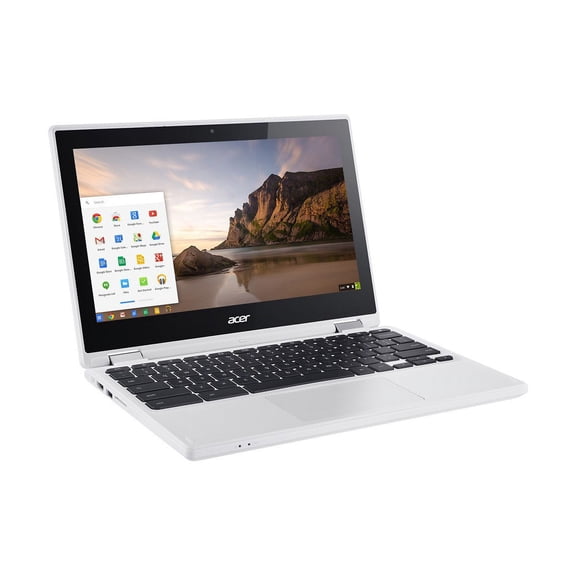
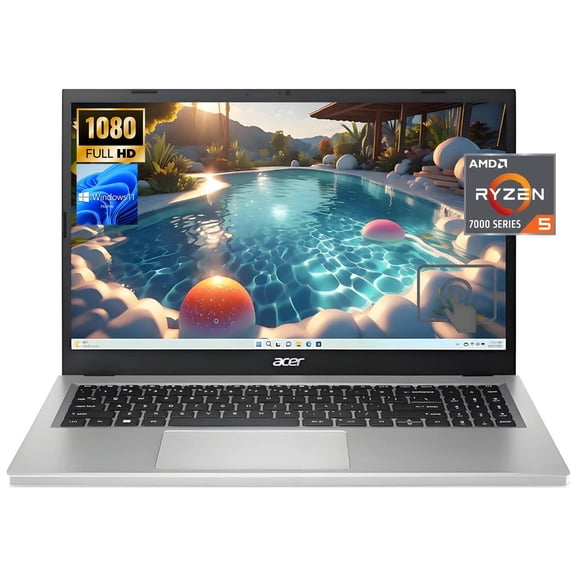
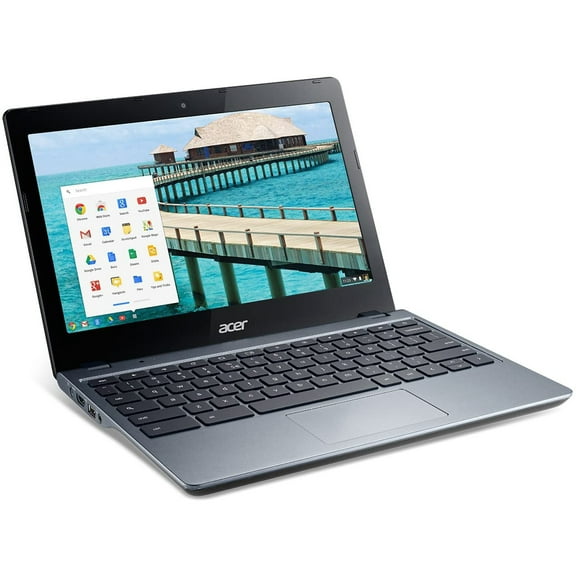
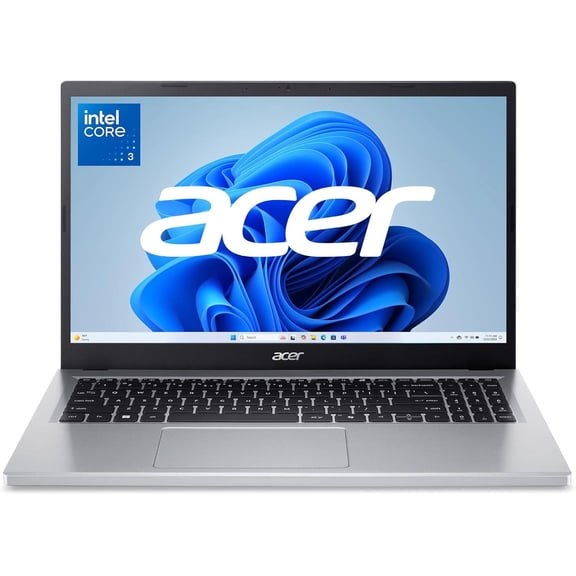
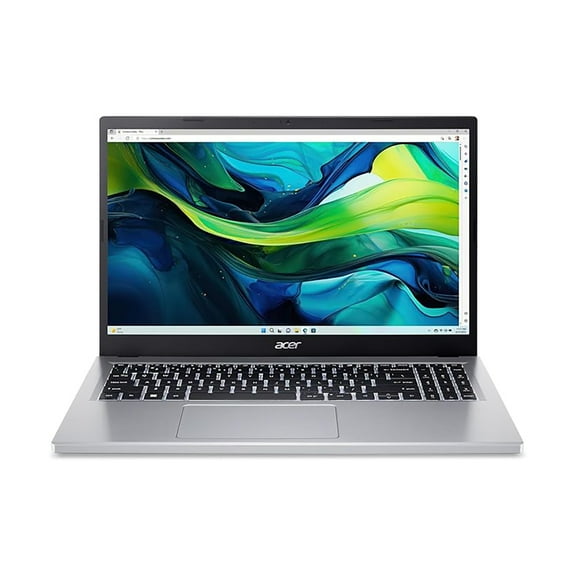
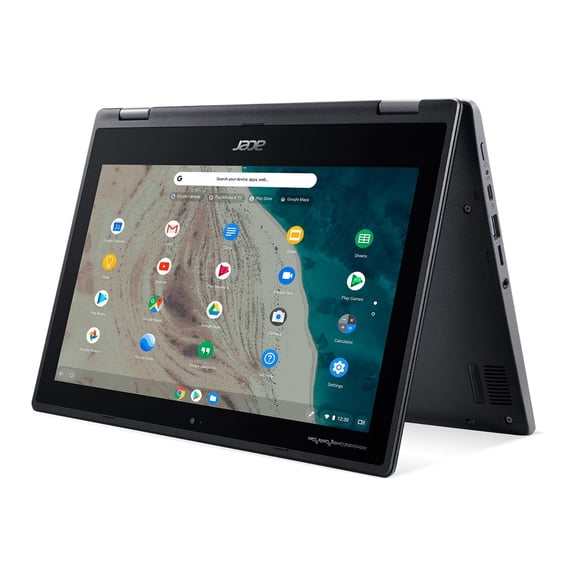
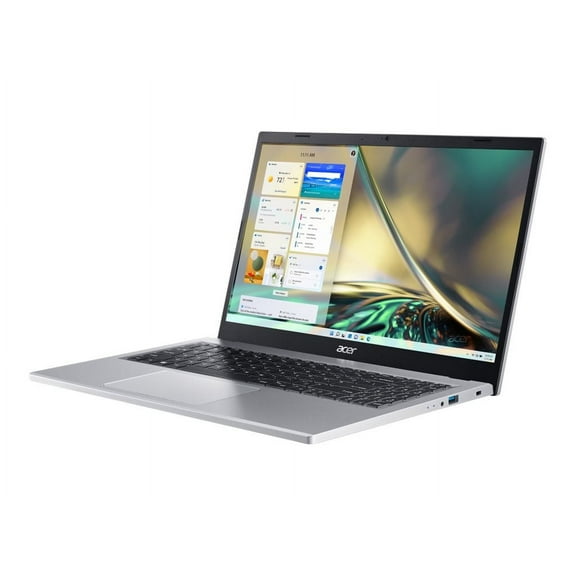
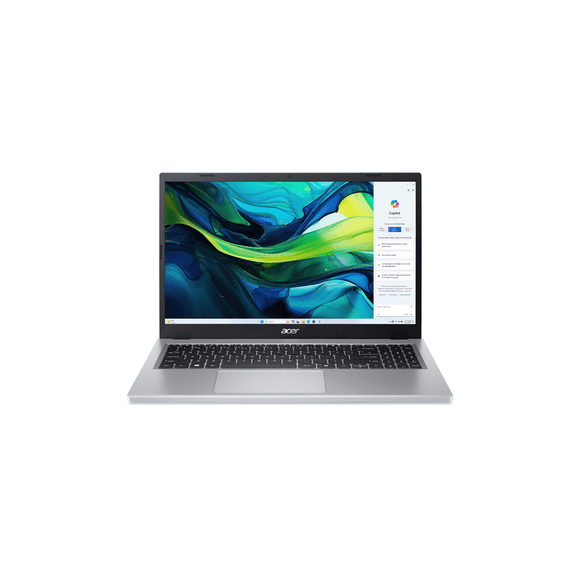
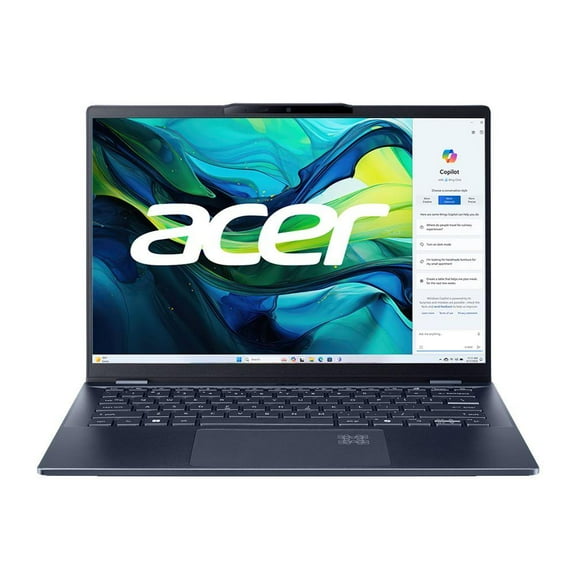
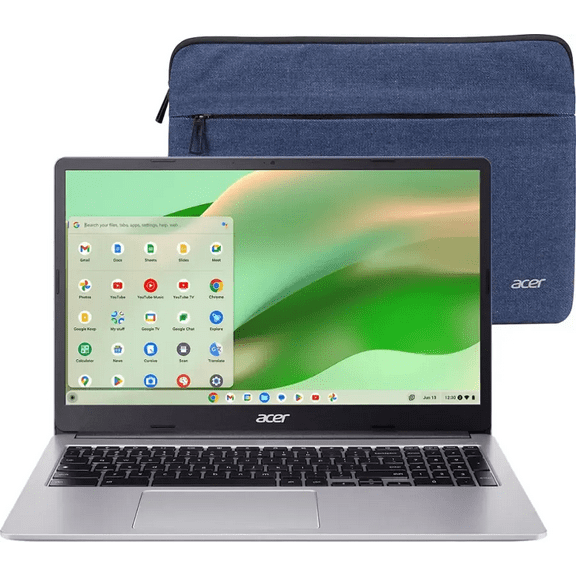
If you want simple web-based computing, you should consider an acer chromebook with ChromeOS for quick startup and easy navigation. If you need broad software compatibility, you should compare an acer aspire laptop or Swift model with Windows 11.
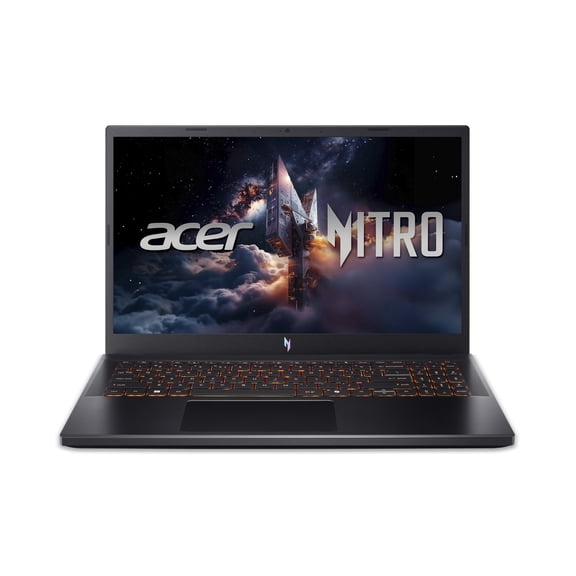
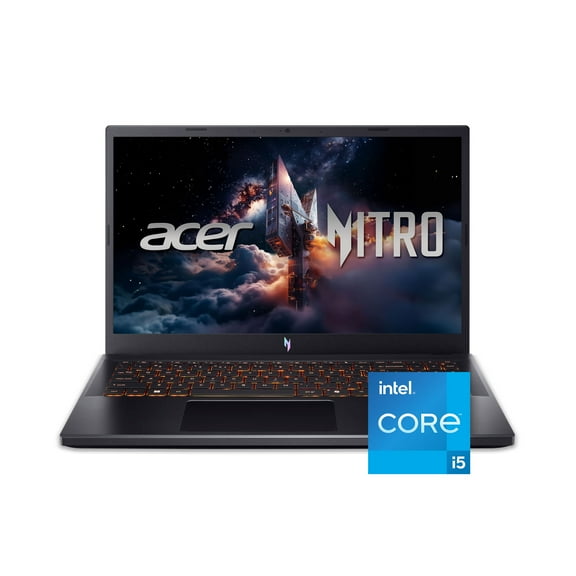
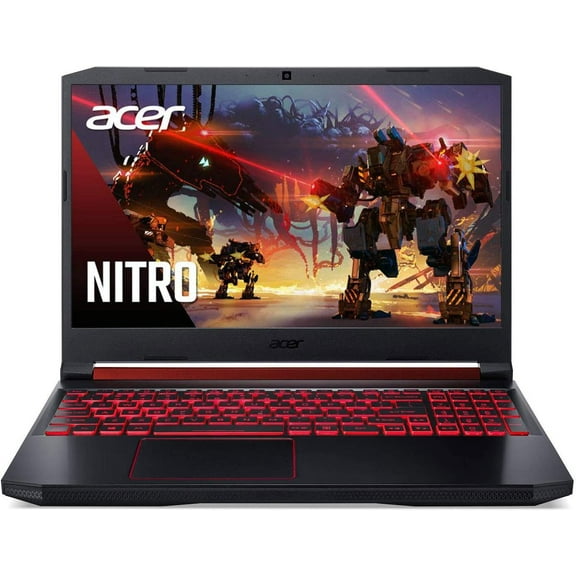
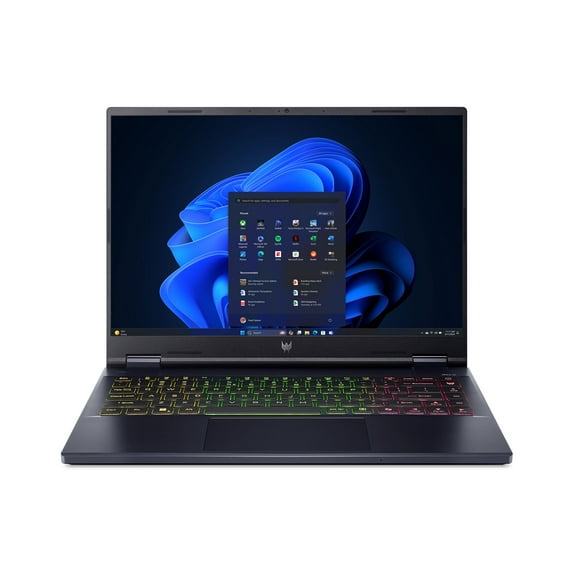
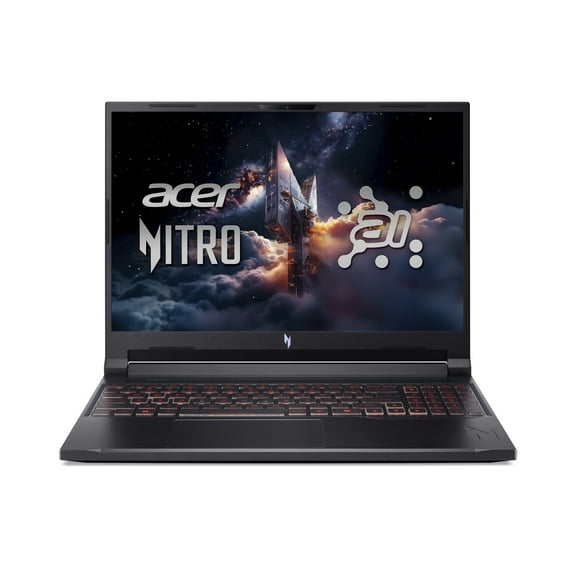
When gaming is your priority, you should focus on Acer Nitro and Acer Predator systems with dedicated graphics support. You can expect those lines to suit fast frame rates, large game files, and heavy multitasking.
Choosing the right use case for your day
You can make a smart pick when you define your main use case before comparing specs. Your schoolwork, office tasks, streaming habits, and gaming plans affect the hardware you should prioritize.
- You should look for acer school laptops when you carry your device between classes and need dependable battery life.
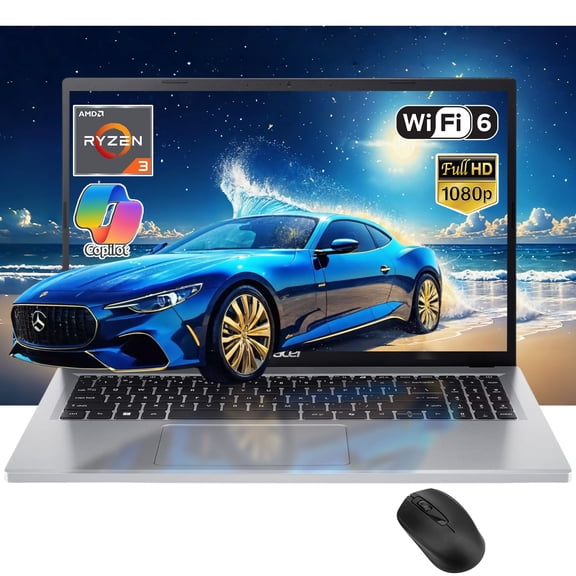
- You can choose everyday models when your routine centers on browsing, email, video calls, and document editing.
- You should compare business-ready options when your workflow includes spreadsheets, presentations, and many open tabs.
- You can target an Acer gaming laptop when your setup needs dedicated graphics and robust cooling support.
For school and everyday use, you may only need enough memory for browser tabs, cloud apps, and video meetings. You can often keep your search simple by focusing on portability and battery life.
For business tasks, you should consider extra RAM for smooth multitasking across documents, browser windows, and communication apps. You can also benefit from a large screen if your work involves frequent side-by-side viewing.
For gaming, you should pay close attention to GPU capability because graphics power shapes visual settings and gameplay flow. You should also check RAM and storage since large titles need room and responsive loading.
Comparing Acer laptops by operating system
You should choose the operating system based on the apps and setup you prefer. Your comfort with cloud tools, downloads, and everyday workflows can guide the right fit.
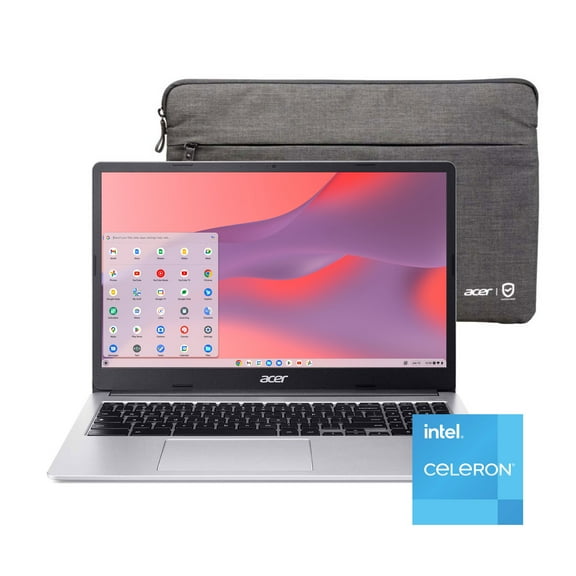
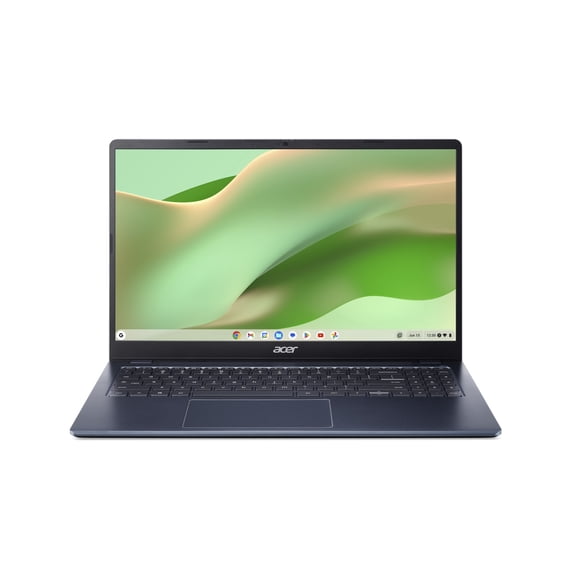
If you want a streamlined interface, you may prefer ChromeOS for web browsing, classroom tools, and app-based basics. You’ll usually find an acer chromebook works well when your tasks live mostly online.
If you need familiar desktop software, you should compare Windows 11 models across Aspire, Swift, Nitro, and Predator lines. You can use those laptops for broad app compatibility, file management, and varied work demands.
You should also think about storage habits when you compare these systems. If your files stay in the cloud, you may prefer a simpler setup, while local storage supports large programs.
What to look for in processors, memory, and storage
You can use processor type as a quick signal for performance tier, but you should connect it to your tasks. Your routine matters more than specs alone when you compare Acer options.
If you handle everyday browsing and basic schoolwork, you may consider Intel Celeron options for lighter computing needs. You can keep your comparison practical by matching entry performance to simpler tasks.
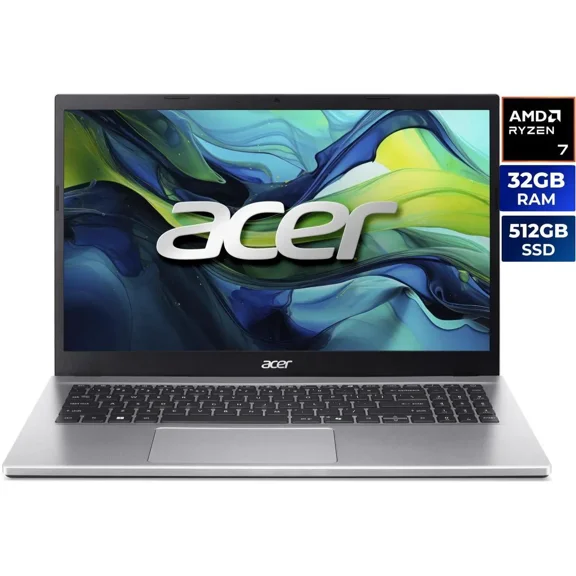
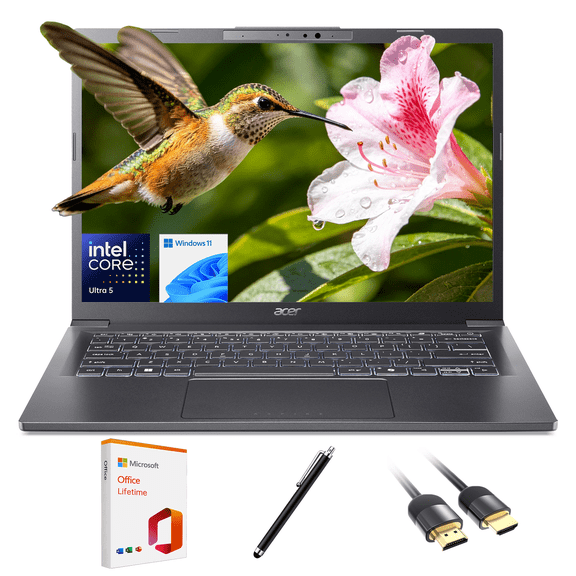
If you want strong all-around speed, you should compare Intel Core and AMD Ryzen models across work, study, and entertainment needs. You’ll notice these processors suit multitasking, content creation, and heavy app use.
You should check RAM when you keep many tabs and programs open at once. Your laptop can feel smooth during multitasking when memory aligns with your daily workload.
You should compare storage capacity if you download large files, games, or creative software. Your experience can feel more convenient when you have enough room for updates, projects, and media.
Balancing portability, screen size, and Acer gaming laptop needs
You should balance weight, battery life, and display size based on where you use your laptop. Your commute, desk setup, and viewing habits can shape the right screen and chassis.
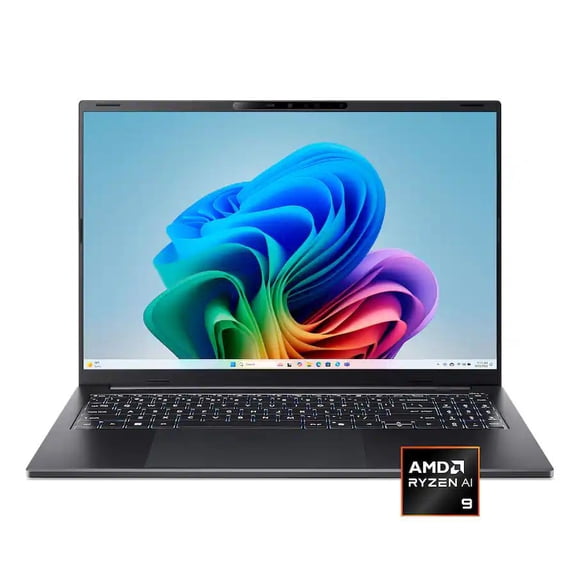
If you travel often, you may prefer Swift or compact Aspire models that are easy to carry between home, class, and work. You can keep your bag light while still handling everyday tasks.
If you spend more time at a desk, you might choose a large display for spreadsheets, streaming, or split-screen work. You can gain ample viewing space for long sessions and detailed tasks.
When you compare Acer Nitro or Acer Predator systems, you should expect size and cooling to matter alongside graphics performance. Your gaming sessions may benefit from displays and hardware built for demanding titles.
Matching Acer options to real-life scenarios
You can narrow your search quickly when you pair series, operating system, and processor with a real routine. Your ideal setup becomes clearer when you think through where and how you’ll use it.
If you need a classroom-friendly computer, you should consider acer school laptops with ChromeOS and a portable design. You can move through notes, research, and assignments with a setup built for simple daily use.
If you need one laptop for work and personal tasks, you may prefer an acer aspire laptop or Swift model with Windows 11. You can cover meetings, writing, browsing, and streaming on a flexible everyday machine.
If your focus is gaming after hours, you should compare an acer gaming laptop in the Nitro or Predator family. You can support modern games, large installs, and demanding graphics settings with that direction.
You’ll shop Acer laptops with more confidence when you compare series, operating systems, processors, and use cases as connected decisions. Your final choice should feel clear because each Acer family serves a distinct role with practical features.