

Tech Store On

Bootable USB tools
Shop by category


Featured products
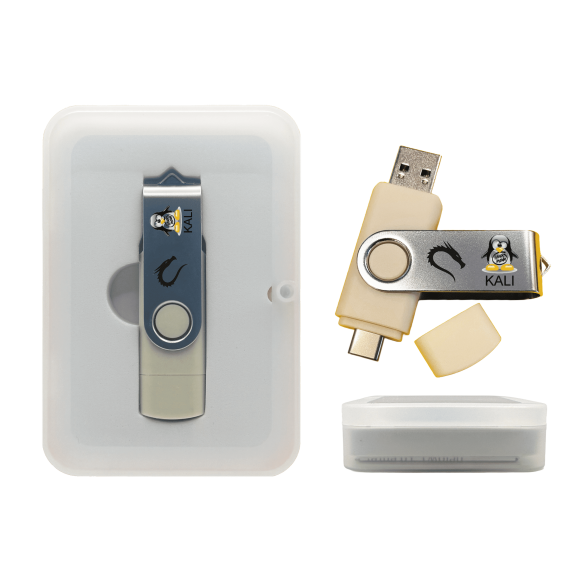
Kali Linux Bootable USB for Ethical Hacking and Cybersecurity, 600+ Security and Penetration Testing Tools $22.99 Was $25.73
 2 optionsAvailable in additional 2 optionsNow$2299current price Now $22.99, Was $25.73$25.73
Kali Linux Bootable USB for Ethical Hacking and Cybersecurity, 600+ Security and Penetration Testing Tools
Save with Shipping arrives tomorrow
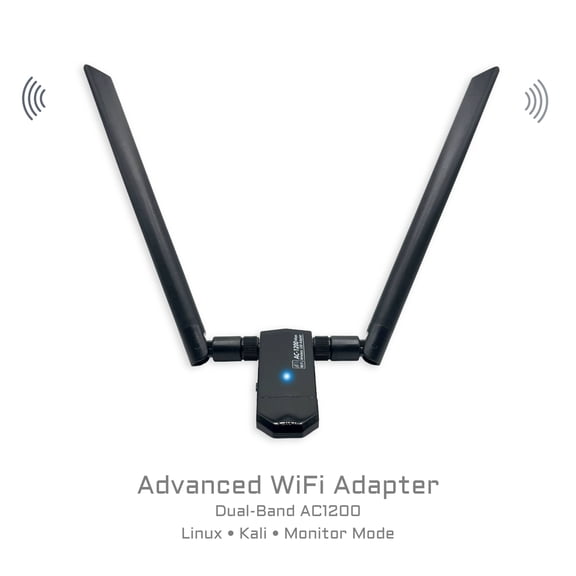
AC1200 RTL8812AU USB WiFi Adapter for Kali Linux, Ubuntu, Fedora, Arch and openSUSE, Dual-Band USB 3.0 Monitor Mode More options from $17.99
 2 optionsAvailable in additional 2 optionsMore options from$1799
AC1200 RTL8812AU USB WiFi Adapter for Kali Linux, Ubuntu, Fedora, Arch and openSUSE, Dual-Band USB 3.0 Monitor Mode
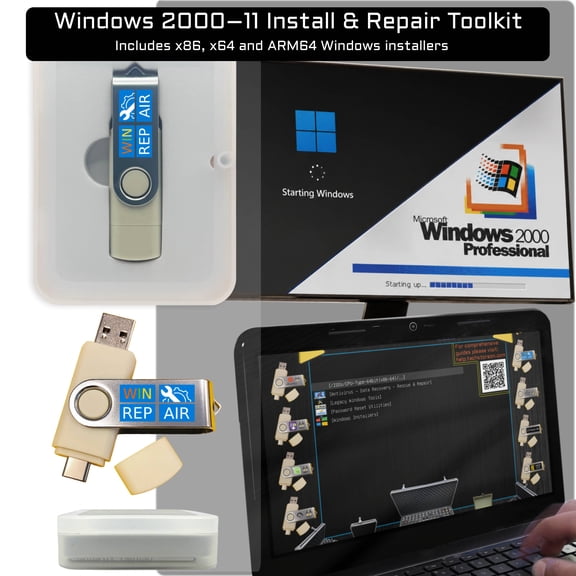
Save withShipping arrives Fri, Jul 24Tech Store USB Flash Drive - Windows Repair, Reinstall, Data Recovery, Diagnostics, Drivers, Bootable Stick $25.99 Was $29.69
 2 optionsAvailable in additional 2 optionsNow$2599current price Now $25.99, Was $29.69$29.69
Tech Store USB Flash Drive - Windows Repair, Reinstall, Data Recovery, Diagnostics, Drivers, Bootable Stick
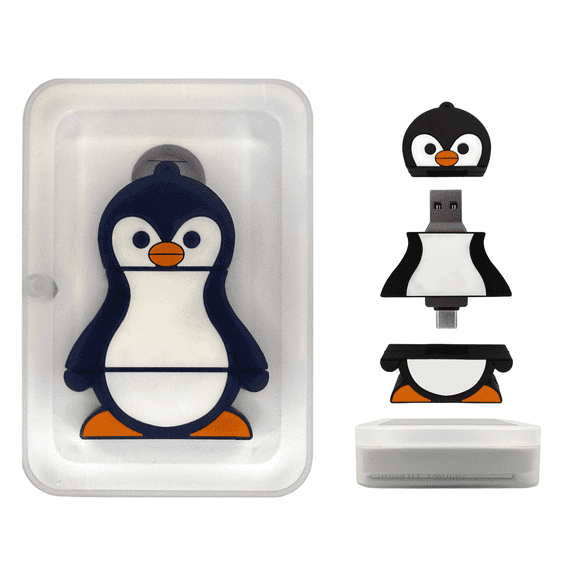
Save withShipping arrives tomorrowPenguin 31-in-1 Ultimate Bootable USB 3.0 (128 GB) – Multi-Boot Linux & Windows Toolkit | System Recovery, Password Reset, Installers, Cybersecurity, Forensics & Repair Tools $42.56
 $4256current price $42.56
Penguin 31-in-1 Ultimate Bootable USB 3.0 (128 GB) – Multi-Boot Linux & Windows Toolkit | System Recovery, Password Reset, Installers, Cybersecurity, Forensics & Repair Tools
Save withShipping arrives Fri, Jul 24Linux Mint Cinnamon Bootable USB – Fast, Secure & Easy Operating System for PC - Includes Office, Media & Repair Tools $20.49 Was $24.74
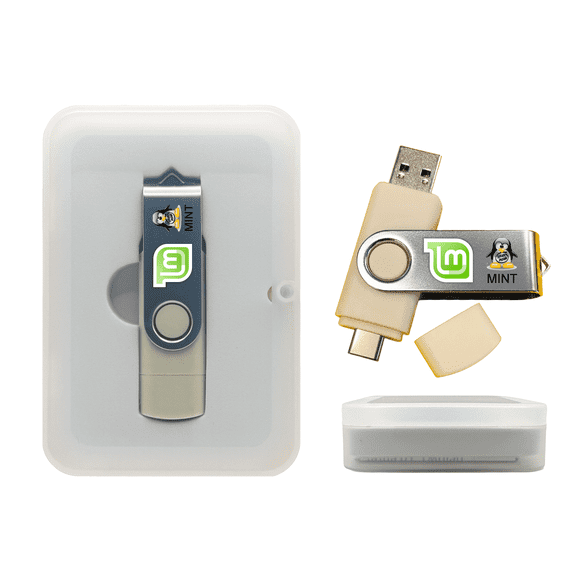 2 optionsAvailable in additional 2 optionsNow$2049current price Now $20.49, Was $24.74$24.74
Linux Mint Cinnamon Bootable USB – Fast, Secure & Easy Operating System for PC - Includes Office, Media & Repair Tools
Save withShipping arrives Fri, Jul 24Linux Tails - Persistence Available - Bootable USB (32 GB) – Encrypted Storage & Anonymous Internet Access More options from $9.99 Was $24.99
 4 optionsAvailable in additional 4 optionsMore options from$999$24.99
Linux Tails - Persistence Available - Bootable USB (32 GB) – Encrypted Storage & Anonymous Internet Access
Save withShipping arrives tomorrowUbuntu OS for Desktops & Servers - Bootable Live Install USB Flash Drive $24.74
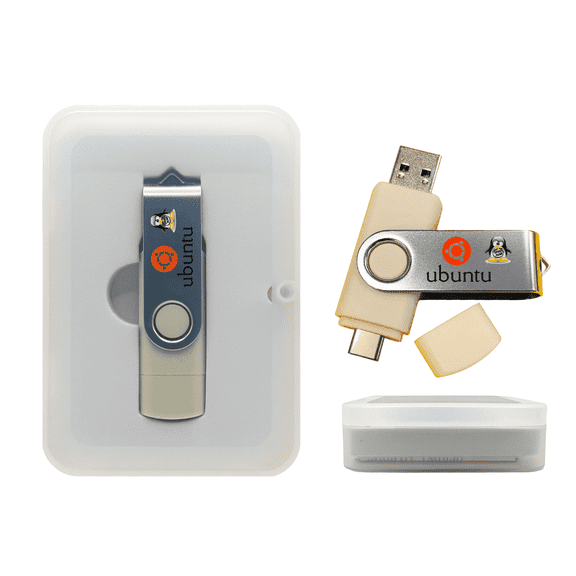 2 optionsAvailable in additional 2 options$2474current price $24.74
Ubuntu OS for Desktops & Servers - Bootable Live Install USB Flash Drive
Save withShipping arrives Fri, Jul 24Tech Core 31-in-1 Multi-Boot USB Toolkit for IT Pros, 128GB Linux, WinPE, Drivers, Forensics and Recovery Tools $39.59 Was $39.59
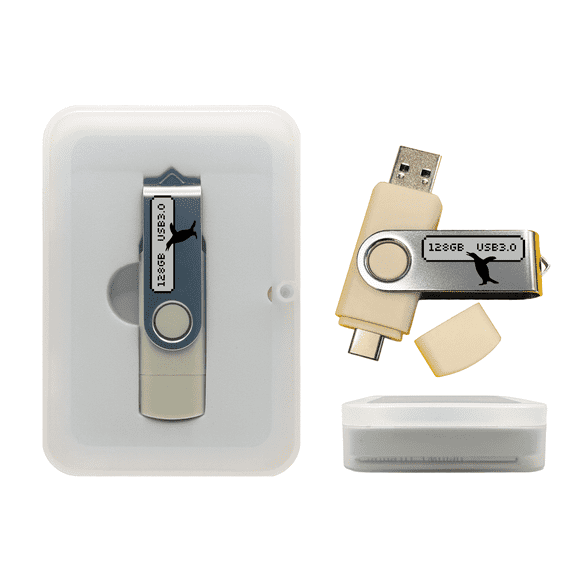 Now$3959current price Now $39.59, Was $39.59$39.59
Tech Core 31-in-1 Multi-Boot USB Toolkit for IT Pros, 128GB Linux, WinPE, Drivers, Forensics and Recovery Tools
Save withShipping arrives Fri, Jul 24CAINE Computer Forensics Bootable Linux USB for PC, Digital Investigation and Data Recovery Toolkit $24.74
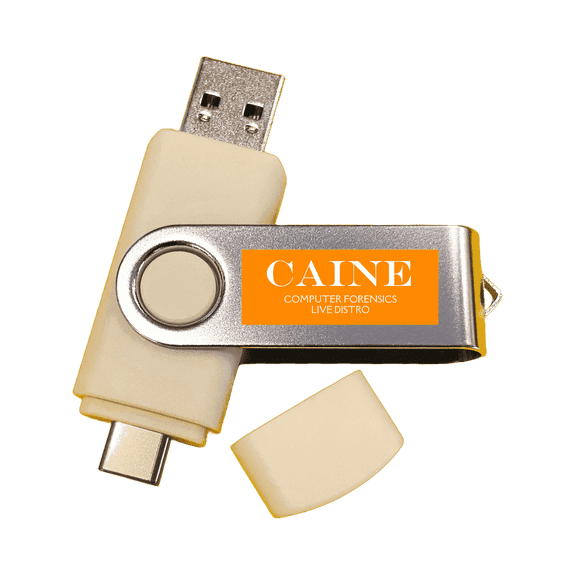 2 optionsAvailable in additional 2 options$2474current price $24.74
CAINE Computer Forensics Bootable Linux USB for PC, Digital Investigation and Data Recovery Toolkit
Save withShipping arrives tomorrowLinux 8-in-1 Multi-Boot USB (32 GB) Flash Drive – Best Linux OS Collection Set with Ubuntu, Fedora, Tails, Elementary, Kubuntu & More – Bootable Live or Install on Any PC More options from $9.99
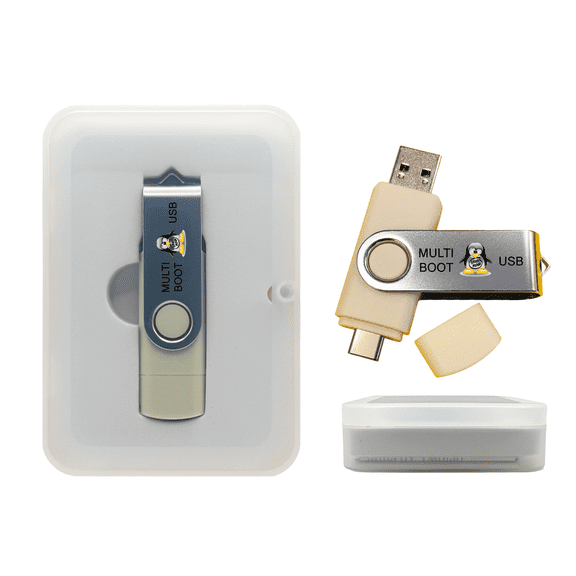 2 optionsAvailable in additional 2 optionsMore options from$999
Linux 8-in-1 Multi-Boot USB (32 GB) Flash Drive – Best Linux OS Collection Set with Ubuntu, Fedora, Tails, Elementary, Kubuntu & More – Bootable Live or Install on Any PC
Save withShipping arrives tomorrow

See it in action!

Frequently asked questions (FAQ)
Do I need technical knowledge to use Linux?
Why should I use Linux instead of Windows or macOS?
Which Linux distribution is best for me?
Does Linux include office software?
Can I dual-boot Linux with Windows or macOS?
Are there any PC repair tools available?
Walmart aims to show you accurate product information. Manufacturers, suppliers and others provide what you see here, and we have not verified it