



Benefit Program Center
Welcome to the Benefit Programs Center
Benefit programs



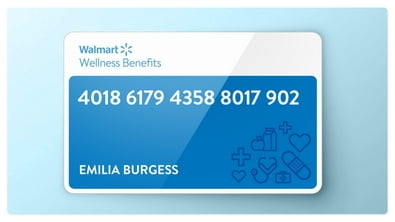

Picks under $5
Your faves for less


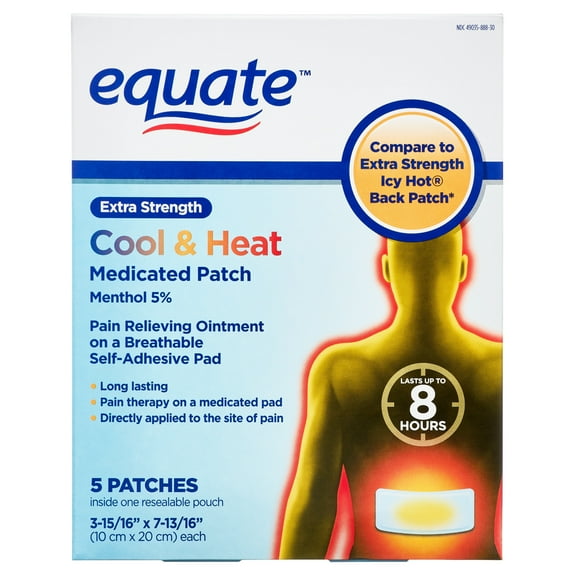
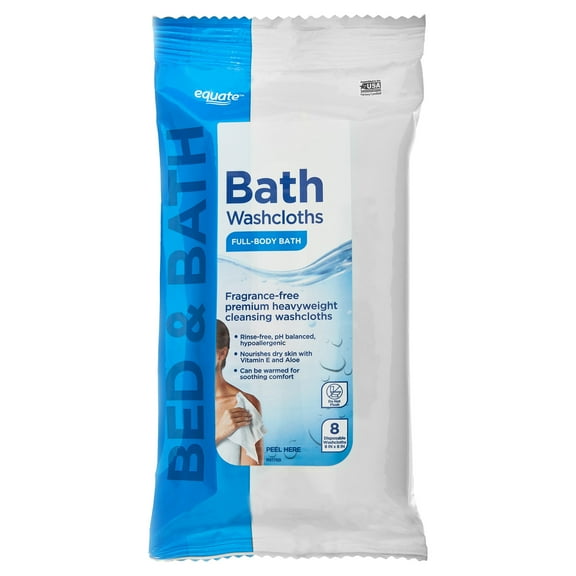
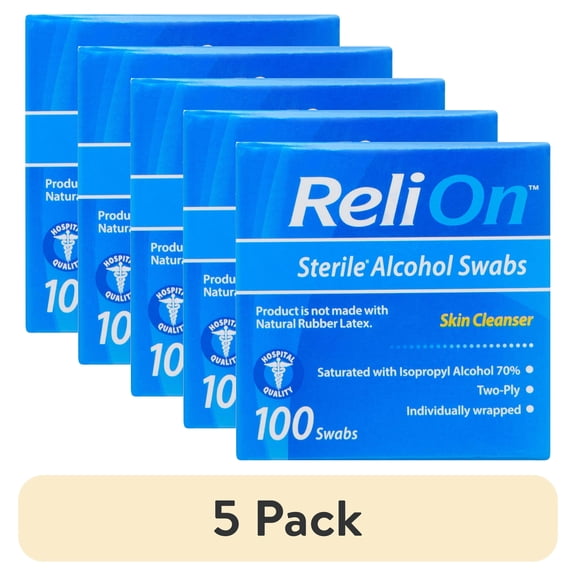
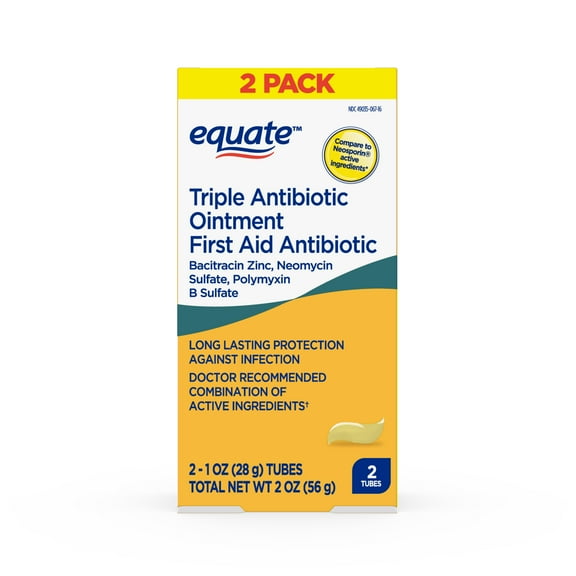
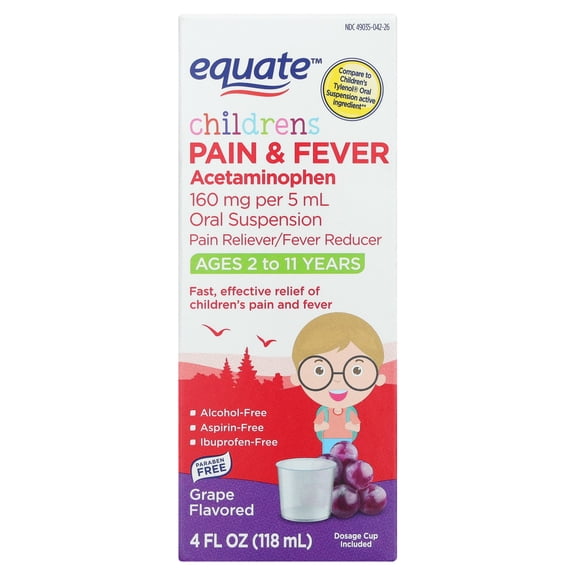
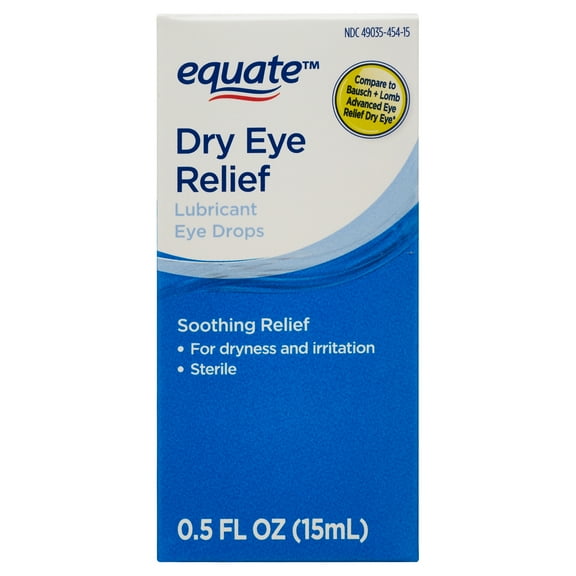
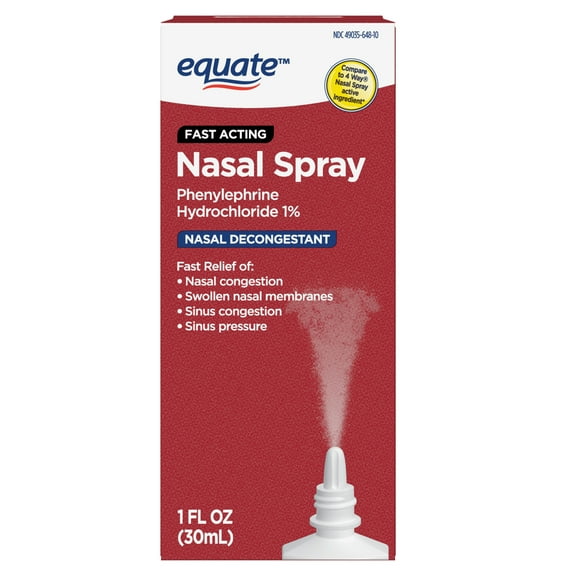

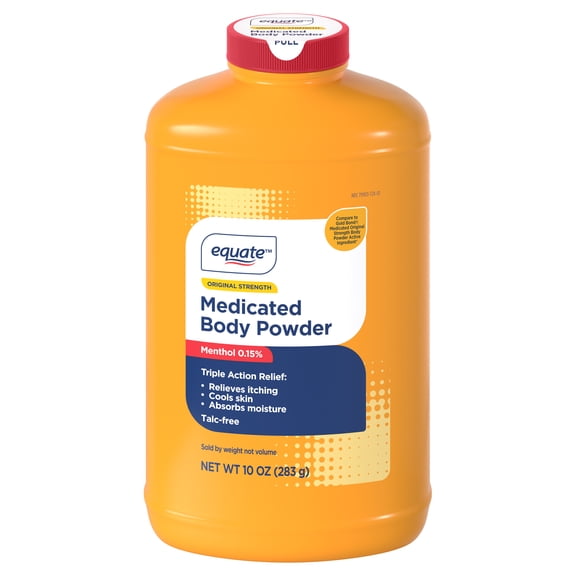
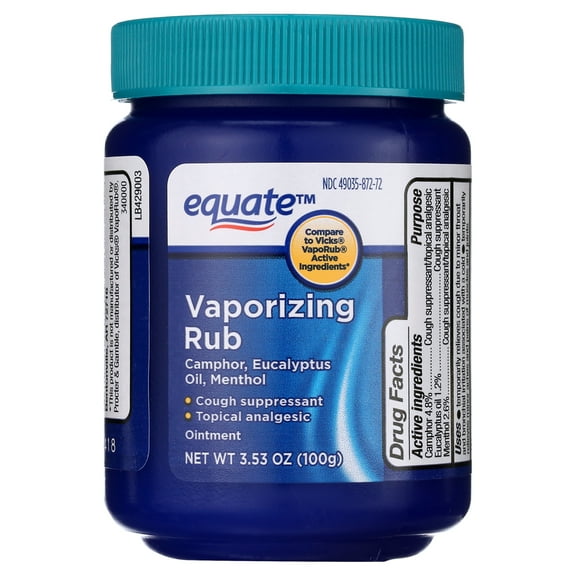
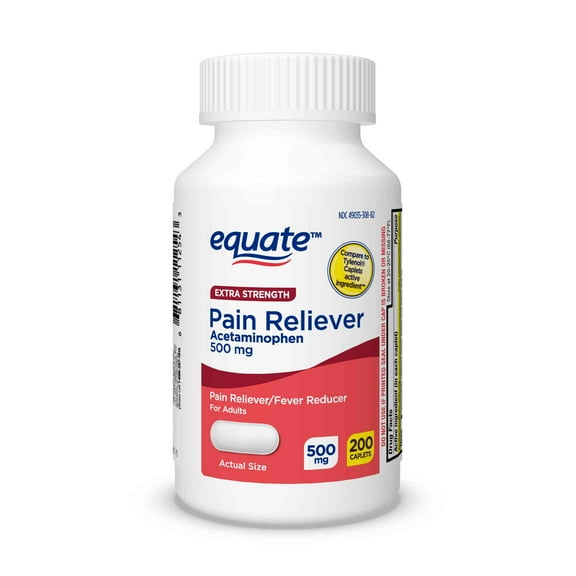
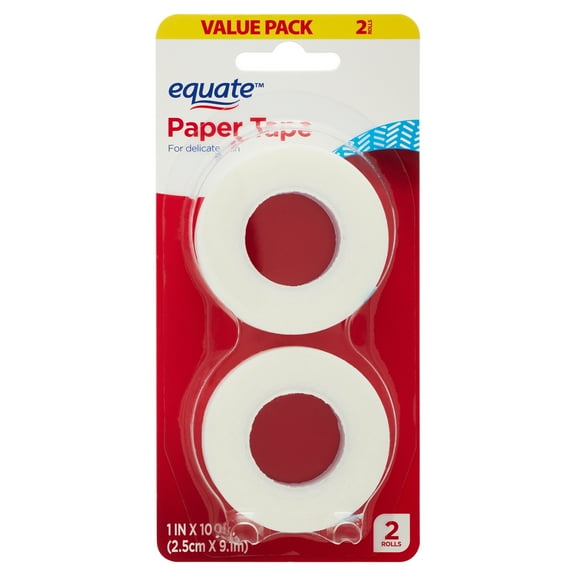
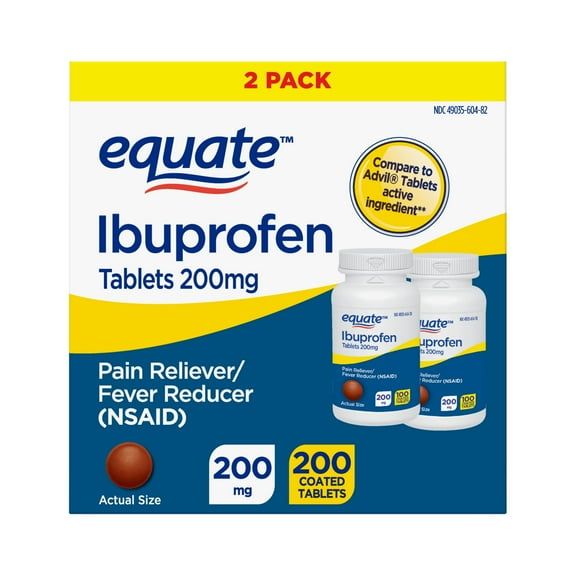

More ways to save

Get your order easily


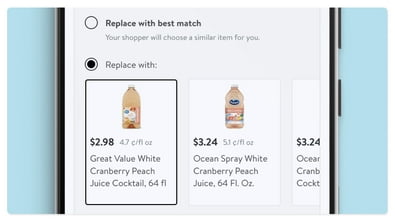
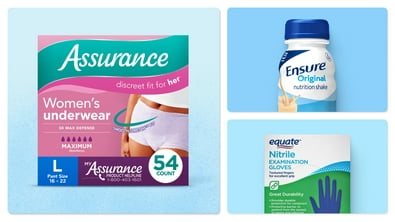


*Disclaimer: Please consult your benefits program administrator or financial institution, as may be applicable, for program terms and conditions, including product eligibility requirements.
FAQ
About Benefit Program Center - Walmart.com
If you’re searching cvs.com/aetna, this Walmart benefit programs page helps you use eligible plan benefits with clear steps and practical guidance. You’ll find plan-specific direction for OTC benefits, benefit cards, online portals, and in-store use across major providers.
Before you check out, you’ll want to confirm your plan, your eligible items, and your benefit balance. You’ll also want simple instructions that match how your card, catalog, or portal works at Walmart.
How to use cvs.com/aetna and other benefit programs
When you compare a benefits program, you should start with your plan provider and your access channel. You can look for Aetna, Humana, Kaiser, and UnitedHealthcare details before you choose eligible items.
If your plan uses a benefit card, you can follow card-based steps during checkout. If your plan uses an online portal or catalog, you can match your approved items first.
- You can verify whether your plan is benefits program eligible before you shop.
- You can identify OTC benefits, healthy foods, wellness items, and approved supplies.
- You can choose online or in-store redemption based on your plan rules.
- You can review monthly limits, balance timing, and benefit expiration details.
For many shoppers, that structure makes your next step easier and faster. You can move from plan verification to item selection without guessing which process applies.
Choosing the right plan provider and access channel
As you compare providers, you should check whether your plan links through a card, a portal, or a printed catalog. You may recognize searches like myuhc.com, mybenefitscenter com, and kaiser otc catalog during that process.
If you use Aetna, you may arrive through cvs.com/aetna and then confirm eligible categories at Walmart. If you use UnitedHealthcare, Humana, or Kaiser, you should check your plan instructions before checkout.
When you ask where can i use my humana spending account card, you usually need channel-specific guidance. You can use that same approach for online checkout, catalog review, or in-store payment.
For in-store use, you should confirm your card and your eligible items before you visit. For online use, you can review your account details and approved categories before placing an order.
Understanding OTC benefits and eligible item categories
When you review otc benefits, you should focus on categories your plan approves, not every item on the site. You can narrow your choices to approved wellness, personal care, and household essentials.
If you receive Medicaid or Medicare Advantage benefits, your eligible list may differ by plan. You should check whether your program includes OTC benefits, healthy foods, or a broader spending account.
Searches for medicaid free items often reflect questions about benefits program eligible products. You can think of those items as plan-approved products available through your benefit allowance.
As you compare options, you should look for item eligibility, quantity limits, and category rules. You may also want to confirm whether your plan uses a catalog, portal list, or card checkout filter.
How to use your benefit card online and in-store
If you use a benefit card, you should first review activation steps from your provider. You can then check whether your card works online, in-store, or through both channels.
For online checkout, you can sign in, add eligible items, and follow your plan instructions for payment. You should also review your balance and any category restrictions before you submit your order.
For in-store shopping, you can select approved items and use your benefit card at checkout if your plan allows it. You should keep your plan rules in mind because some benefits follow specific item lists.
When you see speak benefits.com/card or mybenefitscenter com in your plan materials, you should use those details as setup references. You can then complete your Walmart shopping with clearer expectations about approved use.
Checking eligibility status, limits, and benefit timing
If you’re enrolled through Medicaid, Medicare Advantage, or a dual eligible plan, you should confirm your current eligibility status first. Your plan type can shape which categories, balances, and redemption methods apply.
You should also check whether your allowance resets monthly, quarterly, or on another schedule. If your plan includes an expiration date, you can avoid confusion by reviewing that timing early.
Some plans focus on OTC benefits, while others also include healthy foods or wellness support. You can compare those benefit types before you build your cart or head to a store.
As you decide, you should measure four points: provider, benefit type, eligibility status, and access channel. That comparison helps you use your benefits program with fewer surprises at checkout.
Using plan details with confidence
When you use cvs.com/aetna, myuhc.com, or kaiser otc catalog details to guide your purchase, you can make clearer decisions at Walmart. You’ll get a more accurate path to eligible items, approved checkout, and timely use of your benefit balance.