

All Microsoft Surface Accessories













![Fit For Microsoft Surface Pro X (2019) [4-Pack BISEN] Anti-Glare Matte Screen Protector, Anti-Fingerprint, Anti-Scratch](https://i5.walmartimages.com/seo/Fit-For-Microsoft-Surface-Pro-X-2019-4-Pack-BISEN-Anti-Glare-Matte-Screen-Protector-Anti-Fingerprint-Anti-Scratch_ceb319a7-0eaa-40db-8595-c30681858e59_1.12b34da3823df0c026155607a6587e01.jpeg?odnHeight=576&odnWidth=576&odnBg=FFFFFF)


About All Microsoft Surface Accessories - Walmart.com
Microsoft Surface accessories help you match your device with the tools you need for typing, charging, writing, and connecting each day. You can narrow your choice quickly when you compare compatibility, connection type, and power output before checkout. You can make an informed decision when you start with your exact Surface model.
How to choose Microsoft Surface accessories
Start with your exact model, because your Surface Pro 9, Surface Laptop 5, Surface Go 3, or Surface Book may use different ports and fitments. You should check your model name and port generation first, since that step shapes every accessory decision.
Next, consider how you use your device during work, school, travel, or home setup. You may want a surface type cover for mobile typing, a surface pen for note-taking, or a surface dock for desktop connections. When you compare by accessory type, you can focus on the function that matters to your routine.
You can also avoid mismatches when a charger, pen, or cover fits a different Surface generation. Your compatibility check works as the first filter before you compare colors, layouts, or port counts.
Choosing the right accessory type
You can use a stylus pen when your day includes sketching, annotating, or handwritten notes. You can choose a keyboard type cover when you want your tablet setup to feel closer to a laptop.
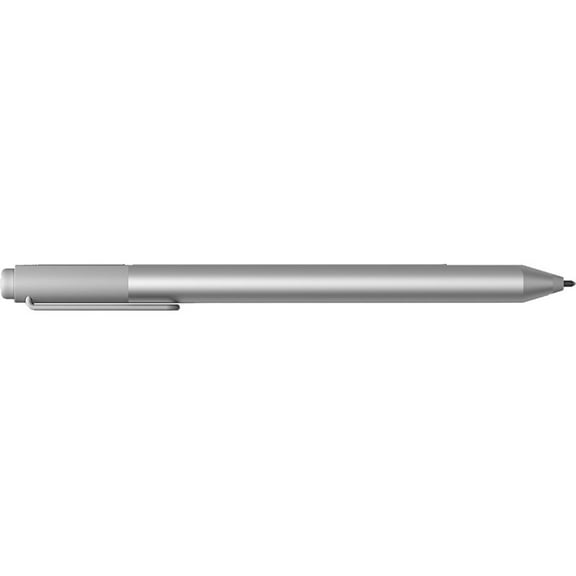
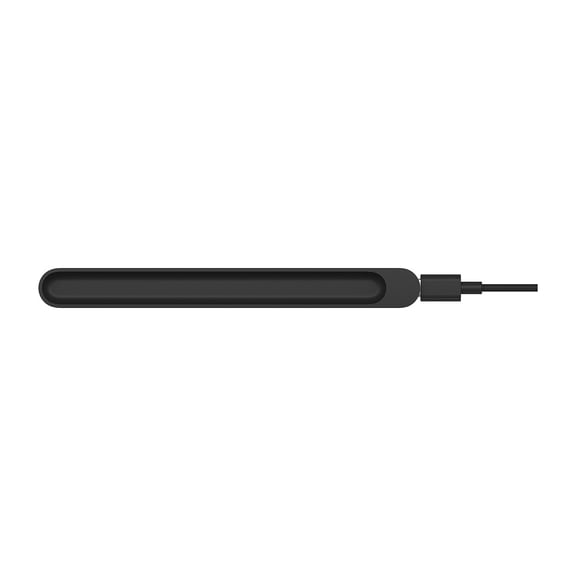
- You can add a surface pen for writing, sketching, and quick markups on supported screens.
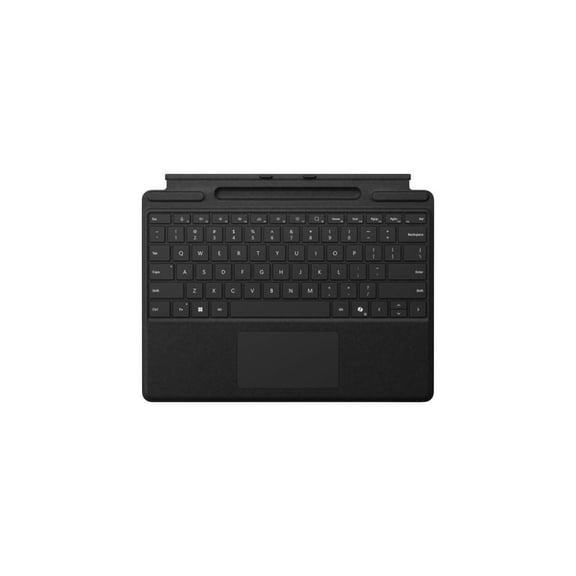
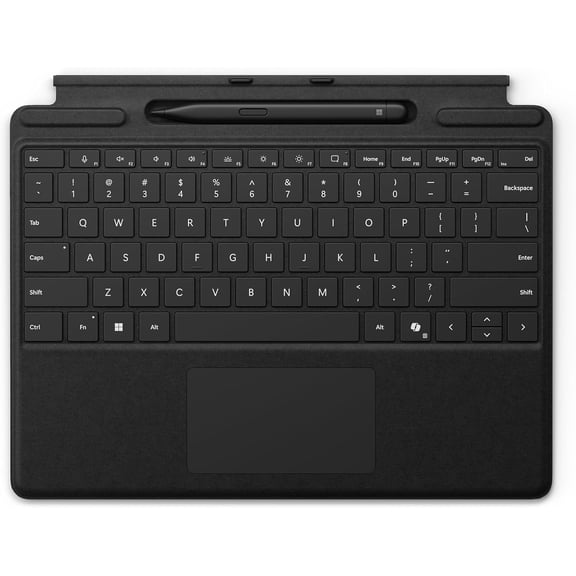
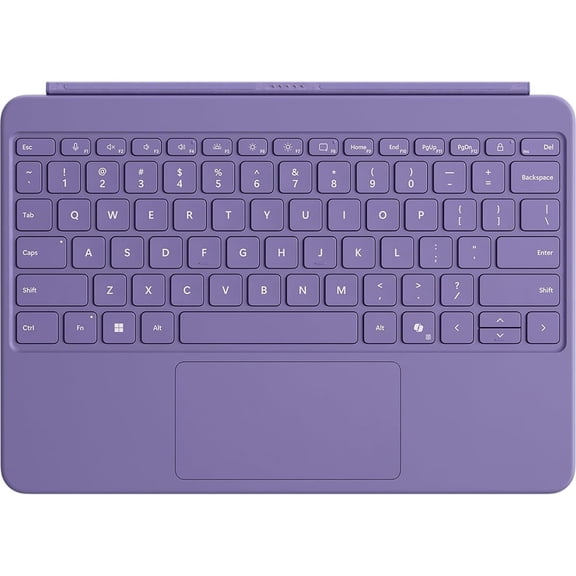
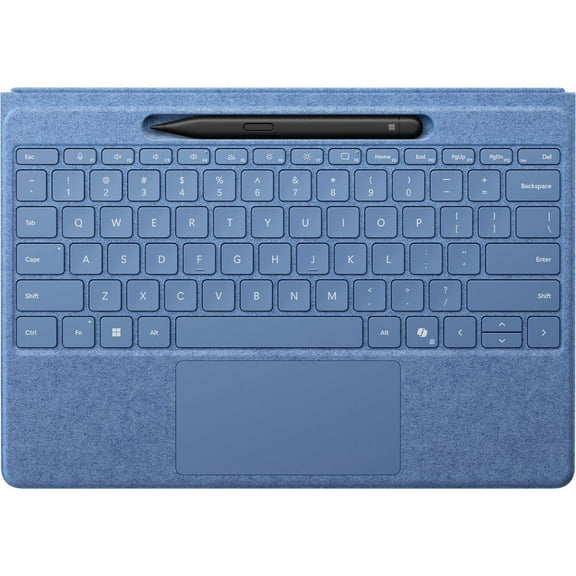
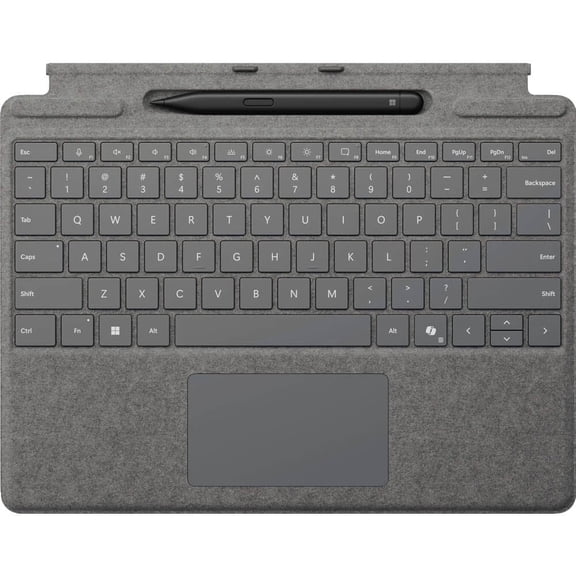
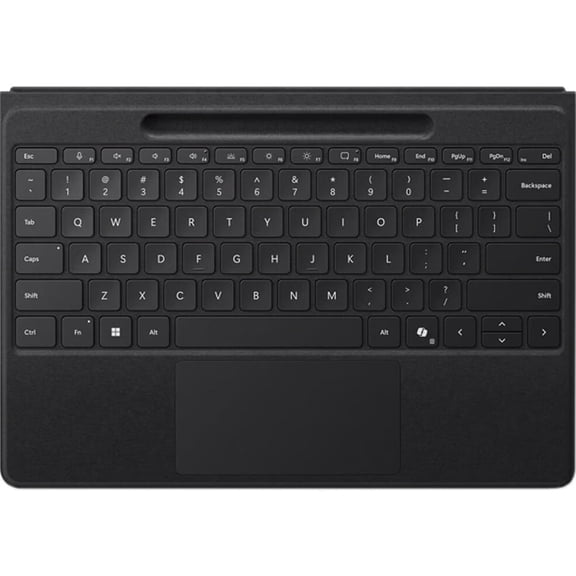
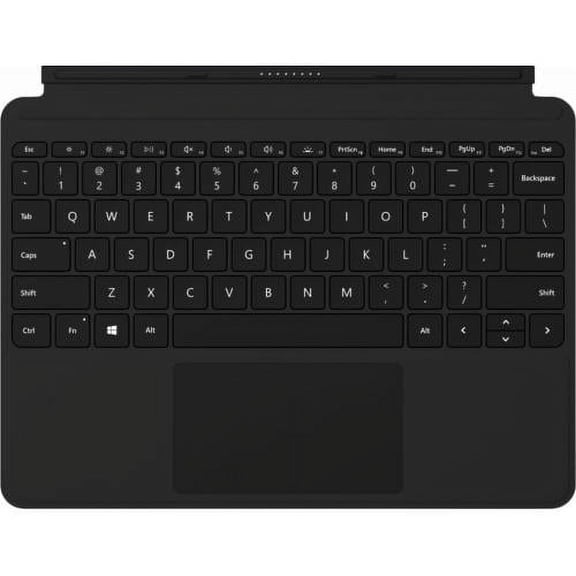
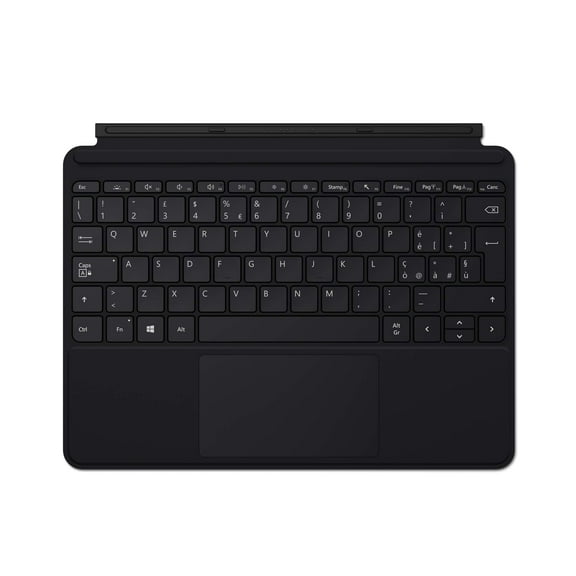
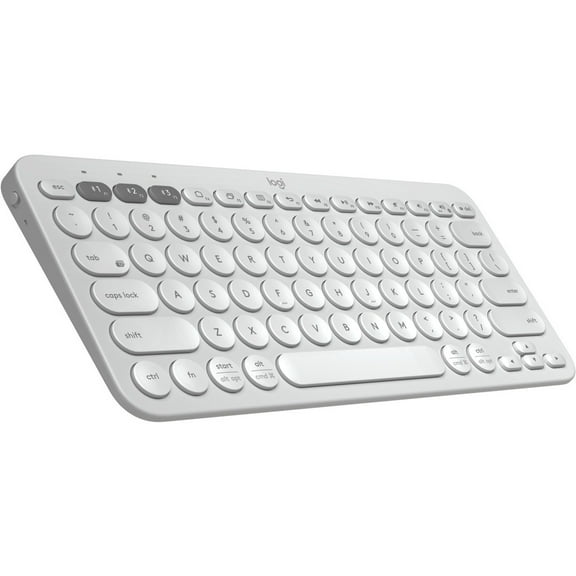
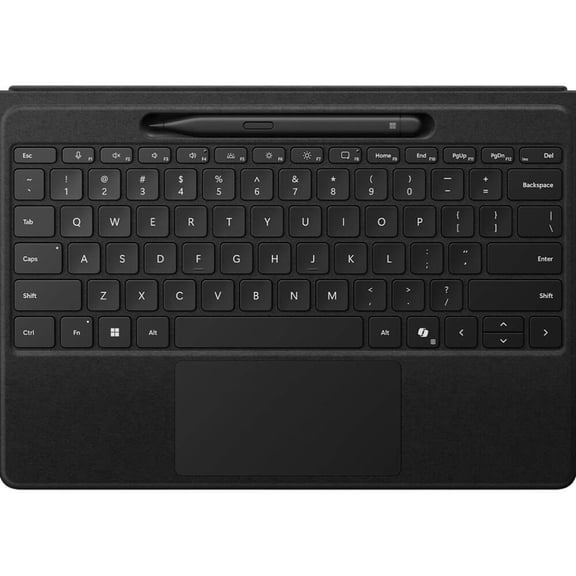
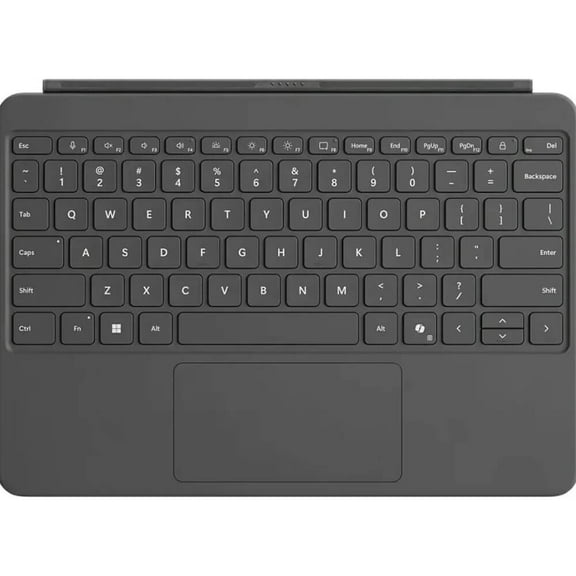
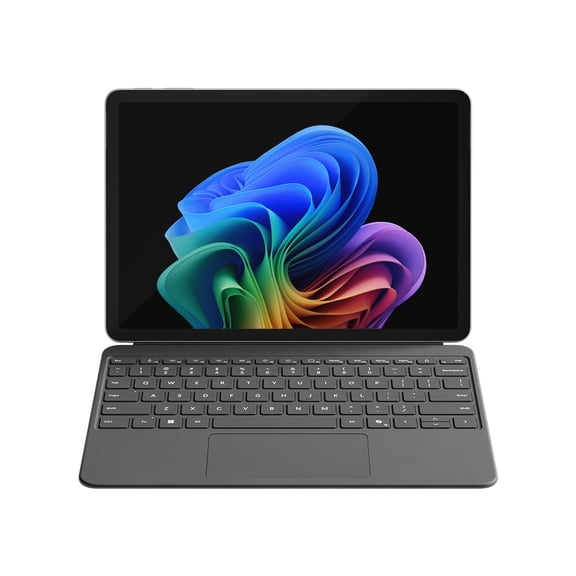
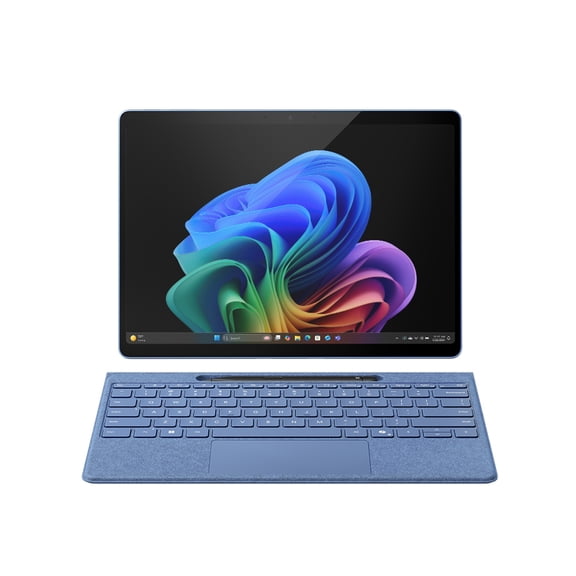
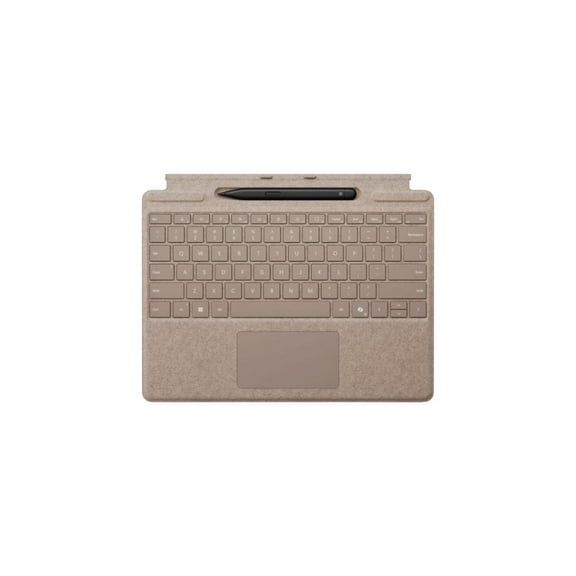
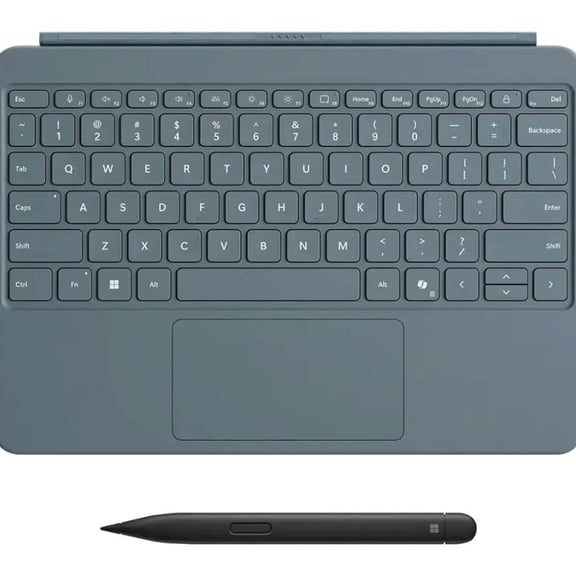
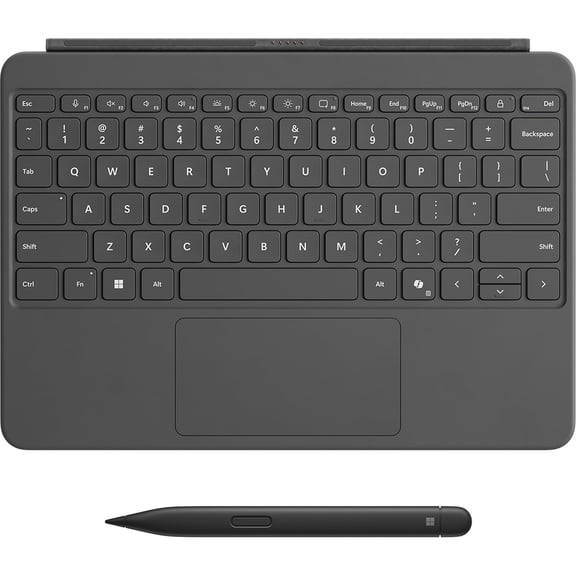
- You can choose a surface type cover when you want a slim keyboard that travels easily.
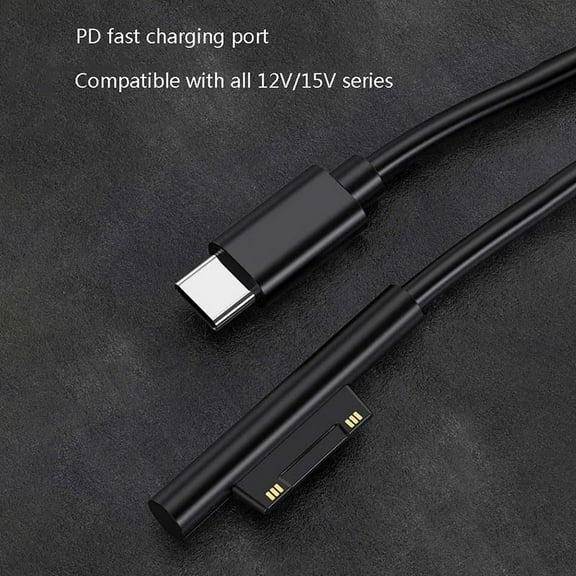
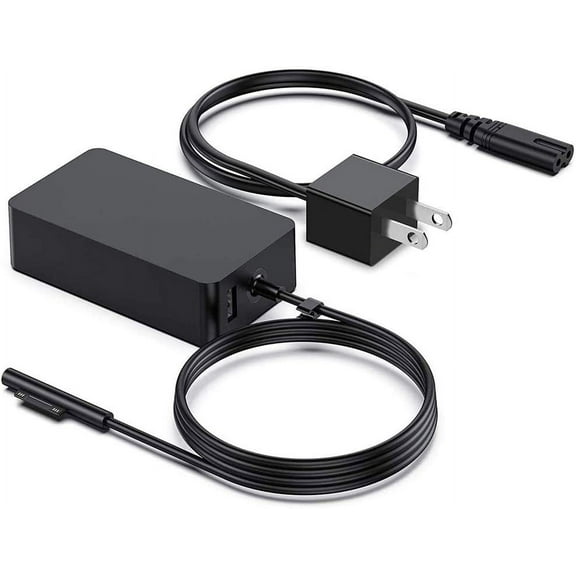
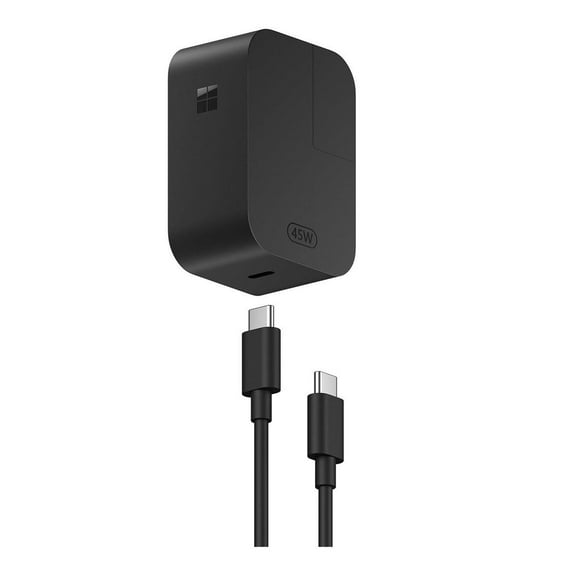
- You can compare a surface pro charger by wattage and connector style for your specific model.
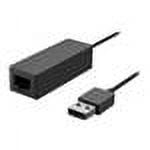
- You can use a surface dock or surface usb-c adapter when you need more ports at your desk.
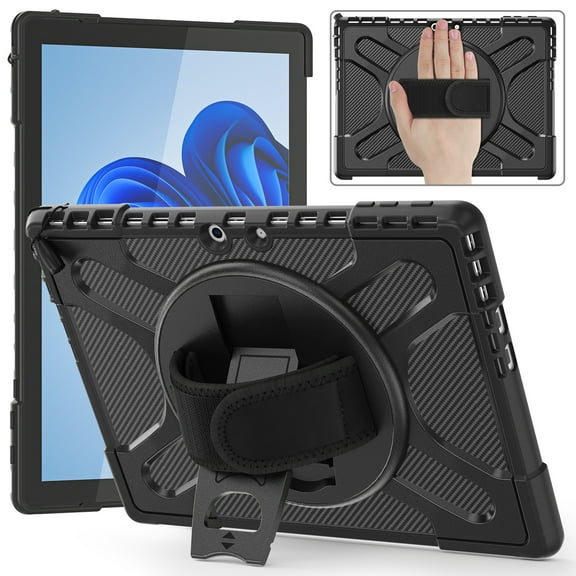
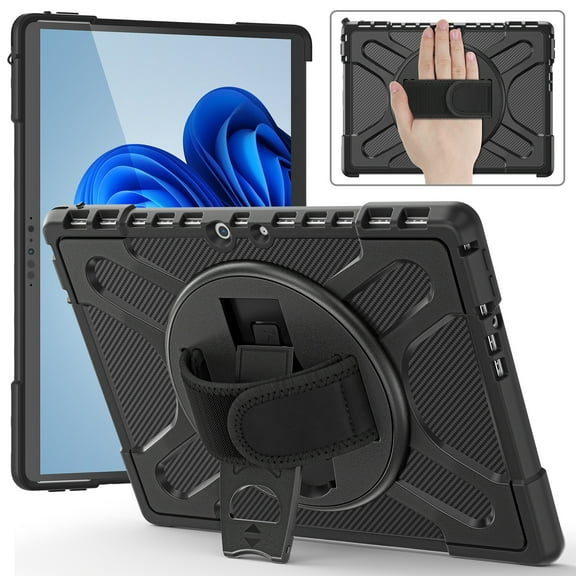
- You can consider a protective case when you want coverage with access to buttons, cameras, and ports.
If you need replacement power, you should compare a power adapter by connector style and wattage. If you work at a desk with monitors and accessories, you may prefer a docking station instead. You can also consider a protective case when your device travels in backpacks, totes, or carry-ons.
Checking compatibility by Surface model
You should treat compatibility as your first filter, because fit and connection standards vary across the Surface lineup. You can save time by matching accessories to your model before you compare layouts, port counts, or charging formats.
For Surface Pro 9, you may look for accessories built around portable typing, pen input, and USB-C connections. For Surface Laptop 5, you may focus on chargers, mice, adapters, and desktop expansion. With Surface Go 3, you may prefer compact accessories that support light travel and compact bags.
With Surface Book, you may need to confirm connector style carefully, since generations can differ in charging support. You should also check whether your stylus works with your screen generation and supported pen features.
Comparing connection types and setup needs
You can choose Bluetooth wireless accessories when you want fewer cables and flexible placement. You may prefer a physical connection when you want a direct fit or a familiar snap-on setup.
USB-C accessories can help you connect displays, storage, and charging gear through a common modern port. Surface Connect accessories may matter when your device uses that magnetic charging and docking standard. Magnetic designs can make attachment simple when you’re moving between rooms, desks, or classes.
If you work mostly on the go, you may want a slim keyboard and compact charger. If you build a desktop station, you may want a dock with extra display, USB, and network connections.
Matching charger wattage and desktop expansion
You should match charger wattage to your device requirements, because output levels like 39W, 65W, 102W, and 127W serve different Surface needs. You can use wattage as a quick guide when you compare a replacement adapter.
A lower-watt adapter may suit lightweight devices or secondary charging needs in a travel bag. A higher-watt option may fit demanding Surface setups or desks where you want one dependable charging point. If you need one-cable convenience, you can compare a surface dock with your monitor and accessory setup.
If you only need one extra connection, you may prefer a compact surface usb-c adapter instead. You should think about how many devices join your workspace each day, including monitors, drives, keyboards, and wired internet. You can choose a dock when your setup needs several ports in one place.
Using accessories for work, school, and travel
You can build a focused note-taking setup with a surface pen and a compatible Surface tablet. You may find that combination useful when your day includes meetings, classes, diagrams, or document markups.
For commuting or campus use, you can pair a compact keyboard type cover with a lightweight charger. You can keep your bag organized when your accessories match your device size and port style. At home or in an office, you may want a surface dock that connects your display and everyday peripherals.
If you replace a missing adapter, you should compare your surface pro charger by wattage and connector format first. You can avoid trial and error when your replacement matches your model’s charging requirements.
When you choose Microsoft Surface accessories with compatibility, wattage, and connection type in mind, you get a setup that fits your device and your routine. You can move between writing, charging, typing, and desktop connections with fewer fit questions and a seamless setup.
Popular in All Microsoft Surface Accessories - Walmart.com
- Microsoft Surface Pro Micro Sd Slot
- Surface Pro Model Number 1796
- Microsoft Surface Pro 7 Sim Card Slot
- Microsoft Surface Pro Pet
- Surface Pro 7 Windows Logo Then Black Screen
- Microsoft Surface Art
- Surface Laptop 7 Backlit Keyboard
- Microsoft Surface Pro 11 2025
- Microsoft Surface Pro X Ram
- Microsoft Surface Laptop Studio With Chips
- Surface Studio Laptop 2022
- Microsoft Surface Studio Dimensions