

Microsoft Softwares



















About Microsoft Softwares - Walmart.com
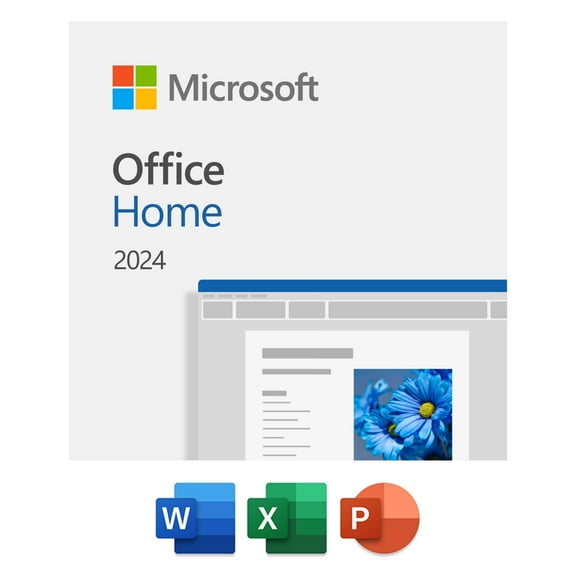
Microsoft Office helps you create, organize, and present with familiar tools for work, school, and home tasks. This category brings together software suites, Word-focused options, and digital formats that fit how you use your PC.
Some shoppers need a one-time purchase for one computer. Others want a subscription with ongoing app access and cloud-connected features. This page supports both paths with Microsoft software built for documents, spreadsheets, presentations, and email.
Microsoft Office suites for everyday tasks
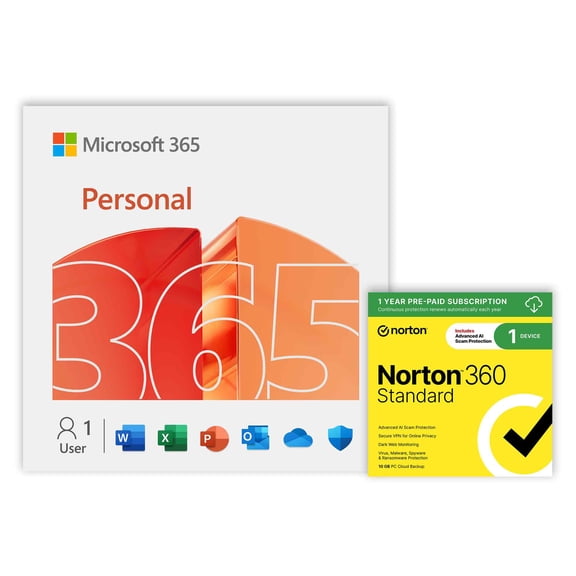
Choosing the right setup starts with how you work. Microsoft Office suites can bundle Word, Excel, PowerPoint, and Outlook in combinations made for personal or business use.
If you write reports, resumes, or class papers, Word stays central. If you manage budgets or data tables, Excel matters just as much. Presentation work often points you toward PowerPoint access too.
- Keep core apps together in one package for smooth daily workflows.
- Pick subscription or one-time license options based on your routine.
- Use familiar file formats that many schools and workplaces already accept.
- Choose digital delivery when you want setup details sent quickly.
That flexibility matters on a software category page. A laptop page canu't help you compare app bundles, license terms, or digital activation choices in the same way.
Microsoft Word and Microsoft software features that matter
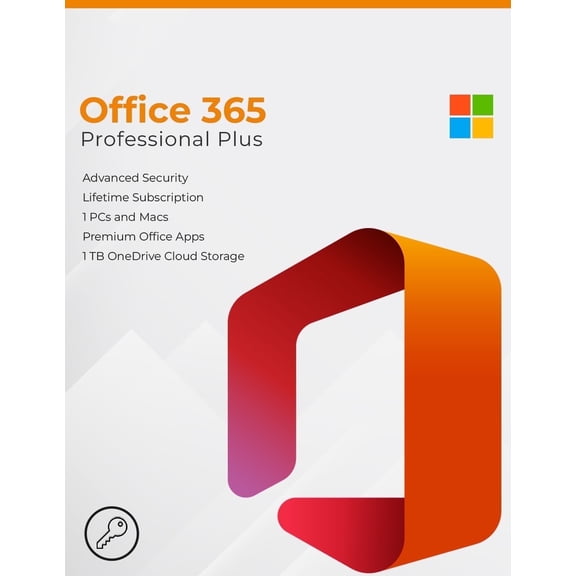
Look past the box art and focus on version details. The key decision is often subscription versus perpetual license. That choice affects updates, device access, and included apps.
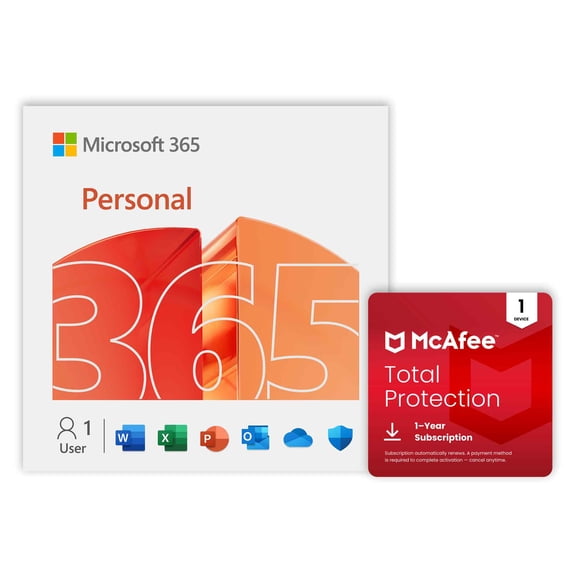
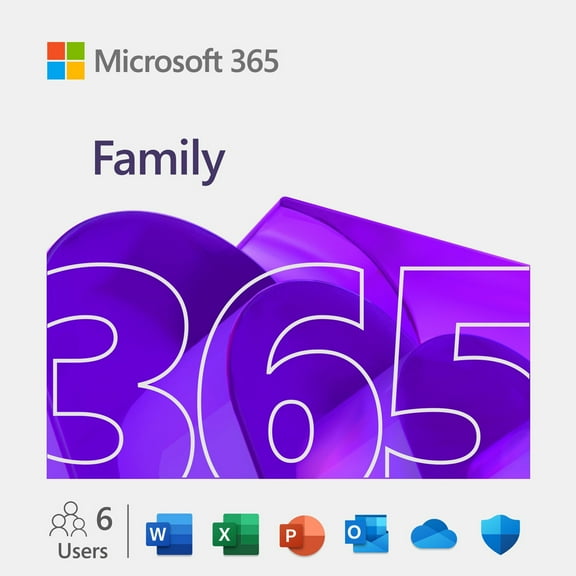
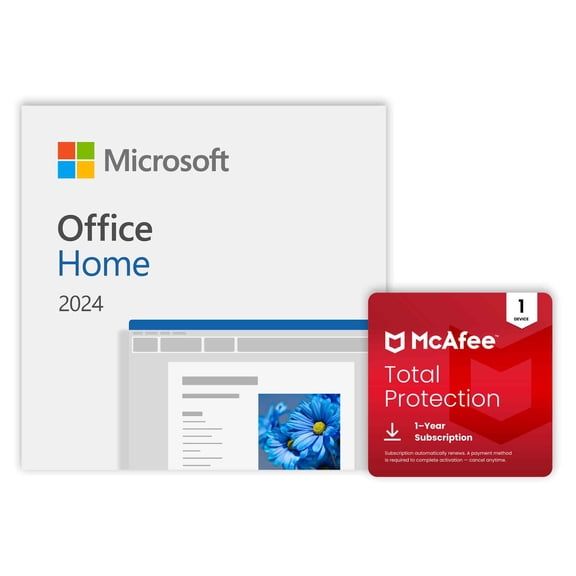
A one-time purchase usually appeals to shoppers who want installed software for a specific PC. A subscription can fit households or small teams that prefer ongoing access across supported devices.
Youu'll also want to check operating system compatibility before you choose. Word for Windows remains a common need, especially for users replacing an older desktop program.
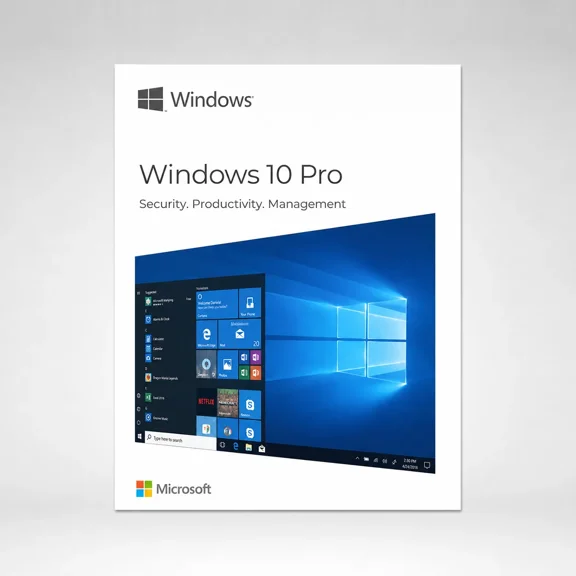
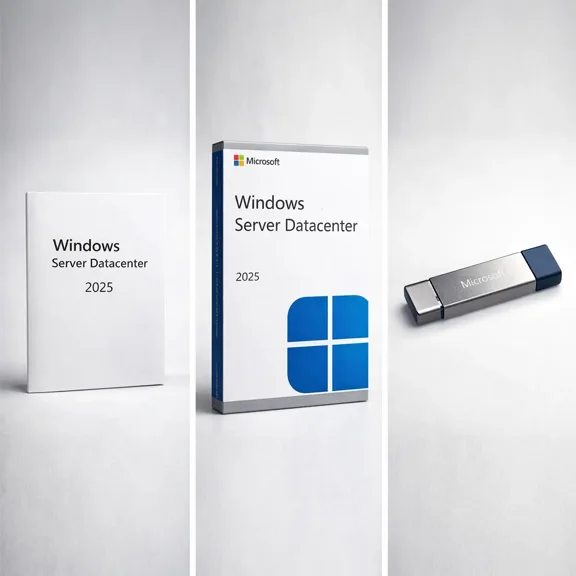
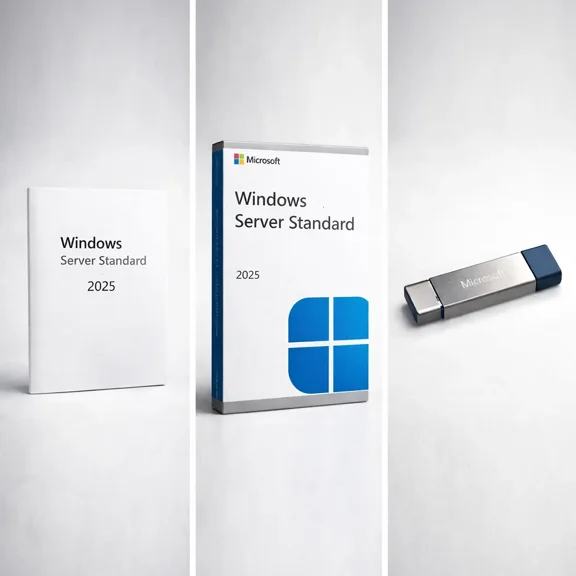
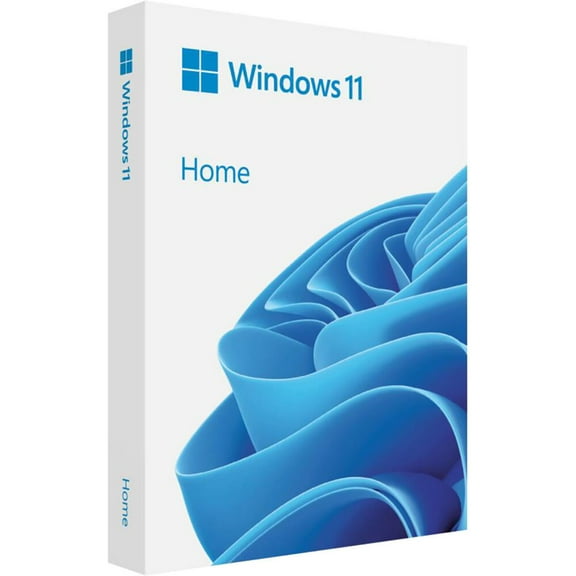
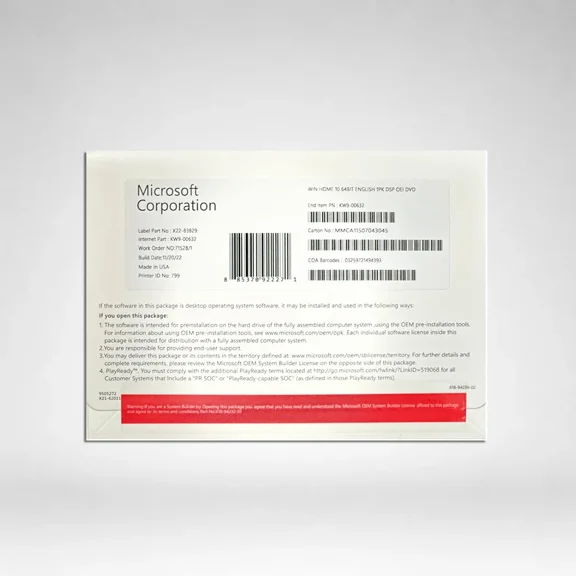
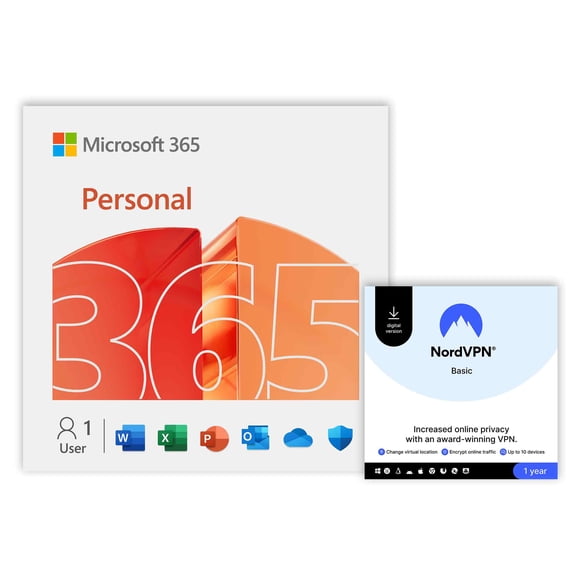
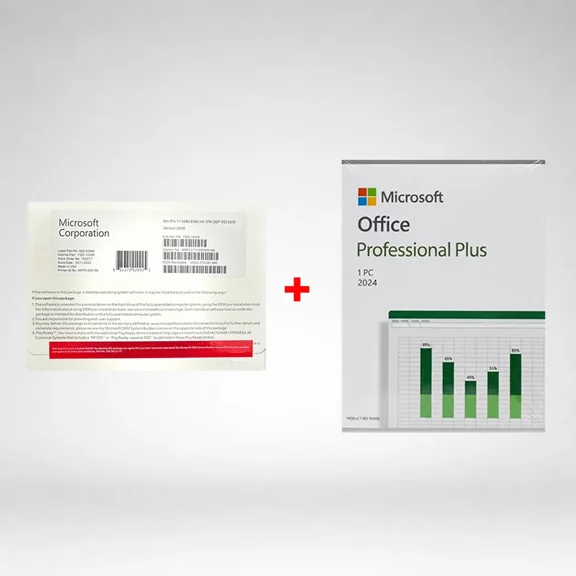
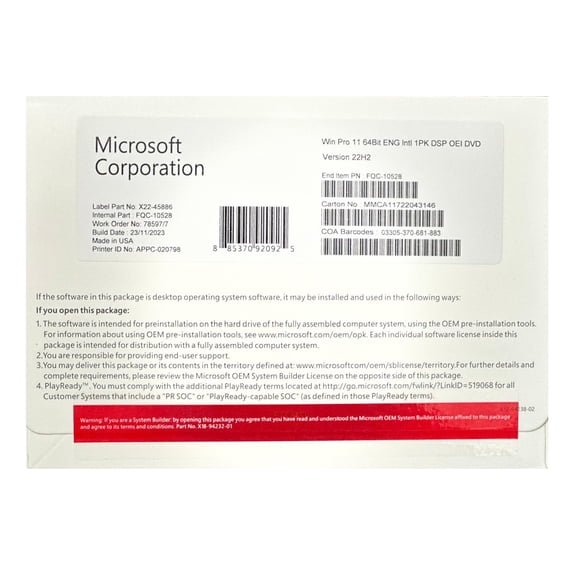
Another important factor is delivery format. Some Microsoft products arrive as digital download codes. Others may come as physical media or packaged cards.
App lineup matters too. Certain editions focus on core productivity apps. Others add Outlook, Access, or publisher tools for broader office tasks.
These details are category specific. You wouldnu't compare activation methods, account setup, or suite inclusions on a headphones page or printer ink page.
Use Microsoft Office for school, home, and business projects
At home, Microsoft Office supports household planning, letters, calendars, and personal budgets. You can draft documents in Word, track spending in Excel, and build polished slides for clubs or events.
Students often need dependable formatting for essays, citations, and group presentations. Familiar menus can make it easier to move between classroom assignments and part-time work projects.
For business use, Microsoft software helps with proposals, invoices, schedules, and team communication. Outlook access can matter when email and calendar tools need to stay connected.
Many shoppers also replace outdated versions that no longer fit their workflow. Moving to a newer edition can simplify file sharing with coworkers, teachers, or clients using current formats.
If convenience matters, digital options can streamline setup after purchase. That makes sense when youu're refreshing a home office computer or preparing a new laptop for productivity tasks.
Some buyers compare suite options before pairing software with a new device. Thatu's why this category naturally connects with laptops, desktops, monitors, keyboards, and other computer accessories.
How to choose the right Microsoft software version
Start with the apps you actually use each week. If Word is your main tool, look closely at editions centered on document creation and editing.
Next, consider how many devices need access. Single-device licenses suit dedicated PCs, while broader plans can fit multi-device households or work setups.
Then review whether you want cloud-connected services or a classic installed experience. That difference often shapes how you manage files, updates, and account access over time.
Finally, confirm compatibility and redemption details before checkout. Clear version matching helps you get software that fits your operating system, preferred apps, and everyday routine.
Microsoft Office remains a dependable choice when you need familiar productivity apps, flexible version options, and tools built for real document work. The right edition keeps writing, budgeting, presenting, and planning moving without unnecessary setup friction.