






Shop All Google Electronics and Smart Devices















![Total by Verizon Google Pixel 6A 5G, 128GB, Black - Prepaid Smartphone [Locked to Total by Verizon]](https://i5.walmartimages.com/seo/Total-by-Verizon-Google-Pixel-6A-5G-128GB-Black-Prepaid-Smartphone-Locked-to-Total-by-Verizon_a52660ba-6efe-486d-92c4-afed61ec1298.f1826daa844d9a606b9eeb93801ea864.png?odnHeight=288&odnWidth=288&odnBg=FFFFFF)




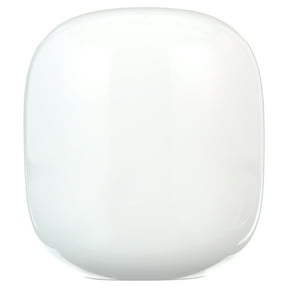


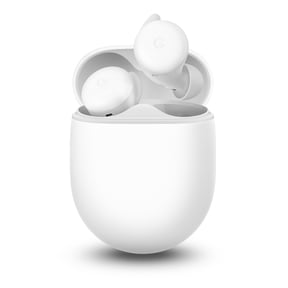
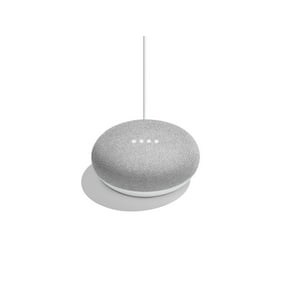





About Shop All Google Electronics and Smart Devices - Walmart.com
Google products help you build a connected setup for streaming, voice control, and everyday convenience. You can compare device types, compatibility, power options, and video resolution in one place.
How to choose Google products by device type
You can start with the device type that matches how you use your space each day. Your options often include smart speakers, smart displays, streaming devices, and chargers and cables.
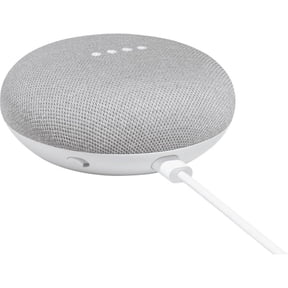
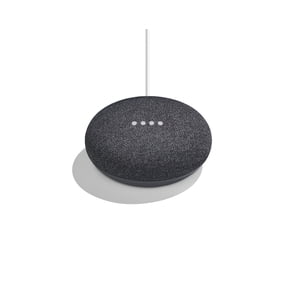
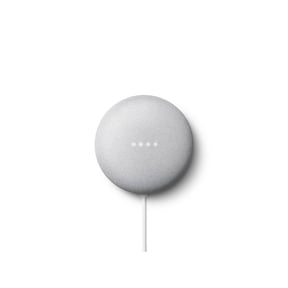
If you want hands-free help, you may consider Google smart home devices like speakers and displays. You can use them for timers, music, routines, and quick answers around your home.
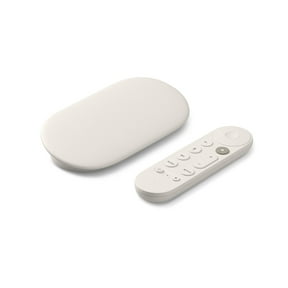
When you want TV entertainment, you can compare Google Chromecast and other Google streaming devices. You can look at resolution, app access, and remote style before you choose.
- You can use smart speakers for voice commands, music playback, and room-to-room listening.
- You can pick smart displays when your setup needs a screen for video calls, recipes, or camera views.
- You can choose streaming devices when you want apps, casting, and simple TV navigation.
- You can add chargers and cables when your setup needs reliable power and clean connections.
Choosing compatibility across Google smart home devices
You should compare ecosystem compatibility before you choose among Google smart home devices. Your setup may work through Google Assistant, the Google Home app, Android, or iOS.
If you already use Google Assistant, you can keep voice control consistent across speakers, displays, and connected accessories. You can check whether your device supports the commands and routines you use frequently.
The Google Home app can simplify setup when you add new devices to your home. You can follow guided steps, assign rooms, and manage routines from one dashboard.
You may also look for Google Nest devices that support Zigbee or Thread in compatible smart home setups. You can use that support to connect select lights, sensors, and other accessories with less guesswork.
If you use Android or iOS, you should confirm app compatibility before you choose a device. You can keep setup smooth when your phone, app, and device work together from the start.
What to look for in power and accessories
You can narrow your options quickly when you compare power requirements early. Your choice may come down to battery powered designs, plug-in models, or USB-C accessories.
If you want a fixed spot on a shelf or counter, you may prefer plug-in devices. You can keep them ready for daily use without checking battery levels.
When you need flexibility, you may consider battery powered options where available. You can move them easily between rooms, desks, or travel setups.
USB-C can matter when you want simple charging and fewer cable types around your home. You can compare port style, cable length, and adapter needs before you buy matching Google accessories.
You should also measure where your device will sit and how your cables will route. You can avoid clutter when your power source fits your room and furniture layout.
Comparing Google Chromecast resolution and streaming features
You can compare Google Chromecast models by resolution if picture quality matters in your setup. Your main options often include 4K HDR and 1080p HD.
If your TV supports sharp detail and rich color, you may consider 4K HDR. You can get a viewing experience that fits modern televisions and larger screens.
If you stream on a smaller screen or older TV, you may prefer 1080p HD. You can still access many apps and casting features without paying for extra resolution you may not use.
You should also check how you like to start content each day. You can cast from your phone, use a remote, or open apps directly on supported Google streaming devices.
When you compare Google Chromecast choices, you can match resolution to your screen and internet habits. You can keep your setup practical by choosing only the features you’ll actually use.
Matching Google Nest devices to everyday use
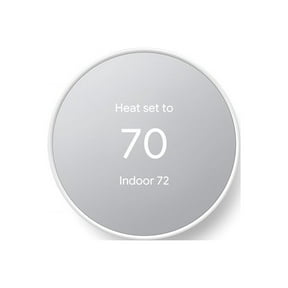
You can match Google Nest devices to the rooms and routines that shape your day. Your kitchen, living room, bedroom, or office may call for different screen sizes and controls.
In a kitchen, you may want a smart display for recipes, timers, and video while you cook. You can keep instructions visible and still use voice commands with busy hands.
In a living room, you might pair a speaker with a streaming device for music and TV control. You can move from playlists to shows without juggling multiple remotes.
At a desk, you may want a compact speaker or display for calendar checks and quick questions. You can keep your workspace organized while staying connected to reminders and calls.
For a whole-home setup, you can combine speakers, displays, streaming gear, and Google accessories by room. You can create a setup that feels connected, consistent, and easy to manage.
You can shop Google products with a clear plan when you compare device type, compatibility, power, and resolution first. You can feel confident choosing a setup that fits your home, screens, and daily routines.