

Garmin Electronics GPS Devices and Smartwatches



















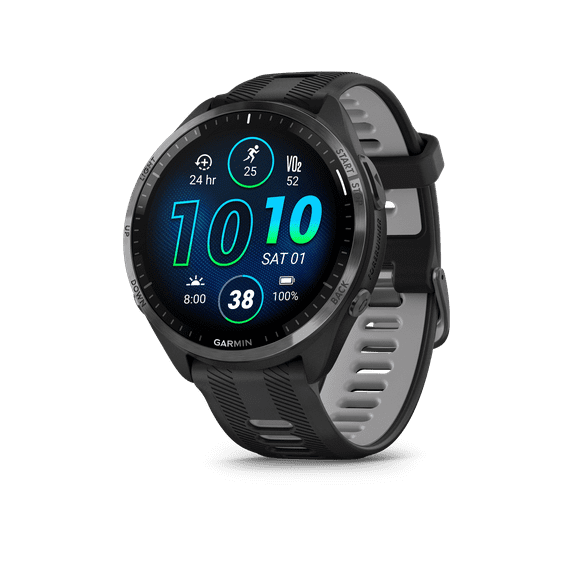


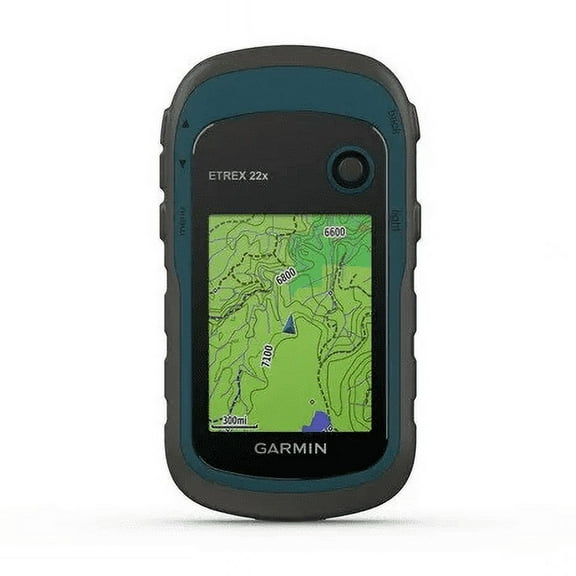


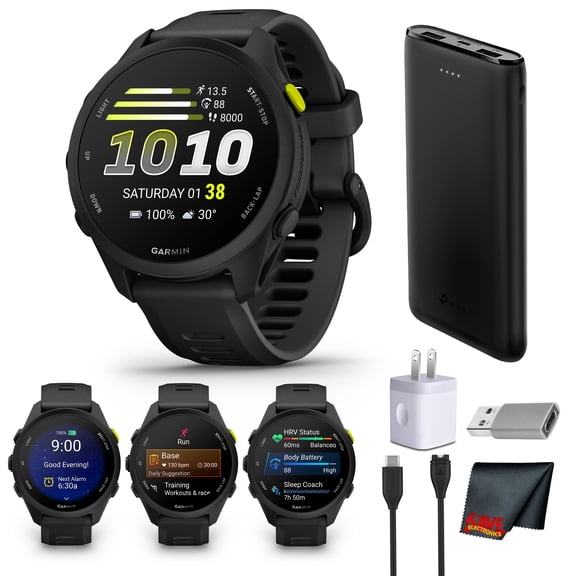
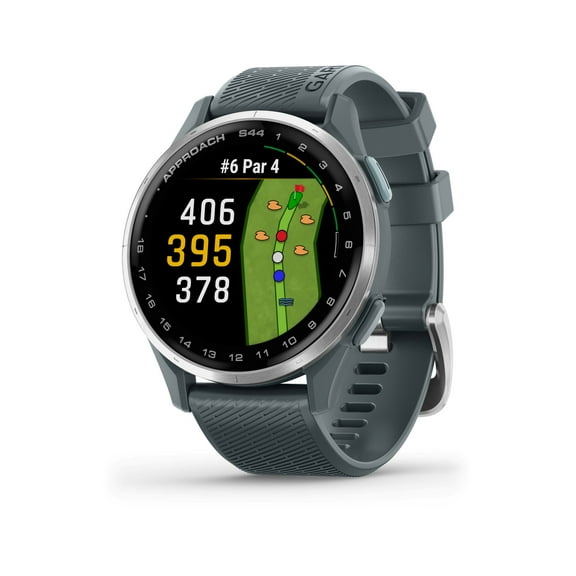







About Garmin Electronics GPS Devices and Smartwatches - Walmart.com
You can compare Garmin devices at Walmart by matching your activity, display needs, and connectivity preferences. You’ll find options built for navigation, training, daily wear, and on-the-water use.
If you’re choosing between a wearable and a navigator, you’ll want clear guidance before you commit. You can use the points below to compare Garmin smartwatches, GPS units, fitness trackers, and fishfinders.
How to choose Garmin by device type
You should start with device type because it shapes how you’ll use your screen, controls, and maps. You’ll usually choose between a smartwatch, GPS navigator, fitness tracker, or fishfinder.
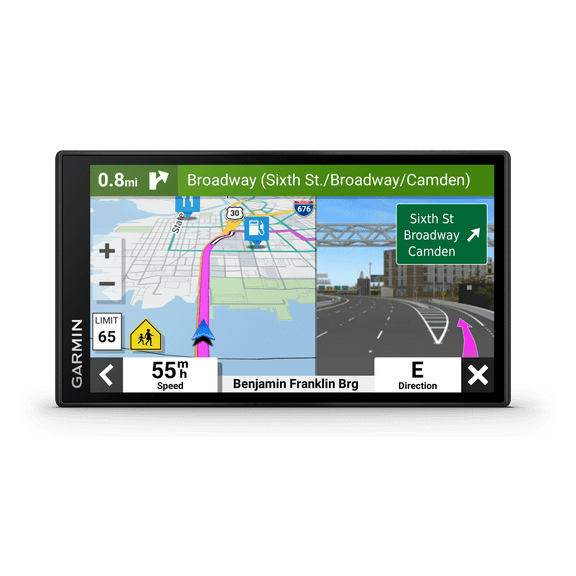
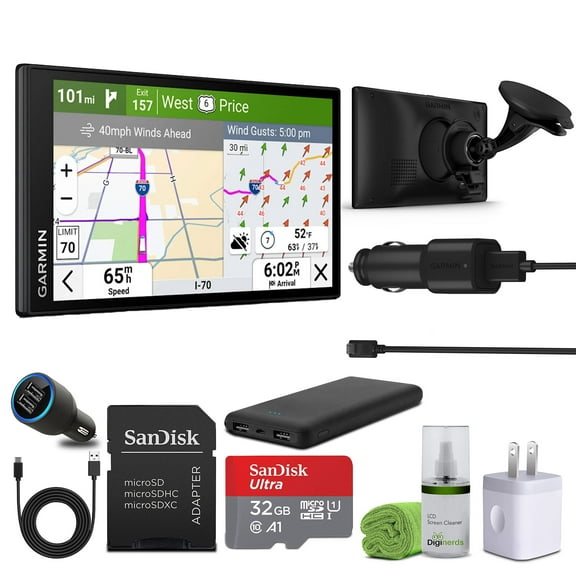
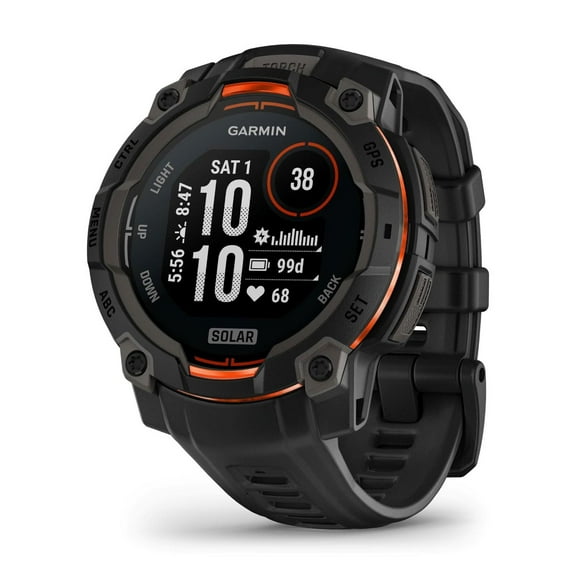
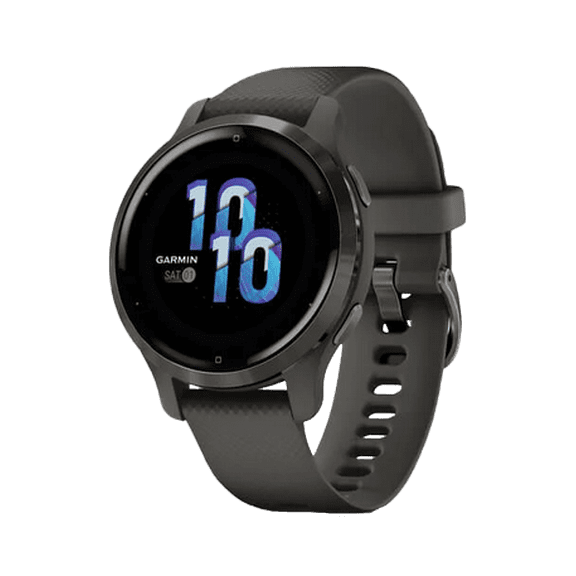
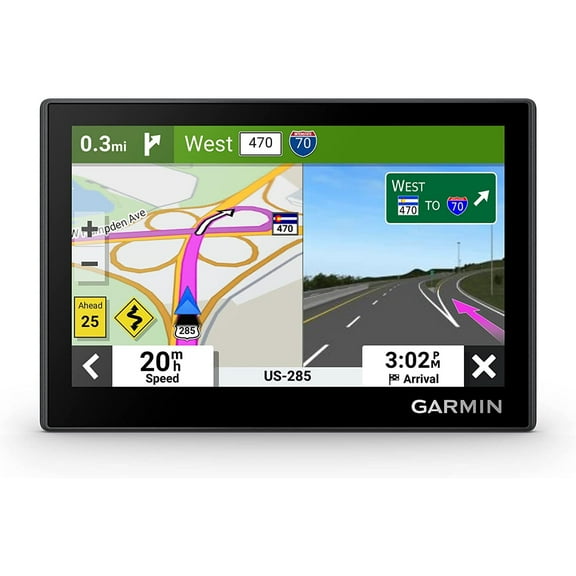
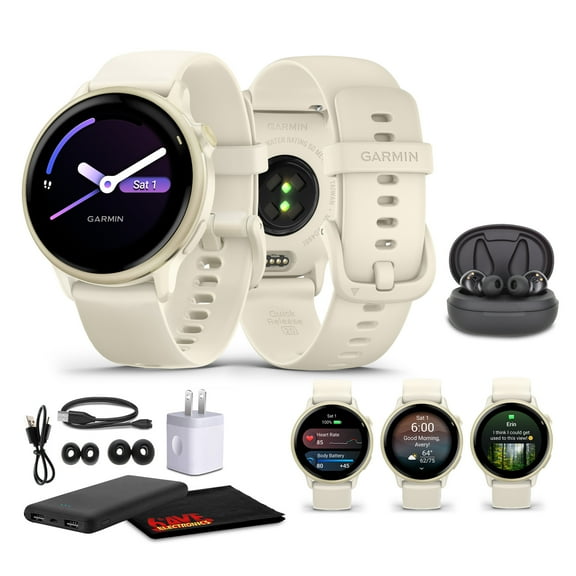
For daily wear, you may prefer a smartwatch that combines notifications, workout modes, and wrist-based tracking. For the road, you may want Garmin GPS navigation with route guidance and map-focused displays.
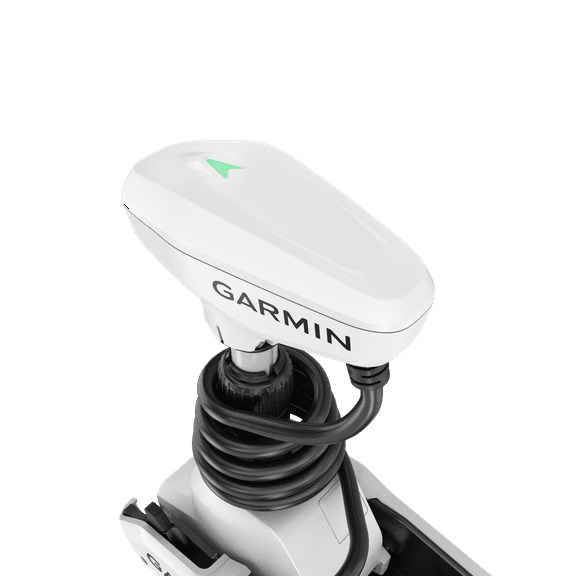
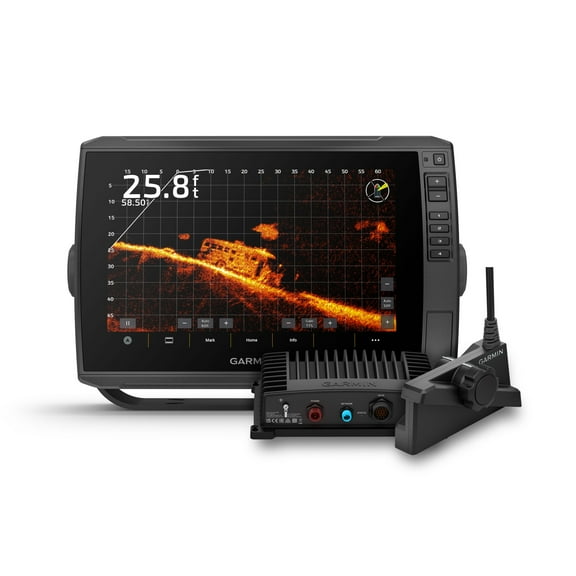
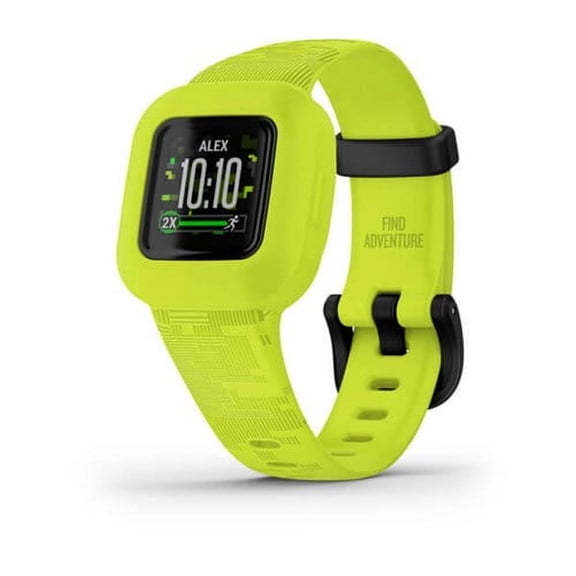
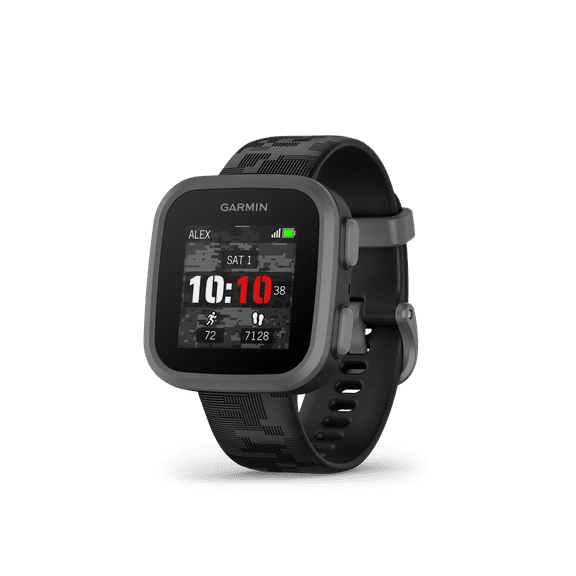
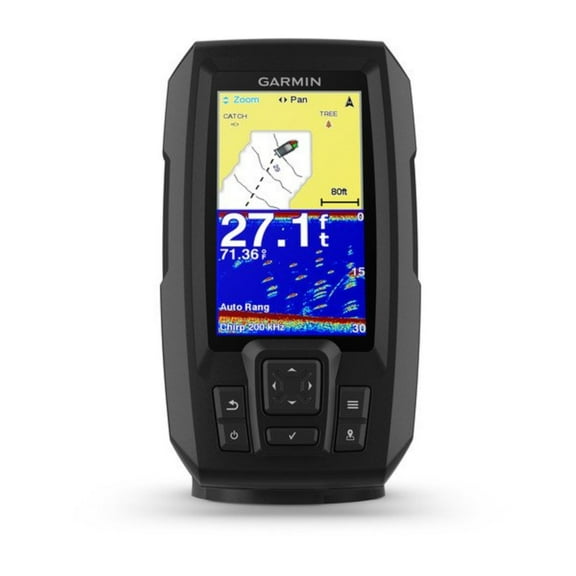
If you want a lighter option, you might compare Garmin fitness trackers for step counts, activity summaries, and simple training data. If you spend time offshore or at the lake, you may look for a fishfinder with sonar views and chart support.
What to look for in Garmin smartwatches and trackers
You should compare activity support first, because your sport changes which sensors and tools matter to you. You’ll often see options geared toward running, cycling, hiking, and all-day wear.
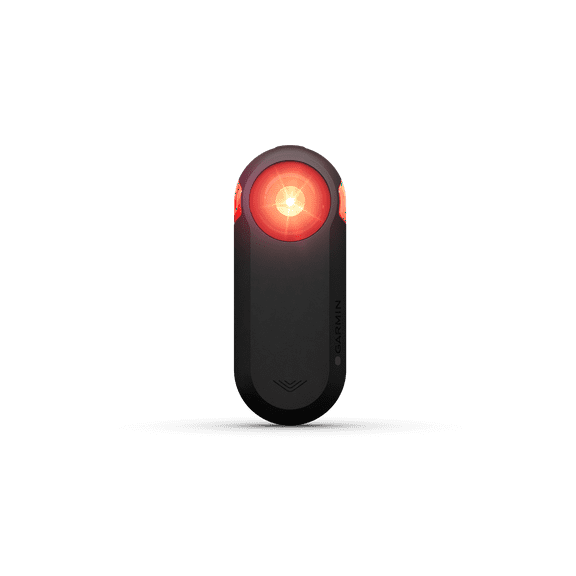
If you run often, you may look for pace metrics, route tracking, and easy lap views. If you ride regularly, you may prefer ANT+ support and controls that work smoothly with cycling accessories.
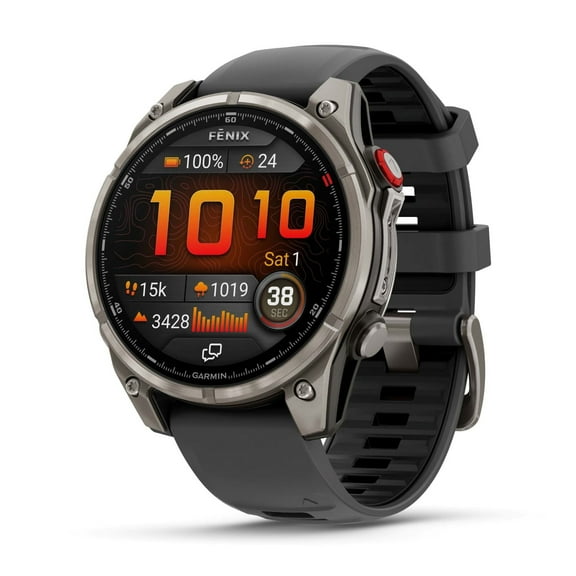
For trails and longer outings, you may want mapping tools and battery life that can keep up with extended sessions. For everyday routines, you may choose slimmer Garmin smartwatches with an understated look.
- You can match running-focused models to pace, distance, and route needs.
- You can compare cycling-ready options with ANT+ and sensor compatibility.
- You can look for hiking features like mapping support and longer battery performance.
- You can choose daily-wear styles that balance workout tools with a versatile design.
You should also compare the level of detail you want on your wrist during activity. You may prefer quick stat screens for casual sessions or richer data pages for structured training.
Choosing the right display and battery setup
You’ll want to compare display type carefully, because screen technology affects visibility, battery life, and how often you charge. You can often choose AMOLED, monochrome, color touchscreen, or MIP displays.
If you like bold color and sharp menus, you may lean toward AMOLED screens for indoor and everyday use. If you want longer battery performance, you may prefer MIP displays that stay readable outdoors.
For simple data, you may choose monochrome screens that keep layouts clear and power use low. If you want swipes and taps, you may prefer a color touchscreen for map movement and menu changes.
Battery needs should match how long you’re away from a charger or vehicle power. You may need multi-day performance for hiking, or shorter-cycle charging for commuting and daily workouts.
If you travel by road, you may prioritize a clear powered display over weeklong battery life. If you head outdoors for long stretches, you may put battery endurance near the top of your list.
Comparing connectivity and Garmin GPS navigation features
You should check connectivity before you choose, because it affects syncing, accessories, and updates. You’ll commonly compare Bluetooth, Wi-Fi, ANT+, and satellite support across Garmin models.
If you want quick phone pairing, you may look for Bluetooth to sync stats and notifications. If you prefer direct downloads, you may check whether Wi-Fi supports updates and content transfers.
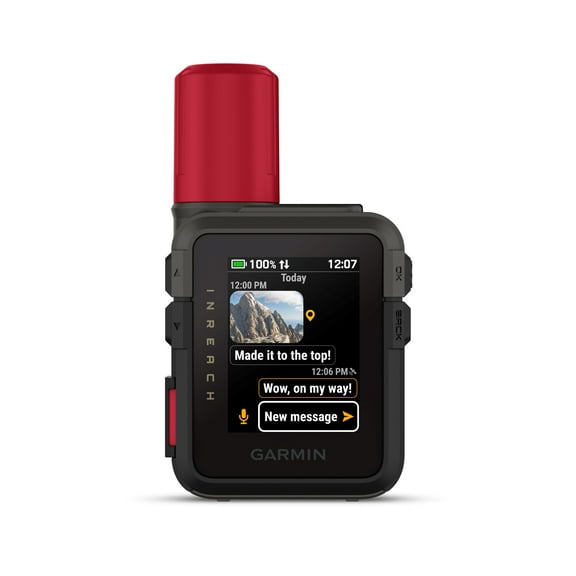
For training gear, you may want ANT+ compatibility with sensors, bike accessories, or other fitness equipment. For remote travel, you may compare satellite-enabled options that support broader navigation coverage.
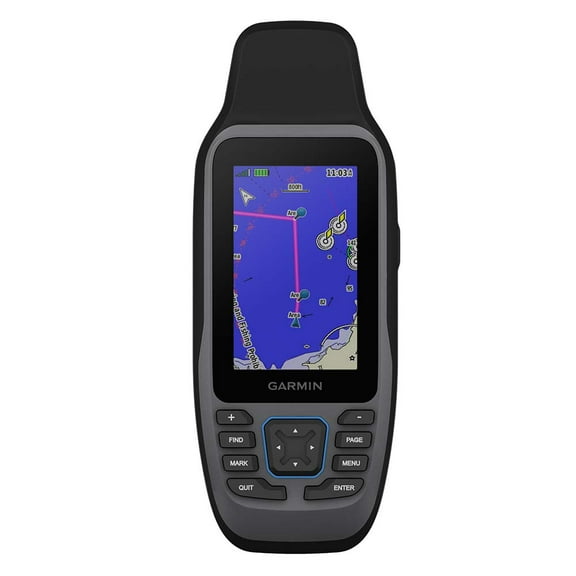
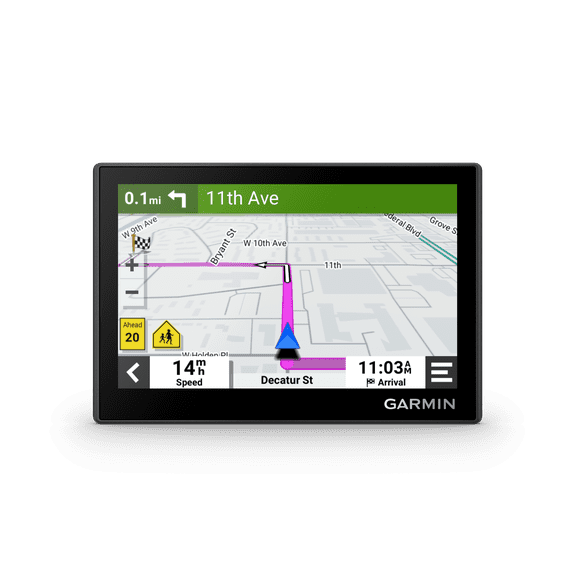
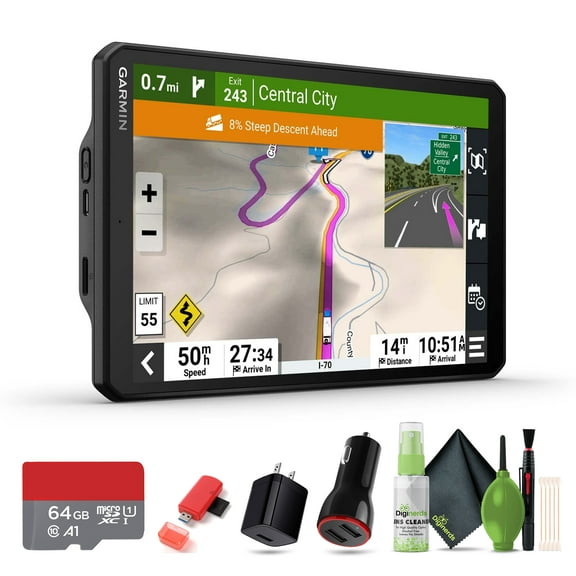
When you compare Garmin GPS navigation devices, you should also check map style, screen size, and mount-friendly design. You may prefer a larger display for driving routes or a compact unit for handheld guidance.
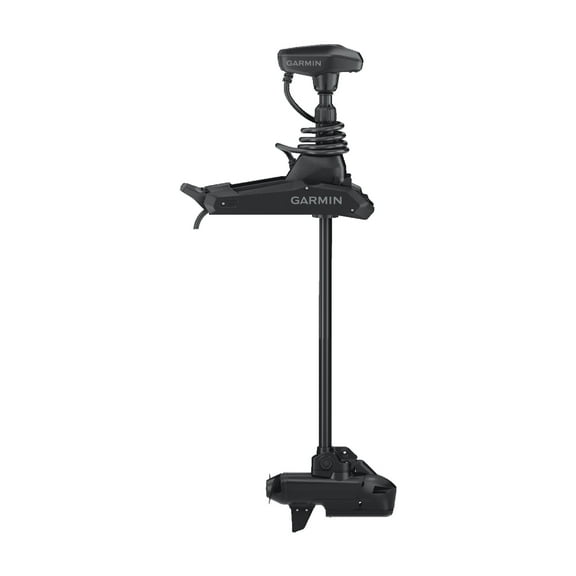
If you boat or fish, you may look for sonar views, chart compatibility, and controls that work well around water. If you fly, you may compare aviation-focused tools that help you review route information quickly.
Matching Garmin devices to real activities
You can narrow your options quickly when you match each device to your main routine. You’ll usually make a clear choice when you compare where, how, and how often you use it.
For running, you may choose a watch with easy pacing data, route tracking, and a display you can read mid-stride. For cycling, you may want connectivity that pairs smoothly with sensors and training accessories.
If you hike, you may compare battery endurance, mapping support, and display visibility in daylight. If you drive often, you may prefer dedicated navigation with route prompts and larger map views.
For marine use, you may look for fishfinders and navigation tools built around charts, sonar, and helm-friendly controls. For aviation use, you may compare devices that present route details in a quick, readable format.
You should also consider how much versatility you want from one device. You may prefer a single wearable for workouts and daily use, or a dedicated navigator for focused tasks.
With the right Garmin setup, you can get clear routes, relevant activity data, and a display that fits your routine. You’ll make an informed choice when you compare device type, activity fit, display, and connectivity together.