DYMO LabelWriter 450 Turbo Thermal Label Printer
Key item features
- Cost-Saving Technology: Utilizes thermal printing technology, eliminating the need for ink or toner and thereby reducing operational costs.
- Clear Label Output: Produces crystal-clear barcodes and graphics, ensuring high readability for various labeling needs.
- Software Integration: Allows for the creation of customized labels directly from a PC or Mac using the included Dymo Label software.
- Rapid Printing Speed: Capable of printing up to 71 four-line address labels per minute, enhancing efficiency for bulk labeling tasks.
- Versatile Labeling Options: Supports printing of address, shipping, file folder, and barcode labels, as well as name badges and postage.
- Broad Compatibility: Compatible with Windows 7 or later and Mac OS X v10.8 or later operating systems.
Specs
Interface type, USB
Prints barcodes, Y
Maximum print resolution, 600 dpi
Power type, Manual
Mono color, Monochrome
About this item
Product details
Dymo LabelWriter 450 Turbo:
- Thermal printing technology cuts costs - no ink or toner needed
- Address label maker prints crystal-clear barcodes and graphics
- Create customized labels directly from your PC or Mac with Dymo Label software
Specifications
Label maker type
Interface type
Prints barcodes
Maximum print resolution
Warranty
Warranty information
Please be aware that the warranty terms on items offered for sale by third party Marketplace sellers may differ from those displayed in this section (if any). To confirm warranty terms on an item offered for sale by a third party Marketplace seller, please use the 'Contact seller' feature on the third party Marketplace seller's information page and request the item's warranty terms prior to purchase.
Warnings
Similar items you might like
In 25+ people's carts, Label Maker Machine with Tapes,HKHKPI Bluetooth Portable Thermal Label Printer for Business Home School,Address Sticker Makers Inkless Labeler $15.99
In 25+ people's carts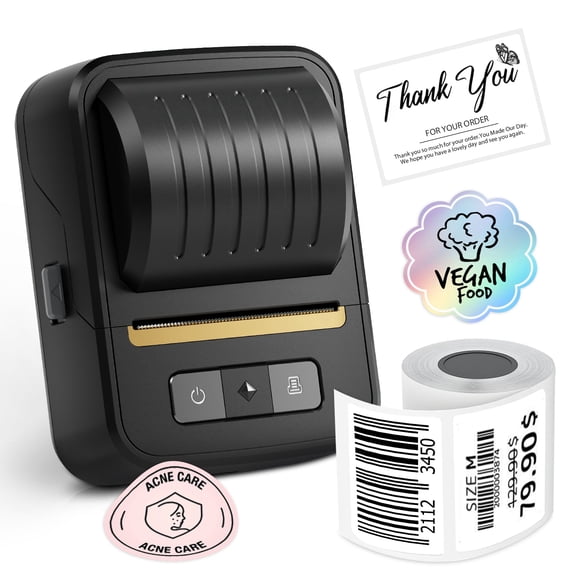 2 optionsAvailable in additional 2 options$1599current price $15.99
Label Maker Machine with Tapes,HKHKPI Bluetooth Portable Thermal Label Printer for Business Home School,Address Sticker Makers Inkless Labeler
584.8 out of 5 Stars. 58 reviews4.8 out of 5 starsIn 25+ people's carts, INKBIRD Bluetooth Portable Label Maker Machine with tape Thermal Printer for 3/4" to 2" Labels, Wireless Sticker Printer for Home, Office, School $29.99 Was $39.99
In 25+ people's carts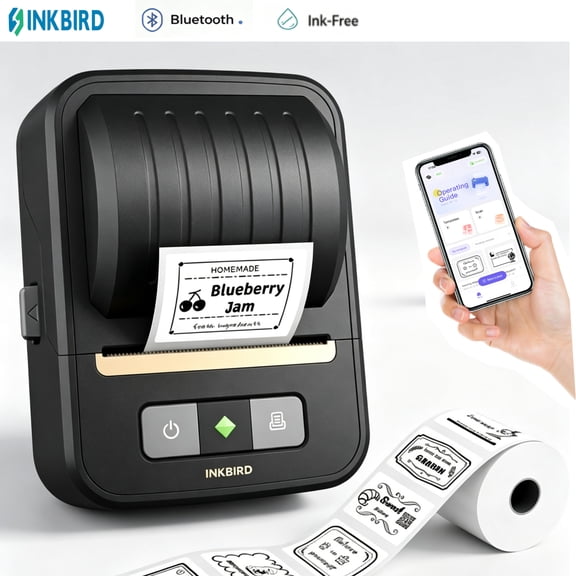 $2999current price $29.99, Was $39.99$39.99
INKBIRD Bluetooth Portable Label Maker Machine with tape Thermal Printer for 3/4" to 2" Labels, Wireless Sticker Printer for Home, Office, School
554.2 out of 5 Stars. 55 reviews4.2 out of 5 starsDYMO LabelWriter 550 Label Printer, Label Maker with Direct Thermal Printing, Automatic Label Recognition, Prints Address Labels, Shipping Labels, Mailing Labels, Barcode Labels, and More $110.82 Was $136.99
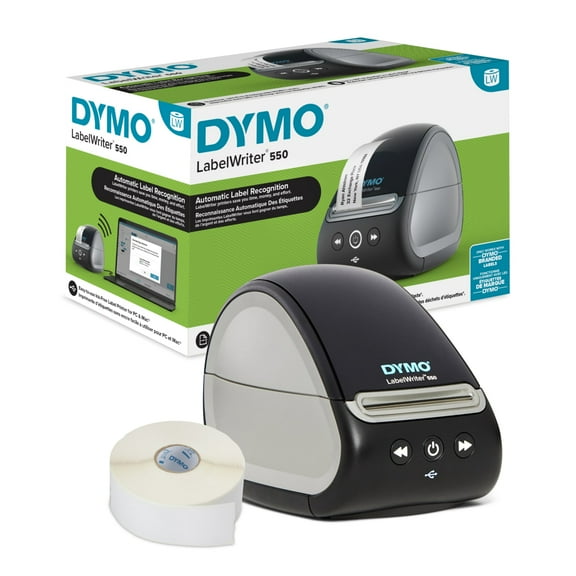 $11082current price $110.82, Was $136.99$136.99
DYMO LabelWriter 550 Label Printer, Label Maker with Direct Thermal Printing, Automatic Label Recognition, Prints Address Labels, Shipping Labels, Mailing Labels, Barcode Labels, and More
3883.3 out of 5 Stars. 388 reviews3.3 out of 5 starsNIIMBOT B1 Pro Office Labeling System Essential Kit, 300 DPI Bluetooth Direct Thermal Label Maker, 4 Label Rolls, Lake Blue $49.99 Was $74.95
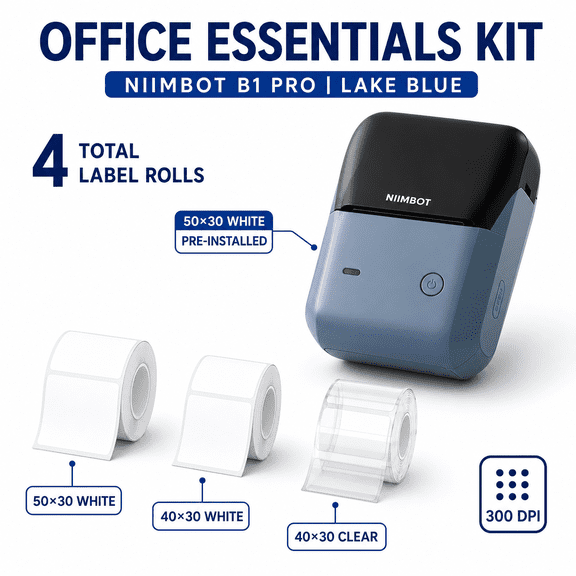 $4999current price $49.99, Was $74.95$74.95
NIIMBOT B1 Pro Office Labeling System Essential Kit, 300 DPI Bluetooth Direct Thermal Label Maker, 4 Label Rolls, Lake Blue
NIIMBOT B1 Home Labeling System Essential Kit, 203 DPI Bluetooth Direct Thermal Label Maker for Home Organization, 4 Label Rolls, Sky Blue $39.99 Was $47.99
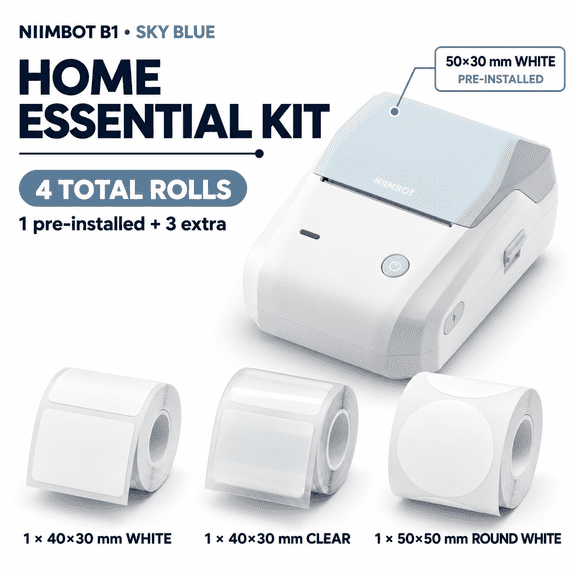 $3999current price $39.99, Was $47.99$47.99
NIIMBOT B1 Home Labeling System Essential Kit, 203 DPI Bluetooth Direct Thermal Label Maker for Home Organization, 4 Label Rolls, Sky Blue
Brother PT-E310BTVP Electronic Label Maker PTE310BTVP $188.00
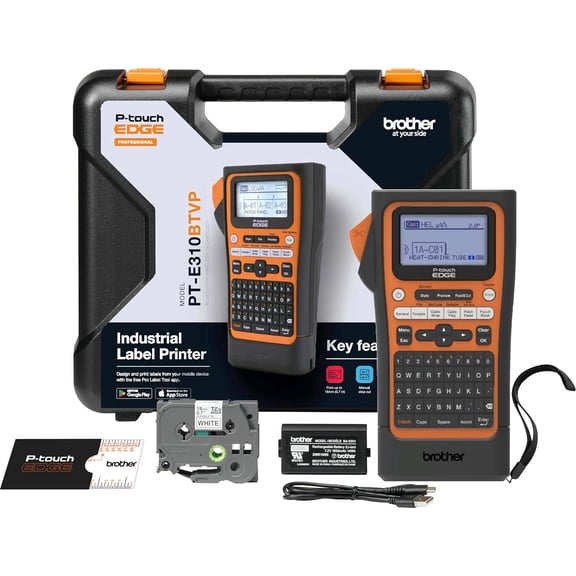 2 optionsAvailable in additional 2 options$18800current price $188.00
Brother PT-E310BTVP Electronic Label Maker PTE310BTVP
124.5 out of 5 Stars. 12 reviews4.5 out of 5 starsNIIMBOT B1 Home Labeling System Plus Kit, 203 DPI Bluetooth Direct Thermal Label Maker for Home Organization, 7 Label Rolls, Sky Blue $66.99 Was $86.93
 $6699current price $66.99, Was $86.93$86.93
NIIMBOT B1 Home Labeling System Plus Kit, 203 DPI Bluetooth Direct Thermal Label Maker for Home Organization, 7 Label Rolls, Sky Blue
Thermal Label Maker Machine with Tape (3 Rolls), Sticker Printer $34.19
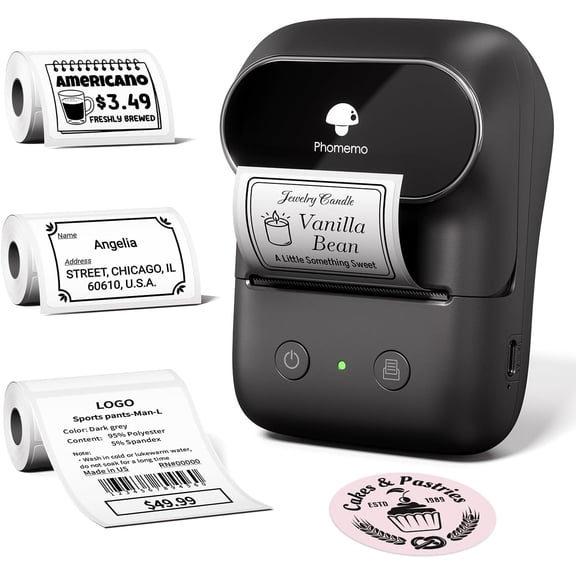 $3419current price $34.19
Thermal Label Maker Machine with Tape (3 Rolls), Sticker Printer
PT-E105 Portable, Handheld Industrial Label Maker $61.99
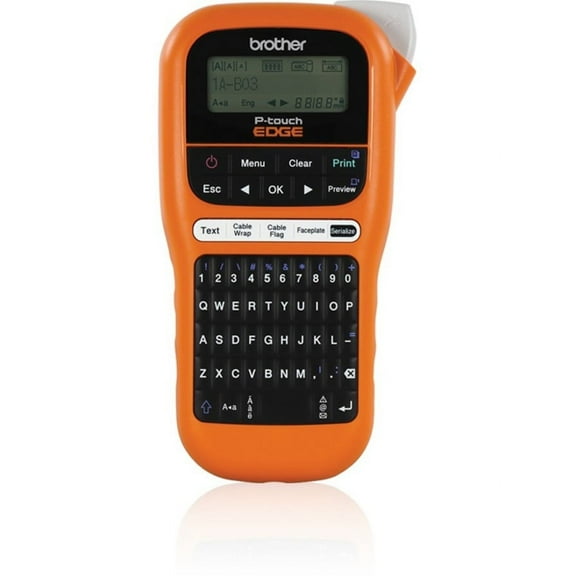 $6199current price $61.99
PT-E105 Portable, Handheld Industrial Label Maker
144.7 out of 5 Stars. 14 reviews4.7 out of 5 starsEpson LABELWORKS LW-C610PX Premium Portable Bluetooth Label Maker - Sticker Labels, Small Business, App Compatible See price in cart
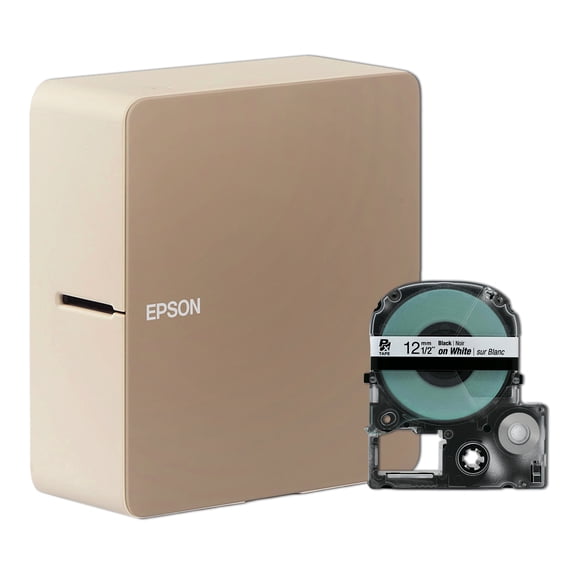 4 optionsAvailable in additional 4 optionsSee price in cartcurrent price See price in cart
Epson LABELWORKS LW-C610PX Premium Portable Bluetooth Label Maker - Sticker Labels, Small Business, App Compatible
84.9 out of 5 Stars. 8 reviews4.9 out of 5 starsBlack 4x6 Thermal Label Printer with Stand, Wireless Shipping Label Maker $137.99
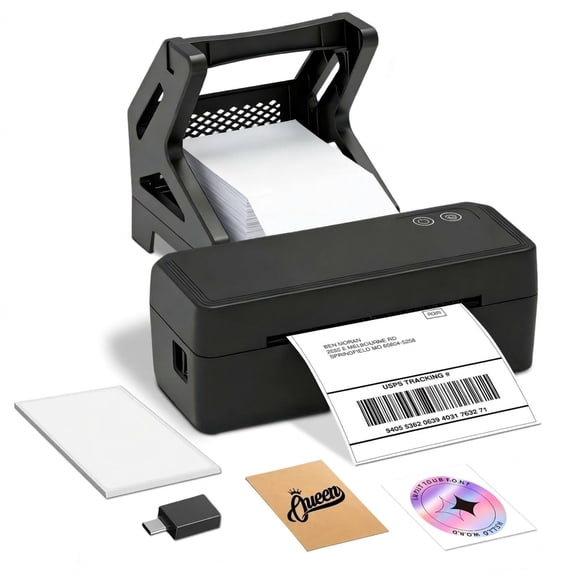 3 optionsAvailable in additional 3 options$13799current price $137.99
Black 4x6 Thermal Label Printer with Stand, Wireless Shipping Label Maker
Dymo LabelManager 280P, Tape, Label, 0.25", 0.37", 0.50", LCD Screen, Battery, Battery Included, Silver, Black, Mac, PC (1815990) | 2-Pack (2 Total) $210.72
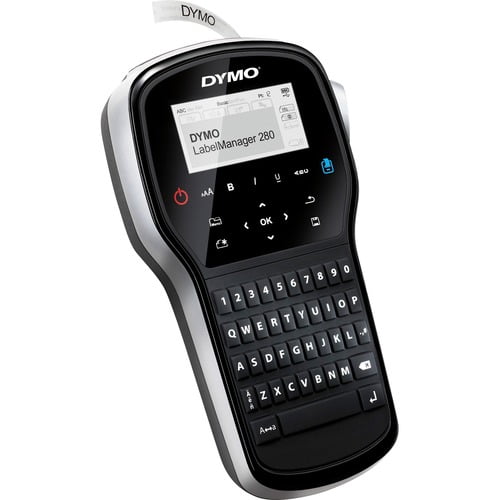 $21072current price $210.72
Dymo LabelManager 280P, Tape, Label, 0.25", 0.37", 0.50", LCD Screen, Battery, Battery Included, Silver, Black, Mac, PC (1815990) | 2-Pack (2 Total)
Embossing Label Maker, Manual Label Printer for Home Organization, Retro Style Embosser $19.98
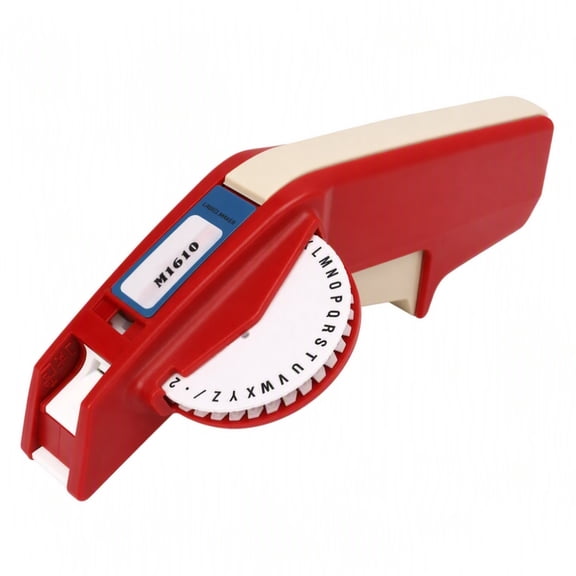 $1998current price $19.98
Embossing Label Maker, Manual Label Printer for Home Organization, Retro Style Embosser
iDPRT Portable Label Maker, Mini Inkless Sticker Printer for DIY & Notes, Blue (1 Label Roll Included) $17.09 Was $27.99
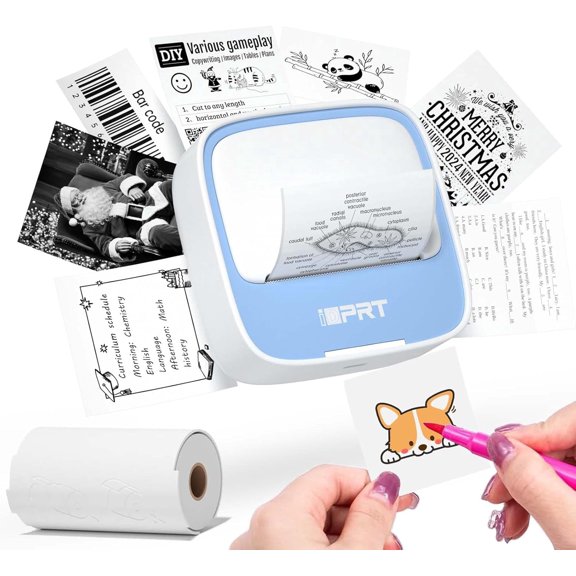 3 optionsAvailable in additional 3 options$1709current price $17.09, Was $27.99$27.99
iDPRT Portable Label Maker, Mini Inkless Sticker Printer for DIY & Notes, Blue (1 Label Roll Included)
Dvjoy Label Maker Machine with Tape,2 Inch Inkless Sticker Printer Thermal Labeler for Price Address Label for Home Storage Office and Small Business,Pink $79.74
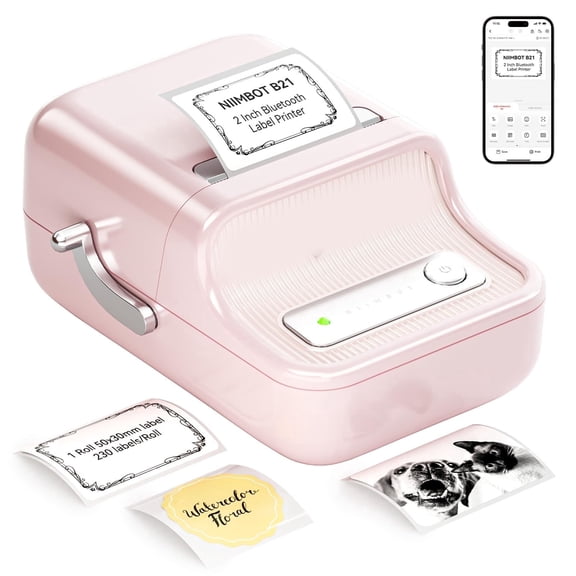 $7974current price $79.74
Dvjoy Label Maker Machine with Tape,2 Inch Inkless Sticker Printer Thermal Labeler for Price Address Label for Home Storage Office and Small Business,Pink
R3 Automatic Label Rewinder, Two-way Rewinding Labeling Machine $168.64
 $16864current price $168.64
R3 Automatic Label Rewinder, Two-way Rewinding Labeling Machine
AI Voice Smart Sticker Thermal Label Printer Portable Inkless Sticker Maker for Home and DIY Projects Red $34.59
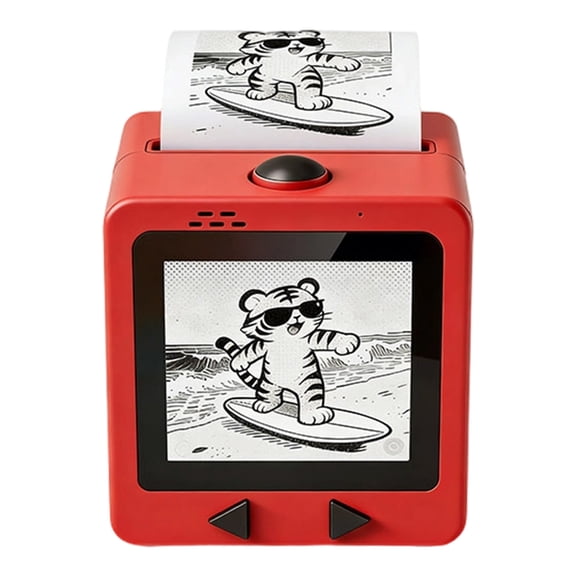 $3459current price $34.59
AI Voice Smart Sticker Thermal Label Printer Portable Inkless Sticker Maker for Home and DIY Projects Red
Label Maker Machine with 4 Tapes and Waterproof Labels $89.98
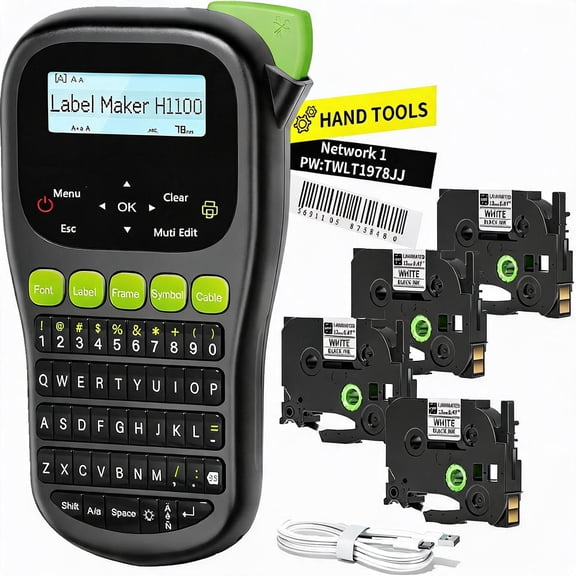 $8998current price $89.98
Label Maker Machine with 4 Tapes and Waterproof Labels
Epson LABELWORKS LW-PX300 Industrial Label Maker - Office Printer, Sticker & Magnetic Tape See price in cart
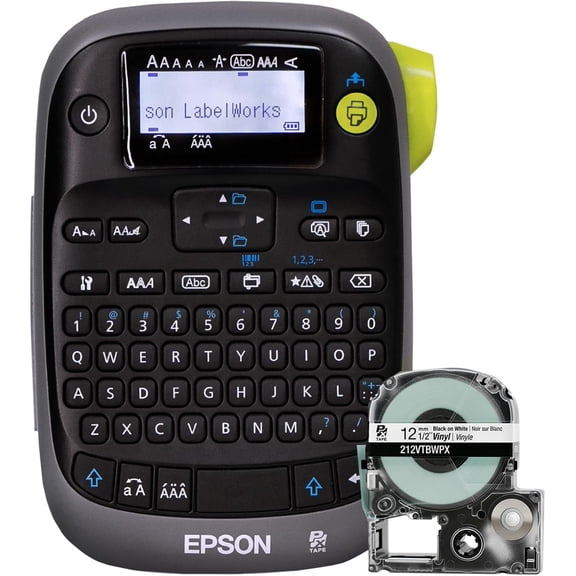 3 optionsAvailable in additional 3 optionsSee price in cartcurrent price See price in cart
Epson LABELWORKS LW-PX300 Industrial Label Maker - Office Printer, Sticker & Magnetic Tape
64.7 out of 5 Stars. 6 reviews4.7 out of 5 starsDvjoy Label Maker Machine with Tapes Bluetooth Portable, Thermal Label Printer for Business Home School Address Sticker $41.64
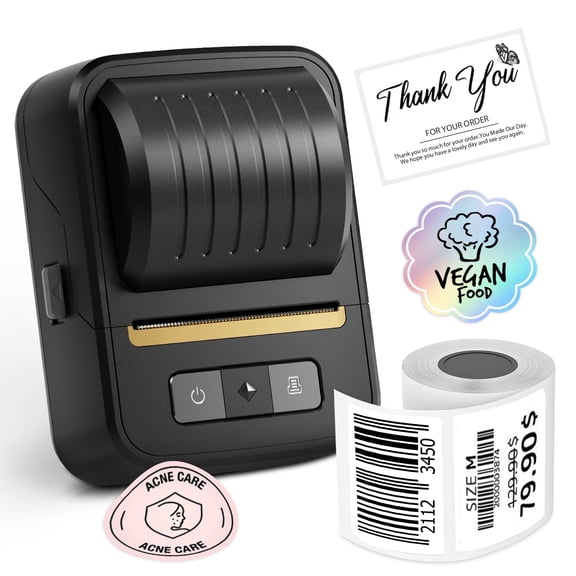 $4164current price $41.64
Dvjoy Label Maker Machine with Tapes Bluetooth Portable, Thermal Label Printer for Business Home School Address Sticker
Customer ratings & reviews
Filtered and sorted results would be available on the new 'Customer ratings & reviews' page.
Showing 1-3 of 96 reviews
Nice compact printer, but only with DYMO software
The DYMO Labelwriter 450 Turbo is a nice compact printer. I have used it in the Apple ecosystem, but unfortunately it only seems to function properly with DYMO software, which isn't that great. I have been looking for ways to print address labels directly from the Contacts app under macOS, but it never works. Standard address label LW 28x89 mm should print in portrait layout but the machine only prints in landscape. This is horrible and I haven't ever gotten a response to my support request about this from DYMO. So, great printer, but bad driver support, which results in an average product rating. Could be better if the driver issues would be addressed (pun intended).
Hello. Thank you for your feedback, we appreciate it as it is valuable to us. Please know that we have forwarded your feedback to the appropriate department for further review. We sincerely apologize for the inconvenience caused. Regarding your concern about printing directly from the Contacts app under macOS, the DYMO LabelWriter is optimized to function with DYMO software for the best results. While integration with third-party applications is limited, we recommend exploring our software’s "Import Data" feature, which allows you to import and print contact information seamlessly. As for the misalignment and orientation issues, please ensure the label size and orientation are selected correctly in the software settings before printing. You can verify these under Page Setup or Printer Properties. We regret to hear about your unanswered support request. Please reach out to us again so we can assist your case and resolve this matter promptly. Please reach out to us via our website or through LiveChat. We’re available Mon.-Fri. 9am - 5pm Eastern Time. Thank you! DYMO® Consumer Care
SOFTWARE??????
printer is durable and works well but ive updated the software and now printer is not responding. it actually works when I disconnect it so its definitely the software update. complete joke, I can go a month without it working whenever they put out a dodgy update :\
Hello. Thank you for contacting us. We sincerely apologize for the inconvenience caused. Thank you for sharing your feedback with us and please be aware that this information will be forwarded to the appropriate department for further review. To resolve the freezing and crashing problem on your system, we recommend the following steps: 1. Uninstall the current version of the software from your computer. 2. Ensure that your printer is disconnected during this process. 3. Download and install the latest version of the software from our official website. 4. Restart your computer after the installation is complete. 5. Reconnect your printer. If you have any further questions, please contact us through our website or LiveChat. Our support team is available Monday to Friday from 9 am to 5 pm Eastern Time. Thank you! DYMO® Consumer Care
Horrible product
I have had this product for a couple of years Now, with extremely limited use. Each time I use it, the paper continues to jam even after being advised to download the updated software. In addition, the labels do not stick to the exterior of the storage bins for more than a couple of hours. What's the point of self adhesive stickers if you have to put tape over them to keep them in place? That is just a waste of extra money and time! Unfortunately, I didn't think this was a big issue at first, figuring that I would have time to correct the situation because it started jamming immediately. I didn't know about the lack of adhesion to the containers I need it for. The only positive I can say about this is that ink prints clearly, and that the software program is fairly simple to you I would not recommend wasting your money on this product
Hello. Thank you for contacting us and sharing your feedback with us. We sincerely apologize for the inconvenience caused and that our product has not met your expectations. To resolve the paper Jam, kindly visit dymo.com > Support> DYMO Help Center > LabelWriter > How to clean my LabelWriter. Additionally, please ensure the surface of the container is clean, smooth, and dried surface. Also, for stronger adhesion, we recommend durable adhesive labels as they are industrial-strength labels that are far more resilient and durable than the normal LabelWriter paper labels. Made from a special poly / plastic material, they can be used in a wide range of applications, from warehouses to laboratories, and can be adhered to all kinds of surfaces including glass and wood. If you are still having issues (If you have more questions or feedback), please reach out to us via our website or through LiveChat. We’re available Mon.-Fri. 9am - 5pm Eastern Time. Thank you! DYMO® Consumer Care