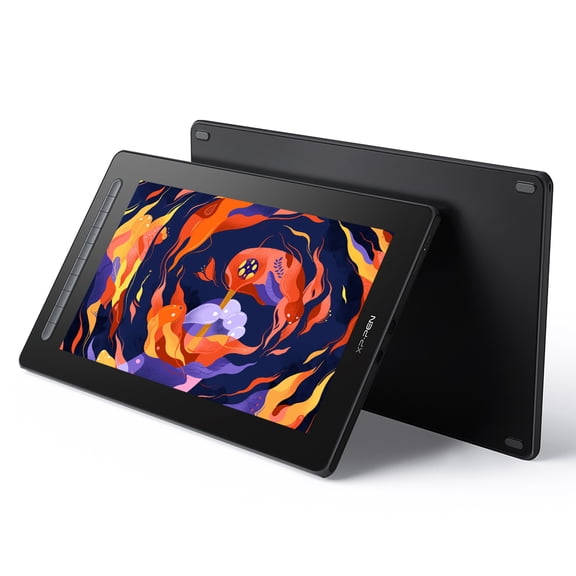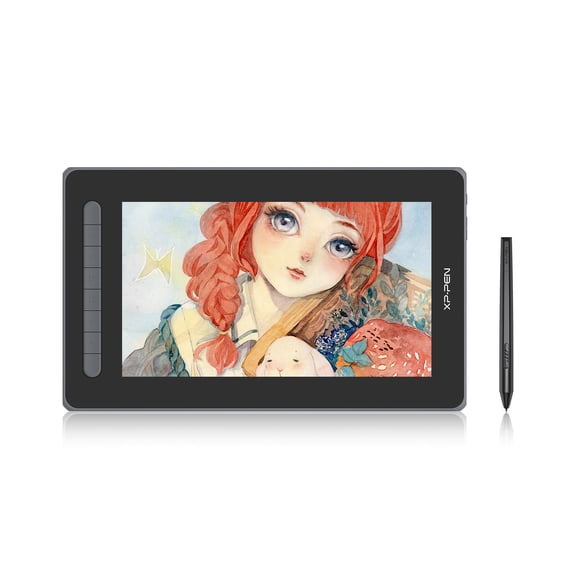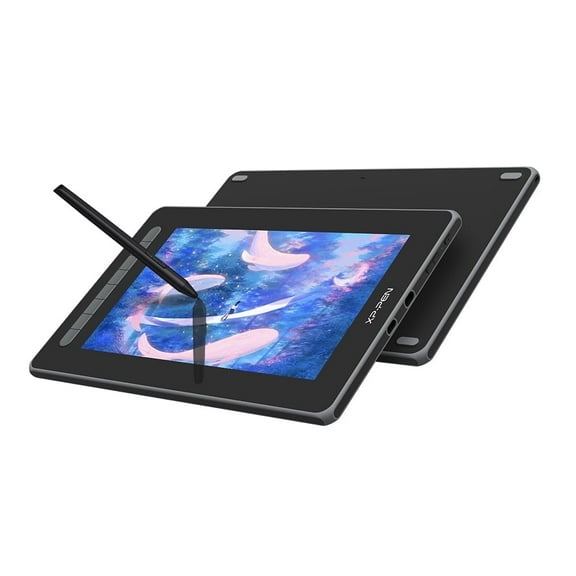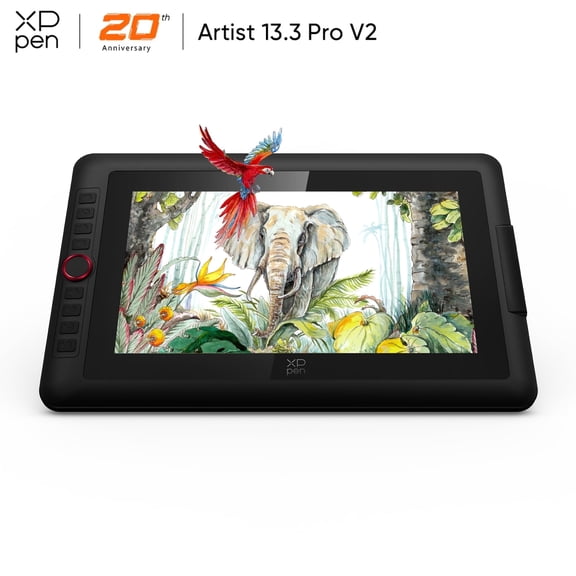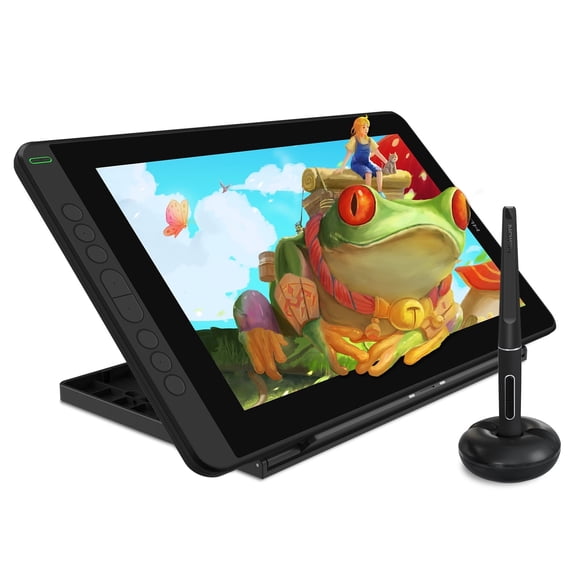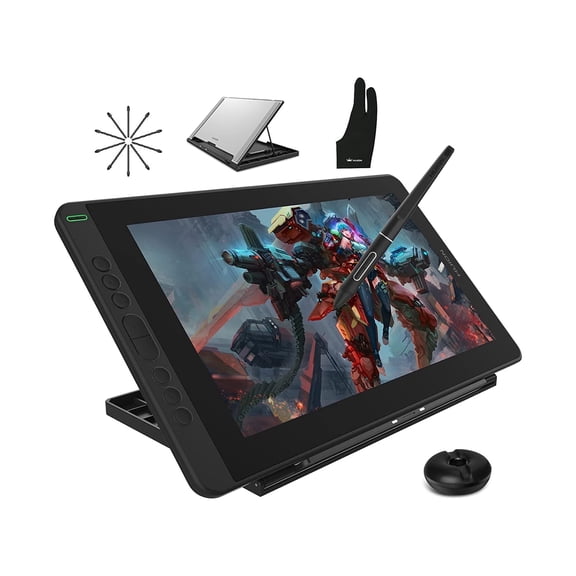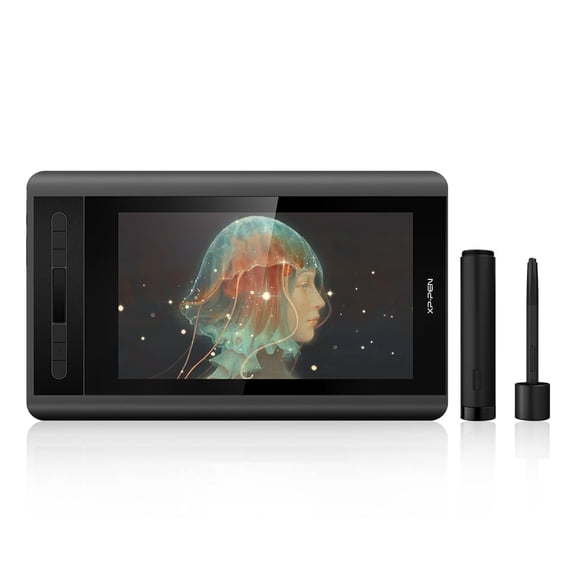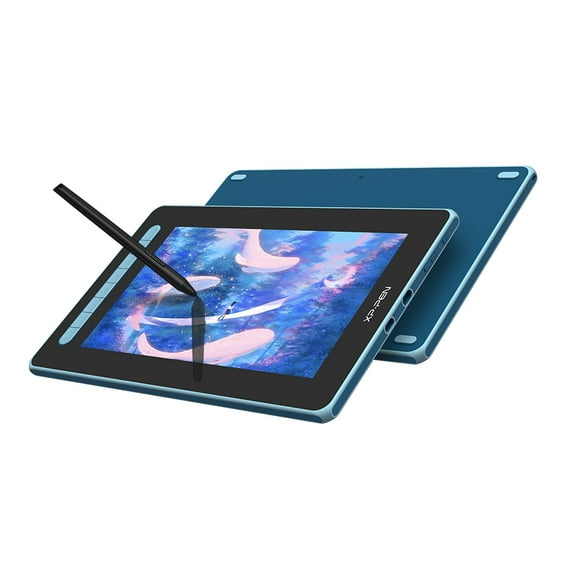
XP PEN Artrist 12 2nd Graphics Display With 1080P Screen Digital Graphic Tablet 11.9in Full lamination Art Painting Pad For Animation Design For Windows MacOS Android Chrome OS Linux, Blue
Hero image 0 of XP PEN Artrist 12 2nd Graphics Display With 1080P Screen Digital Graphic Tablet 11.9in Full lamination Art Painting Pad For Animation Design For Windows MacOS Android Chrome OS Linux, Blue, 0 of 9

XP PEN Artrist 12 2nd Graphics Display With 1080P Screen Digital Graphic Tablet 11.9in Full lamination Art Painting Pad For Animation Design For Windows MacOS Android Chrome OS Linux, Blue

4.4 stars out of 20 reviews
(4.4)|
20 ratings

Key item features

  • Vivid Display: Features a 1080P IPS screen with 178-degree visual angle, 90% NTSC, 127% sRGB, and 94% Adobe RGB color gamut, and 1000:1 contrast for rich colors and vivid images.
  • Advanced Stylus: Utilizes a new X3 Smart Chip with Battery-Free Electromagnetic Resonance technology, offering 8192 pressure levels, 60-degree tilt function, and 5080 LPI reading resolution.
  • Seamless Drawing: Fully laminated technology minimizes parallax and secondary light refraction, providing a more accurate drawing experience on the 10.36 x 5.83 inch work area.
  • Efficient Design: Includes 8 customizable shortcut keys for convenience and an anti-reflective screen coating to reduce glare in bright light.
  • Broad Compatibility: Supports Windows 7+, MacOS 10.10+, Android (USB3.1 DP1.2), Chrome OS 88+, and Linux operating systems.
  • Stable Performance: The X3 Smart Chip converts electromagnetic information into stable digital signals, enhancing anti-electromagnetic interference capabilities.
Generated by AI
Current price is $169.99
Price when purchased online
Selected option out of stock
More options available

How do you want your item?

How do you want your item?
Out of stock
Report an issue with this seller

About this item
Product details

Specifications

Warranty

Customer ratings & reviews

4.4 out of 5 stars
stars20 ratings10 reviews
How item rating is calculated
Filtered and sorted results would be available on the new 'Customer ratings & reviews' page.
Sort by |

Showing 1-3 of 10 reviews

Aug 29, 2025
KALEIS
Item details
Color: Pink
Sold and shipped byXPPEN Technology CO.
5 out of 5 stars review

Verified Purchase

Good for begginer digital artists

Super simple to use for digital art beginners. I would recommend buying. The tablet is high quality.

Helpful?41FTYPA9P2XX988432191
Nov 18, 2025
happycustomer808
Item details
Color: Black
Sold and shipped byXPPEN Technology CO.
5 out of 5 stars review

Verified Purchase

great product. bought for xmas gift

Incentivized Review
Helpful?41FTYPA9P2XX988432191
Aug 5, 2022
David
5 out of 5 stars review

Verified Purchase

"I'd been wanting a graphics tablet for years but hadn't been able to afford one until recently, and with my regular tablet starting to break down I decided to take the plunge and get one. I chose this one after looking at quite a few options. I picked it because of the price point, what I'd heard about xp-pens customer service and quality, and also I don't have a large amount of desk space. I've included pics of the tablet program, and the customization options because that was my major worry. A lot of tablet programs and drivers are clunky, this one though is not. Frankly it's been one of the best ones I've dealt with over the years, super intuitive, and easy to use. It was easy to customize my hotkeys, and I can also save my hotkeys specific to each program which is SO NICE. I work in several different programs and tested this with affinity photo and affinity designer, as well as paint tool sai, Blender, and Krita, and all worked well. Being able to tailor the hotkeys for each program makes workflow a lot smoother. Once I downloaded the driver, installed, and restarted, it didn't take long at all to get started at all. I work on a Windows 10 PC and when you first open it up the tablet mirrors your screen, and you can just get started working from there. However you can also set it up as a second monitor, which is what I did, by going into the display settings and hitting detect. Once it registers the tablet as a second monitor, you can change it from mirror mode to extended, which lets you have your program open on the tablet screen exclusively while freeing up your main monitor for things like internet, or in my case my refs are on my main screen so I can just look up when I draw. It makes life a lot easier. Keep in mind the second monitor setup is still active even though the tablet is turned off, just in case you're wondering where your mouse is. Calibrating was really easy, I haven't had any issue with parallax but I also don't dot the pen straight down vertically. When calibrating I hold the pen the way I would when painting, and tap the crosshairs with the tablet at the angle I'd use to work. It has several automatic screen temperature options for the colours and one of them matches my screen almost perfectly so I didn't have to mess with calibrating the screen colours. For the physical connectors I have it plugged in with the HDMI USB cord it came with. I tried using it without plugging the second USB into a plug but there was some flickering because my laptop didn't have enough power to supply the screen consistently, which is normal, and I expected it cos I have a lot of peripherals plugged in to my PC. It's the same reason why you can't use a lot of USB hubs without an external power source or things start to fail. All in all It's been pretty good, we'll see if I need to change my review in time but So far I'm pretty happy with it."

Helpful?41FTYPA9P2XX988432191