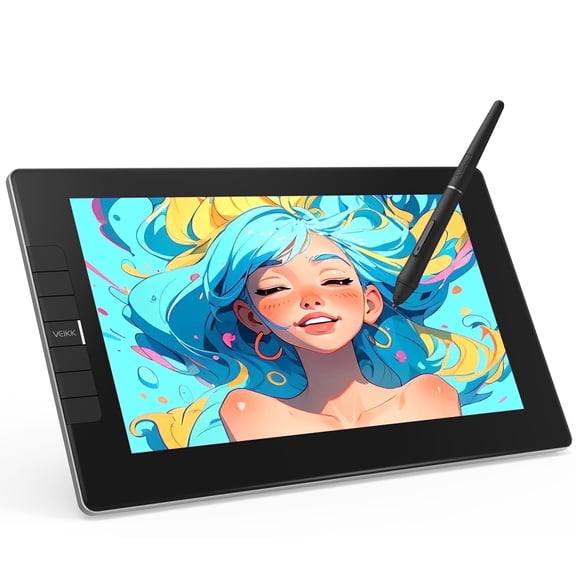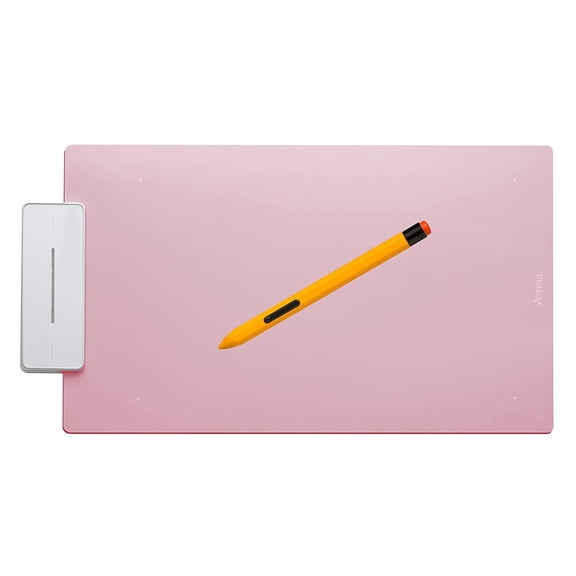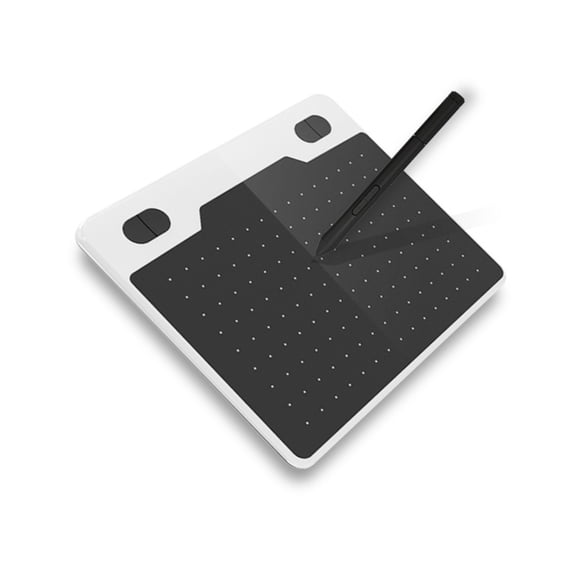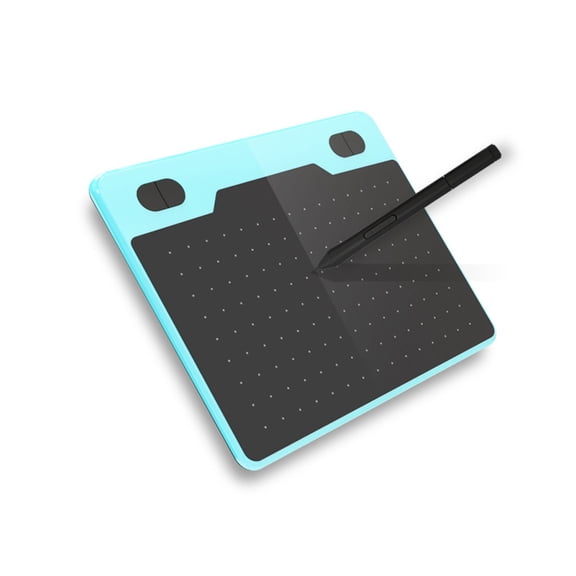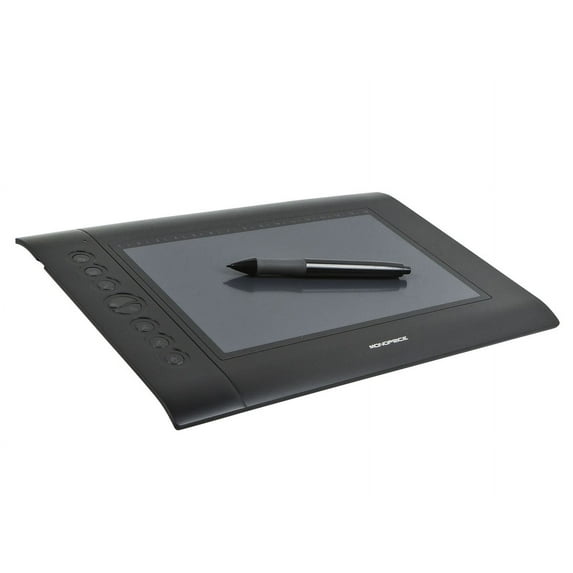
Monoprice 10 x 6.25-inch Graphic Drawing Tablet (4000 LPI, 200 RPS, 2048 Levels)
Hero image 0 of Monoprice 10 x 6.25-inch Graphic Drawing Tablet (4000 LPI, 200 RPS, 2048 Levels), 0 of 6

Monoprice 10 x 6.25-inch Graphic Drawing Tablet (4000 LPI, 200 RPS, 2048 Levels)

4 stars out of 195 reviews
(4.0)|
195 ratings

Key item features

  • Precise Resolution: Features a 4000 lines per inch (LPI) drawing resolution for detailed and accurate input.
  • Responsive Performance: Offers a 200 reports per second (RPS) report rate for smooth and fluid drawing.
  • Pressure Sensitivity: Provides 2048 levels of pressure sensitivity, allowing for varied line thickness and opacity.
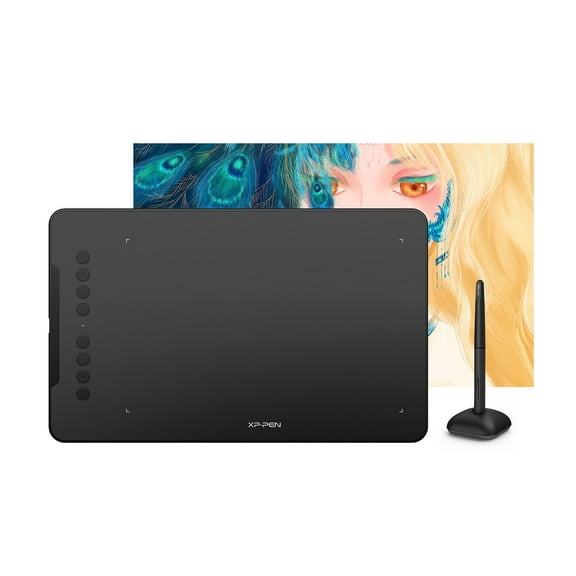
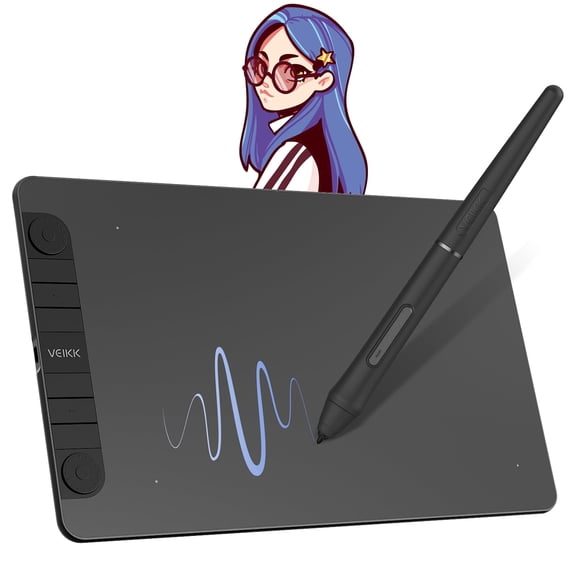
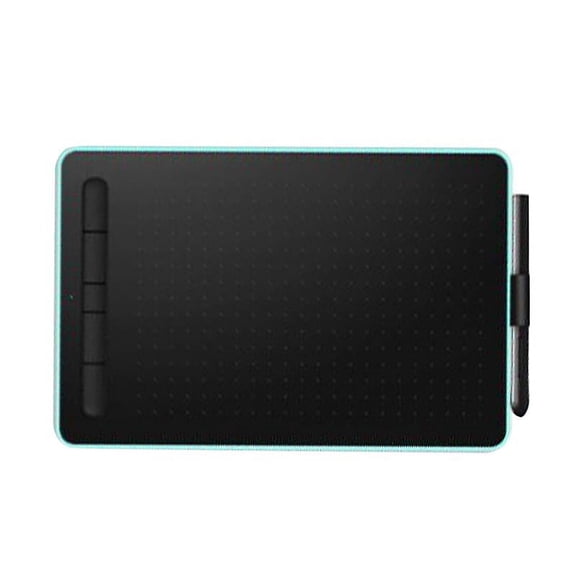
  • Customizable Controls: Includes eight user-definable Express Keys and sixteen user-assignable Hot Cells for personalized shortcuts.
  • Broad Compatibility: Compatible with Windows (XP and later) and Mac OS X (10.4.x and later) operating systems.
  • Generous Area: Boasts an active drawing area of 10 x 6.25 inches for ample creative space.
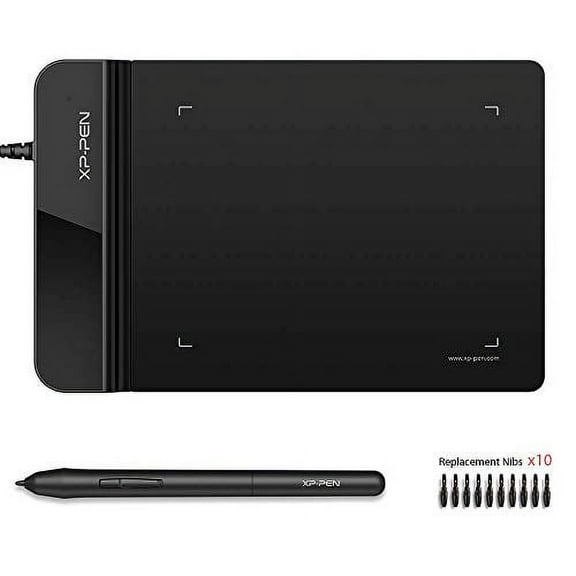
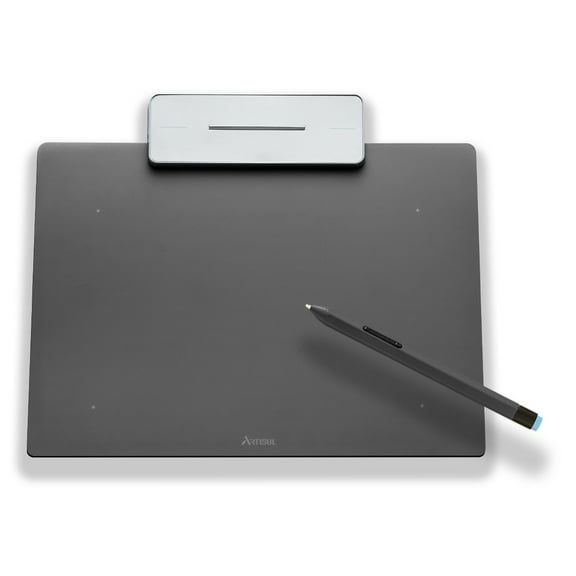
  • Included Accessories: Comes with a wireless graphic tablet pen, Mini USB cable, pen holder with replacement tips, and a drivers/software CD.
Generated by AI
Price when purchased online
Not Available

How do you want your item?

How do you want your item?
Not available
Report an issue with this seller

About this item

Product details

Specifications

Warranty

Warnings

Customer ratings & reviews

4 out of 5 stars
stars195 ratings162 reviews
How item rating is calculated

Reviews summary

Pros
  • : Offers great value at a lower cost.
  • : Setup and operation are relatively easy.
  • : Made with high-quality craftsmanship.
  • : Setup process is straightforward.
Neutral
  • : Offers customization, but can be finicky to set up.
Cons
  • : Breaks easily and needs frequent replacement.
Generated by AI

Customer photos

  • +2 images
Filtered and sorted results would be available on the new 'Customer ratings & reviews' page.
Sort by |

Showing 1-3 of 162 reviews

Apr 1, 2016
Ghouse
Walmart Associate
5 out of 5 stars review

Excellent large enough screen.

First time for me owning a drawing tablet, so I can't compare it to any other brand. However for the $41.99 and free shipping I don't think I could go wrong with it. I like that it's a large enough area to work in. I haven't worked with it too much as of yet, as I want to install my photo shop first. I tested it using windows paint and works really well. However I first tried to use it with paint.net and it kept throwing out weird vertical lines out of nowhere, so it appears paint.not might have a few problems that makes it not compatible. However if you intend on using a drawing tablet it's most likely you will have a descent drawing program installed at some time in the near future. Some earlier purchasers reported that they received 2 pens mine came with 1, however not complaining. I would have preferred if the pen didn't require a battery. Although I have no idea of the average batter life as of yet. I just find products that use batteries for drawing tablets is kind of unwarranted, since other inexpensive technologies are easily incorporated without a battery requirement. Maybe even some sort of rechargeable pen? (I just don't like throwing disposable batteries out). Over all I highly recommend this product, but please note it takes a little bit of time to learn the in's and out's in regards to settings. I was provided two user manuals, which were very extensive, and detailed as well as a driver installer disc. Instructions say to install software before plugging in the tablet, I jumped ahead and plugged in first then installed the driver. But for me it didn't poise any problems. However I would follow recommended installation procedures.

Helpful?7IT6Z1609VER40500933
Jan 12, 2017
JayVince
5 out of 5 stars review

Verified Purchase

Excellent Product! ... Excellent Price!

I am a math tutor. and I needed a device that would allow me a way to easily work math problems using the online interface (supplied by Wyzant tutoring). This device is perfect for me. The setup is quick and simple, and use of it is almost self explanatory. Other devices are priced much higher, and most of them have a much smaller active screen area. This on has a very large area (10 x 6.25). The pressure needed when writing on the pad with the pen, is not much different than when writing with a regular pen. I am so pleased with this product. One thing to note. For Windows, the supported OS is windows XP, 7, and 8 ... The specifications said windows XP and higher. It could be that Windows 8 was the highest available when product was manufactured. So if you need to use this on Windows 10 or higher, you would want to research to find out if that OS supports this device.

Helpful?7IT6Z1609VER40500933
Mar 16, 2017
Brooke
5 out of 5 stars review

Verified Purchase

Great Tablet for a Great Price

I recently purchased this tablet and I have to say that I am in love with it! It's light weight, has a good size, the pen is really nice, and I love the buttons on the side which really help me to draw easily. I heard some reviews saying that it doesn't function as a mouse but it does. The product comes with an instruction manual that is easy to read and understand. By reading it, you can easily figure out how to use the pen as a mouse. I am so glad I purchased this tablet. It's a good investment for a low price and I would recommend it to anyone.

Helpful?7IT6Z1609VER40500933