


Find auto parts that fit
Let’s search for parts that fit your vehicle.
Golf Cart Electronics and Audio Accessories




















About Golf Cart Electronics and Audio Accessories - Walmart.com
Golf cart electronics help you upgrade your cart for rides, rounds, and neighborhood trips. You can compare voltage, mounting style, and weather resistance to choose gear that fits your cart setup.
Choosing golf cart electronics by device type
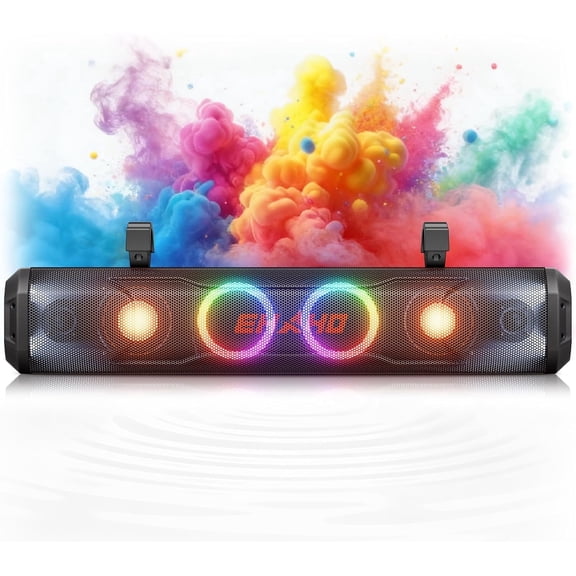
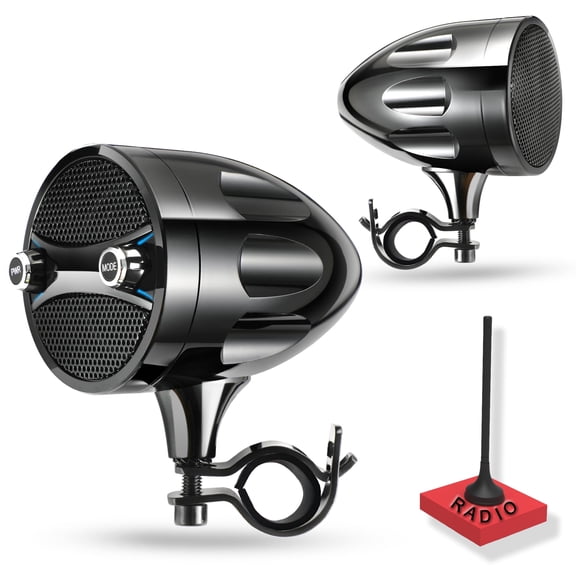
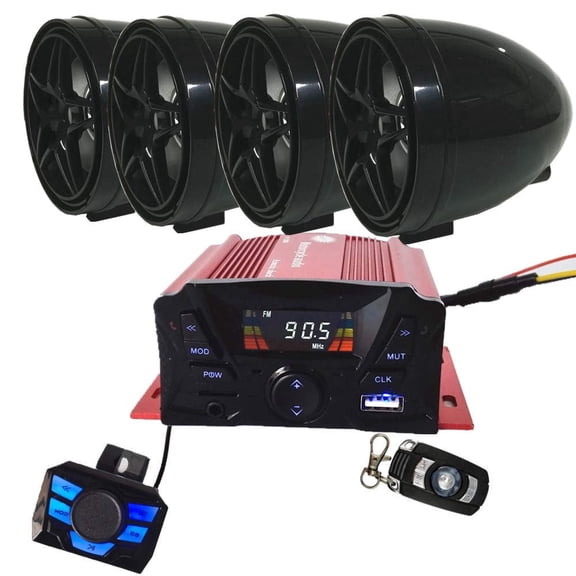
You'll usually start with the device type that matches how you use your cart. You may want audio speakers for music, GPS mounts for navigation, voltage converters for power, or phone holders for quick access.
When you compare device types, you can focus on what stays useful during moving rides and outdoor parking. You should check whether the item mounts securely and stays easy to reach from the seat.
You can narrow your options faster by matching each device to a clear purpose. You may use speakers for course cruising, holders for maps, mounts for screens, and converters for adding 12V accessories.
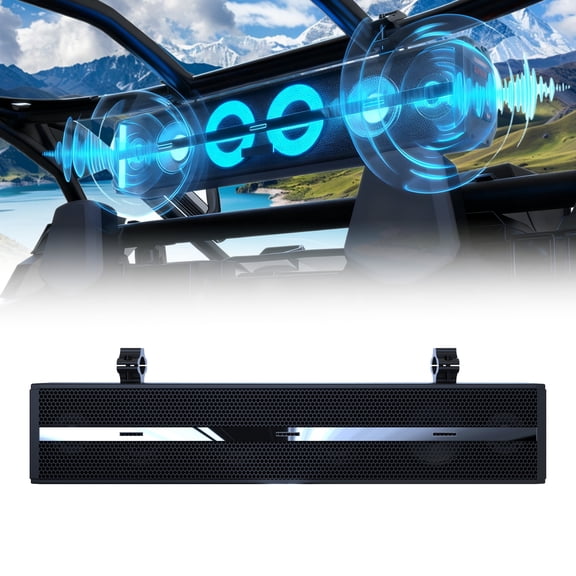
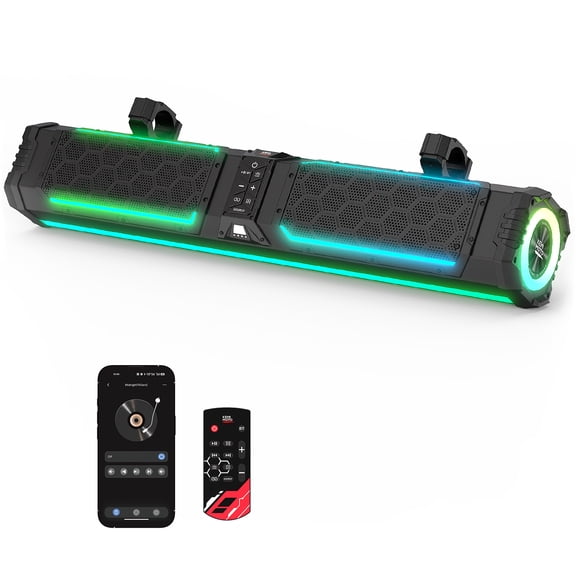
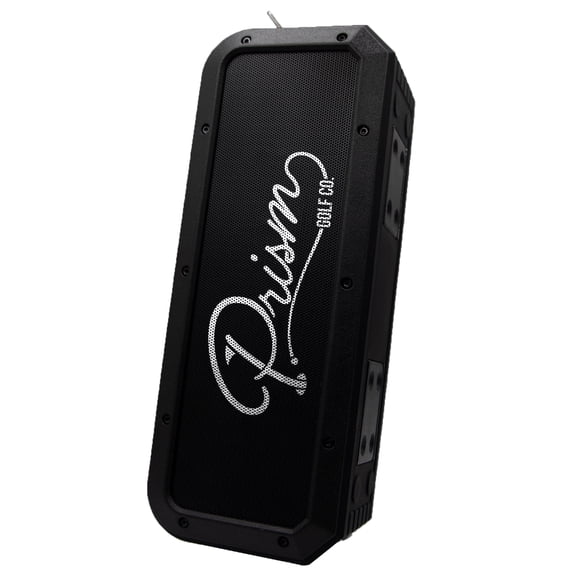
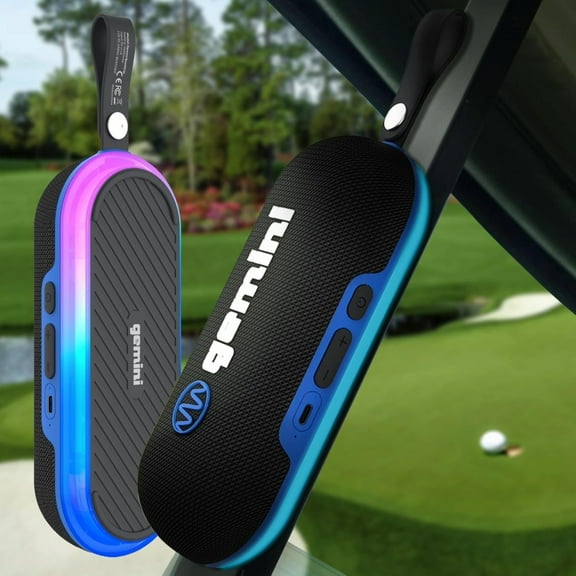
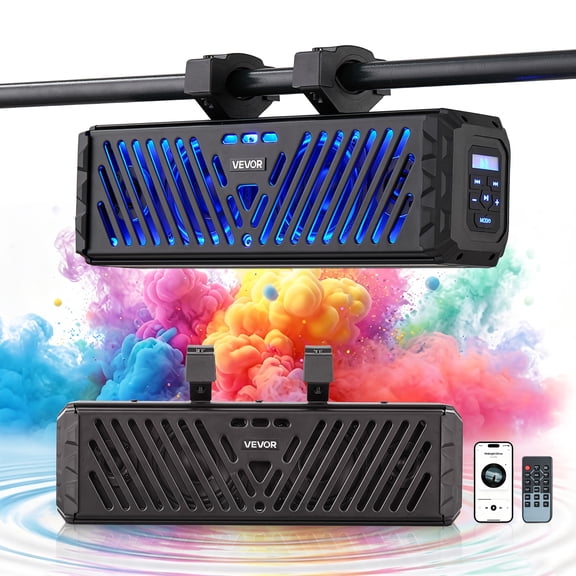
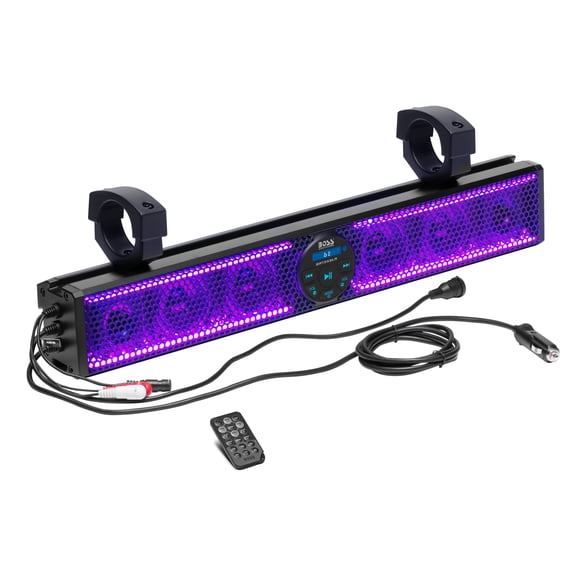
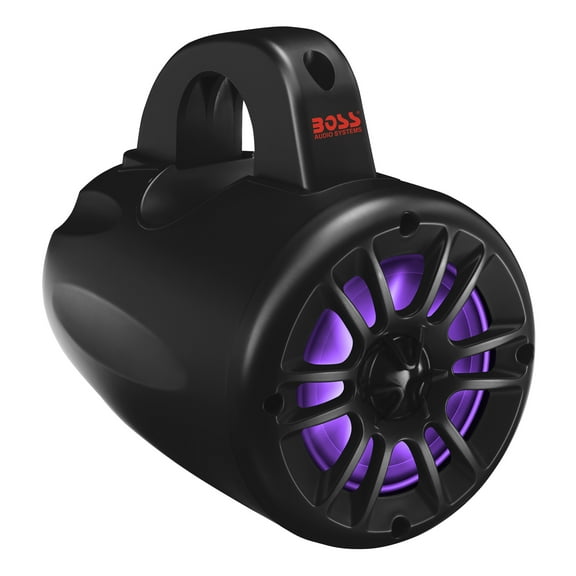
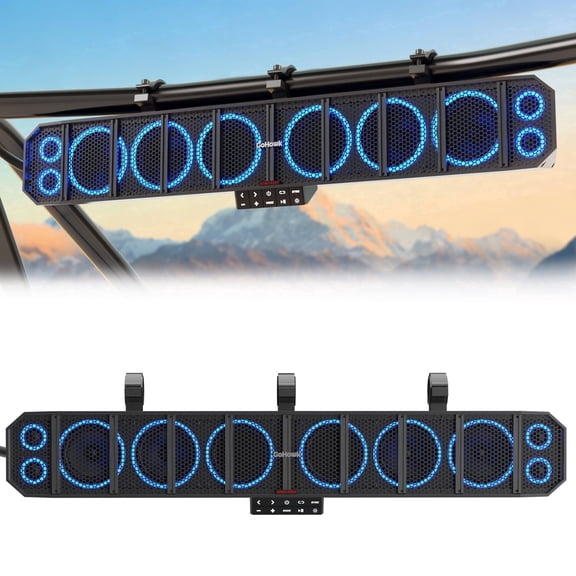
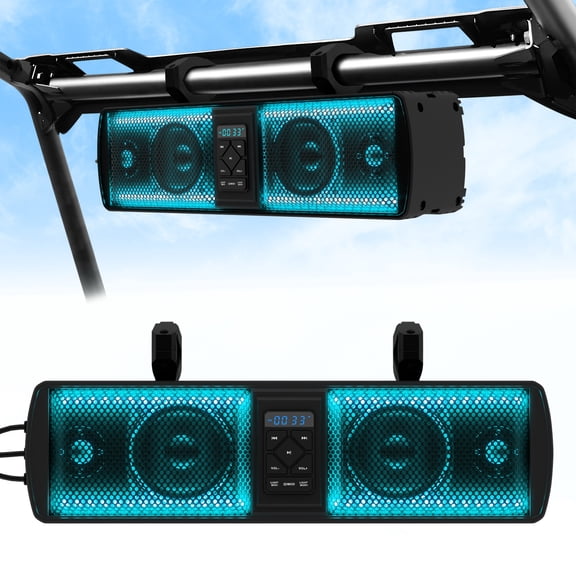
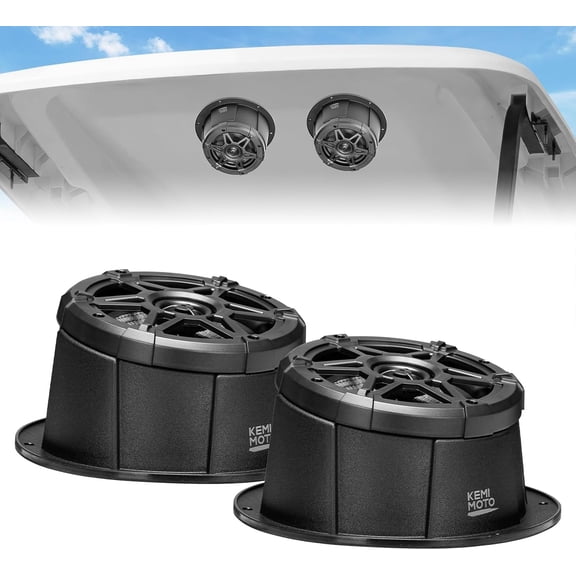
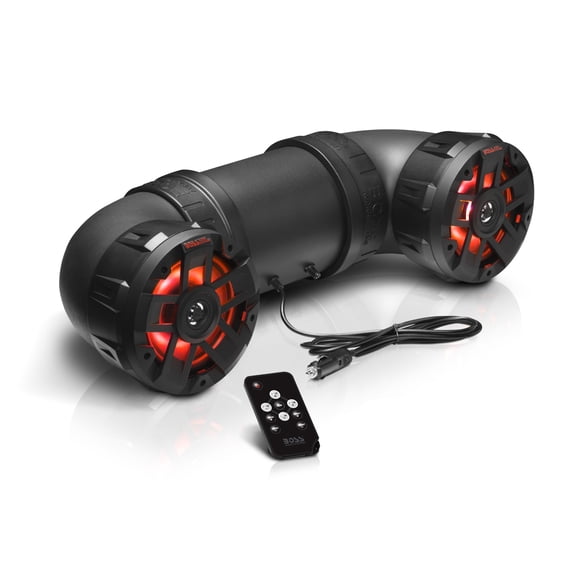
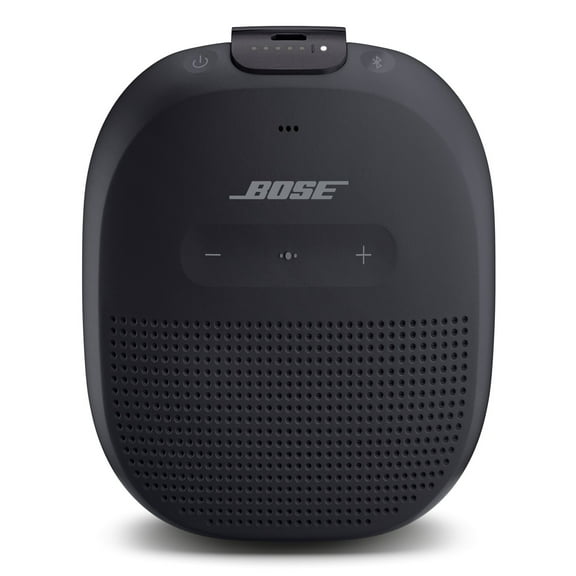
- You can add audio speakers for music and hands-free listening on the cart.
- You can use GPS mounts to keep directions visible without blocking controls.
- You can choose voltage converters when your accessories need a lower power input.
- You can pick phone holders that keep your device stable on bumpy paths.
Choosing the right voltage for golf cart electronics
You should check your cart's electrical system before you choose any powered accessory. You may see 12V, 36V, or 48V compatibility, and that detail affects what will fit your setup.
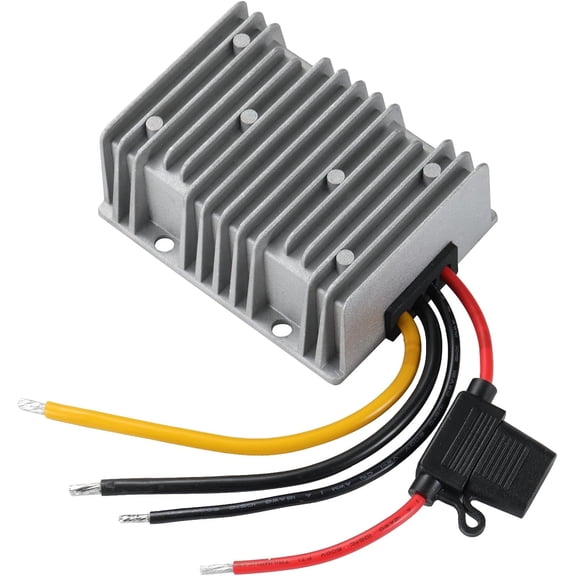
If your cart runs on 36V or 48V, you may need a step-down converter for many 12V accessories. You can use that converter to connect common electronics without guessing on power needs.
You'll want voltage matching because it helps you compare accessories with confidence. You should read compatibility details closely, especially when you add audio systems, chargers, or powered mounts.
When you compare converters, you can look for straightforward wiring guidance and cart-friendly sizing. You should also check whether the unit supports the accessories you plan to run together.
What to look for in weather resistance
You can expect your cart to face sun, dust, light splashes, and changing outdoor conditions. You should look for waterproof, weather-resistant, or dustproof designs based on where you ride and park.
If you use your cart on courses, paths, or campgrounds, you may want sealed buttons and covered ports. You can also look for housings that handle open-air storage more comfortably.
You'll notice weather-focused designs matter most for speakers, mounts, and exposed charging points. You should compare how each item protects connections, screens, and controls during regular outdoor use.
When you choose weather resistance carefully, you can keep your setup looking cleaner and working more consistently. You may find that outdoor-ready materials suit daily cart use far better than indoor-focused electronics.
Comparing power source and installation options
You can simplify your decision by comparing how each item gets power. You may choose battery-powered, hardwired, or USB rechargeable options depending on how permanent you want the setup.
Battery-powered options can work well when you want flexible placement and fewer wiring steps. USB rechargeable designs can also suit shorter rides when you want easy charging between uses.
If you want a more integrated setup, you may prefer hardwired electronics that connect directly to the cart. You should confirm voltage needs first, especially on 36V and 48V carts.
You should also compare installation style before you commit to a device. You may prefer clamp-on mounts for quick setup, while some accessories may need drilling for a more fixed position.
When you review mounting options, you can check bar size, dash space, and viewing angle. You should make sure your screen, speaker, or holder stays secure over uneven paths.
Using golf cart electronics for audio and navigation
You can build a setup that supports both entertainment and practical navigation during longer rides. You may pair speakers with phone holders or GPS mounts to keep music and directions easy to manage.
If audio matters most, you should compare Bluetooth version and signal range in plain terms. You can use those details to judge pairing stability and how easily your phone connects from the seat.
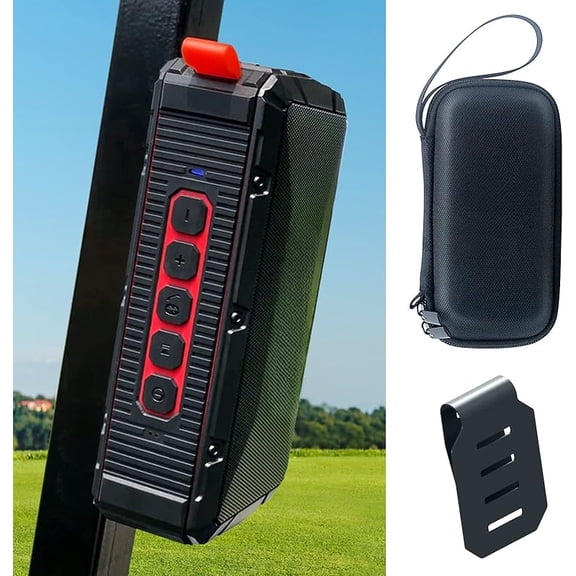
You may want speakers that stay clear in open air and remain easy to control while parked. You should also check whether the controls and charging points are simple to reach.
For navigation, you can choose mounts that hold a phone or GPS unit at a readable angle. You may prefer adjustable arms when you switch between devices or share the cart.
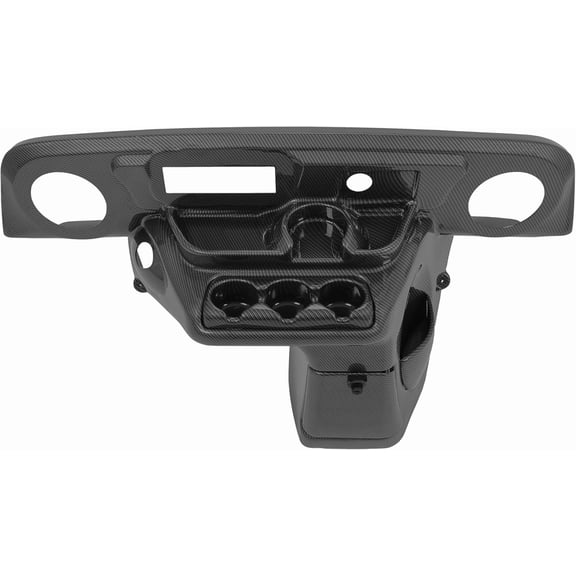
If you use your cart around campgrounds, communities, or large properties, you can benefit from a tidy mounted layout. You should keep your device visible without crowding the dash or cup holders.
How to match combinations to your cart
You can choose combinations based on how often you ride and what power your cart uses. You may pair a 48V cart with a step-down converter, weather-resistant speakers, and a clamp-on phone holder.
If you want simple navigation, you can choose a GPS mount with USB rechargeable support and adjustable positioning. You should check fit around your steering area so your controls stay clear.
For a more fixed setup, you may choose hardwired audio and a drilled mount for a screen. You can use that combination when you want a cleaner look that stays in place.
If your cart stays outdoors often, you should focus on waterproof or dustproof designs first. You can then compare device type and power source based on how permanent you want the installation.
Golf cart electronics make more sense when you match voltage, weather resistance, device type, and power source together. You can build a setup that feels organized, secure, and ready for every ride.