
















Epson
Print. Scan. Project.
Discover innovative solutions from Epson®.
Featured collections




Driven by our commitment
We focus on the essential & eliminate the unnecessary.FAQ
About Epson - Walmart.com
You can explore Epson options for printing, scanning, projecting, and ink replacement in one clear brand hub. You’ll find practical paths for home tasks, office documents, creative projects, and cartridge matching.
How to choose Epson by product category
You should start with the job you want to handle most often. Your main choices usually include printers, projectors, scanners, and ink cartridges.
If you print daily, you may focus on epson printers first. If you present, stream, or scan stacks of paperwork, you can compare projectors and document scanners next.
You’ll get more useful results when you narrow your search by routine. Your schoolwork, shipping labels, photo prints, or meetings can point you toward the right lineup.
Choosing between Epson printers and other devices
You may want a printer that fits everyday homework, family schedules, or a home office. Your needs can differ a lot from someone choosing a projector or scanner.
- You can handle everyday documents, labels, and color pages from one familiar brand family.
- You can compare cartridge-free printing with individual ink cartridges based on your routine.
- You can match projectors, scanners, and supplies without jumping between unrelated categories.
- You can narrow choices by print volume, portability, and workspace needs.
You’ll notice that printers support very different workloads across the Epson range. Your lighter use may fit a compact home model, while your office routine may need faster output.
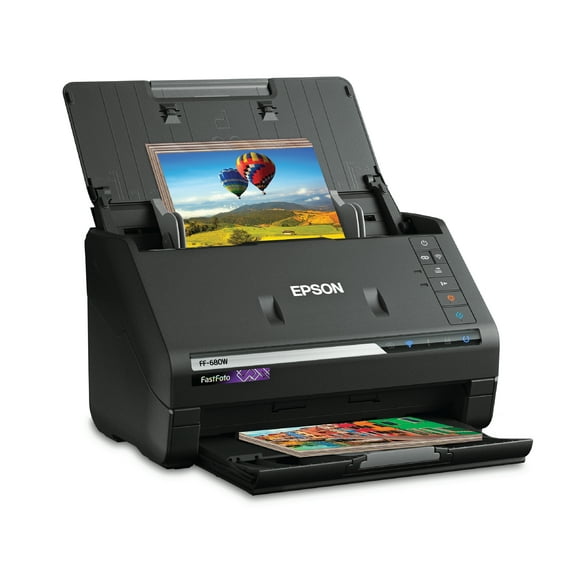
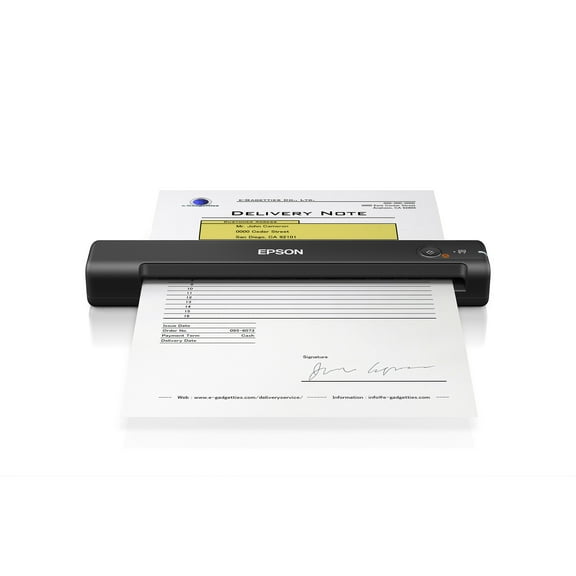
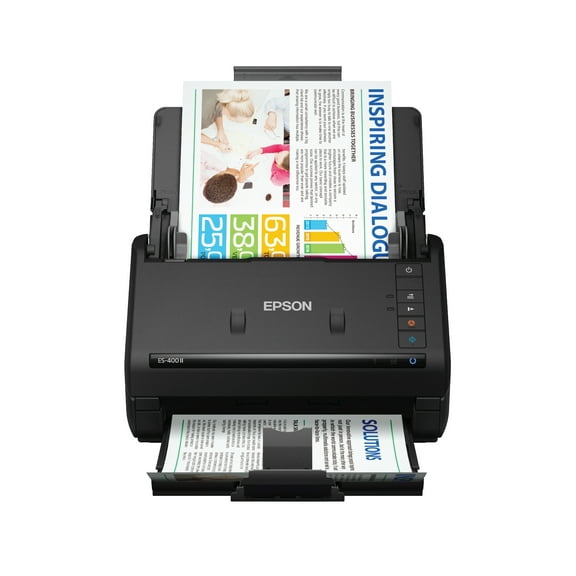
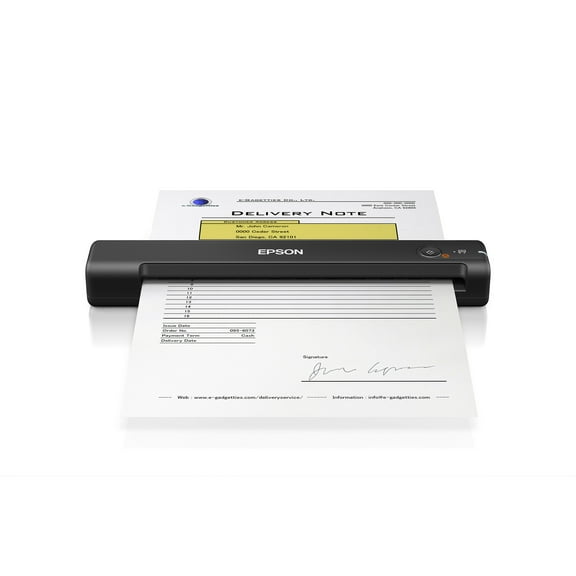
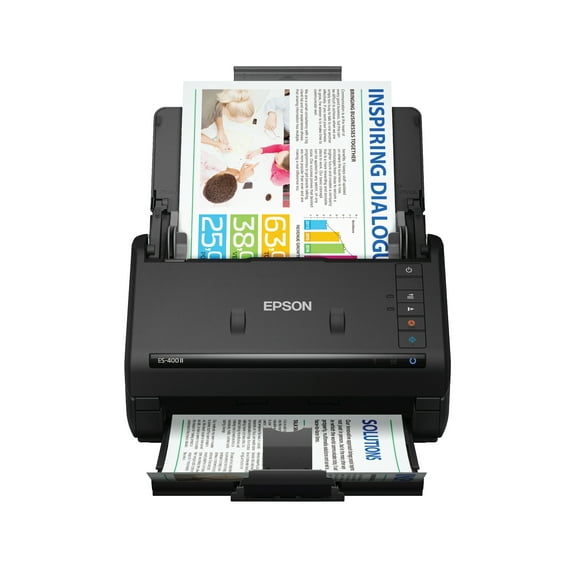
You can also compare scanners when paperwork is your main task. Your workflow may benefit from a document scanner like the Epson WorkForce DS-510 for organized file capture.
How to choose Epson printers by printer type
You should compare printer type before you look at color, size, or paper capacity. Your main Epson printer families often include EcoTank, WorkForce, SureColor, and Expression.
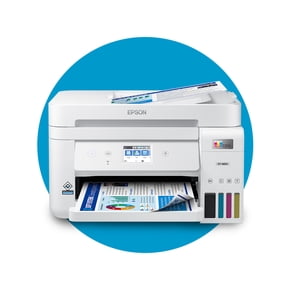
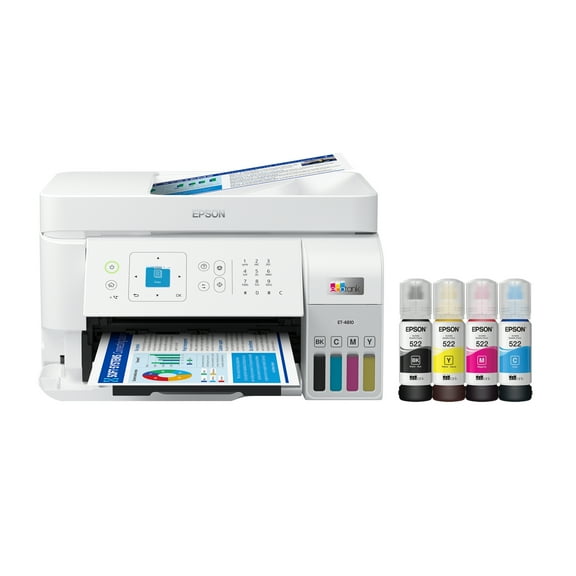
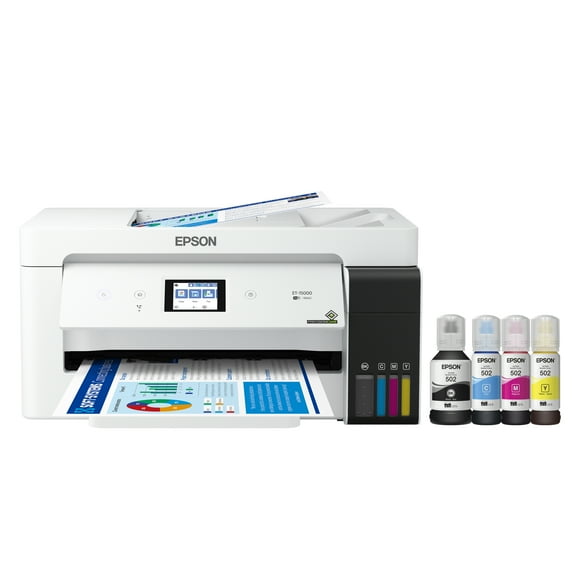
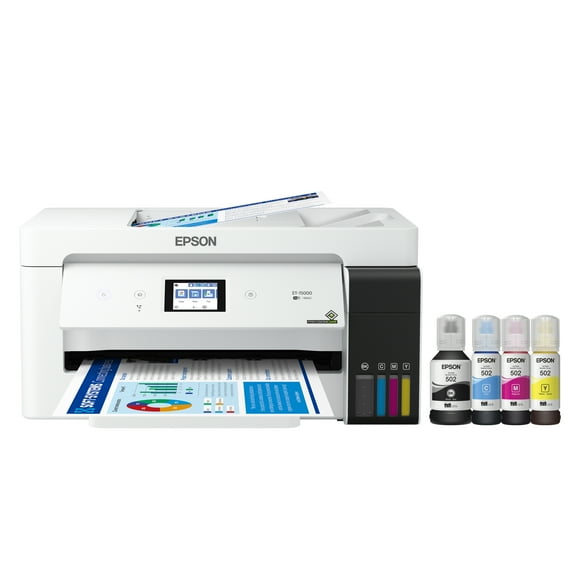
If you print often, you may prefer EcoTank models with cartridge-free supertank designs. Your refills can feel simpler because you’re filling tanks instead of changing standard cartridges.
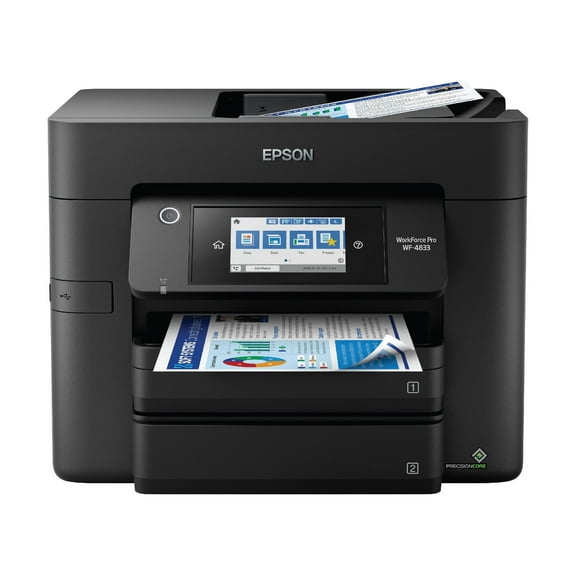
If your day includes reports, forms, and frequent jobs, you may lean toward WorkForce models. Your routine may benefit from office-focused handling and document-friendly performance.
You can look at SureColor models when your work involves specialty printing workflows. Your search for an Epson SureColor F170 sublimation printer may reflect crafting or custom transfer projects.
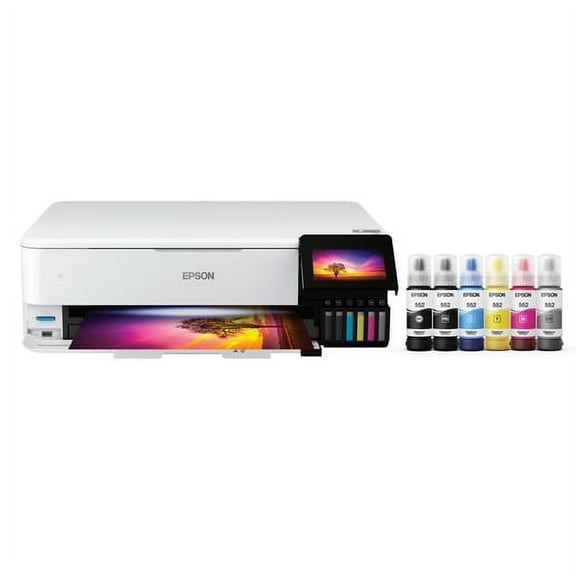
If photos and everyday family printing are your primary needs, you may compare Expression models. Your shortlist might include the Epson Expression XP-7100 for mixed home printing tasks.
Choosing between EcoTank and ink cartridges
You should decide how you want to replace ink before you choose a model. Your printing habits usually make this decision much easier.
If you print many pages each week, you may prefer cartridge-free supertank options. Your refill routine can feel more direct because you’re topping off tanks for continued printing.
If you print less often, you may like individual ink cartridges for quick replacement. Your setup can stay familiar when you already know the cartridge model numbers you need.
You can compare an Epson EcoTank L4260 or related EcoTank models when page volume matters. Your household may appreciate fewer supply swaps during school, work, and planning seasons.
You should always check cartridge compatibility before you reorder supplies. Your printer model and cartridge number need to match so your replacement process stays simple.
Choosing for home use, office work, and scanning
You can narrow your options by asking how often you print and what you print. Your answer helps separate home, office, and workflow-driven choices.
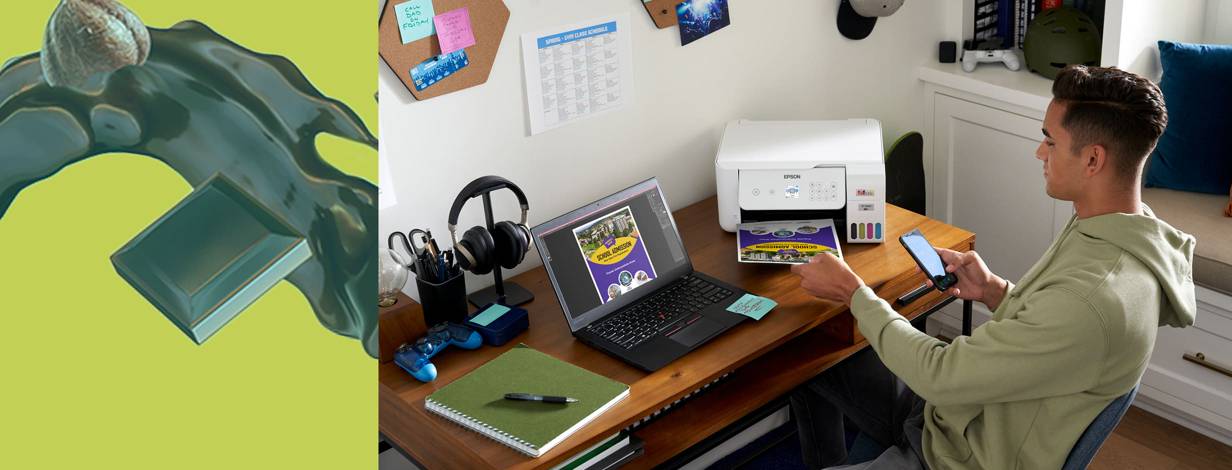
If your home setup handles homework, recipes, and occasional photos, you may want a versatile all-in-one. Your day may call for compact placement and simple controls.
If your office prints invoices, reports, or shipping sheets, you may need a higher-volume machine. Your team may also want scanning support for recurring paperwork.
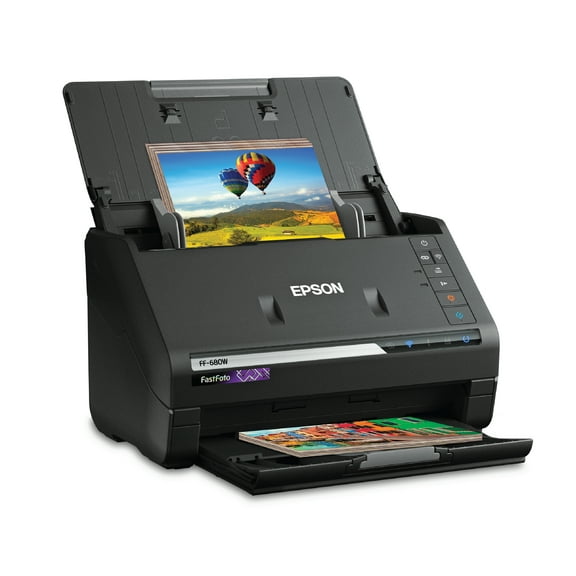
You can choose a document scanner when speed and stack handling matter more than full printing features. Your business records may be easier to organize with a dedicated scanner path.
Choosing projector type for your space
You should compare projector type based on room setup and viewing style. Your choices may include smart portable, home theater, and professional mount models.
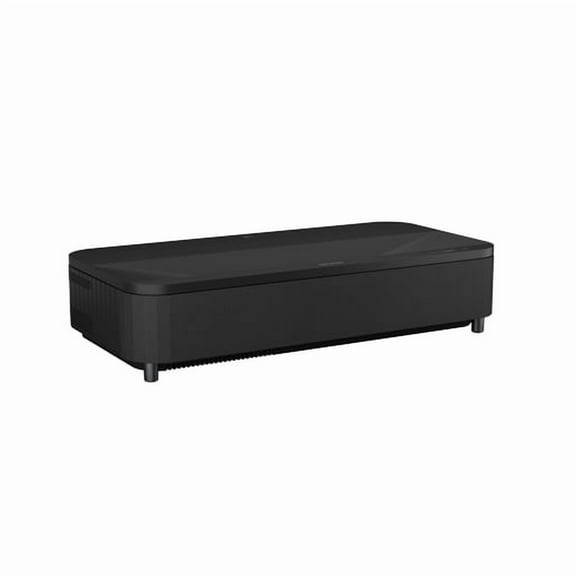
If movie nights are your main focus, you can compare home theater models by resolution and picture size. Your viewing experience often depends on how sharp the image looks in your space.
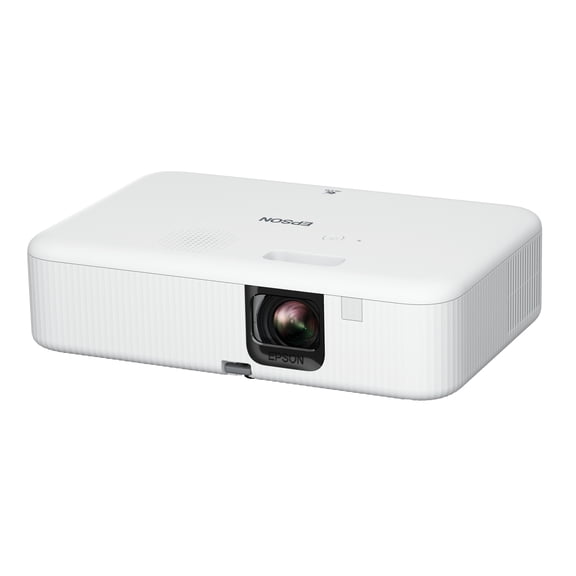
If you move from room to room, you may want a smart portable option. Your search may include the Epson EpiqVision Flex CO-FH02 smart portable projector for flexible placement.
If your conference room stays fixed, you may consider a professional mount projector. Your setup may benefit from a model designed for permanent placement and repeat presentations.
You should check lumens and resolution when you compare projector listings. Your brighter rooms often need higher lumens, while your image detail depends on the resolution you choose.
What to look for in ink and compatibility
You can avoid ordering mistakes when you verify model names before checkout. Your printer family, cartridge number, and ink system should line up exactly.
If you use individual cartridges, you should match the listed cartridge model numbers carefully. Your replacement process gets easier when you keep the printer model nearby.
If you use an EcoTank printer, you should confirm the bottle type made for that series. Your refill routine works efficiently when the ink format matches the designated tank system.
You may also shop this Epson hub when you want supplies for a known device. Your reorder can move faster when you already know the printer or cartridge match.
Choosing the right Epson fit for your routine
You can make a clearer decision when you match printer type, ink system, and workload first. Your final choice should fit how often you print, scan, present, or refill.
You’ll feel more confident when your Epson selection matches your pages, room size, and supply needs. Your setup can stay smoother from first print to the next refill.