

Computer Software for Security and Productivity
![NORTON 360 DELUXE, 1-Year Subscription, 3 DEVICE, PC, MAC [Digital Download]](https://i5.walmartimages.com/seo/Norton-360-Deluxe-Antivirus-Software-for-3-Devices-1-Year-Subscription-PC-Mac-iOS-Android-Digital-Download_e8751da7-28d6-469b-a348-1aff61532ce4.07cf5f79cee6aa065ada905f7b1c2978.png?odnHeight=576&odnWidth=576&odnBg=FFFFFF)


![Webroot Antivirus Software for 3 Devices, 1 Year Subscription – Windows/MacOS [Digital Download]](https://i5.walmartimages.com/seo/Webroot-Antivirus-Software-for-3-Devices-1-Year-Subscription-Windows-MacOS-Digital-Download_df6e22e9-5d09-42ff-8fb8-1507135f0499.d5ed9e35406fb9d744d561acb19cb71b.png?odnHeight=576&odnWidth=576&odnBg=FFFFFF)

![Quicken Classic Deluxe - 1 Year Subscription (Windows/Mac) [Key Card]](https://i5.walmartimages.com/seo/Quicken-Classic-Deluxe-1-Year-Subscription-Windows-Mac-Key-Card_c894af27-99dc-41d0-bddd-b04d8afce382.127b631bd12b167ebb1f3e5c856be9bc.png?odnHeight=576&odnWidth=576&odnBg=FFFFFF)













![Malwarebytes Premium 10-Device 1-Year Subscription [Download]](https://i5.walmartimages.com/seo/Malwarebytes-Premium-10-Device-1-Year-Subscription-Download_38d75b88-e981-4b0a-a48a-39d6ec05e37b.c145eb85e97ce2d737e2bad46ee6b52f.jpeg?odnHeight=576&odnWidth=576&odnBg=FFFFFF)




![Hooked on Phonics - Funtastic Animals [DIGITAL VIDEO DISC]](https://i5.walmartimages.com/seo/Funtastic-Animals-DVD-Hooked-on-Phonics-Kids-Family_c1d63591-d70c-4739-9d59-6c5bfe173cd3.48bb7754b92dea939293d3f4ab08d0fc.jpeg?odnHeight=576&odnWidth=576&odnBg=FFFFFF)






![Charade (The Criterion Collection) [4K UHD]](https://i5.walmartimages.com/seo/Charade-4k-Wbr-Sgnl-Sub-Ws-Blu-ray_c367fb28-554a-4a42-84a2-084e19f12089.0fa408200ea5a7d6c155226e4e1000ce.jpeg?odnHeight=576&odnWidth=576&odnBg=FFFFFF)










About Computer Software for Security and Productivity - Walmart.com
Computer software helps you set up, protect, and personalize your devices with tools made for work, home tasks, and everyday computing. You can compare software types, delivery formats, compatibility details, and license options before you buy software online.
How to choose computer software
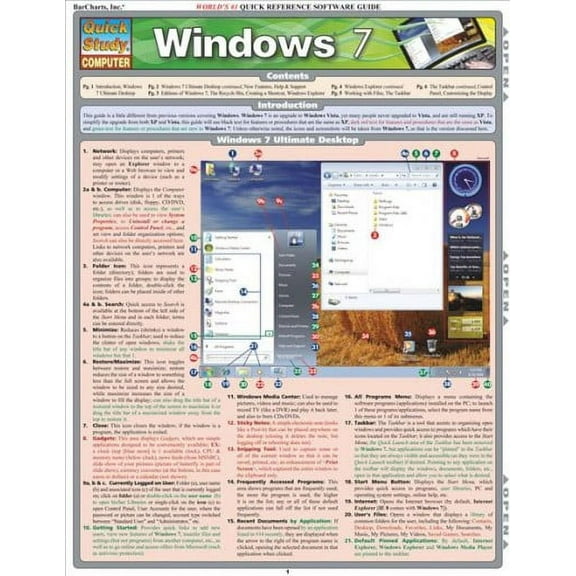
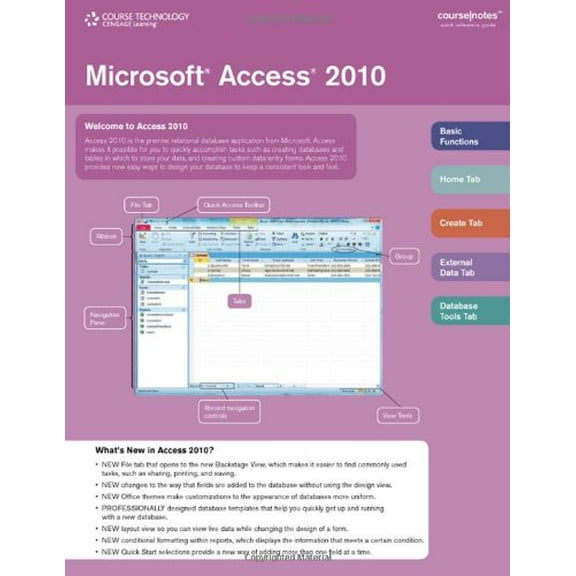
You should start with the job you want your software to handle on your device. You may need an operating system, office and productivity tools, antivirus and security programs, tax and finance titles, or utilities.
Each software type supports a different routine, so you can narrow your choices faster with a clear purpose. You can use office programs for documents, spreadsheets, and presentations, while utilities help with backup, cleanup, and file management.
- You can select operating systems when your device needs a fresh setup or version upgrade.
- You can choose office and productivity software for schoolwork, remote tasks, and shared documents.
- You can compare antivirus and security titles when you want scanning, monitoring, and device protection tools.
- You can pick tax and finance software when you want guided filing and organized records.
- You can use utility software for backups, file recovery, storage management, and system maintenance.
You may also compare whether your software arrives as a digital download, physical disc, or subscription card. You can often start faster with digital delivery, while discs and cards may fit gift giving or stored access.
Choosing delivery, compatibility, and licenses
You should check compatibility before anything else, because your device must match the software requirements. You can review supported platforms like Windows, macOS, Android, and iOS before you choose.
You may also want to confirm OS version, RAM requirements, and available storage space. You can avoid setup delays when your computer already meets the listed specifications.
If you use Apple backup tools, you may notice time machine mentioned with some utility titles. You should confirm that the software works with your macOS version and your backup workflow.
You can compare digital download options when you want access without waiting for shipped media. You’ll usually receive installation steps and a product key, which helps you begin on the same day.
Physical discs can make sense when your device includes a disc drive and you prefer a packaged copy. Subscription cards can work well when you want a simple way to activate an ongoing plan.
You should also compare license terms, because access can differ from one title to another. You may see subscription plans, one-time purchases, single-user licenses, family packs, student access, or business and enterprise options.
A single-user license can fit your personal laptop or desktop with straightforward activation. A family pack can help you cover several household devices under one purchase path.
What to look for when you buy software online
You can use buyer details to match software to your routine instead of choosing only by title. You should compare how many devices are covered, how renewals work, and whether installation fits your comfort level.
If you work across a laptop, desktop, and tablet, you may want multi-device access. You can keep your files and tools more consistent when your license supports several compatible devices.
Students may prefer academic licenses that align with classwork, research, and presentations. You should check eligibility details and supported applications before you complete your selection.
For home offices, you may want productivity software that handles word processing, spreadsheets, and presentations in one package. You can simplify daily tasks when your tools work together across devices.
Security-focused shoppers often compare scanning tools, account features, and subscription length. You should review renewal timing and device limits, so your software matches your household setup.
Tax and finance software can help you organize forms, returns, and yearly records in one place. You can compare filing guidance, import options, and supported platforms before tax season begins.
Utility programs can fit shoppers who need backup support, file recovery, or storage organization. You may also look for tools that work with your existing setup, including time machine related workflows on supported Macs.
If you think of Walmart as your software store, you can compare categories in one convenient place. You can move from security tools to office suites or operating systems without leaving the same browse path.
Choosing the right fit for your devices
You should match your software to how you use your device each day. You can choose a single-user option for one computer, or you can pick broader access for shared household devices.
Windows users may focus on operating system versions, installer steps, and hardware requirements before purchase. Mac shoppers should check macOS compatibility and support for backup tools, including time machine references where listed.
Mobile users can compare Android and iOS support when they want apps that extend work beyond a desktop. You can keep tasks moving when your software supports the screens and systems you use most.
Business buyers may need broader licensing, managed deployment, or collaboration features across teams. You should verify device counts and renewal terms, so your software fits daily operations with less guesswork.
With computer software, you can make a more confident choice when you compare software type, delivery format, compatibility, and license terms together. You’ll end with tools that fit your devices, your setup process, and your everyday workload.