

Computer Networking in Computer Accessories







![AT&T GoLink 5G Hotspot 32 GB, Black Prepaid Hotspot [Locked to AT&T]](https://i5.walmartimages.com/seo/ATT-GoLink-5G-Hotspot_8ea3a93b-5098-425e-af36-653211534fb3.d416d70036f9f99cbd69e329fdf3dbb6.jpeg?odnHeight=576&odnWidth=576&odnBg=FFFFFF)




![Straight Talk BLU M100 Hotspot, 5G, 8GB, Black. Prepaid Hotspot [Locked to Straight Talk]](https://i5.walmartimages.com/seo/Straight-Talk-BLU-M100-Hotspot-5G-8GB-Black-Prepaid-Hotspot-Locked-to-Straight-Talk_d973ee60-f96a-4e50-afa5-1955435e11d1.d42e7307c7213f0c3669ebe5bd7dabe5.jpeg?odnHeight=576&odnWidth=576&odnBg=FFFFFF)


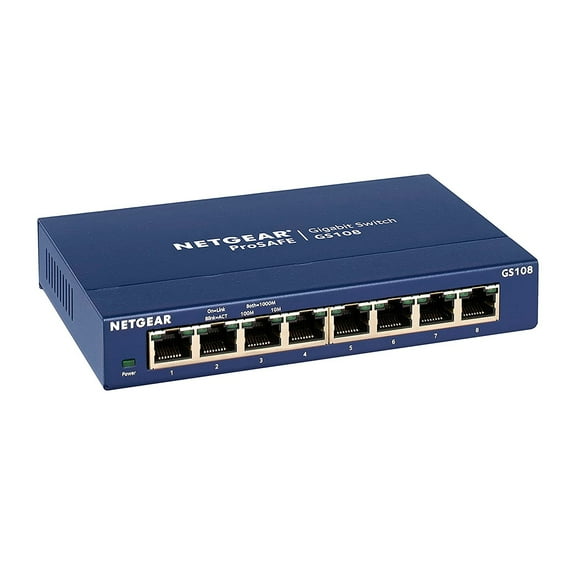
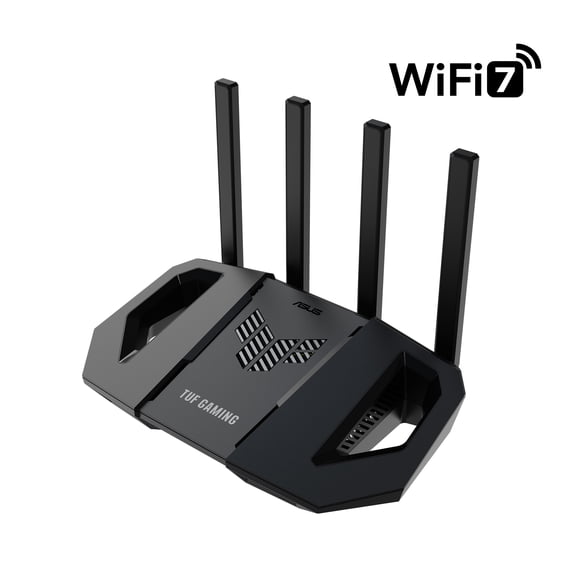
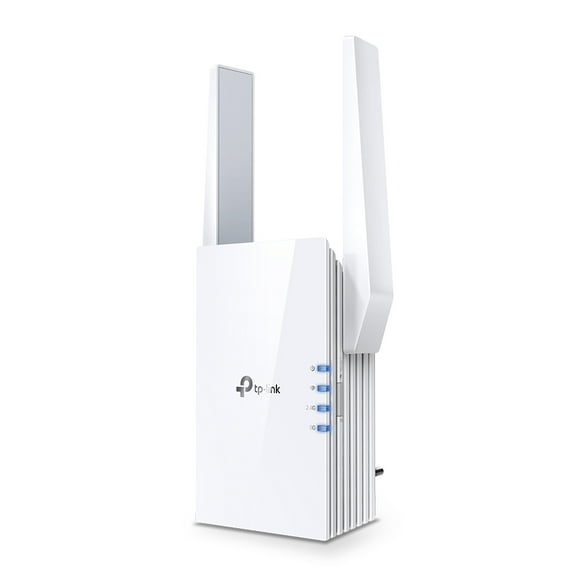
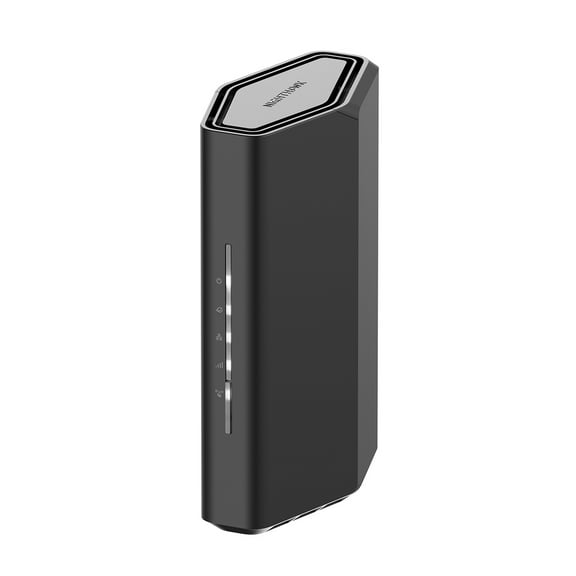


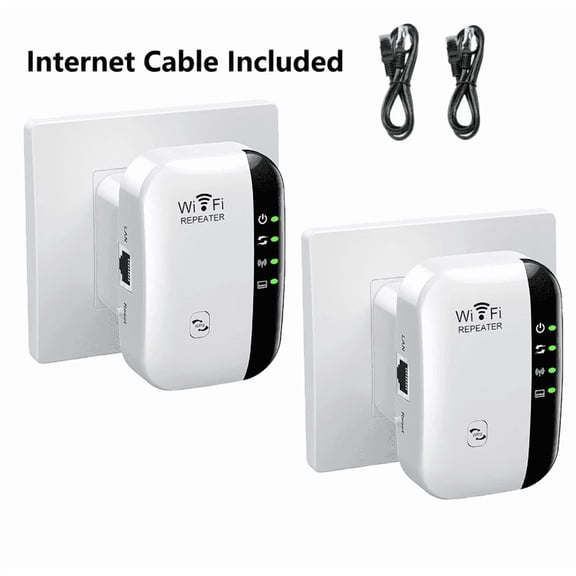



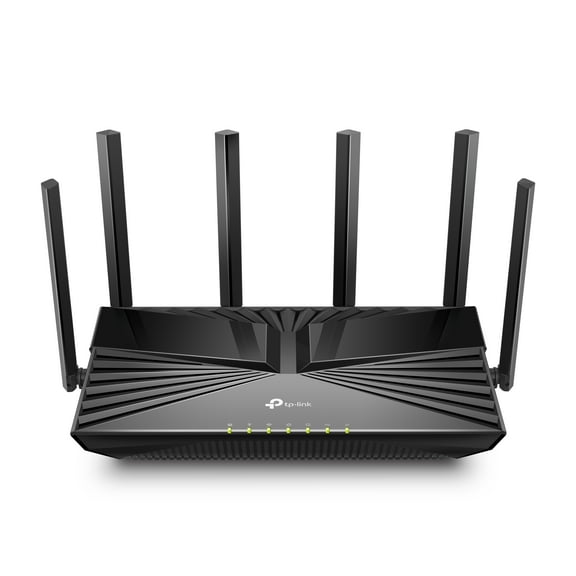


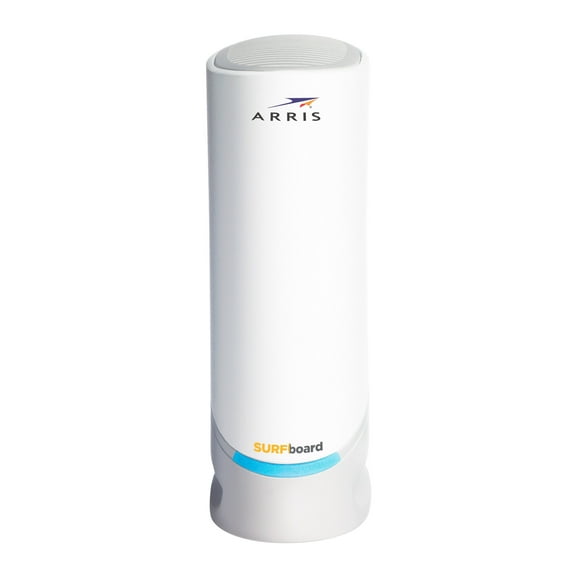
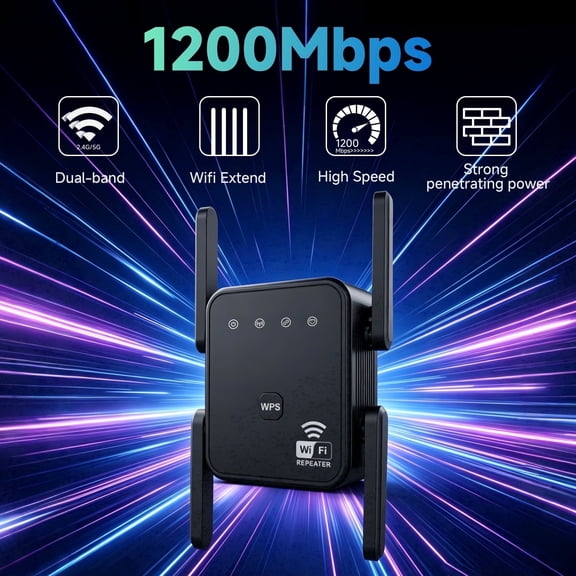
About Computer Networking in Computer Accessories - Walmart.com
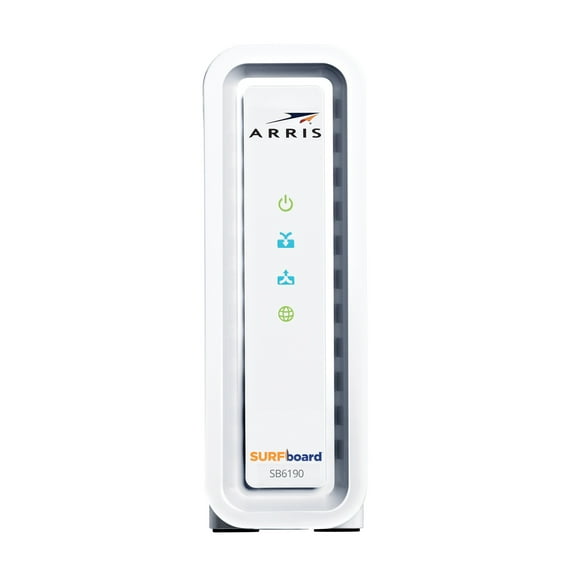
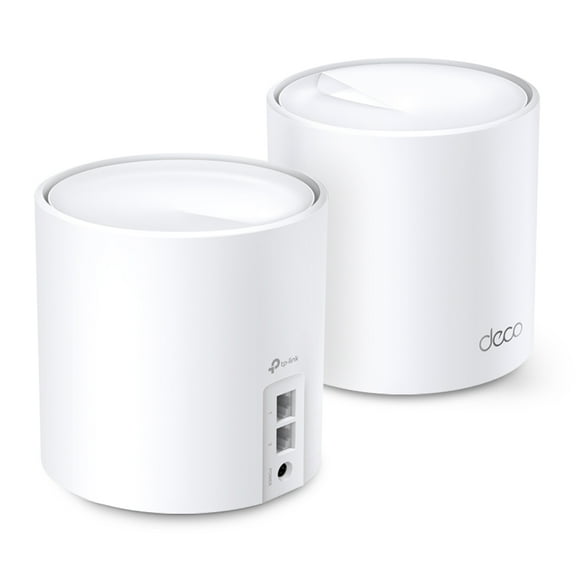
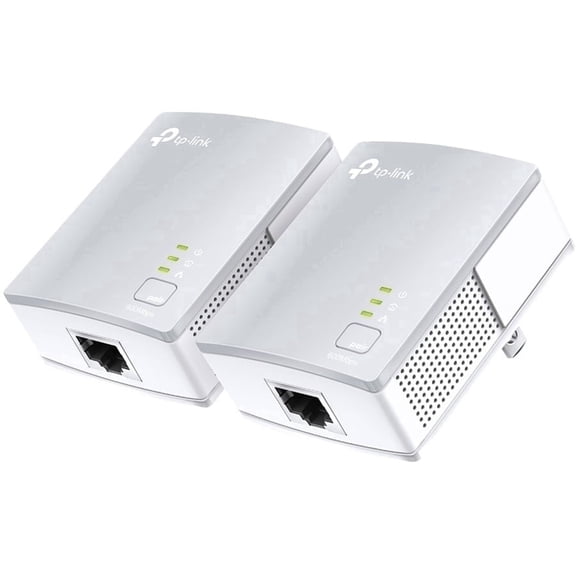
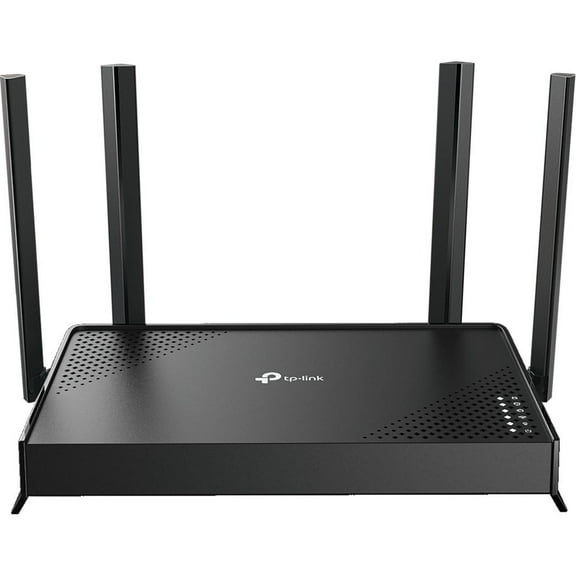
Computer networking helps you build reliable connections for work, gaming, streaming, and smart devices. You can compare routers, switches, adapters, cables, and access points in one place.
You can make faster decisions when each device type matches a clear job in your setup. Your network can feel more organized when you match coverage, speed, and ports correctly.
How to choose computer networking hardware
You should start by comparing device type with your setup needs. Your router shares internet, your switch adds wired ports, your adapter connects one device, and your cable carries data.
You can use a wireless access point when your signal needs to reach more rooms. Your computer networking choices become easier when each piece has a defined role.
When you compare hardware this way, you can avoid mismatched gear and extra setup frustration. Your home office, gaming area, or shared workspace can run more smoothly.
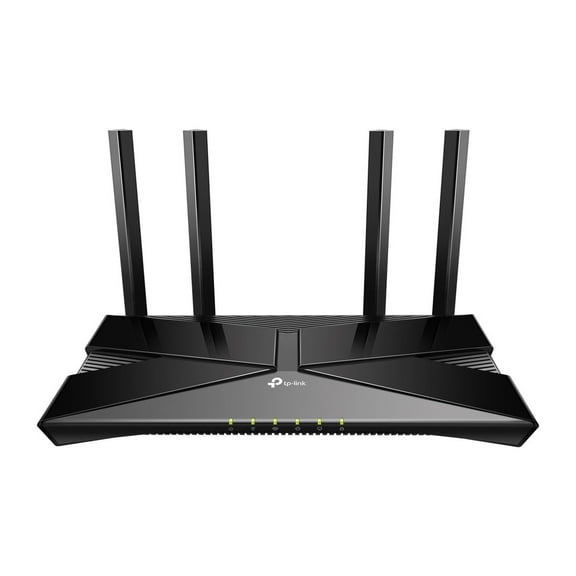
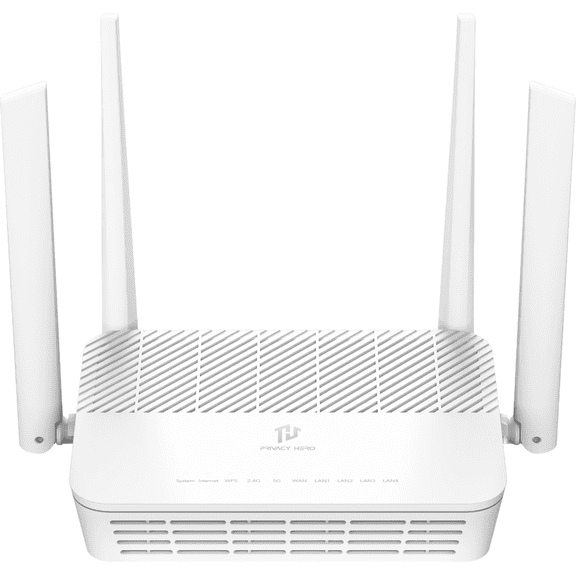
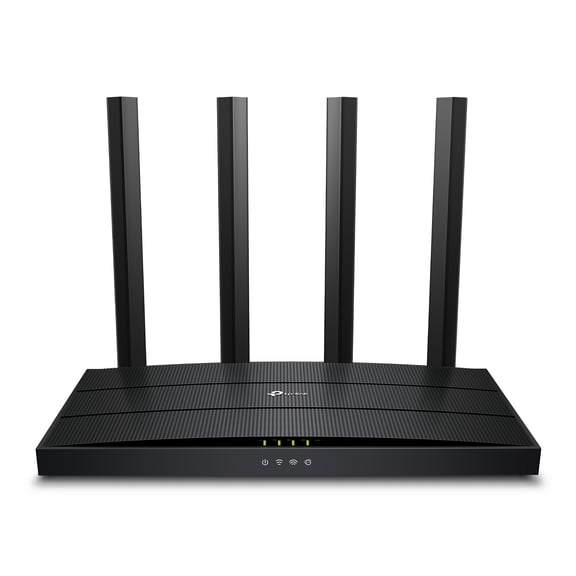
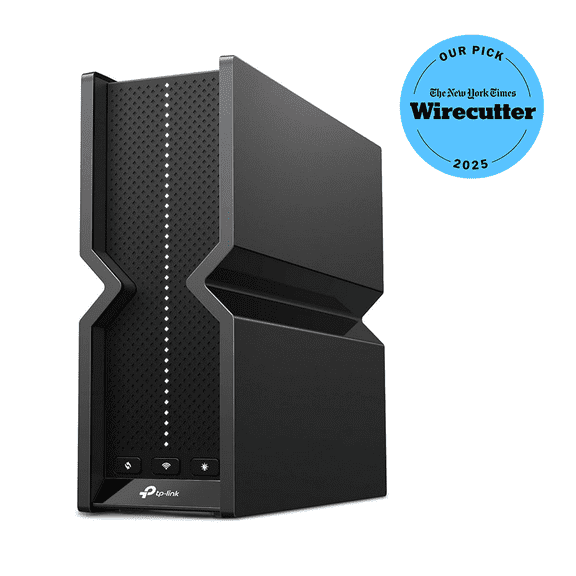
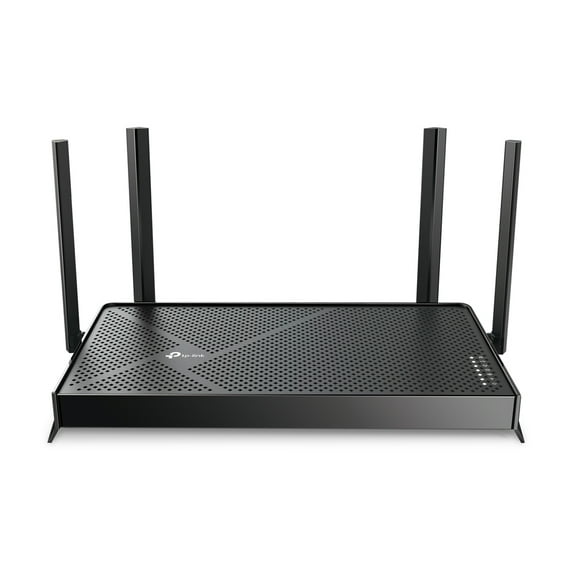
Choosing wifi routers and access points
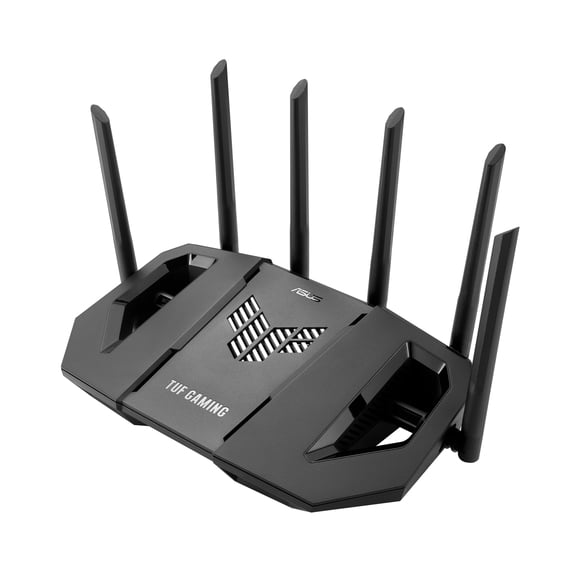
You should compare wifi routers by home size, wall layout, and device count. Your wireless standard also matters because it shapes how your network handles newer phones, laptops, and tablets.
You may choose Wi-Fi 5 for everyday browsing and streaming in smaller spaces. You may prefer Wi-Fi 6, Wi-Fi 6E, or Wi-Fi 7 for busier homes and newer devices.
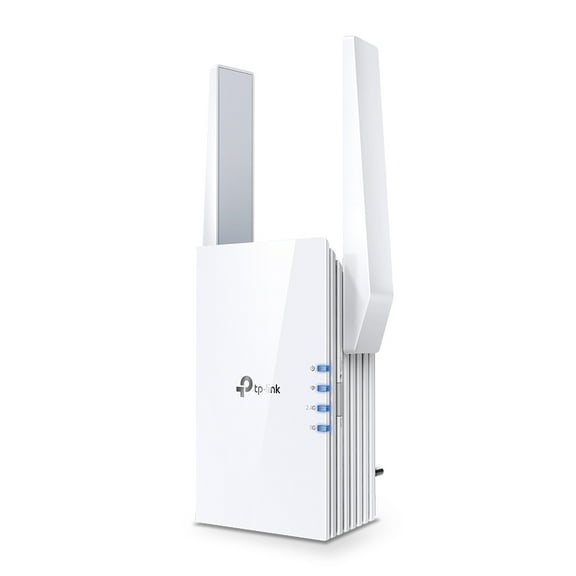
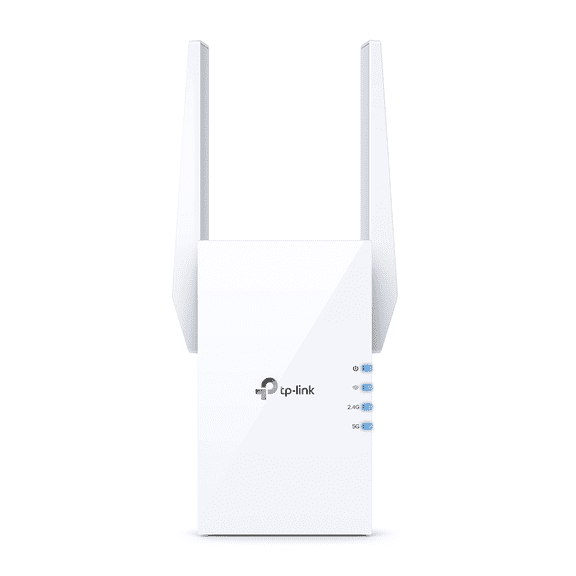
You can add wireless access points when one router doesn't cover every room well. Your coverage can feel more consistent across upstairs rooms, back offices, or media spaces.
- You can match router speed to your internet plan for steadier everyday performance.
- You can support more connected devices with newer wireless standards.
- You can extend signal reach with access points in larger homes or offices.
- You can keep video calls, streaming, and gaming more consistent with stronger coverage.
Comparing ethernet switches and port options
You should look at both speed and port count before choosing ethernet switches. Your switch can connect desktops, consoles, printers, cameras, and storage devices through stable wired links.
You may choose Fast Ethernet for lighter tasks and older equipment. You may prefer Gigabit Ethernet, Multi-Gigabit, or 10 Gbps when your devices move large files often.
You should also count how many wired devices you use now and later. Your options often include 5-port, 8-port, 16-port, and 24-port layouts for different rooms and workspaces.
You can also compare PoE and non-PoE models for advanced setups. Your PoE switch can power compatible devices through the cable, while your non-PoE switch focuses on data connections.
What to look for in networking cables and adapters
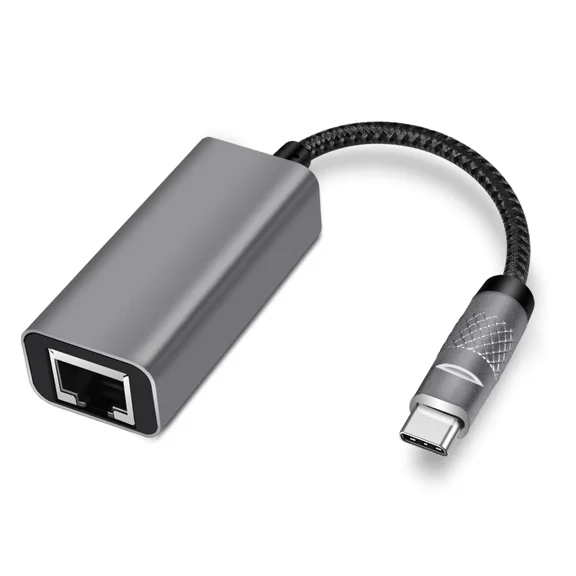
You can improve consistency with networking cables and network adapters that match your devices. Your cable category and adapter connection type affect how easily everything fits together.
You may choose ethernet cables for a desktop, console, printer, or streaming box. You can use network adapters when your laptop or desktop needs a wired port or wireless connection.
You should check cable length, connector type, and port compatibility before choosing. Your setup feels easier to manage when your cable reaches comfortably and your adapter matches your device.
You can also think about where each cable will run in your room. Your cable choice matters when you need a tidy desk path, a longer wall route, or a direct modem connection.
Matching speed requirements to your internet plan
You can avoid overbuilding by comparing hardware speed with your internet service. Your network only feels as fast as the weakest key link between modem, router, switch, cable, and device.
You should look for gear that supports your plan's speed tier without creating a bottleneck. Your older router or adapter may hold back performance even when your service is faster.
You may also want extra speed for local file transfers and shared storage. Your Multi-Gigabit or 10 Gbps equipment can help when your network moves large files between nearby devices.
Using computer networking gear at home or work
You can tailor computer networking hardware to the way you connect every day. Your home office may need steady video calls, while your gaming space may need low-latency wired connections.
You may choose a router alone for an apartment or smaller home. You may combine a router with access points when you need broader coverage across several rooms.
You can add a small switch to support a desk with a desktop, printer, and dock. Your shared office may need an 8-port, 16-port, or 24-port switch for more wired devices.
You can use adapters when newer laptops lack the port your network requires. Your setup becomes easier to expand when each room has the right mix of wired and wireless support.
Computer networking questions you may compare
You may wonder whether you need a router or a switch first. Your router connects internet service to your network, while your switch expands wired connections after the router.
You may also compare an adapter with an access point for different tasks. Your adapter connects one device, while your access point extends wireless coverage to more of your space.
If you're choosing between wired and wireless, you should think about placement and daily tasks. Your wired connections often suit fixed devices, while your wireless connections fit flexible spaces and mobile devices.
You can make a smarter choice when you compare compatibility, speed, coverage, and port count together. Your computer networking setup feels more dependable when each piece supports how you connect daily.
Popular in Computer Networking in Computer Accessories - Walmart.com
- Surface Pro Ethernet Adapter
- Surface Pro Network Adapter
- Sonnet Thunderbolt Expansion
- Sonnet Thunderbolt
- Lenovo Usb Ethernet
- Iogear Port Miniview
- Usb Card Mac Pro
- Dell Usb Ethernet
- Tablet Usb Ethernet Adapter
- Microsoft Surface Ethernet Adapter
- Input Devices Microsoft Computer Accessories Peripherals
- Apple Ethernet Adapter Windows