

Computer Headsets in Audio & Video Components























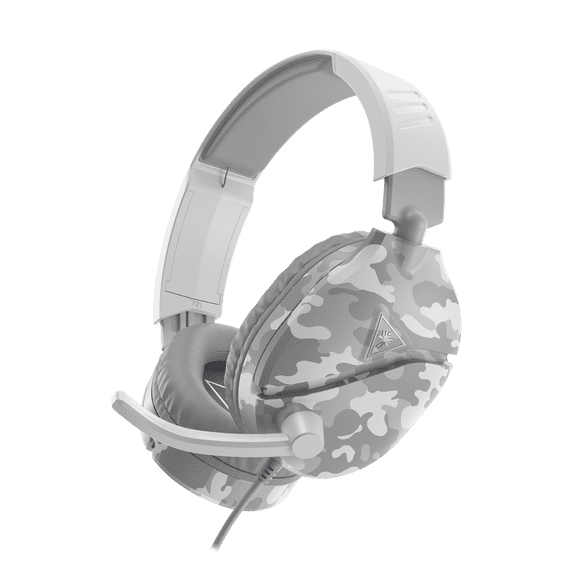


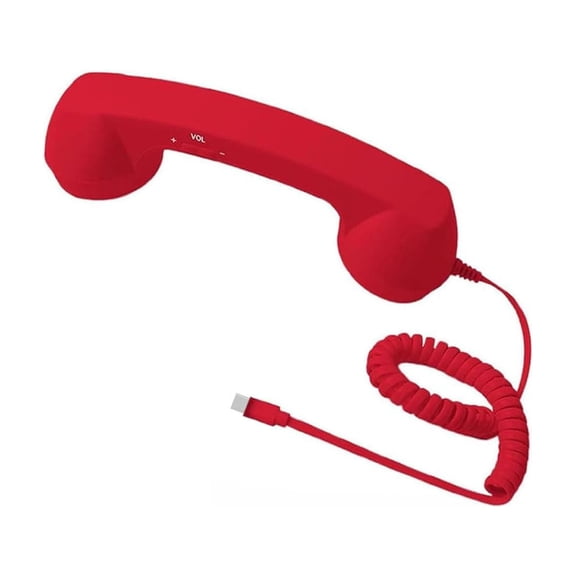


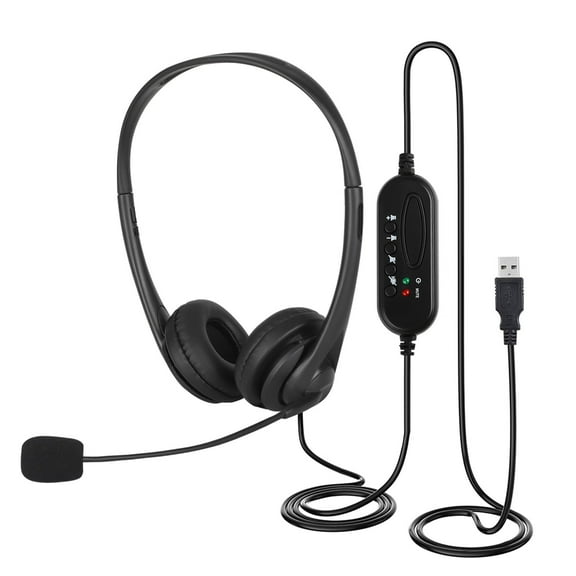


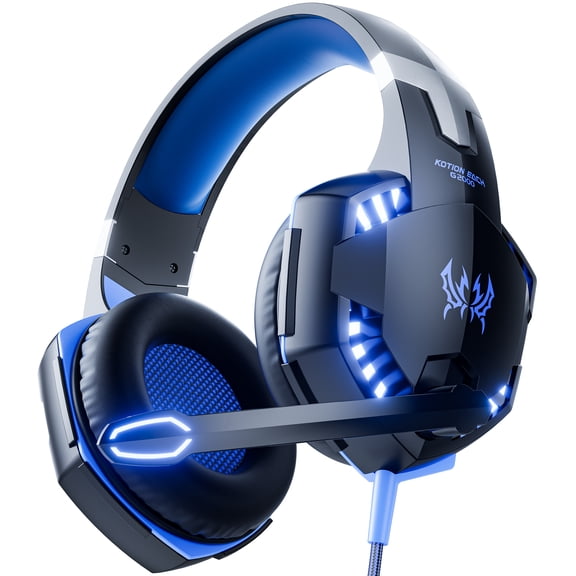


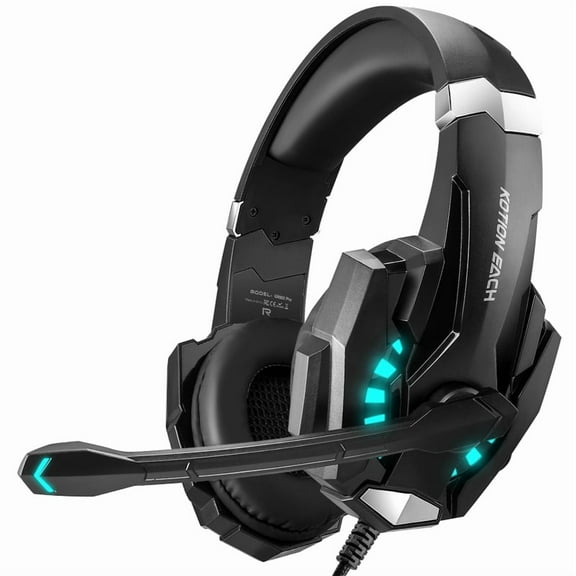

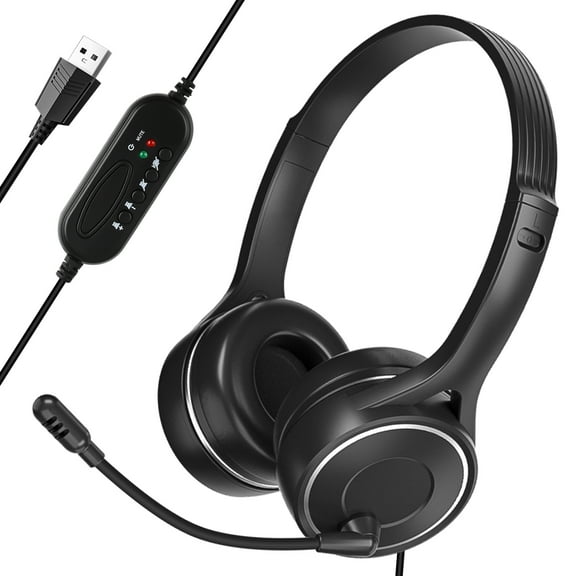

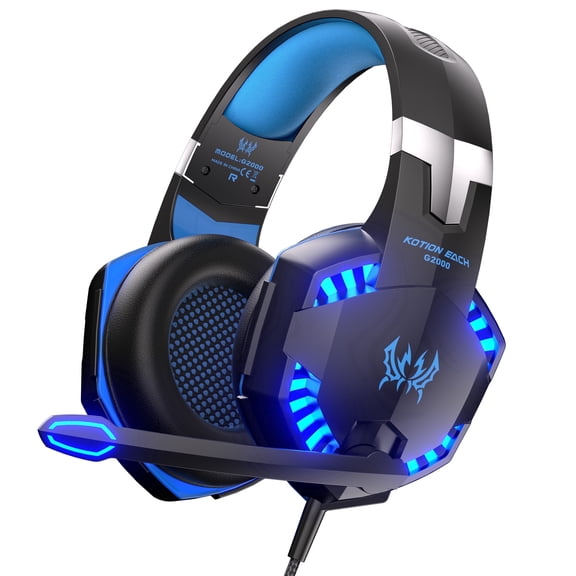


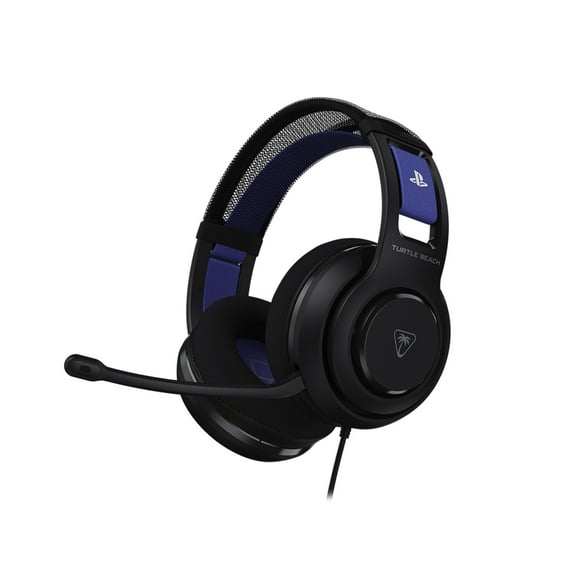







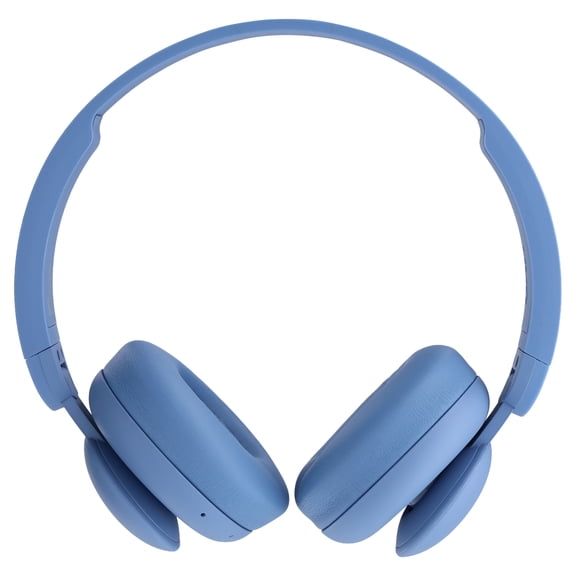


About Computer Headsets in Audio & Video Components - Walmart.com
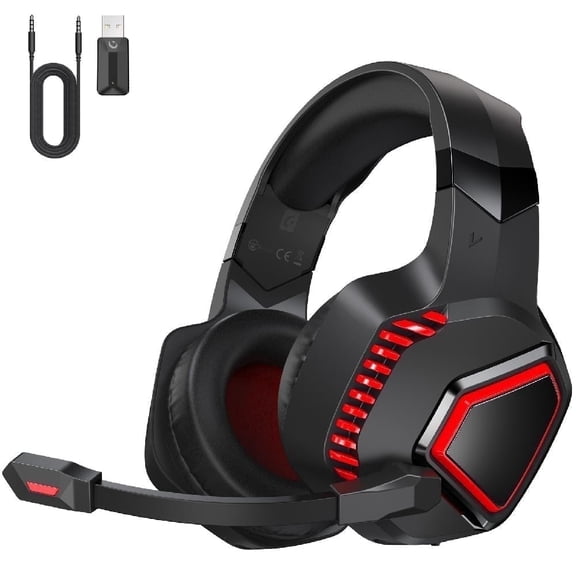
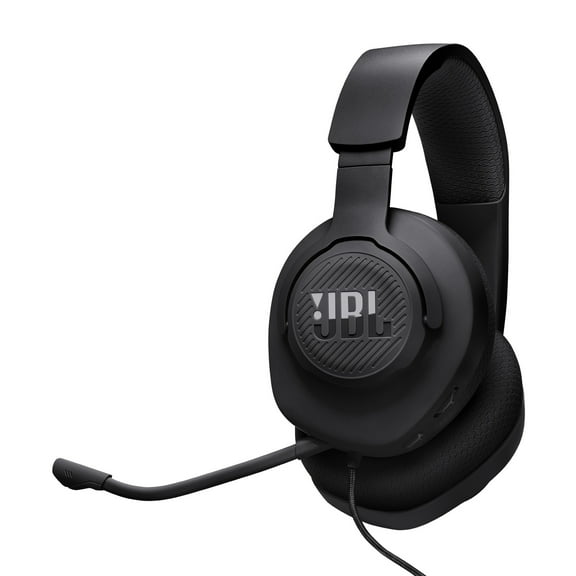
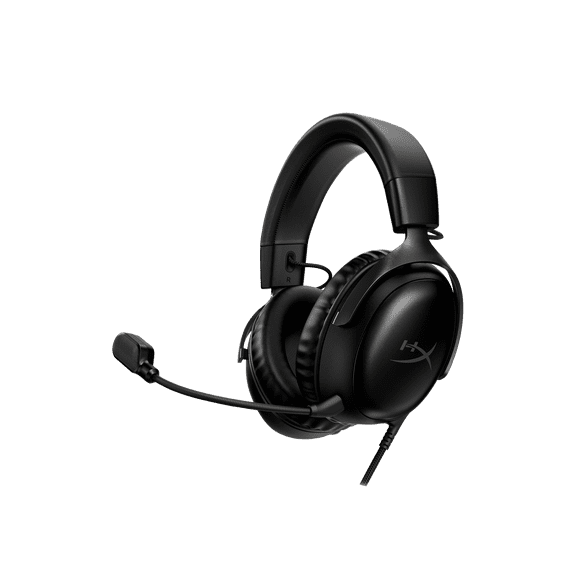
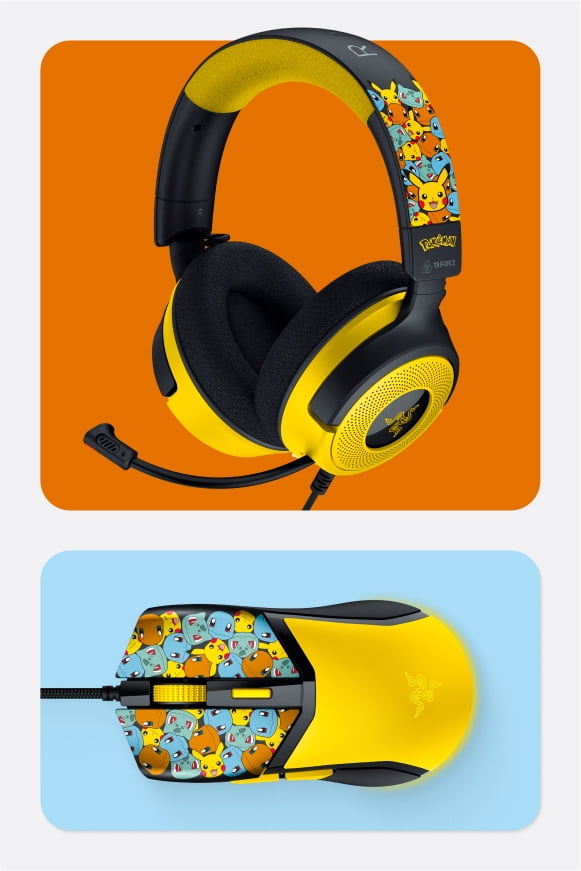
Computer headsets help you hear clearly, speak confidently, and stay comfortable through classes, calls, and daily computer tasks. You can compare connection types, fit, microphone styles, and durability features that match school, work, or shared lab setups.
If you're replacing older gear or equipping multiple stations, you need category guidance that makes technical choices easier. You can use this guide to compare headphones for computer use without getting stuck on specs alone.
How to choose computer headsets
You should start with connection type because your computer ports shape every other choice. You can narrow options quickly when you check for USB-A, USB-C, 3.5mm, Bluetooth, or 2.4GHz USB support.
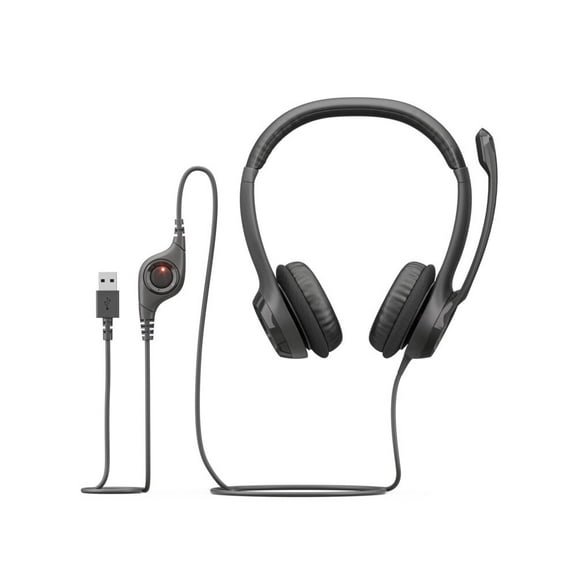
Wired USB models work well when you want simple setup and consistent audio on many desktops. You may prefer 3.5mm options when your computers share standard headphone jacks across classrooms or home workstations.
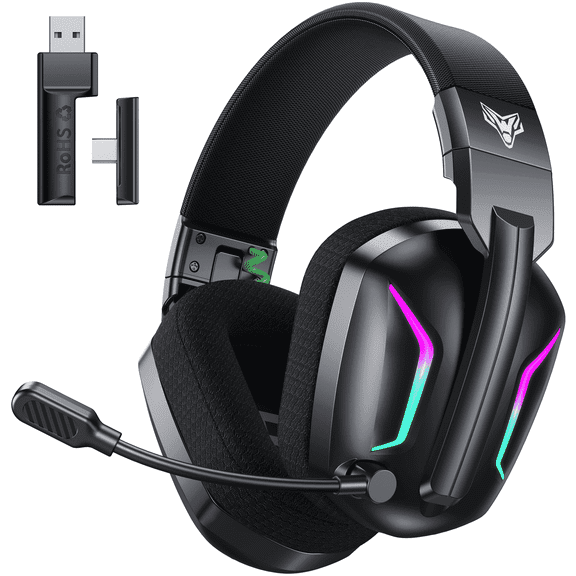
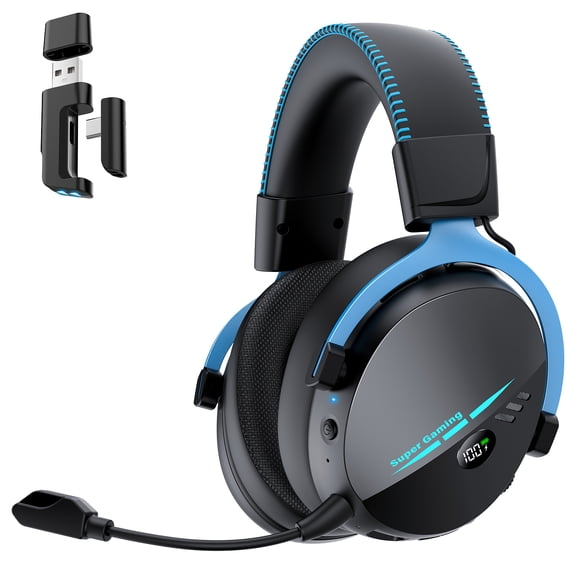
Wireless Bluetooth styles give you cable-free movement around your desk during calls or lessons. You can also choose 2.4GHz USB models when you want a dedicated receiver and stable pairing.
- You can use wired USB headsets for plug-in convenience on office and school computers.
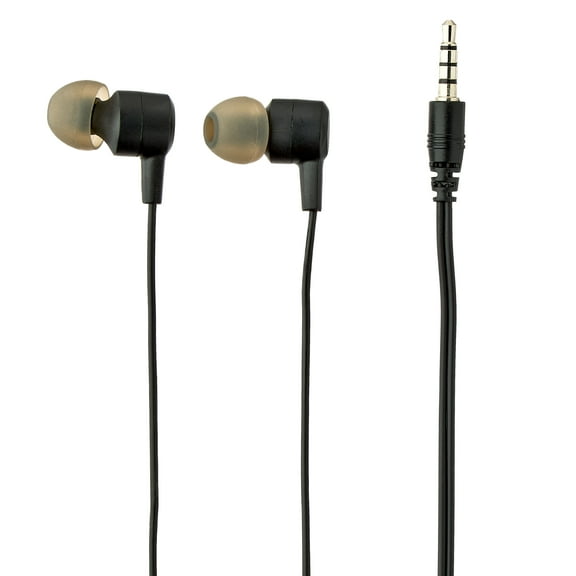
- You may pick 3.5mm designs when your laptops or desktops include a classic audio jack.
- You can choose Bluetooth for flexible movement during remote work and casual listening.
- You might prefer 2.4GHz USB connections when you want quick pairing with a receiver.
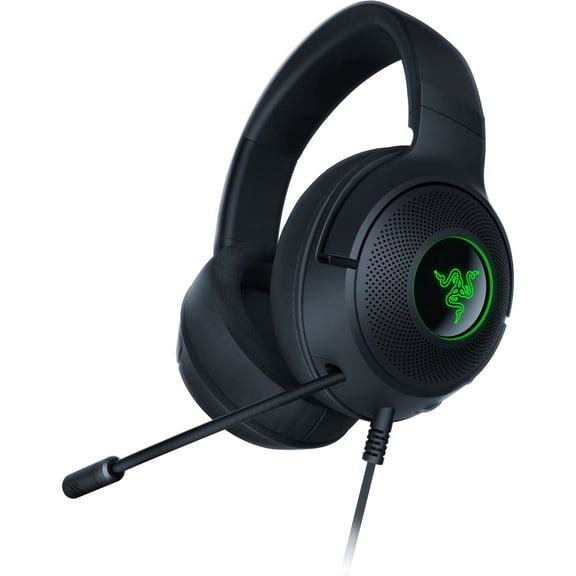
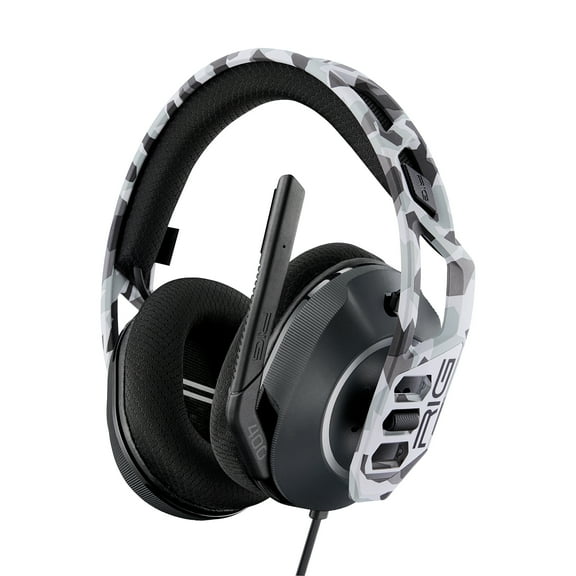
Your comfort matters when you wear a headset through long meetings, study blocks, or lab sessions. You should compare over-ear, on-ear, and earbud designs based on how long you plan to wear them.
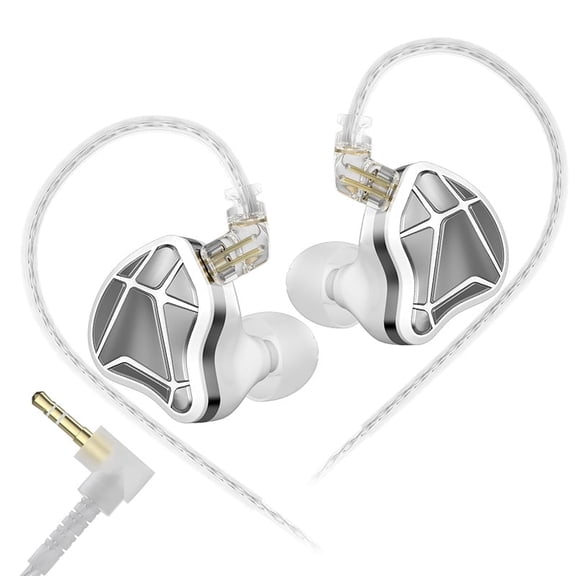
Over-ear styles surround your ears and can feel more settled during long computer sessions. On-ear designs keep a lighter profile, while earbuds work well when you want a compact computer headphone option.
Choosing headphones for computer compatibility
You should check your device ports before you compare sound or style. You can avoid adapter hassles when you confirm USB-A, USB-C, or 3.5mm support first.
If your setup includes shared desktops, you may want matching connectors across every station. You can make classroom rollouts smoother when each headset fits the same computer standard.
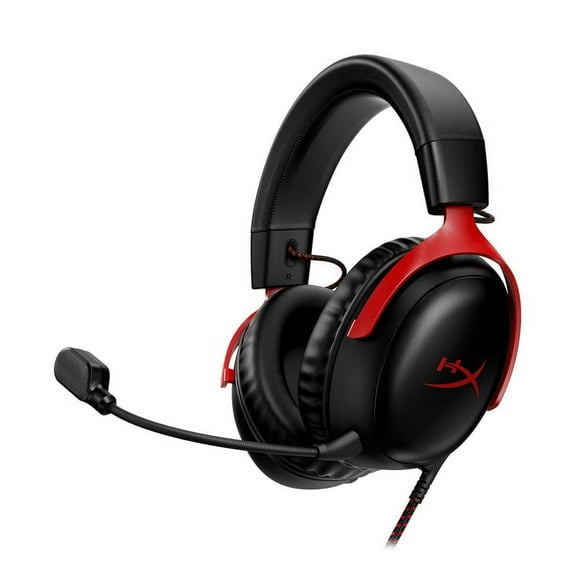
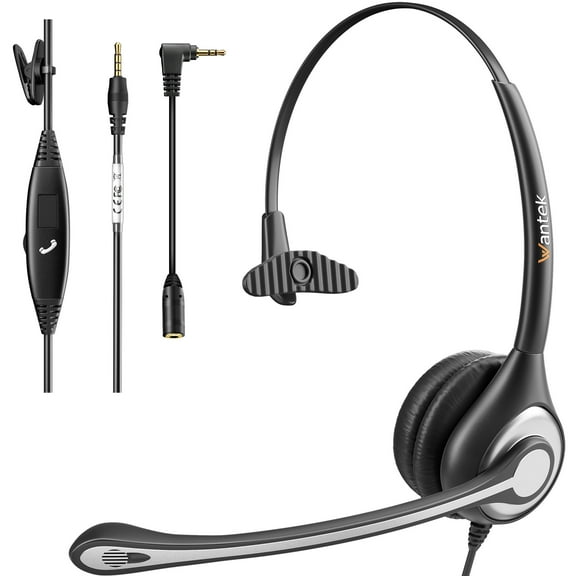
Your microphone type also changes how your setup feels during calls, lessons, and recordings. You should compare boom mic, inline mic, built-in mic, and noise-canceling mic designs with your daily tasks in mind.
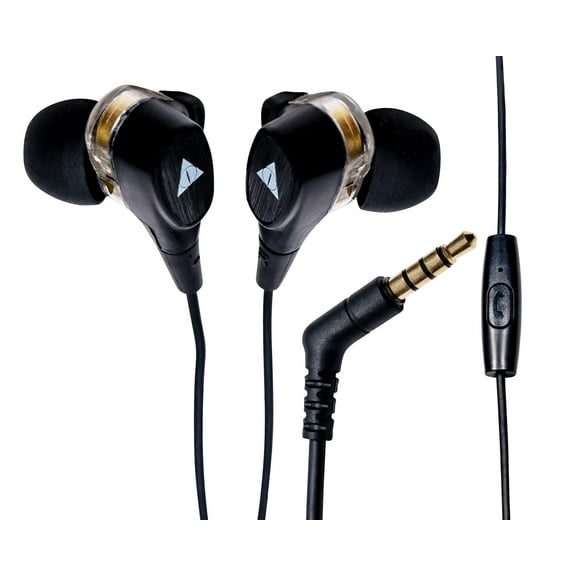
Boom mics place the microphone closer to your voice, so you can sound more direct on video calls. Inline and built-in microphones keep your setup simpler when you want fewer moving parts.
You may look for a noise-canceling mic when your space includes office chatter, keyboard clicks, or classroom activity. You can communicate more clearly when your mic focuses on your voice instead of nearby sounds.
Your comfort features deserve close attention if you wear headsets for hours at a time. You should compare cushioned ear pads, adjustable headbands, and overall weight before choosing a pair.
Soft cushions can feel easier during long workdays, online classes, and testing periods. An adjustable headband helps you get a steadier fit, especially when several users share the same headset.
What to look for in a headset for computer lab use
You may need a headset for computer lab stations where many users handle the same equipment. You should focus on durability details that support repeated classroom use and simpler storage.
Reinforced metal parts can add structure where headbands flex often during daily checkouts. Tangle-free cords help you keep stations neater and reduce time spent sorting cables between classes.
Plastic designs can feel lighter, which may suit shorter sessions or portable carts moving between rooms. You can also compare bendable headbands and cable style when student handling is part of the routine.
If you're shopping for headphones for computer lab setups, consistency across seats matters as much as comfort. You can create a smoother classroom experience when controls, connectors, and fit stay familiar from one station to the next.
You may also be choosing mcas headsets for students or other testing environments with spoken directions. You should look for clear microphone placement, dependable connectors, and a comfortable fit that supports focused listening.
Matching form factor and use case
You should match form factor to the way your users sit, move, and communicate. You can often narrow choices faster when you sort by office and remote work, classroom and education, or gaming.
For office and remote work, you may want over-ear comfort and a boom mic for steady call clarity. You can benefit from wireless movement if you step away from your desk between meetings.
For classroom and education use, you might prioritize wired connections, simple controls, and durable materials. You can keep shared setups easier to manage when students plug in and start quickly.
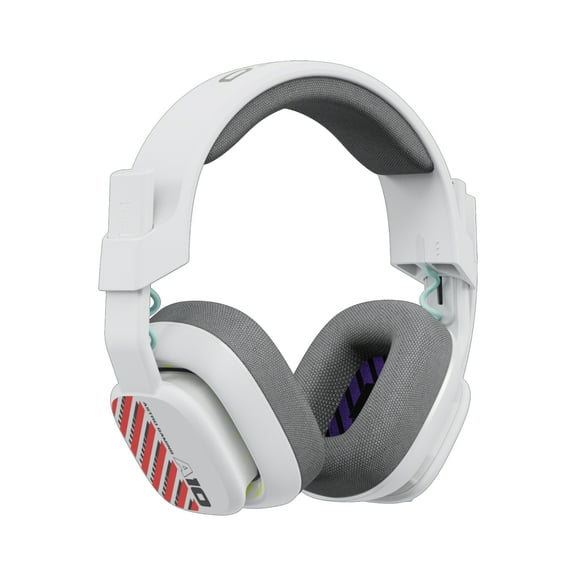
For gaming, you may want immersive over-ear fit and a microphone that stays close to your voice. You can also prefer wireless freedom or a dedicated USB connection for a streamlined desk setup.
Your decision gets easier when you compare each attribute as part of your routine, not as an isolated feature. You can choose computer headsets with more confidence when ports, fit, microphone style, and durability all align.
If you need dependable audio for workstations, labs, or daily calls, computer headsets give you practical options for clear sound and consistent comfort. You can feel more prepared when your setup fits your devices, your schedule, and your shared spaces.
Popular in Computer Headsets in Audio & Video Components - Walmart.com
- Theater Headset
- Computer Headsets Behind The Neck Audio Video Accessories
- Computer Headsets Mono Audio Video Accessories
- Headset Cable Volume Control
- Headset Plug
- Addasound Headsets & Accessories
- Rollback in Headsets & Accessories
- Snom Headsets & Accessories
- Headset Parts
- Special Buy in Headsets & Accessories
- Idance Microphone & Headsets
- Avcomm Headsets