









Computer Accessories in Computers, Laptops and Tablets











![NORTON 360 DELUXE, 1-Year Subscription, 3 DEVICE, PC, MAC [Digital Download]](https://i5.walmartimages.com/seo/Norton-360-Deluxe-Antivirus-Software-for-3-Devices-1-Year-Subscription-PC-Mac-iOS-Android-Digital-Download_e8751da7-28d6-469b-a348-1aff61532ce4.07cf5f79cee6aa065ada905f7b1c2978.png?odnHeight=576&odnWidth=576&odnBg=FFFFFF)
















About Computer Accessories in Computers, Laptops and Tablets - Walmart.com
Computer accessories help you build a smooth setup for work, study, travel, and play. You can compare compatibility, connection type, and comfort features to match the way you use your devices.
If you use a laptop at home and on the go, you’ll want accessories that fit your ports and daily routine. You can narrow choices quickly when you compare keyboards, mice, cables, hubs, and stands first.
How to choose computer accessories by accessory type
You’ll usually start with the accessory type that solves your immediate setup need. Your keyboard, mouse, cable, USB hub, or stand each changes how you type, connect, charge, and position your device.
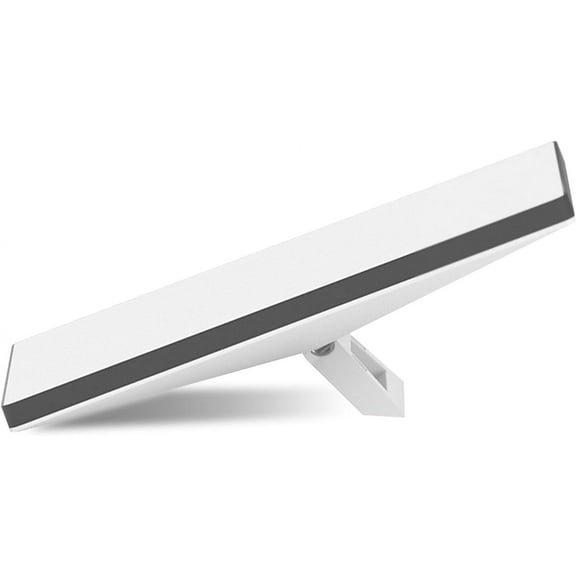
Keyboards and mice support everyday input, while computer cables and usb accessories support charging, data transfer, and port expansion. Stands can raise your screen height, and that can make your desk feel organized.
- You can choose keyboards for full-size typing, compact layouts, or travel-friendly packing.
- You can pick mice by grip style, button layout, and wireless or wired connection.
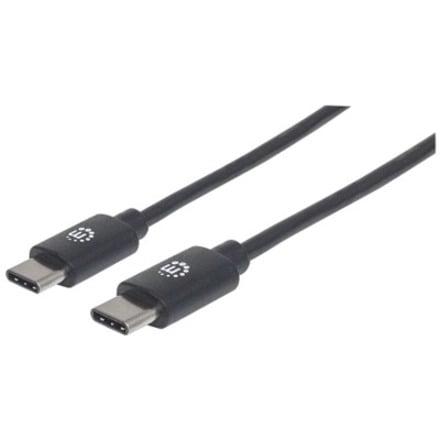
- You can use computer cables and USB hubs when your laptop has limited ports.
- You can add stands when you want your screen higher for a desk-based setup.
When you compare pc accessories this way, you can focus on function before style. Your setup becomes easy to build when each item fills a clear role.
Choosing connection type for pc accessories
You’ll want to compare wired, wireless, Bluetooth, and USB-C options before you buy. Your connection choice affects desk clutter, mobility, charging habits, and how quickly you can get started.
Wired computer peripherals often suit fixed desks where you want a direct connection. Wireless and Bluetooth options can reduce cable mess, and they can make travel bags easy to pack.
If you switch between devices often, you should check whether Bluetooth pairing fits your routine. If you prefer simple plug-in use, you may lean toward wired or USB-C desktop accessories.
You should also compare ports closely because fit matters as much as function. Your device may use USB-A, USB-C, or a mix, so the right connector saves time during setup.
Checking compatibility for laptop accessories
You should confirm operating system support before choosing laptop accessories or office computer accessories. Your device may run Windows, macOS, Chromebook, or a universal standard that works across several systems.
Compatibility also includes port type, charging support, and accessory behavior after connection. You’ll want to check whether your laptop uses USB-C only, older USB-A ports, or both.
If you connect monitors, flash drives, or external input devices, you should compare hub layouts and cable ends carefully. Your setup works smoothly when your accessories match your ports the first time.
Universal options can help if you use several devices during the week. You may move between a work laptop, home desktop, and shared Chromebook, so flexible compatibility matters.
What to look for in ergonomic computer accessories
You may spend long hours at a desk, so comfort can shape your daily experience. Your ergonomic computer accessories can support a natural hand position and a cleaner viewing angle.
When you compare mice, you should look at shape, size, and button placement. Your hand movement can feel controlled when the design fits the way you grip.
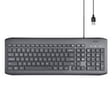
When you compare keyboards, you should consider spacing, layout, and key travel. Your typing routine may feel easy when the keys match your preferred reach and feedback.
Stands matter too because screen height changes how your workstation feels. You can pair a stand with external input devices when your laptop screen sits too low on a desk.
Understanding power source and charging needs
You should compare rechargeable, battery powered, and bus powered designs before you commit. Your power preference affects portability, cable needs, and how often you’ll need to recharge or replace batteries.
Rechargeable accessories can fit routines where you use the same mouse or keyboard every day. You should check battery capacity in mAh and charging speed when you want fewer interruptions.
Battery powered models can work well when you want quick battery swaps during busy days. Bus powered usb accessories draw power through the connection, so you can avoid needing a separate charger.
If you travel often, you should think about charging cables and available outlets. Your setup may feel simple when your accessories share USB-C charging with your laptop or tablet.
Matching computer accessories to your use case
You’ll get full utility from computer accessories when you match them to where and how you work. Your home office, gaming corner, travel bag, and shared family desk each call for different priorities.
For home office setups, you may want office computer accessories that support comfort and simple connections. Your choices might include a full keyboard, a wireless mouse, a stand, and computer cables for charging.
For travel, you may prefer lightweight laptop accessories with Bluetooth or USB-C connections. Your bag can stay easy to manage when you carry compact hubs, short cables, and rechargeable input devices.
For gaming spaces, you may focus on response, placement, and reliable connectivity. Your desktop accessories might include wired input devices, extra cables, and hubs that keep essential gear within reach.
If comfort is your main priority, you should compare ergonomic shapes and desk layout options. Your setup can feel practical when each accessory supports the way you sit, type, and connect.
You can choose computer accessories with confidence when you compare type, fit, ports, and power needs together. Your final setup feels useful when every accessory works with your device and your routine.