

Ceiling Fan Remotes in Ceiling Fan Accessories



















About Ceiling Fan Remotes in Ceiling Fan Accessories - Walmart.com
You can restore everyday control fast with ceiling fan remotes that match your fan, receiver, and preferred control style. You’ll find replacement options for handheld use, wall access, and smart setups that help your fan and light work together again.
If your current control is missing, worn, or no longer pairing, you’ll want guidance that fits replacement shopping. You can compare brand compatibility, kit contents, and speed support before you choose a remote for your room.
How to choose ceiling fan remotes
You should start with brand compatibility, because frequency matching and dip switch settings affect whether your remote can pair correctly. You may need a hunter ceiling fan remote replacement, a hampton bay ceiling fan remote, or a harbor breeze remote control.
If your model details aren’t available, you can compare a universal ceiling fan remote with your fan’s control type and receiver setup. You’ll want to check whether your fan already has a compatible receiver inside the canopy.
- You can choose brand-matched options when you want familiar pairing steps and button layouts.
- You can choose universal controls when you need broader compatibility across common ceiling fan setups.
- You can check dip switch patterns if your remote and receiver use manual pairing.
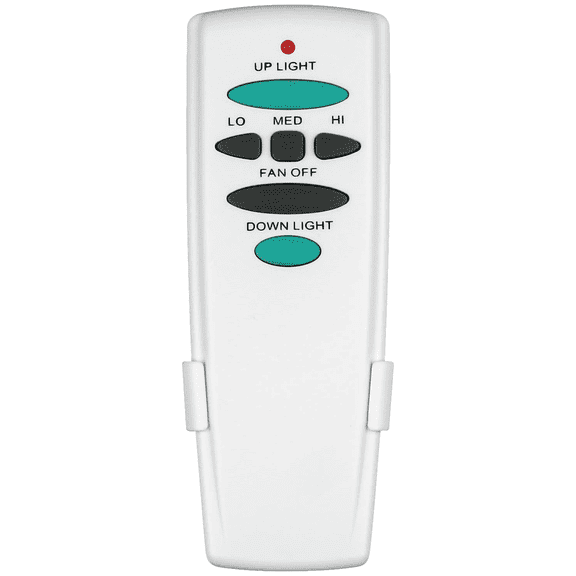
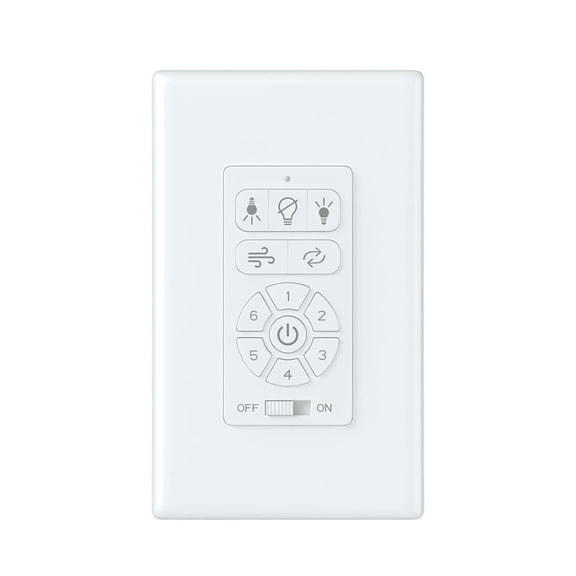
- You can compare handheld, wall mount, and smart Wi-Fi control styles for daily convenience.
You’ll also want to confirm whether your fan uses light dimming or simple on and off lighting. You can avoid guesswork when your control supports the same lighting function as your fan.
Choosing brand compatibility and control type
You can narrow your options quickly when you match the remote to your fan’s brand family and signal type. You should compare Hunter, Hampton Bay, Harbor Breeze, and Universal compatibility before moving to other features.
For older fans, you may need to match dip switch positions exactly for pairing to work. For newer designs, you may find learning buttons or syncing steps that replace manual switch combinations.
You can also decide how you want to control the fan each day. You may prefer a handheld remote for bedside access, a wall mount control near the doorway, or smart Wi-Fi access from your phone.
If you choose smart controls, you should check whether your setup supports Wi-Fi and voice assistant compatibility. You can use those details to match your routine, especially in bedrooms, living rooms, and high ceilings.
Understanding remote only and receiver kits
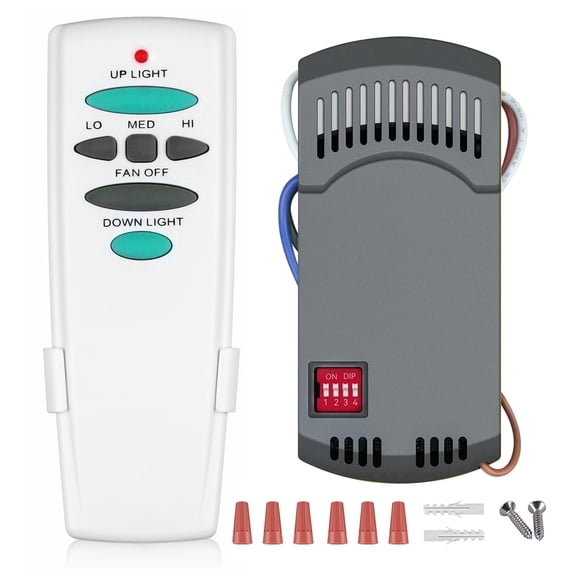
You should compare kit components before you replace anything, because remote-only and full kits solve different problems. A ceiling fan remote replacement can work well when your existing receiver still responds and matches the signal.
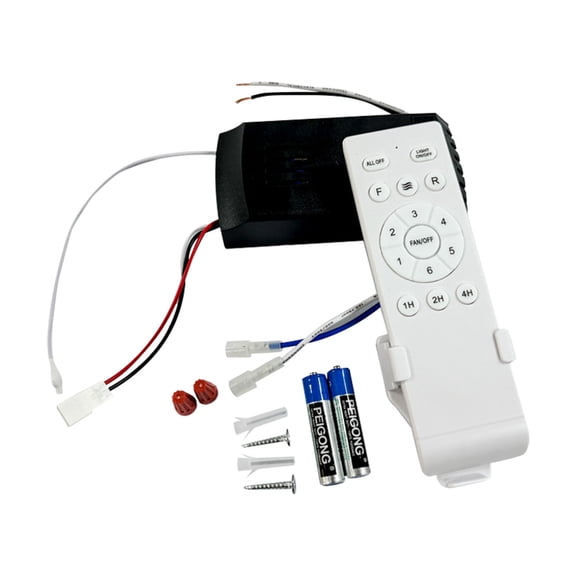
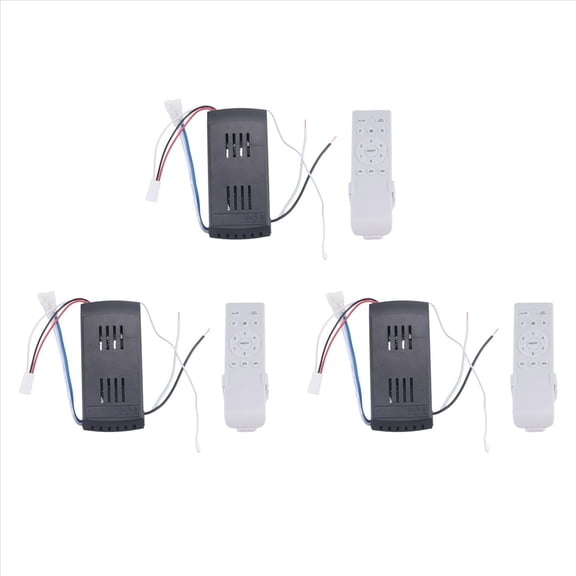
If your fan no longer receives commands, you may need a ceiling fan receiver and remote kit instead. You can replace both parts together, which helps when the original receiver is missing, damaged, or no longer compatible.
You’ll usually find the receiver tucked inside the fan canopy near the mounting bracket. You should measure space and review wiring style so your new kit fits your fan housing correctly.
You can simplify replacement shopping by checking whether your fan already had a remote from the factory. You may need a full kit when you’re adding remote control to a pull-chain fan.
Comparing speed support and light functions
You should check fan speed support closely, because not every remote handles the same motor settings. You can find ceiling fan remotes with three-speed or four-speed support, depending on your fan design.
If your fan offers separate light controls, you’ll want buttons that match those functions clearly. You can compare dimming support with simple light on and off control before you choose.
You may want a streamlined remote for a guest room where basic fan and light control matters most. You may prefer extra buttons in a family room where lighting mood and fan speed change throughout the day.
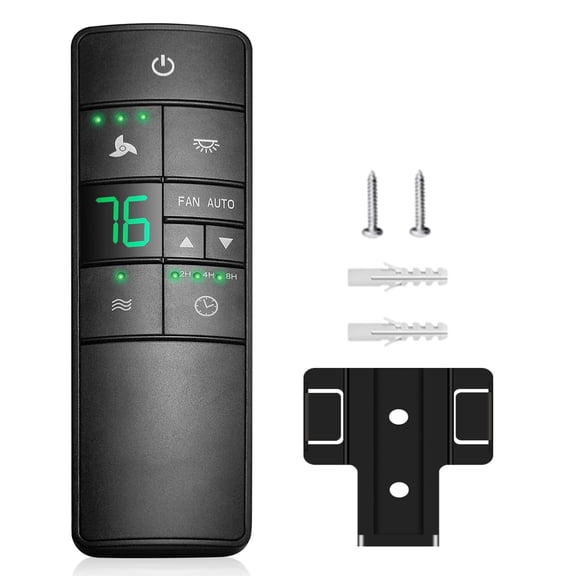
You can also look at button size, display style, and wall cradle options for easier daily use. Those details matter when you use the remote often or mount it near your main room entry.
Matching your setup to real home use
You can use a universal ceiling fan remote in rentals, updated rooms, or mixed-brand homes where exact brand matching is less practical. You should compare receiver compatibility and setup steps before choosing a universal option.
For a primary bedroom, you may want handheld control that lets you adjust speed and lighting without leaving bed. For a tall great room, you may prefer a wall mount or smart control for easier access.
If you’re replacing a lost control, you can focus on matching frequency, dip switch settings, and brand compatibility first. If you’re upgrading an older fan, you may benefit from a remote and receiver kit with light control support.
You can also coordinate replacement parts with nearby upgrades in ceiling fan parts or ceiling fans with remotes. That approach helps your rooms feel more consistent while keeping your controls easier to learn.
You can feel more confident when you compare compatibility, kit type, and speed support before choosing your replacement. With the right remote setup, you’ll restore convenient fan and light control that fits your room and routine.
Popular in Ceiling Fan Remotes in Ceiling Fan Accessories - Walmart.com
- Craftmade Fan Light Control
- Hunter Fan Replacement Globe
- Fan Canopy Module
- Ceiling Fans Modern Accessories
- Ceiling Fan Light Switch Replacement
- Ceiling Fans 2 Accessories
- Ceiling Fans Color Accessories
- Ceiling Fan Crystal Light Kit
- Craftmade Ceiling Fan Light Kits
- Ceiling Fans Traditional Accessories
- Ceiling Fan Cover
- Fanlight Lead