


ASUS

Shop all categories


FAQ
About ASUS - Walmart.com
ASUS helps you compare laptops, desktops, gaming handhelds, components, and monitors for work, school, play, and creative projects. You can sort ASUS options by form factor, series, and core specs without losing sight of your daily routine.
If you're choosing among ASUS electronics, you'll want guidance that matches real buying decisions. You can compare gaming-focused systems, everyday computers, and desk setup essentials with clearer direction.
How to choose ASUS electronics by category
You should start with product category, because that choice shapes portability, screen size, and upgrade flexibility. You can pick laptops for movement, desktops for fixed setups, or monitors and components for a custom station.
If your routine includes commuting, classes, or room-to-room use, you may prefer a lighter laptop or gaming handheld. If your setup stays on one desk, you may prefer a desktop with room for accessories.
For a more focused workspace, you can pair ASUS monitors and components with an existing computer. You'll get a practical path if you're updating your display, refining your gaming area, or planning a custom setup.
Choosing an ASUS windows laptop for your routine
You can make a clearer decision when you match your computer to your main use case. You may need battery-conscious daily performance, creator-ready power, or a system designed for responsive gameplay.
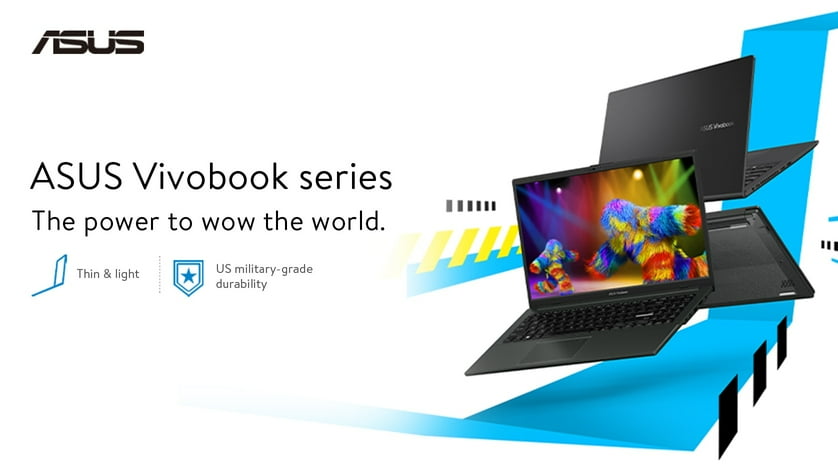
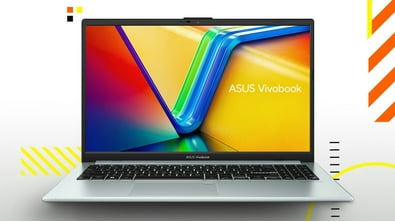
- You can choose Vivobook styles when you want everyday productivity for browsing, streaming, schoolwork, and documents.
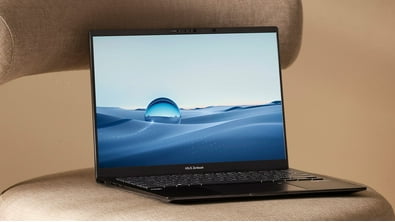
- You may compare Zenbook options when your routine favors slim design, portability, and a polished work setup.
- You can look at TUF Gaming systems when you want dedicated gaming focus with a durable, practical feel.
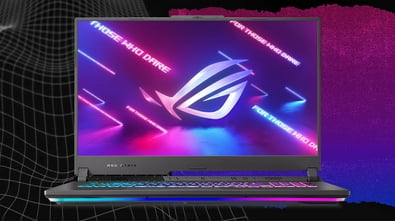
- You may prefer ROG models when your setup centers on demanding games, advanced graphics, and quick response.
If your day includes spreadsheets, video calls, and web tabs, you'll likely focus on portability and battery life. If your evenings include gaming or editing, you'll likely focus on graphics power and cooling design.
When you use one computer for work and entertainment, you can balance screen size, storage, and processor class. You'll notice that difference when you move from light tasks to larger files or demanding apps.
What to look for in ASUS series, processors, and graphics
You should compare series names carefully, because each one points you toward a different experience. You can use Vivobook for daily flexibility, Zenbook for streamlined portability, and ROG or TUF Gaming for dedicated gaming use.
Processor type matters when you want smoother multitasking or quick loading in heavier programs. You can compare Intel Core and AMD Ryzen options by checking how many apps and browser tabs you use.
If you play newer games or edit visual content, you should also compare the graphics card. You may look for NVIDIA GeForce RTX or AMD Radeon options when your screen handles more detailed visuals.
RAM capacity helps you judge how comfortably your system handles several tasks at once. You'll want to check storage too, because larger drives give your games, projects, and media more room.
CPU generation can help you compare newer and older systems with similar names. You can use that detail to judge longevity when you want your setup to stay relevant for years.
Comparing ASUS Republic of Gamers laptop, TUF Gaming, Vivobook, and Zenbook options
You can narrow your choice faster when you compare sub-brands by purpose instead of appearance. You'll usually see the primary differences in cooling, graphics support, weight, and overall build direction.
If you're considering an ASUS Republic of Gamers laptop, you're likely prioritizing immersive play and high-performance graphics. You may also want a display with smooth motion and a keyboard layout for longer sessions.
If you want gaming features in a more straightforward package, you may compare TUF Gaming systems. You'll often focus on practical gaming hardware, everyday usability, and a design that feels less specialized.
For classes, errands, and home tasks, you may lean toward Vivobook models with approachable portability. If your workflow values slim construction and a polished profile, you may compare Zenbook options more closely.
Matching ASUS products to gaming, business, and content creation
You can make a smarter decision when you picture where and how you'll use your setup. You can match gaming, business, and creator needs to the right mix of screen size, hardware, and expandability.
For gaming, you may want a laptop, desktop, or handheld that supports dedicated graphics and responsive displays. You'll also want enough RAM and storage for larger game libraries and regular updates.
For business or school, you may prefer a laptop that feels easy to carry and simple to open anywhere. You can focus on reliable daily speed, comfortable keyboards, and screen sizes that fit your bag.
For content creation, you may need capable processors, dedicated graphics, and room for larger files. You'll notice those specs matter more when you edit video, manage layered images, or stream while multitasking.
If you're building a desk setup, you can also compare ASUS monitors and components alongside your computer choice. You'll create a more cohesive space when your display, performance parts, and system goals align.
With ASUS, you can compare gaming power, everyday portability, and creator-focused performance without losing sight of decision-critical details. You'll feel more confident choosing a setup that fits your routine from the first login.